Skip to content
View in the app

A better way to browse. Learn more.

Trials Central

A full-screen app on your home screen with push notifications, badges and more.

To install this app on iOS and iPadOS
  1. Tap the Share icon in Safari
  2. Scroll the menu and tap Add to Home Screen.
  3. Tap Add in the top-right corner.
To install this app on Android
  1. Tap the 3-dot menu (⋮) in the top-right corner of the browser.
  2. Tap Add to Home screen or Install app.
  3. Confirm by tapping Install.
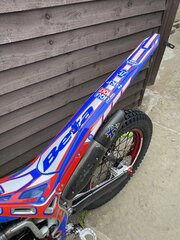
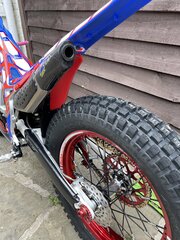
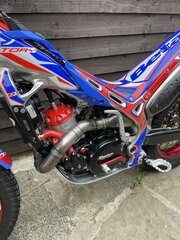
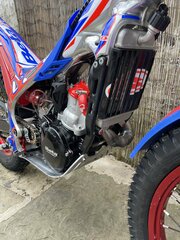
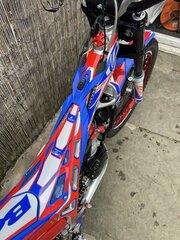
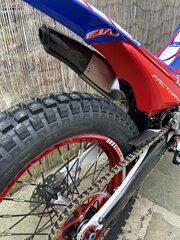
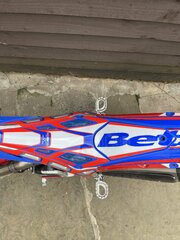
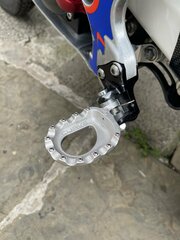
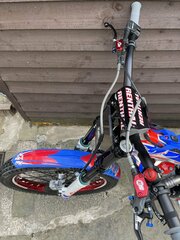
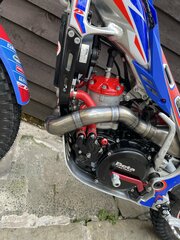
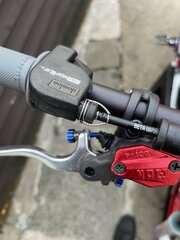
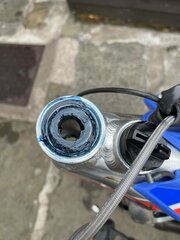
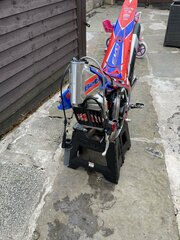
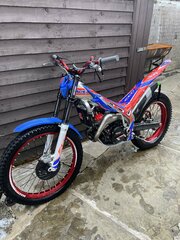
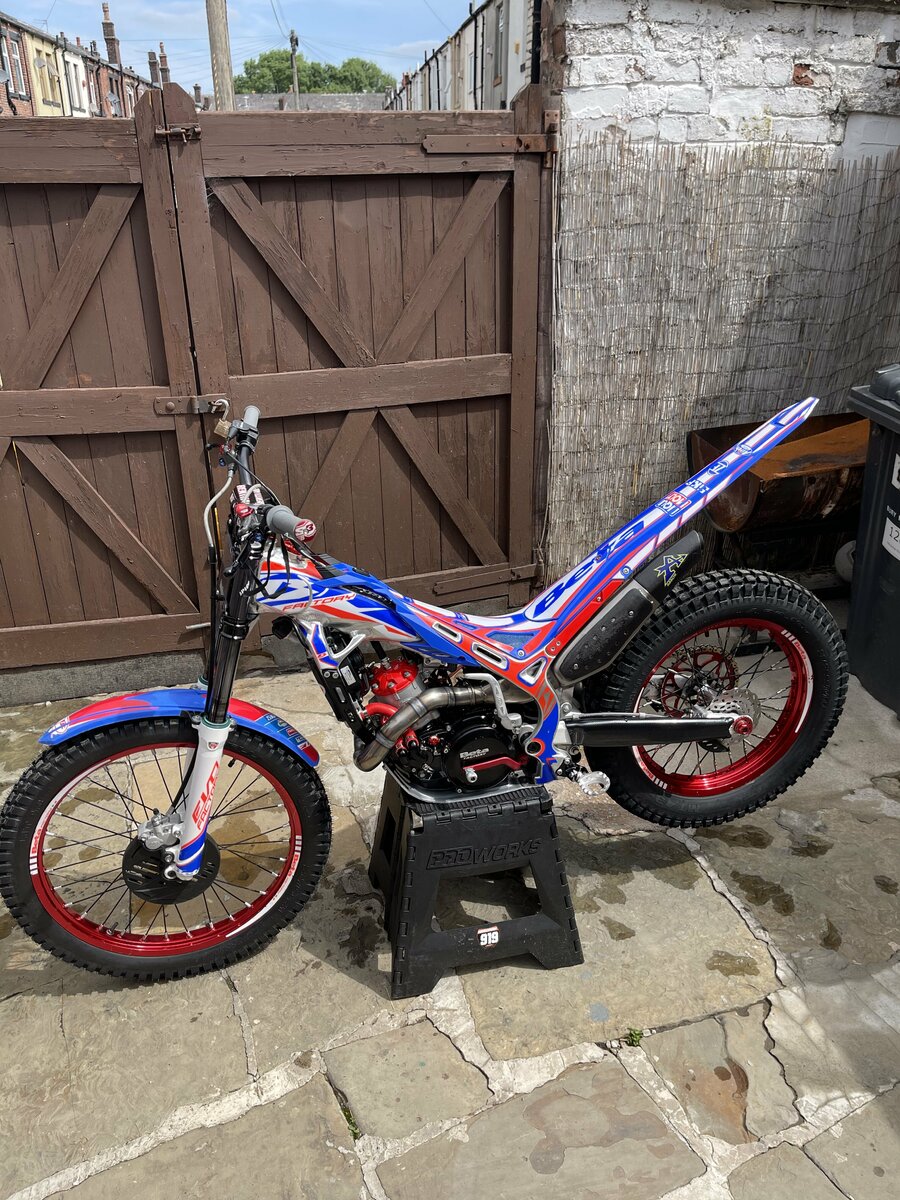
2018 factory beta evo with 2021 plastics facelift inc map switch

2018 factory beta evo with 2021 plastics facelift inc map switch

Album created by Nathanfactorybeta · Updated

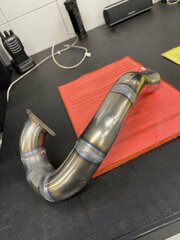
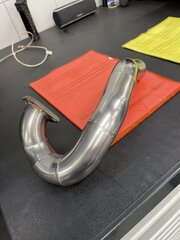
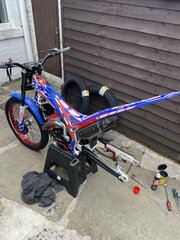
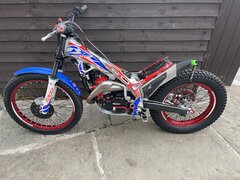
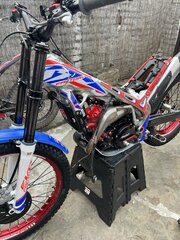
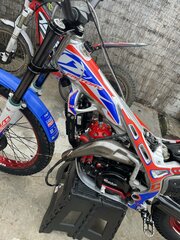
Here is the short project of my 2018 factory beta evo 300. I purchased the bike around 3 months ago. I quicky realised after i purchased it that I preferred the look of the facelift bike (2020 onwards) and set about the conversion. All the plastics and map switch was purchased through beta uk. The map switch was a big deal for me although you cant really tell the difference between maps i just think it looks trick. I will let the pictures do the talking, shes done now. Only thing i plan on changing is the tyres when the Michelin shortage is over. 
There are no comments to display.

Join the conversation

You can post now and register later. If you have an account, sign in now to post with your account.

Guest
Add a comment...

Account

Navigation

Search

Search

Configure browser push notifications

Chrome (Android)
  1. Tap the lock icon next to the address bar.
  2. Tap Permissions → Notifications.
  3. Adjust your preference.
Chrome (Desktop)
  1. Click the padlock icon in the address bar.
  2. Select Site settings.
  3. Find Notifications and adjust your preference.