Skip to content
View in the app

A better way to browse. Learn more.

Trials Central

A full-screen app on your home screen with push notifications, badges and more.

To install this app on iOS and iPadOS
  1. Tap the Share icon in Safari
  2. Scroll the menu and tap Add to Home Screen.
  3. Tap Add in the top-right corner.
To install this app on Android
  1. Tap the 3-dot menu (⋮) in the top-right corner of the browser.
  2. Tap Add to Home screen or Install app.
  3. Confirm by tapping Install.

tricksport

Members
  • Joined

  • Last visited

  1. So it begins!
  2. Brilliant, thanks for the advice and the links. I plan on stripping her down to repaint the frame and judge things as I take them off as to how much attention they need.
  3. Thanks for helping confirm that it is what it's suppose to be. Is it possible to get a replacement tank and ditch the fibreglass one? Is there anything particular I should look out for, during the rebuild process?
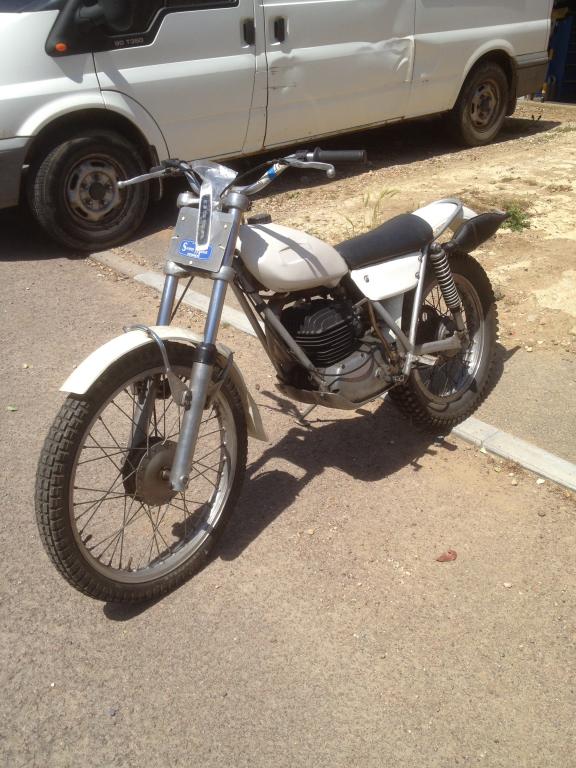
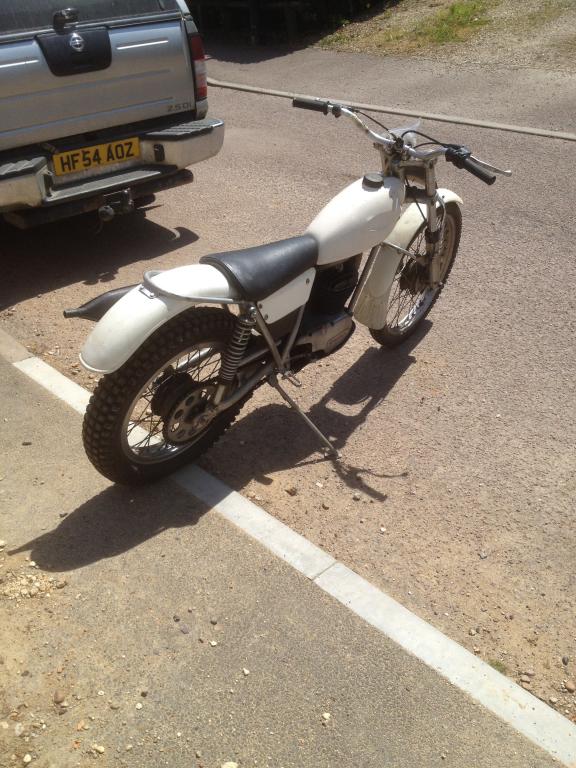
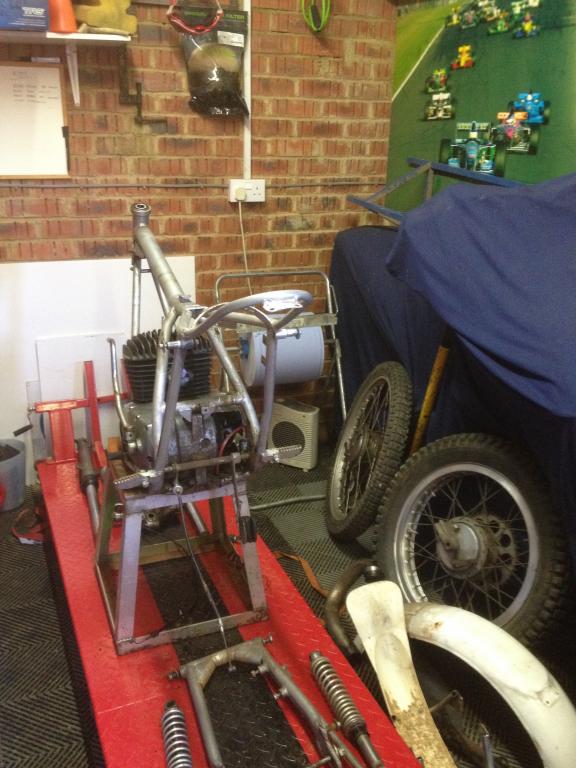
  4. I recently got my first classic bike, from a friend who just wanted it out the garage. He has said its a ossa mar 250 mick andrews rep. I don't know enough about it, to know for sure if it is what it is claimed to be. Any help and advice much appreciated. Earl
  5. Hi all, New to trials and classic bikes but have taken the plunge and aquired a 72 ossa! Looking forward to rebuilding it and getting out for a ride. Earl
Account

Navigation

Search

Search

Configure browser push notifications

Chrome (Android)
  1. Tap the lock icon next to the address bar.
  2. Tap Permissions → Notifications.
  3. Adjust your preference.
Chrome (Desktop)
  1. Click the padlock icon in the address bar.
  2. Select Site settings.
  3. Find Notifications and adjust your preference.