Skip to content
View in the app

A better way to browse. Learn more.

Trials Central

A full-screen app on your home screen with push notifications, badges and more.

To install this app on iOS and iPadOS
  1. Tap the Share icon in Safari
  2. Scroll the menu and tap Add to Home Screen.
  3. Tap Add in the top-right corner.
To install this app on Android
  1. Tap the 3-dot menu (⋮) in the top-right corner of the browser.
  2. Tap Add to Home screen or Install app.
  3. Confirm by tapping Install.

windswept321

Members
  • Joined

  • Last visited

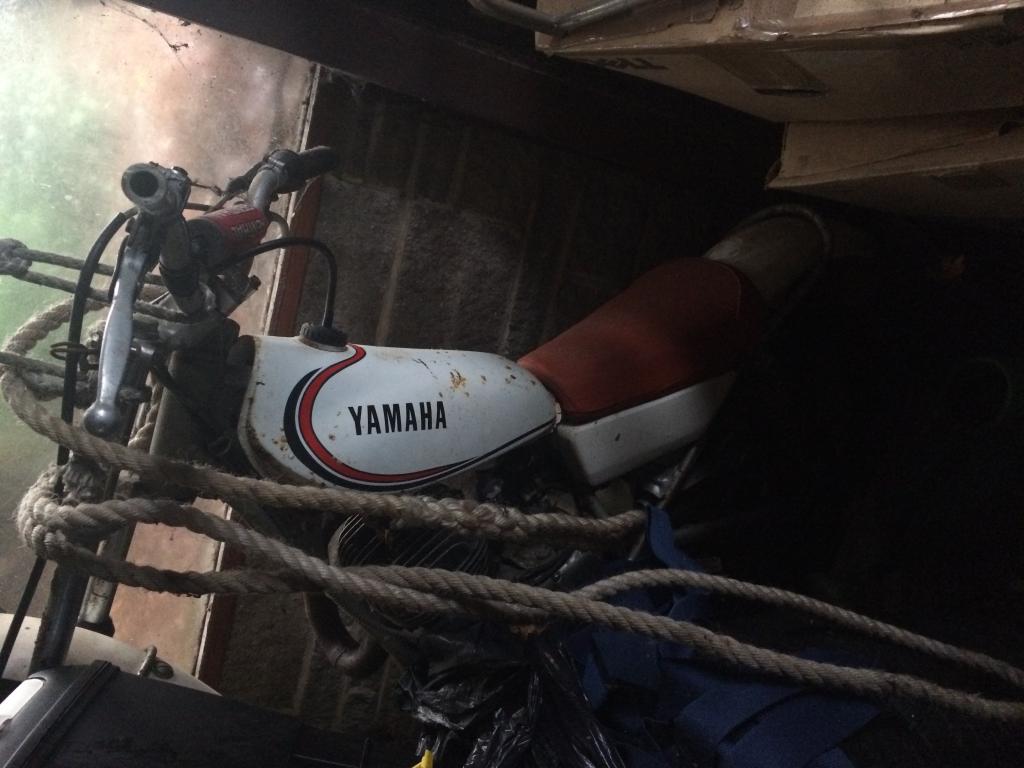
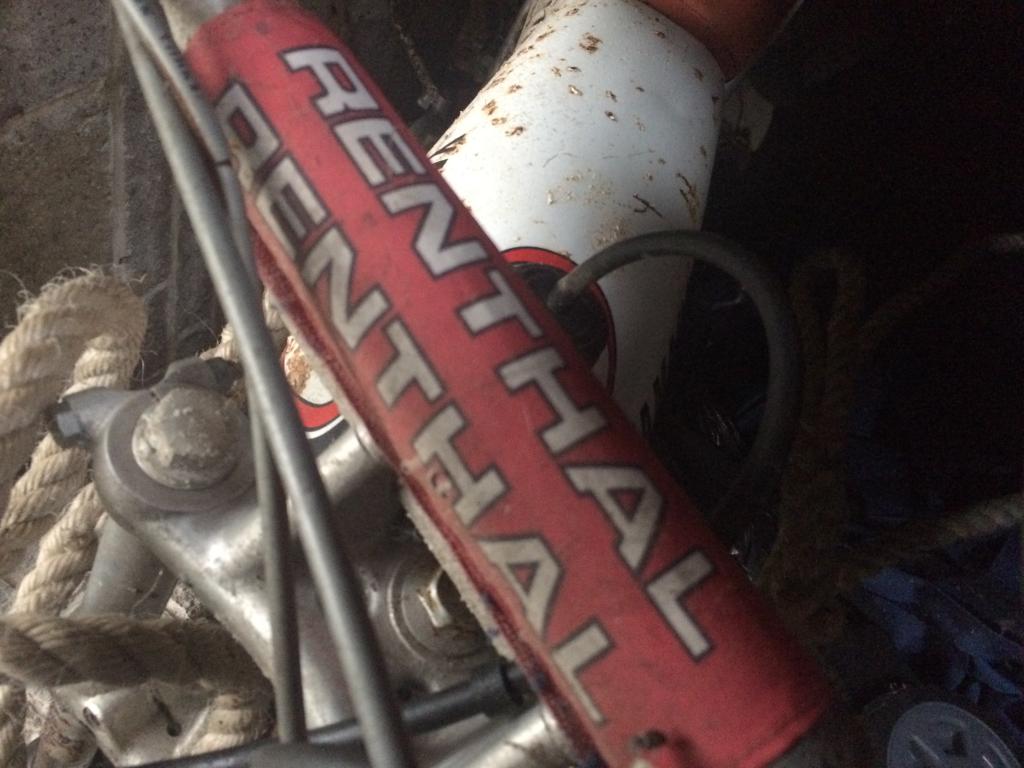
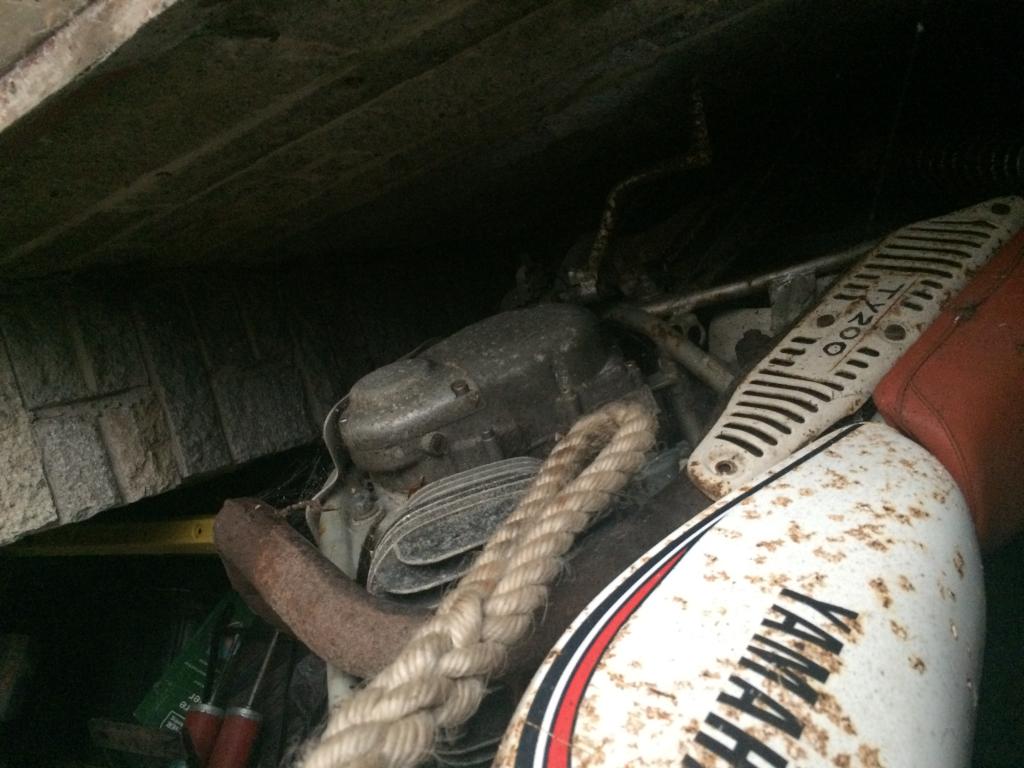
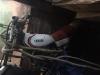
  1. Hi, I was wondering if anyone could offer some advice please. I have a Yamaha, which has TY200 on the right hand side of it, currently in a somewhat neglected state as shown - it has been hanging in the garage for the past few years. Does anyone know anything much about it? I can't find any other with a similar paint job etc. I have been offered in the low hundreds (GBP) for it but feel that this might be on the low side... Thanks for reading
Account

Navigation

Search

Search

Configure browser push notifications

Chrome (Android)
  1. Tap the lock icon next to the address bar.
  2. Tap Permissions → Notifications.
  3. Adjust your preference.
Chrome (Desktop)
  1. Click the padlock icon in the address bar.
  2. Select Site settings.
  3. Find Notifications and adjust your preference.