

Skip to content
View in the app

A better way to browse. Learn more.

Trials Central

A full-screen app on your home screen with push notifications, badges and more.

To install this app on iOS and iPadOS
  1. Tap the Share icon in Safari
  2. Scroll the menu and tap Add to Home Screen.
  3. Tap Add in the top-right corner.
To install this app on Android
  1. Tap the 3-dot menu (⋮) in the top-right corner of the browser.
  2. Tap Add to Home screen or Install app.
  3. Confirm by tapping Install.

Mark9

Members
  • Joined

  • Last visited

  1. I found 2 issues, 1. The needle should be set at 1.95 inches, it was over 2 inches. 2. The points gap was too small I fixed those and now it goes well, thanks for your help, cheers Mark.
  2. Thanks for the replies all, I pick the bike up on Sunday so I’ll get started on it then, you’ve given me some good angles of attack :)
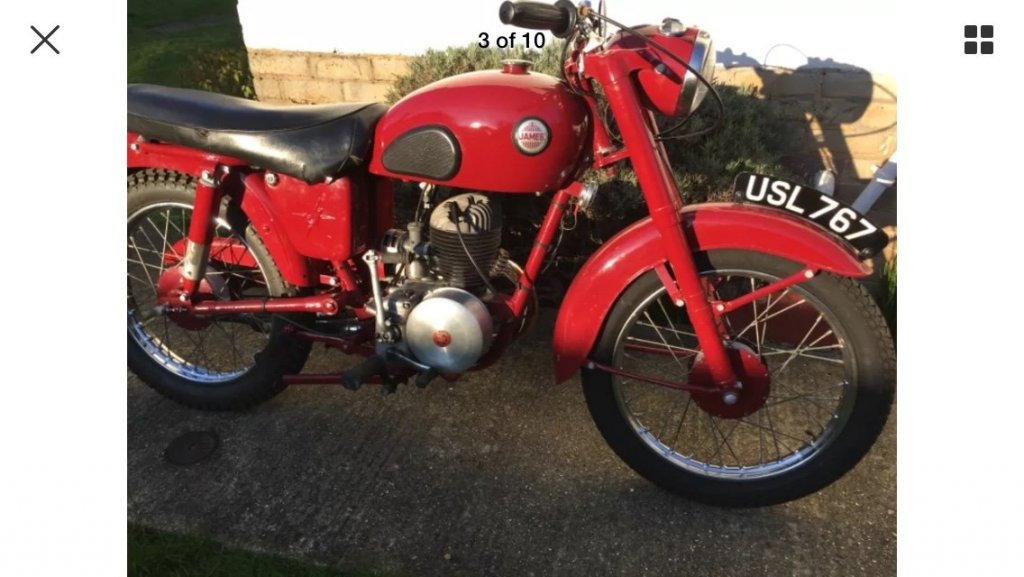
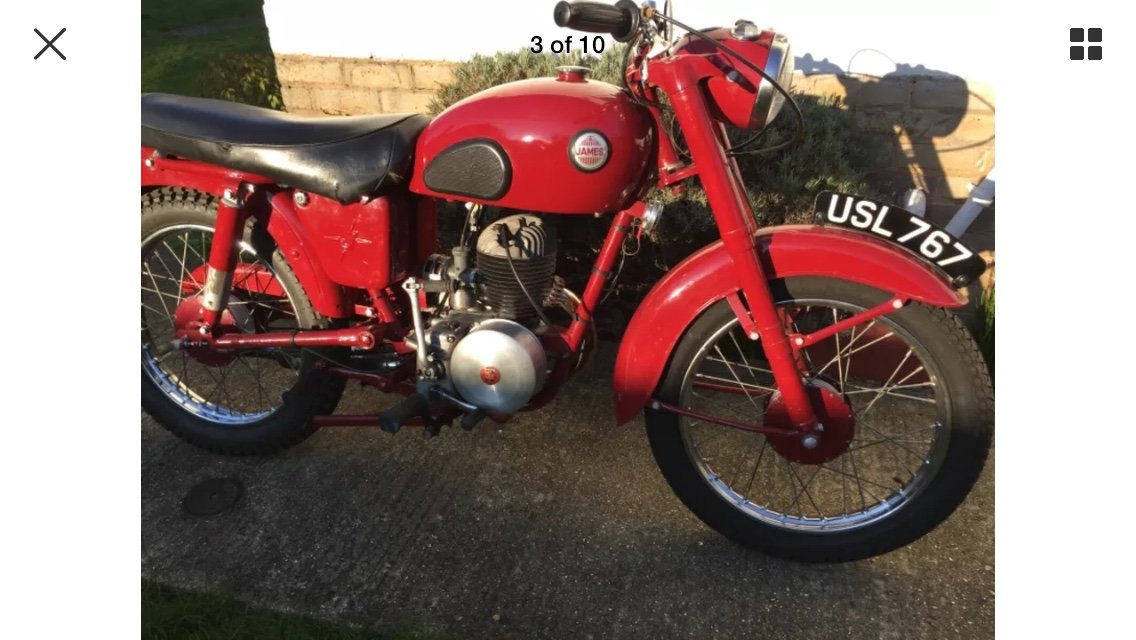
  3. Hello, I just bought a 1955 James Captain, it’s a surprise for my 84 year old Father he had one back in the day, I don’t pick it up til the weekend but I was hoping for some advice on a running issue that the current owner has mentioned, he said it starts easily and rides but won’t rev fully, I’m not that familiar with 2 strokes so thought I’d ask on here for any tips on where to start, thanks Mark.
  4. Mark9 posted a topic in Introduce Yourself
    Hello, I just bought a 1955 James Captain and have joined for a bit of tech advice if that’s OK, anyway Hello!
Account

Navigation

Search

Search

Configure browser push notifications

Chrome (Android)
  1. Tap the lock icon next to the address bar.
  2. Tap Permissions → Notifications.
  3. Adjust your preference.
Chrome (Desktop)
  1. Click the padlock icon in the address bar.
  2. Select Site settings.
  3. Find Notifications and adjust your preference.