rev3ste
Members
-
Joined
-
Last visited
-
rev3ste changed their profile photo
-
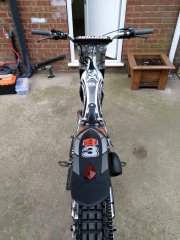
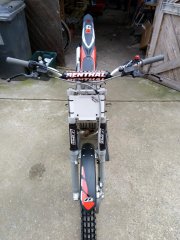
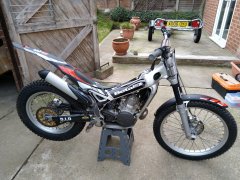
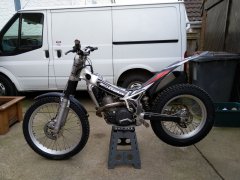
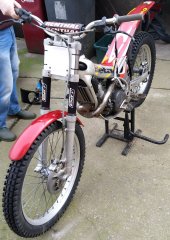
New: - Black Decal Kit - Carbon Fibre Swing Arm Protectors - 2008 Airbox - Subframe brackets - Black Front Mudguard - 2006 Rear Mudguard - Black Airbox Lid - Jitsie Air Filter Other Work done in the past fortnight: - New Tyres - Re-Packed Exhaust - New Thermostat - Wiring declutter - Fresh Coolant & Trans Oil - New Brake Pads front and back - Fresh Brake Fluid - New Number Board - Apico Lanyard Killswitch - Apico Fork Socks - Renthal Bar Pad (off an MX bike, need a nicer, smaller one really!)
-
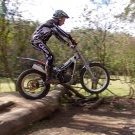
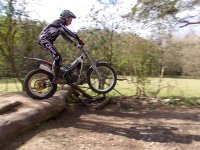
I struggled on the first lap but once I found my feet I managed okay I think. The climb out of section 2 caught me out a couple of times! I managed to complete the 5 laps, took a few 5's but I'm happy to have finished at least ? looking forward to the next one!
-
I was hesitant at first but if you think a white route will suit a complete noob then OK, I'm sold! I'll try and get the bike ready over the next couple of days (got to fit new tyres and brake pads) and I'll hopefully see you there! I'll be in a silver Golf with a trailer. Cheers Steve
-
Morning all Just getting started in trials, having ridden on the road for years and now fancying a new challenge. I've just bought a 2002 Beta Rev 3 250, and spent yesterday morning at Lincolnshire Trials Park having a play around getting acquainted with it. Loving it so far, definitely a learning curve but the only way is up ? Cheers Steve