Tomsmokes93
Members
-
Joined
-
Last visited
Everything posted by Tomsmokes93
-
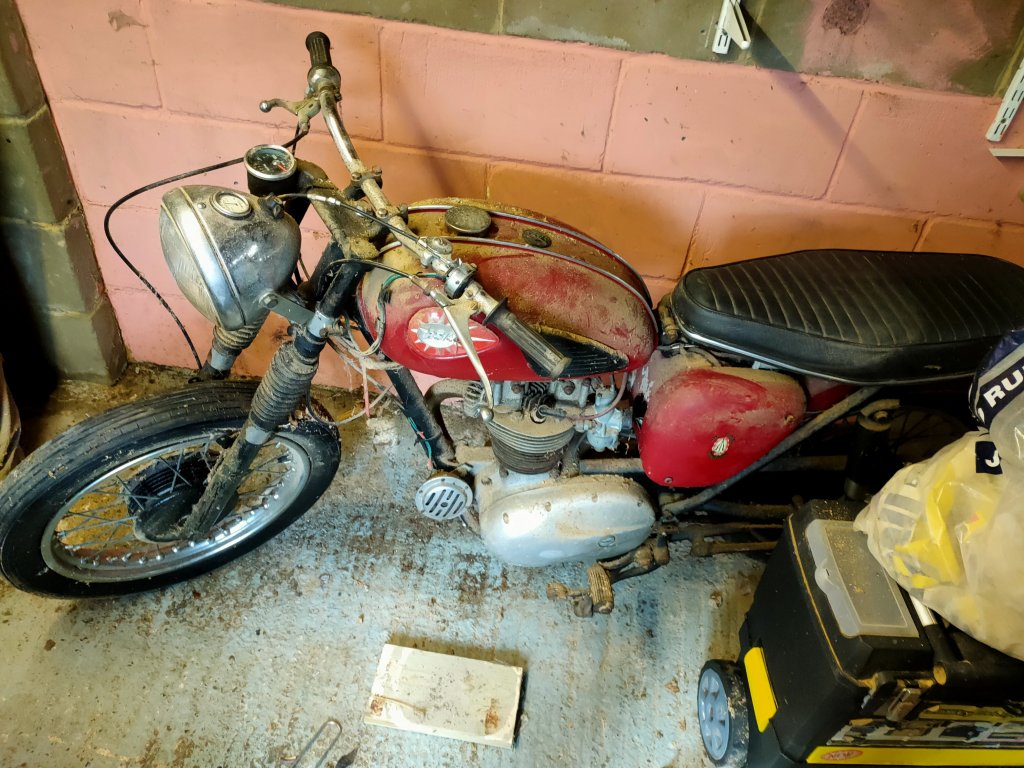
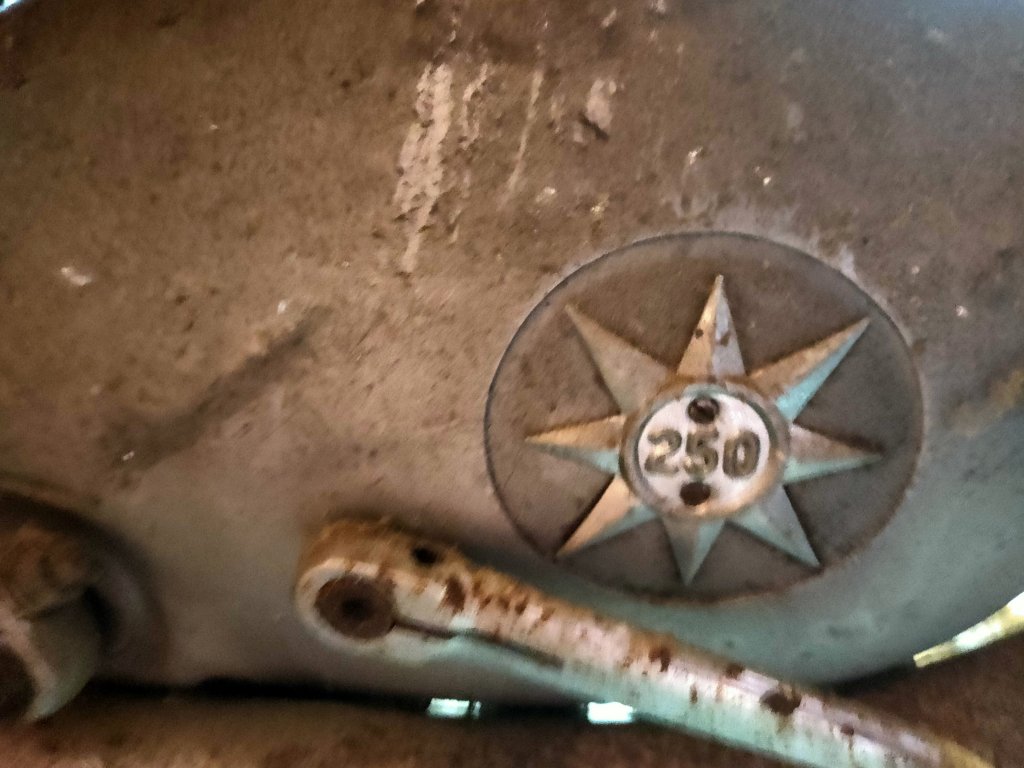
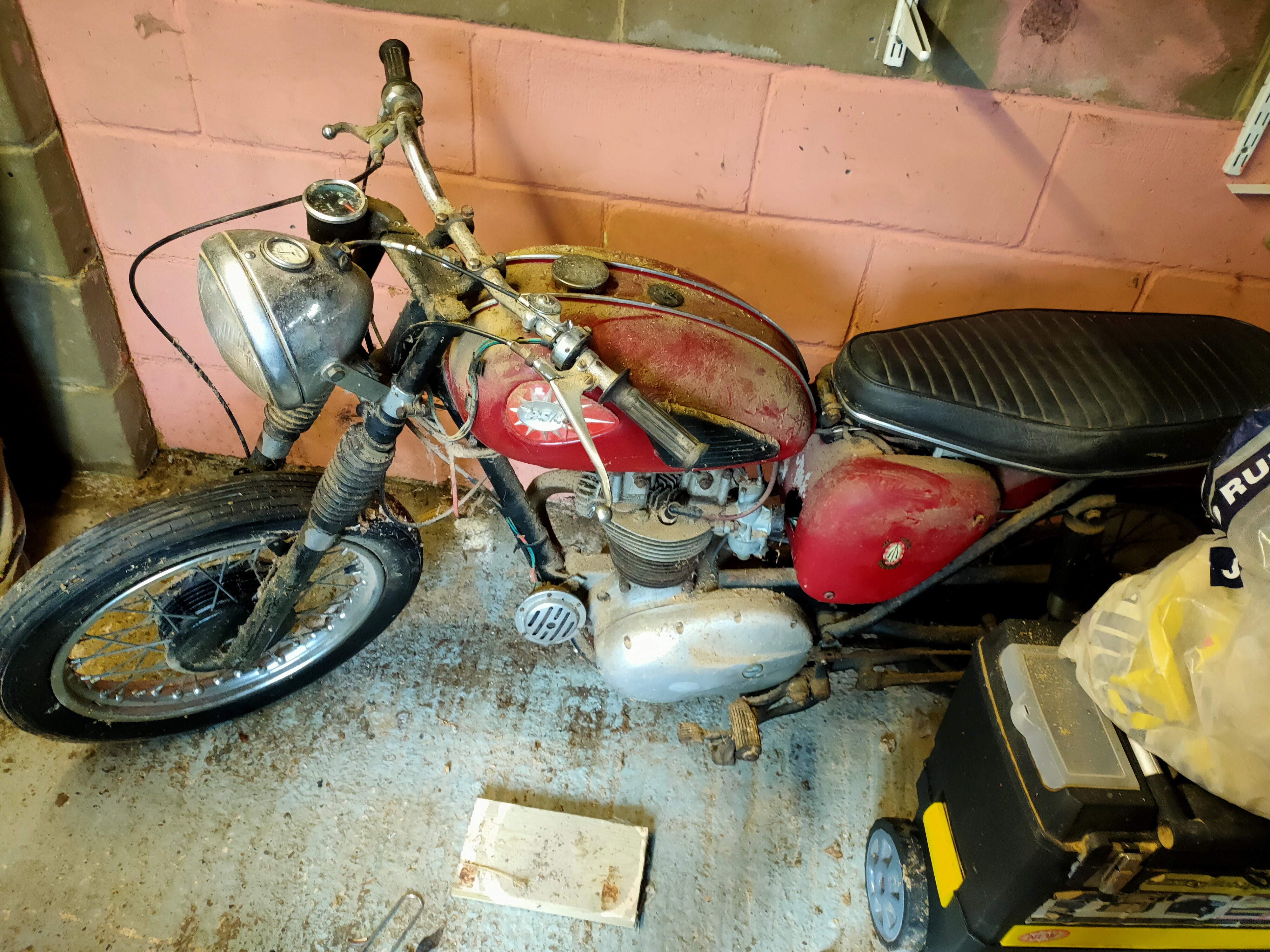
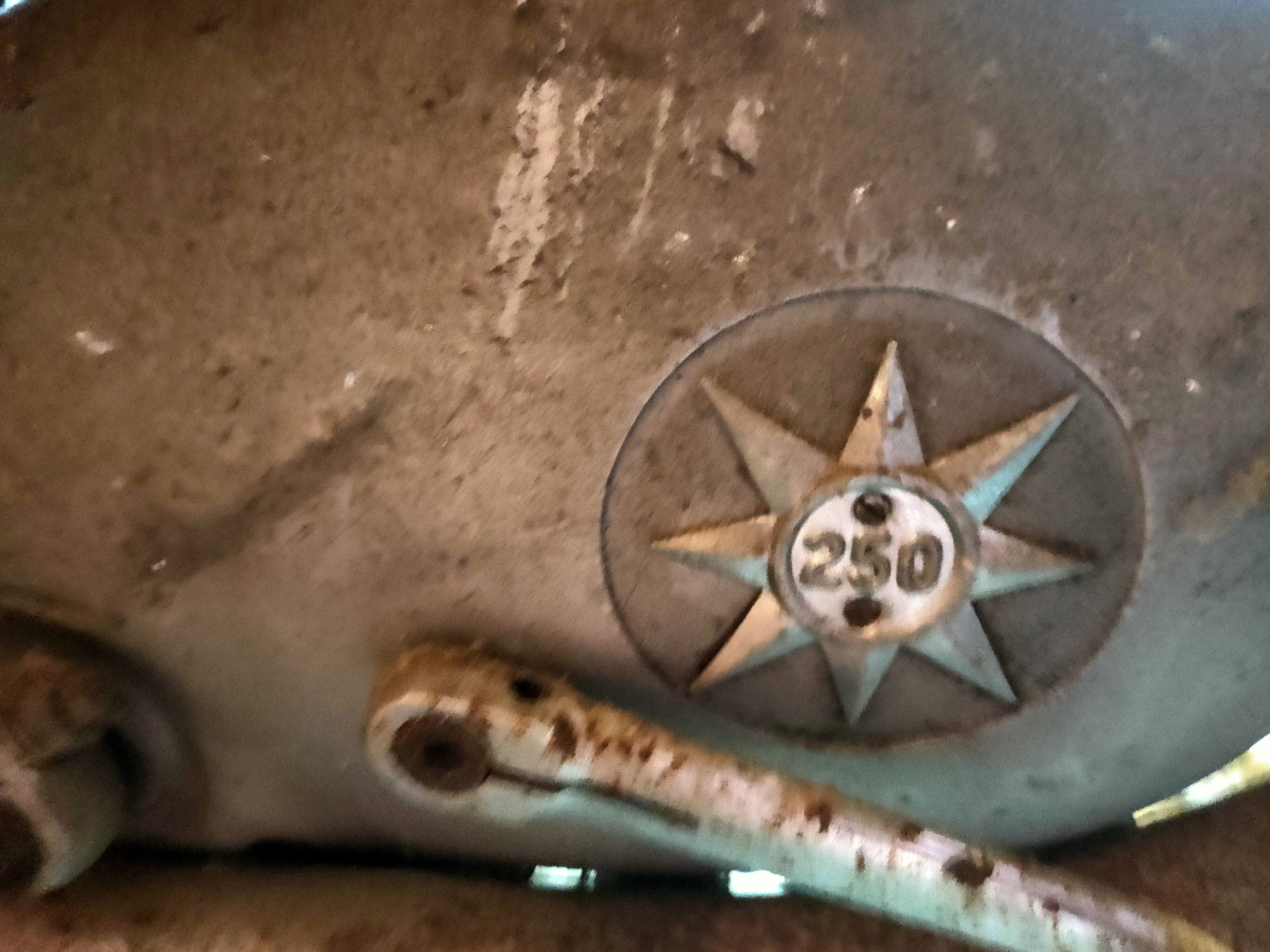
Hi, Thank you for getting back to me. I couldn't seem to locate a vin number, any clues to where it might be on it? It's been sat there for over 25 years. I did read that the T meant it was a trials engine but wasn't too sure. I'll put a photo up of it tomorrow when I get back up there. It would be great to get it up an running for sentimental reasons as my father on law always said he'd get it going again but never got around to it.
-
Hello! We have recently had a family member pass away, who had an old BSA in the corner of the garage. I'm trying to find more information about it as I don't really know a great deal about BSA and whether to restore it. I'll attach photos. I can't seem to see much info about the engine either to figure out what year it is. The number on the engine itself is C15T 179? Any help would be greatly appreciated!