Skip to content
View in the app

A better way to browse. Learn more.

Trials Central

A full-screen app on your home screen with push notifications, badges and more.

To install this app on iOS and iPadOS
  1. Tap the Share icon in Safari
  2. Scroll the menu and tap Add to Home Screen.
  3. Tap Add in the top-right corner.
To install this app on Android
  1. Tap the 3-dot menu (⋮) in the top-right corner of the browser.
  2. Tap Add to Home screen or Install app.
  3. Confirm by tapping Install.

Dirtclods

Members
  • Joined

  • Last visited

  1. Thanks guys. Follow the arrow and not the holes. I usually only have holes in my pistons after I ride it.
  2. Dirtclods joined the community
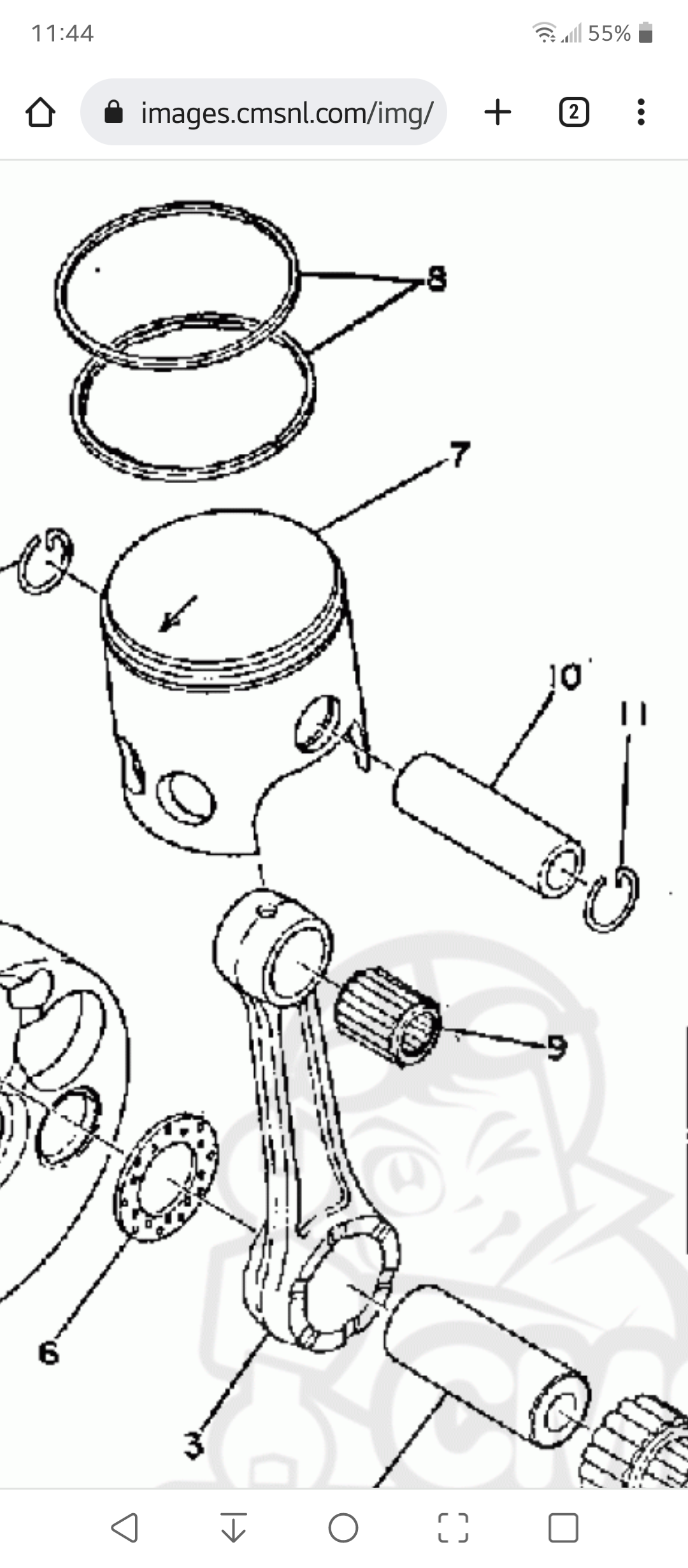
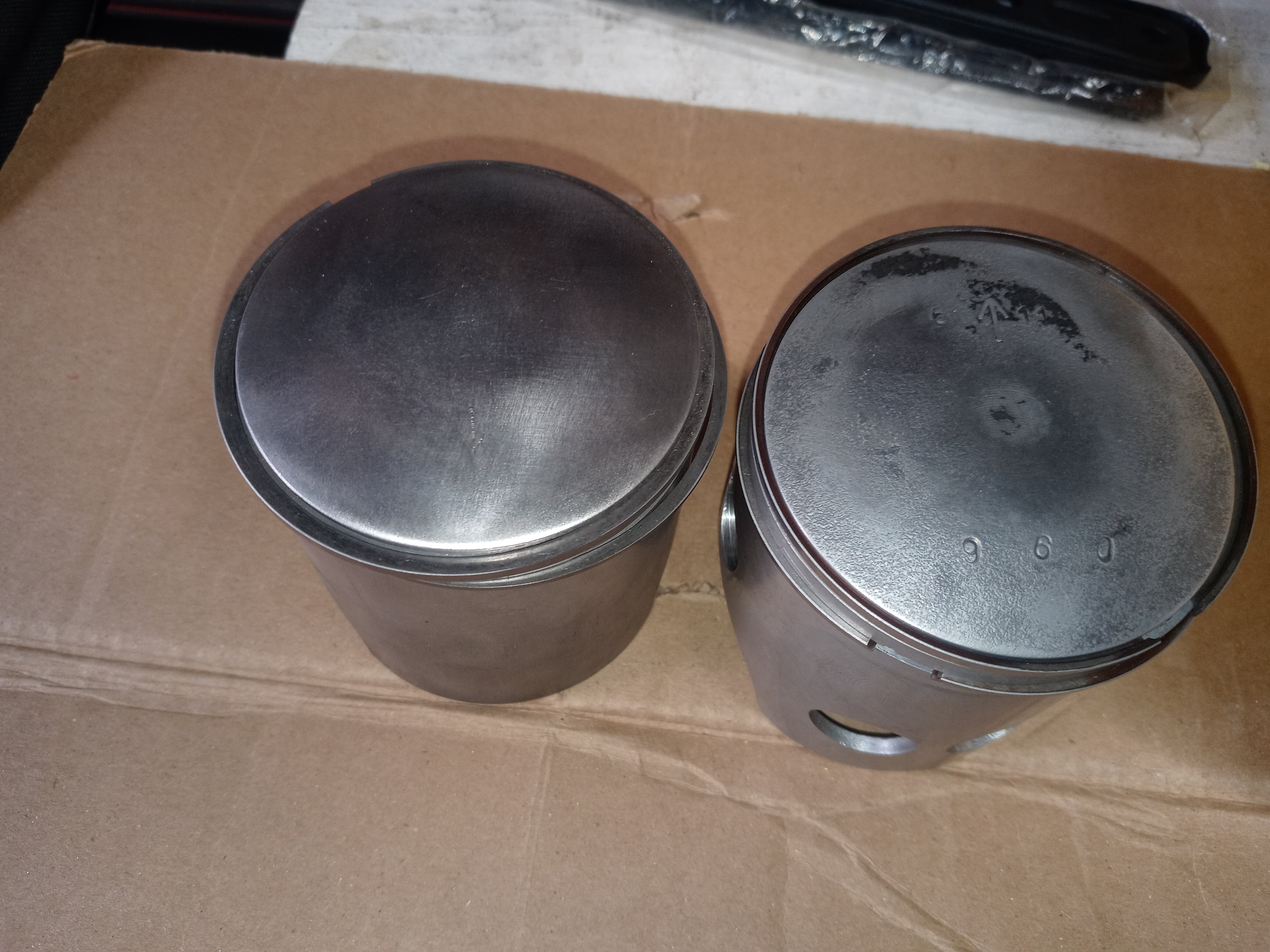
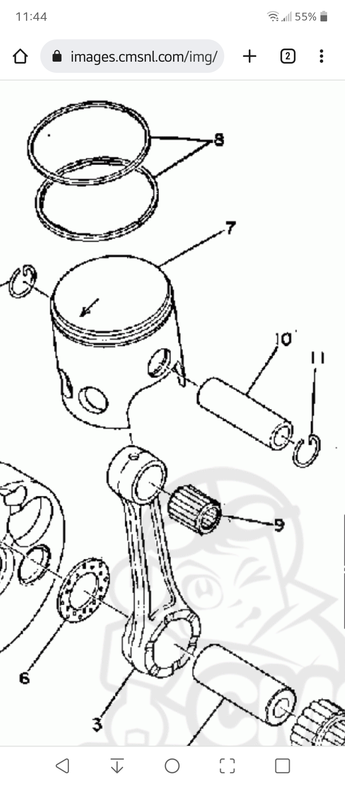
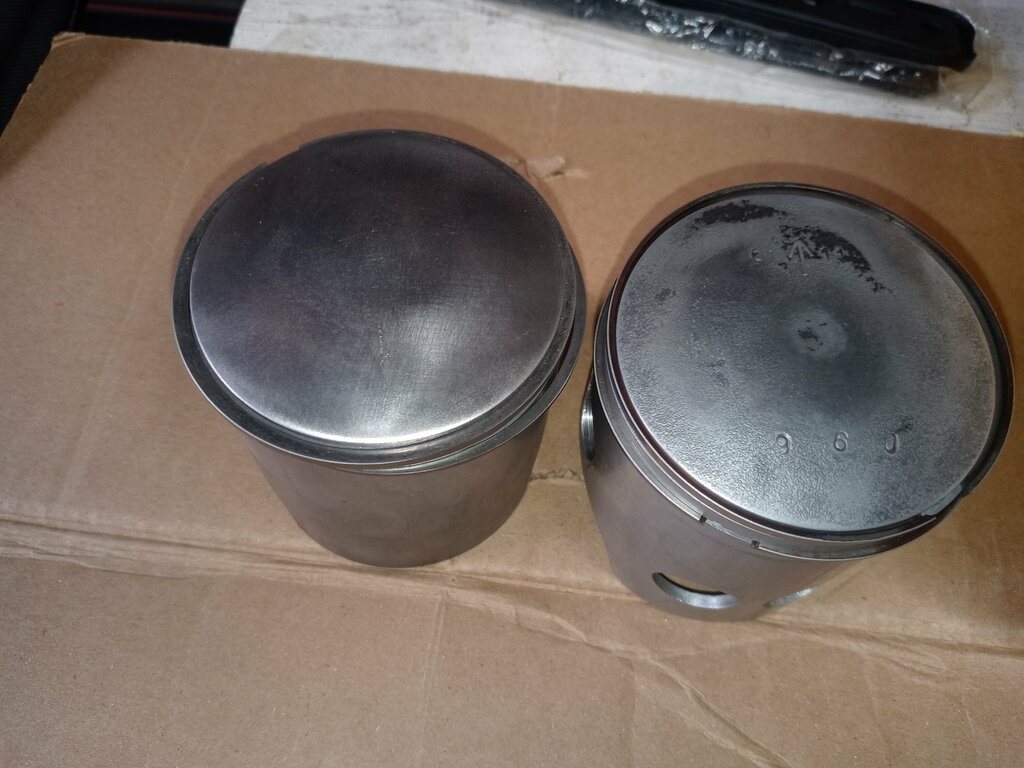
  3. I have ran across a discrepancy in what I have and what I have read and seen. I have a stock and aftermarket stock size pistons. Both have the windows on one side and the arrow on the other. The parts diagrams I have looked at all show the arrow and windows on same side facing forward toward exhaust. Am I missing something or is something not right here. I am about to put the piston in with windows toward exhaust but the arrow will face back which goes against every piston I've ever installed.
Account

Navigation

Search

Search

Configure browser push notifications

Chrome (Android)
  1. Tap the lock icon next to the address bar.
  2. Tap Permissions → Notifications.
  3. Adjust your preference.
Chrome (Desktop)
  1. Click the padlock icon in the address bar.
  2. Select Site settings.
  3. Find Notifications and adjust your preference.