JUGG
Members
-
Joined
-
Last visited
Everything posted by JUGG
-
-
I did have a look but most second hand fork legs seemed to be about the same price as rechroming. Will keep an eye out though👍
-
Ah fair enough! Just when I seen the model and where you are I thought it seemed too much of a coincidence! I’m in Aberdeenshire. All the best with it pal!
-
Nice one dude, was this by any chance the non runner beta techno that was up for sale in Cupar? If so you just beat me to it!😂 hope all goes well with it! Best of luck!
-
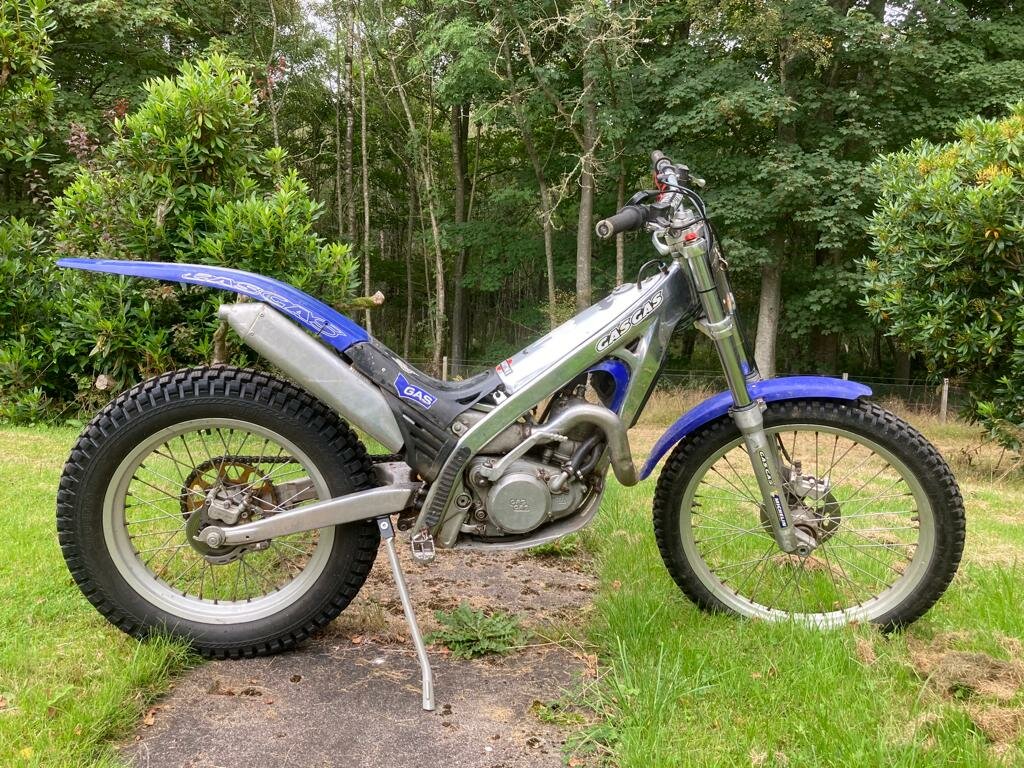
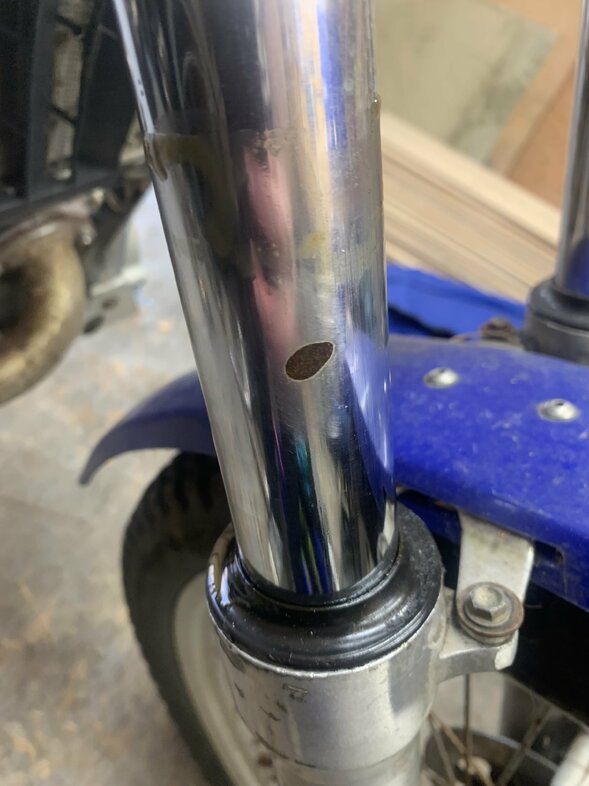
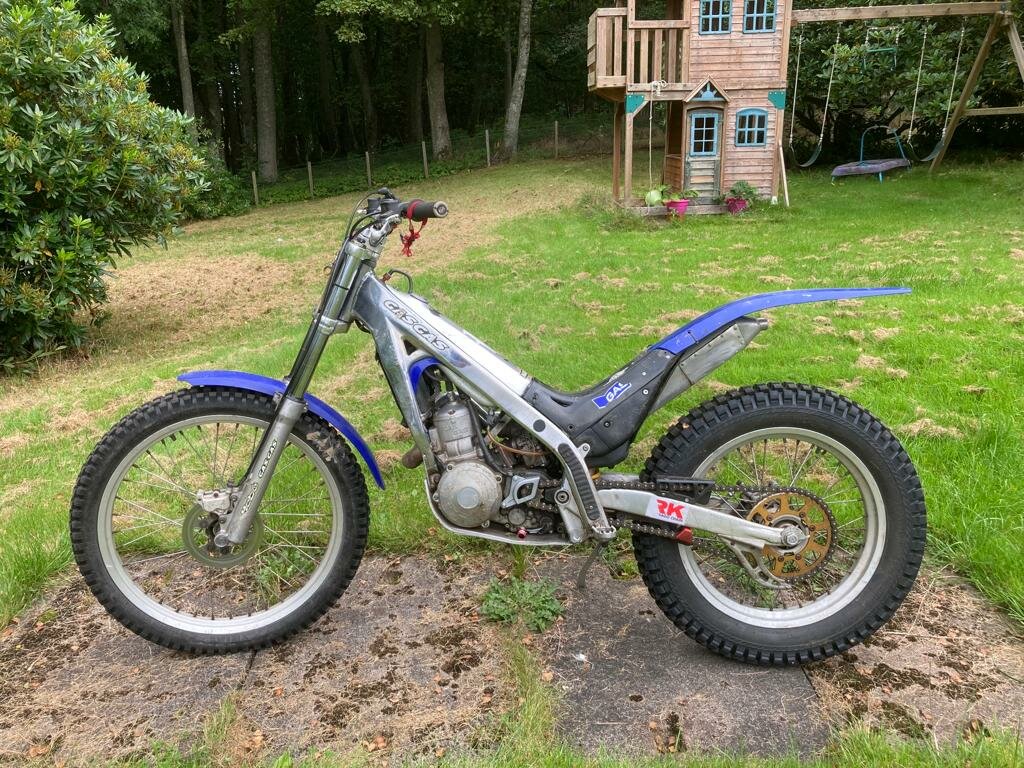
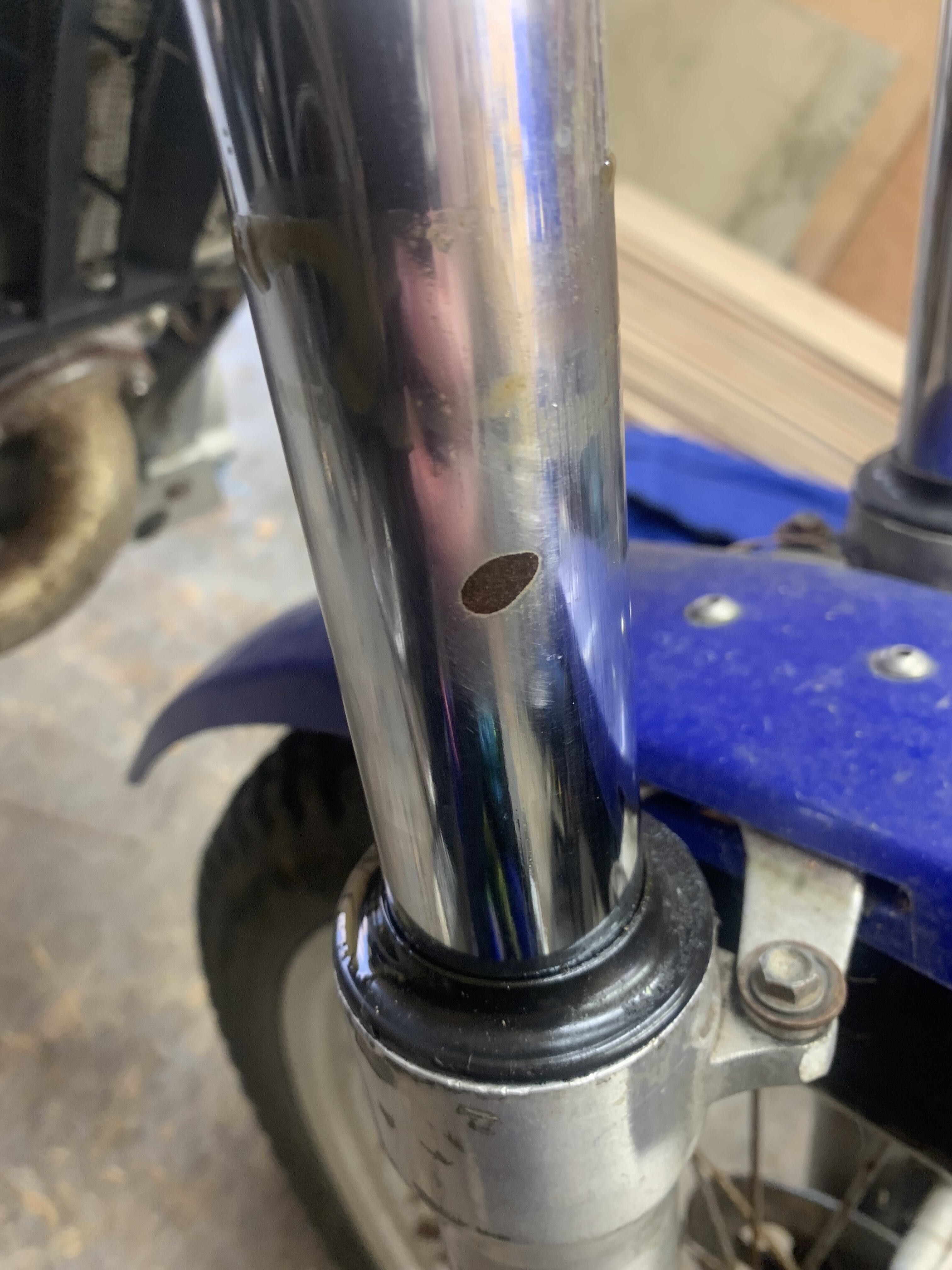
Hi all, Had plenty bikes in the past but never a trials bike although fancied it for long enough, so decided to go for it and see what happens. Bought a txt 280, 2001 model I believe. Runs sweet as a nut, starts first kick, been sat in a garage for a few years so got a good deal, bit rough around the edges but not overly a***d about aesthetics, needs a good service and once over, only expensive part to sort really is the chrome on one of the stanchions has a 10mm flake off it which I think I’ll do a yeeha fix on with epoxy for now till I can afford the rechrome. Seems like a pretty active and handy forum anyway so will be on here a fair bit for info and what not🤙