Skip to content
View in the app

A better way to browse. Learn more.

Trials Central

A full-screen app on your home screen with push notifications, badges and more.

To install this app on iOS and iPadOS
  1. Tap the Share icon in Safari
  2. Scroll the menu and tap Add to Home Screen.
  3. Tap Add in the top-right corner.
To install this app on Android
  1. Tap the 3-dot menu (โ‹ฎ) in the top-right corner of the browser.
  2. Tap Add to Home screen or Install app.
  3. Confirm by tapping Install.

jonnyheath

Members
  • Joined

  • Last visited

Everything posted by jonnyheath

  1. Cheers for replies all, I don't plan on competing its only for myself to take my time on and have fun and hopefully learn some new skills ๐Ÿ˜€
  2. Yeah I believe I went overboard with the cc's but I doubt I'll outgrow it hahaha ๐Ÿ˜†
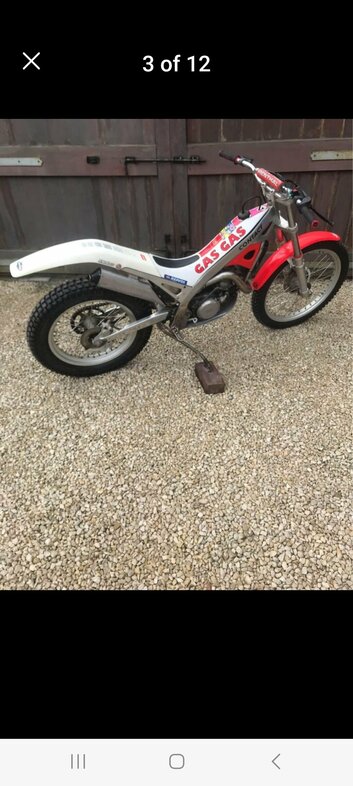
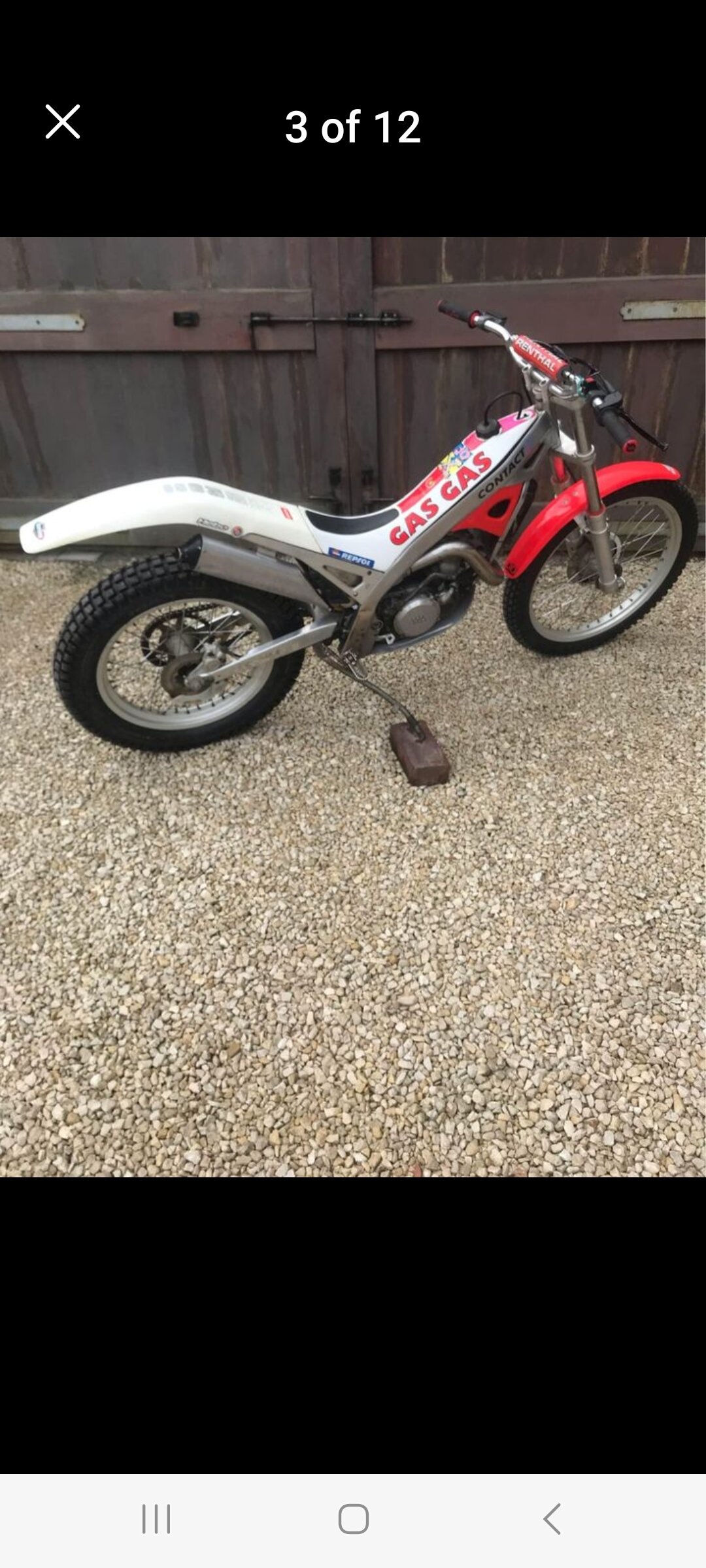
  3. Hi all, been into bikes since I was a lad now in my 50's and trying trials.i ride a xt660 for my daily and live in the east Midlands. I had a converted ts185 and really enjoyed doing bits and bats so sold it and got a fixer upper gg jt350 ( hindsight is a wonderful thing) but hey ho. I'm fitting lots of new parts and some second hand parts to get it up to standard. I'll be asking lots of q's regarding the bike so hopefully there's lots of techs on he๐Ÿ™ thanks Jonny

Account

Navigation

Search

Search

Configure browser push notifications

Chrome (Android)
  1. Tap the lock icon next to the address bar.
  2. Tap Permissions โ†’ Notifications.
  3. Adjust your preference.
Chrome (Desktop)
  1. Click the padlock icon in the address bar.
  2. Select Site settings.
  3. Find Notifications and adjust your preference.