Skip to content
View in the app

A better way to browse. Learn more.

Trials Central

A full-screen app on your home screen with push notifications, badges and more.

To install this app on iOS and iPadOS
  1. Tap the Share icon in Safari
  2. Scroll the menu and tap Add to Home Screen.
  3. Tap Add in the top-right corner.
To install this app on Android
  1. Tap the 3-dot menu (⋮) in the top-right corner of the browser.
  2. Tap Add to Home screen or Install app.
  3. Confirm by tapping Install.

seanlathrop

Members
  • Joined

  • Last visited

Everything posted by seanlathrop

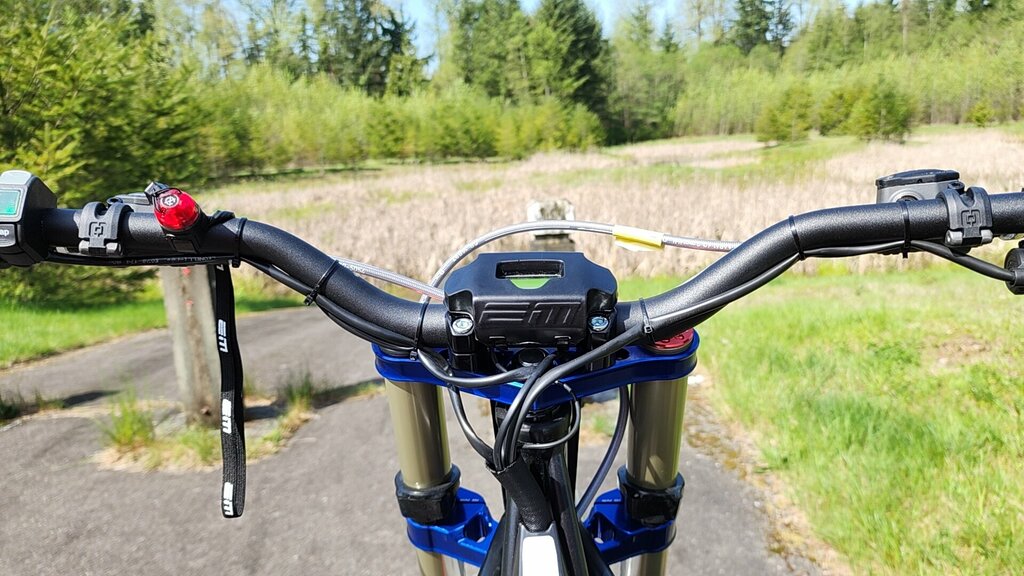
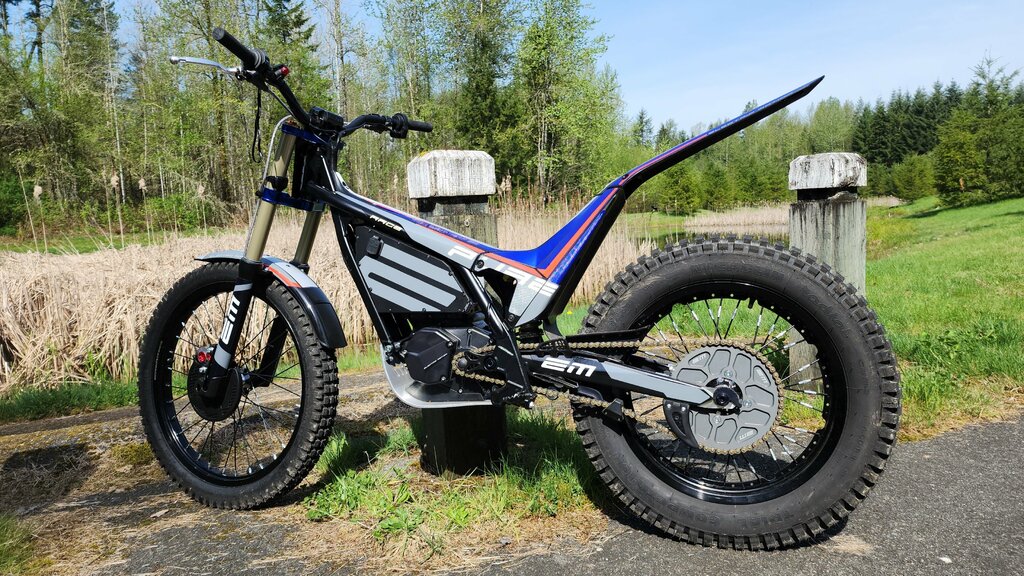
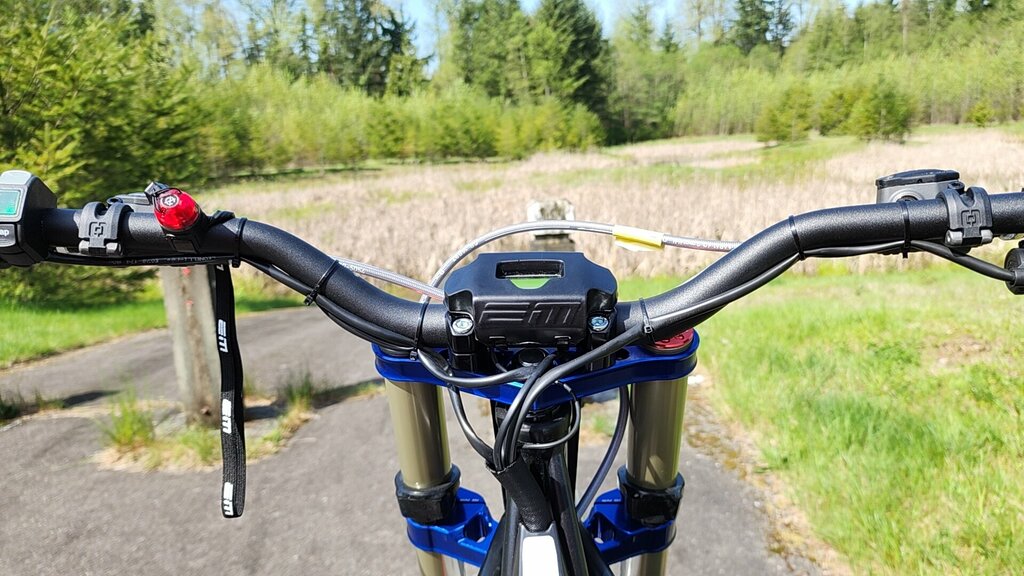
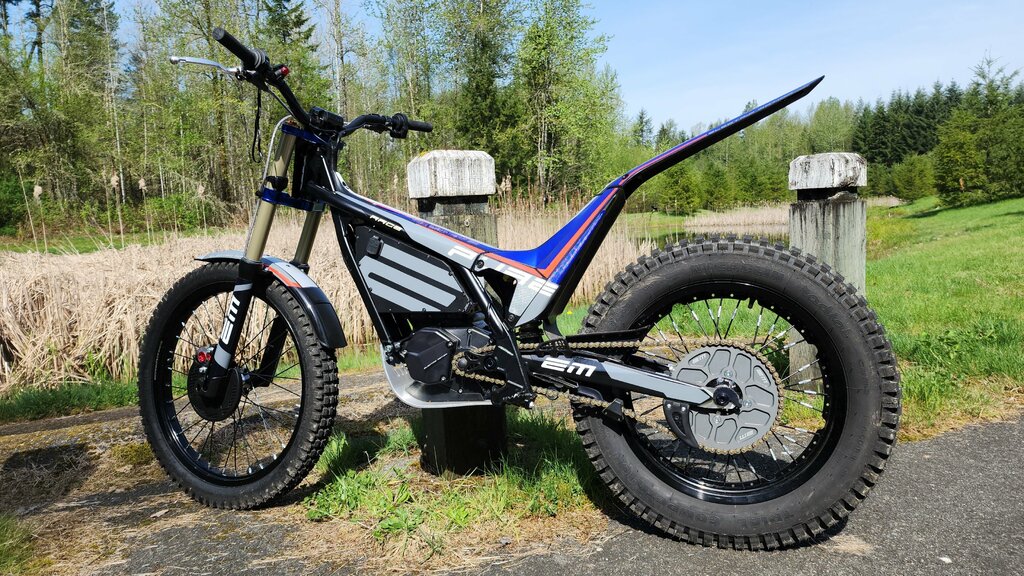
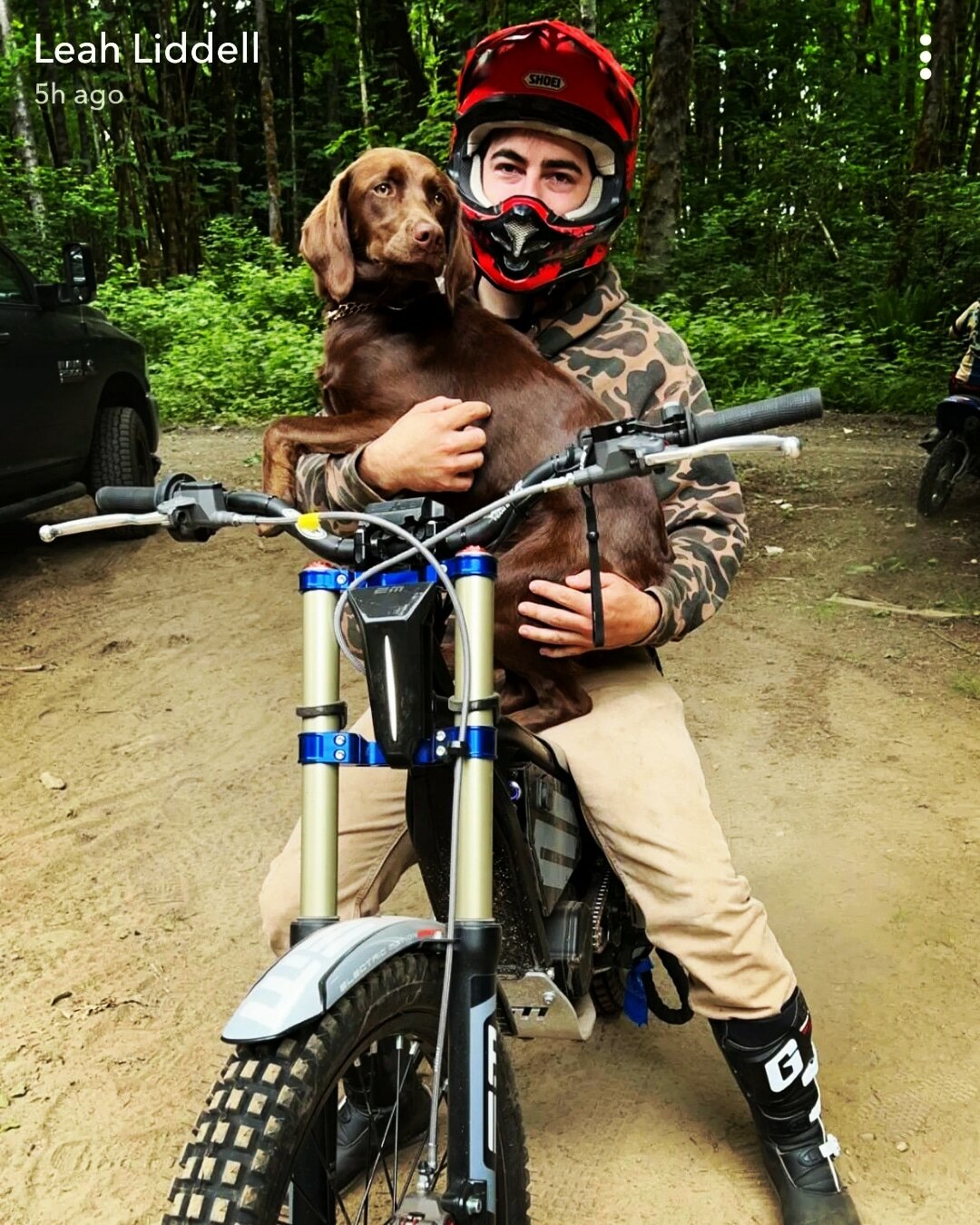
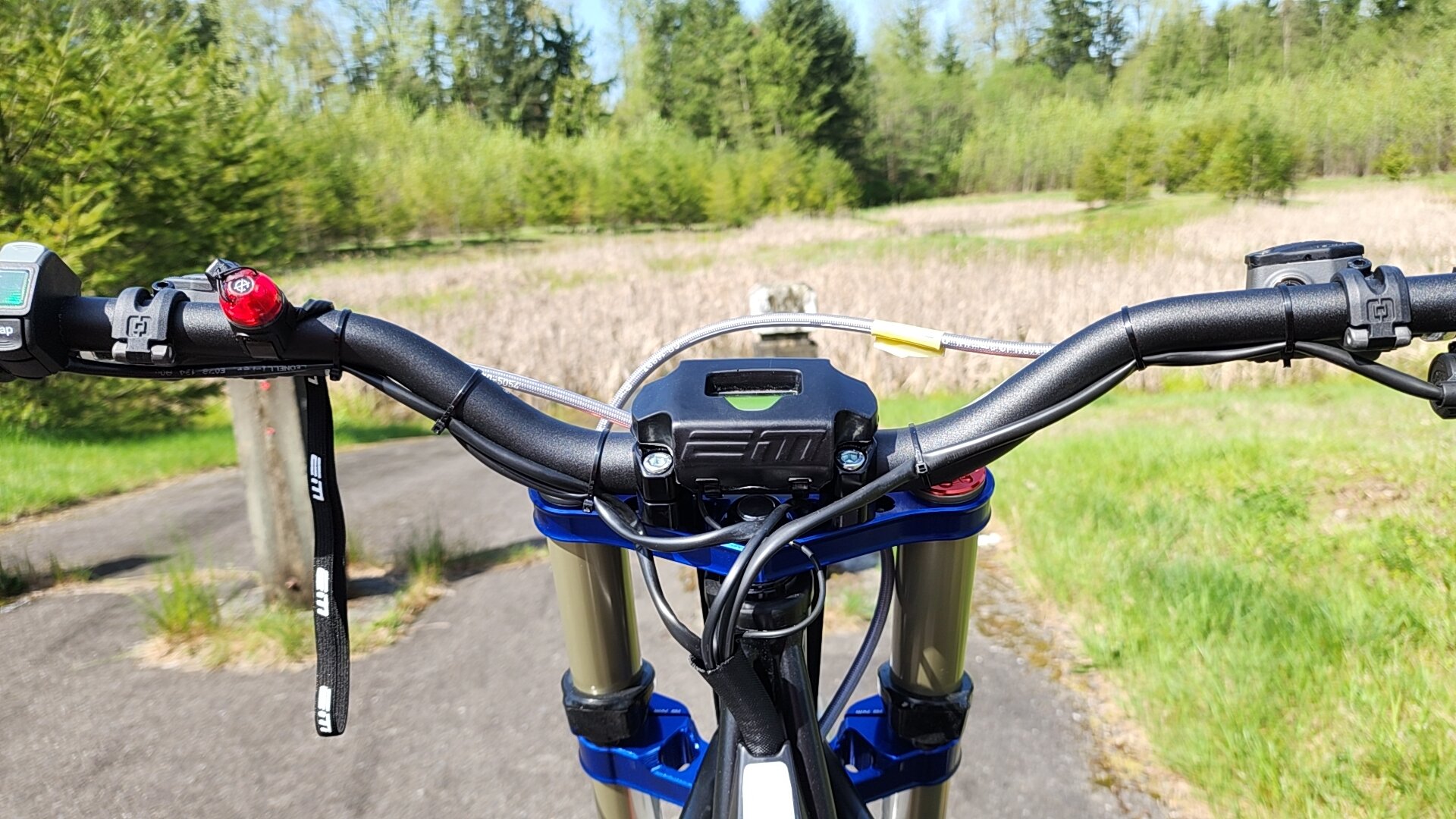
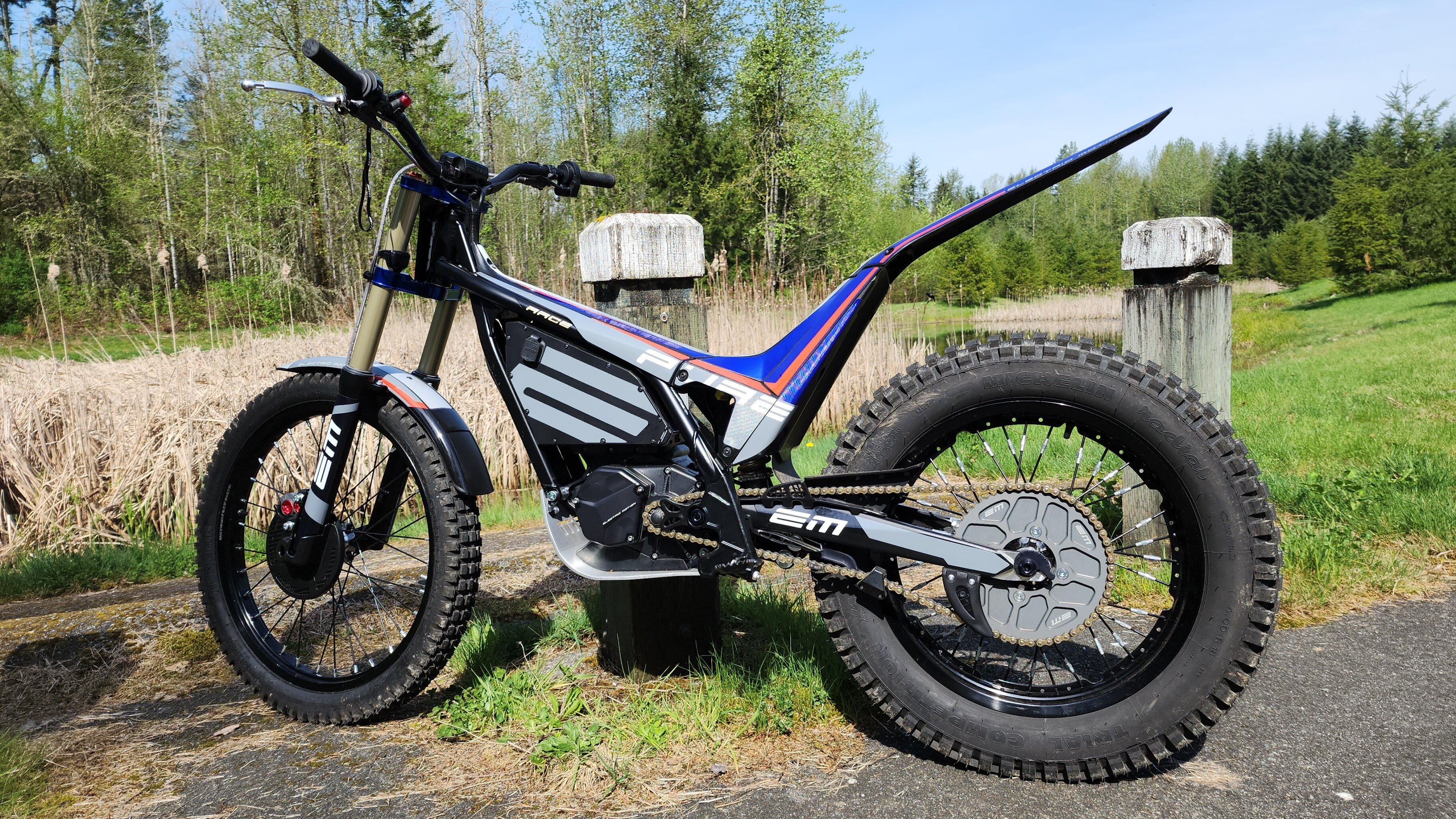
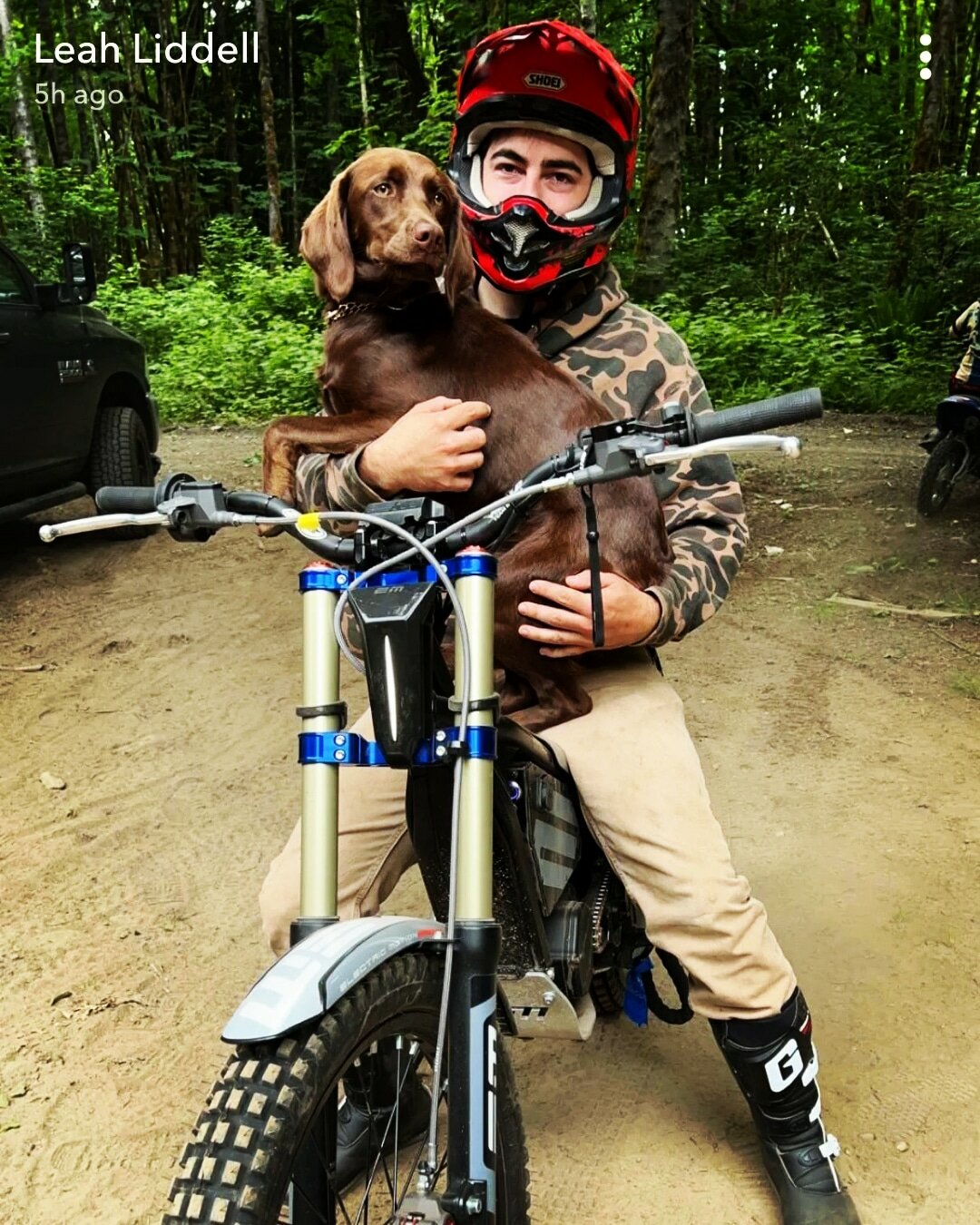
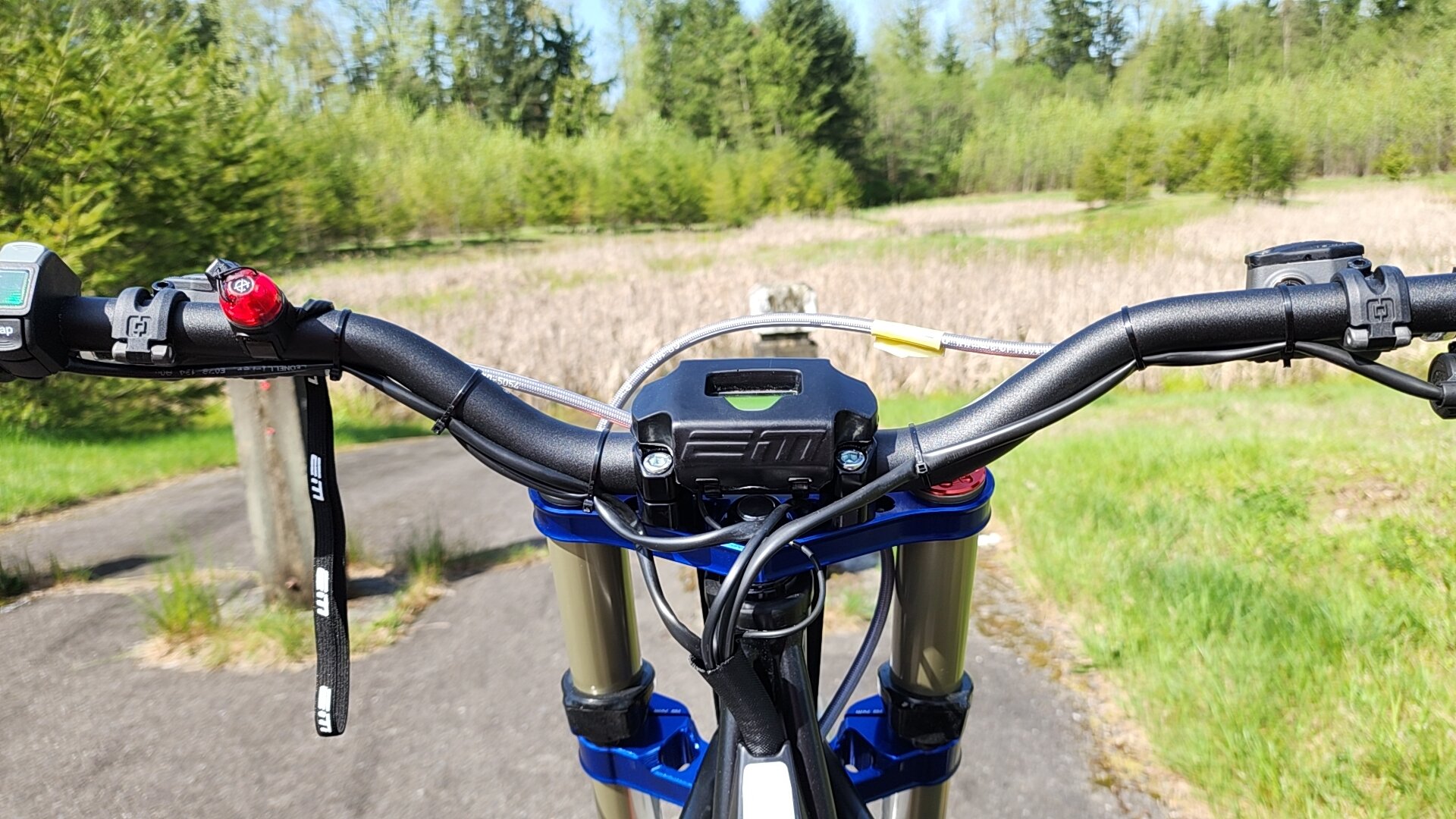
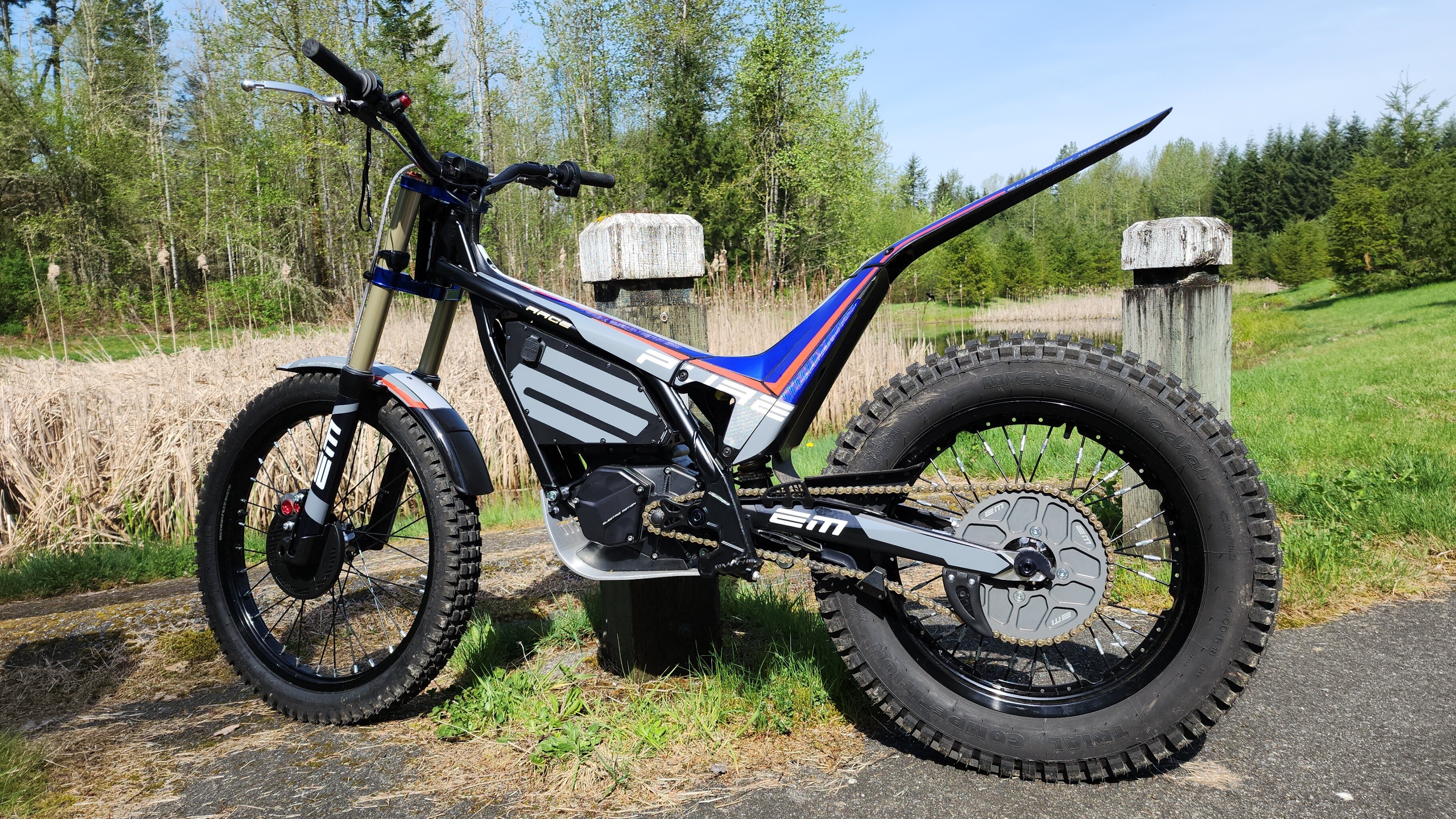
  1. howdy ! I'm looking for someone that has gotten there e-pure race plated. Or suggestions on parts that work good with other bikes. what did yall use for head light set up? brake light? just looking for technical information from some one that hade done this already ! I've been riding dirty on the road and I'm sure I'm pushing my luck. There is just to many good loading docks and church parking lots not to. (loc. WA state) thanks!
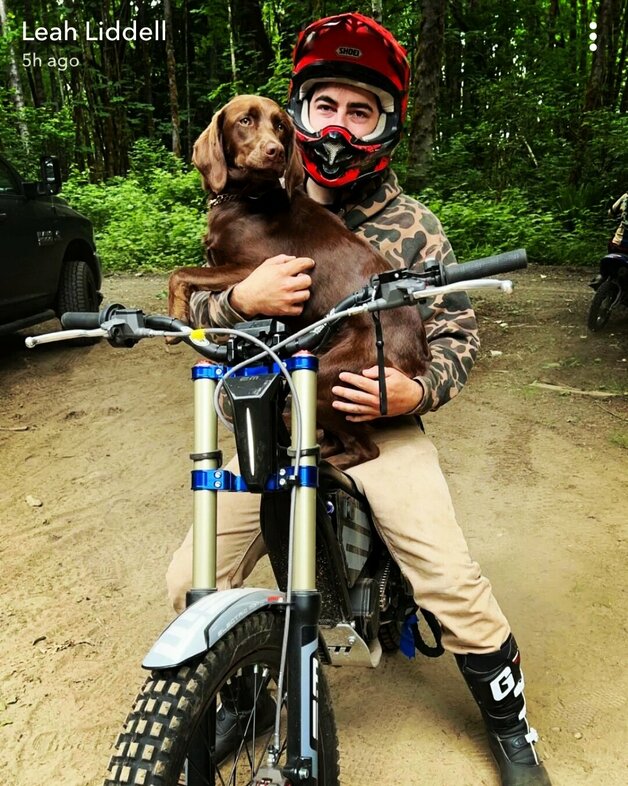
  2. howdy ! I'm looking for someone that has gotten there e-pure race plated. Or suggestions on parts that work good with other bikes. what did yall use for head light set up? brake light? just looking for technical information! I've been riding dirty on the road and I'm sure I'm pushing my luck. (loc. WA state) thanks!
Account

Navigation

Search

Search

Configure browser push notifications

Chrome (Android)
  1. Tap the lock icon next to the address bar.
  2. Tap Permissions → Notifications.
  3. Adjust your preference.
Chrome (Desktop)
  1. Click the padlock icon in the address bar.
  2. Select Site settings.
  3. Find Notifications and adjust your preference.