

Skip to content
View in the app

A better way to browse. Learn more.

Trials Central

A full-screen app on your home screen with push notifications, badges and more.

To install this app on iOS and iPadOS
  1. Tap the Share icon in Safari
  2. Scroll the menu and tap Add to Home Screen.
  3. Tap Add in the top-right corner.
To install this app on Android
  1. Tap the 3-dot menu (⋮) in the top-right corner of the browser.
  2. Tap Add to Home screen or Install app.
  3. Confirm by tapping Install.

Canyonman

Members
  • Joined

  • Last visited

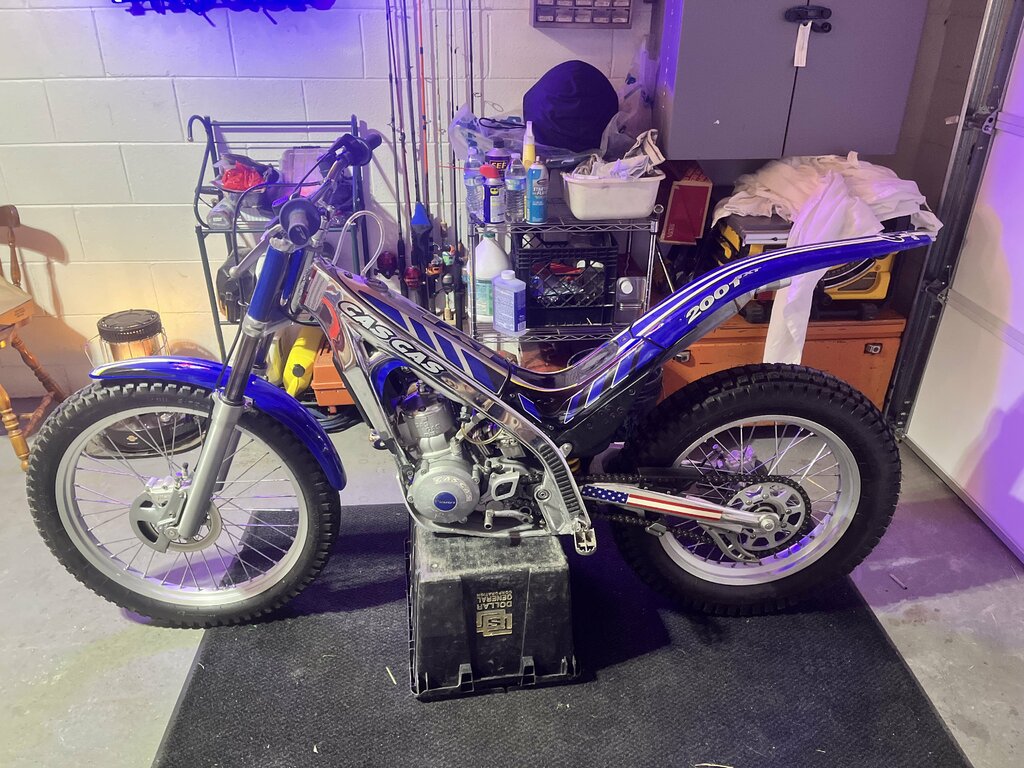
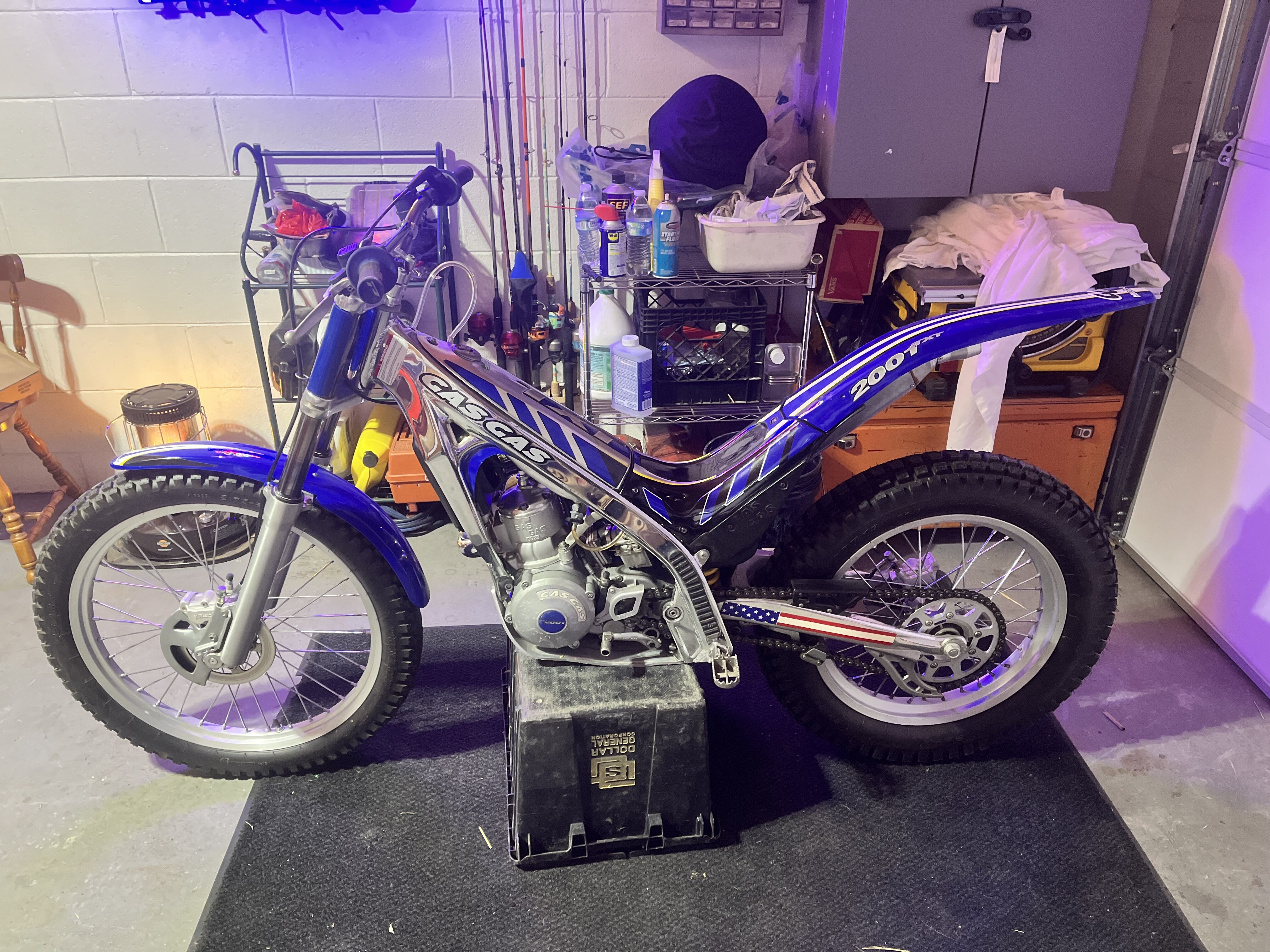
  1. I have a new seat/mudguard that came with. Existing is laced up with fishing line. Thanks for the knowledge. Where are you located? US Ky here
  2. Thank you! Thats not polished aluminum? This thing is mint, less than 10 hours
  3. Greetings and thanks for having me. Just acquired 01 280txt. Looking for manual, parts book, I understand it has diagrams for assembly. Also any info on what fits what; model to model, and which other manufacturers used this powerplant and extraneous pars. Thanks in advance
Account

Navigation

Search

Search

Configure browser push notifications

Chrome (Android)
  1. Tap the lock icon next to the address bar.
  2. Tap Permissions → Notifications.
  3. Adjust your preference.
Chrome (Desktop)
  1. Click the padlock icon in the address bar.
  2. Select Site settings.
  3. Find Notifications and adjust your preference.