sueossap
Members
-
Joined
-
Last visited
Everything posted by sueossap
-
thanks I’ve managed to do this now but was a pain getting engine back in ☺️
-
Things I’m looking at that I may have overfilled the rad … removed 5% to allow expansion . as the bike is a factory version with dual mapping trying the higher speed in map 2 setting or maybe having it remapped
-
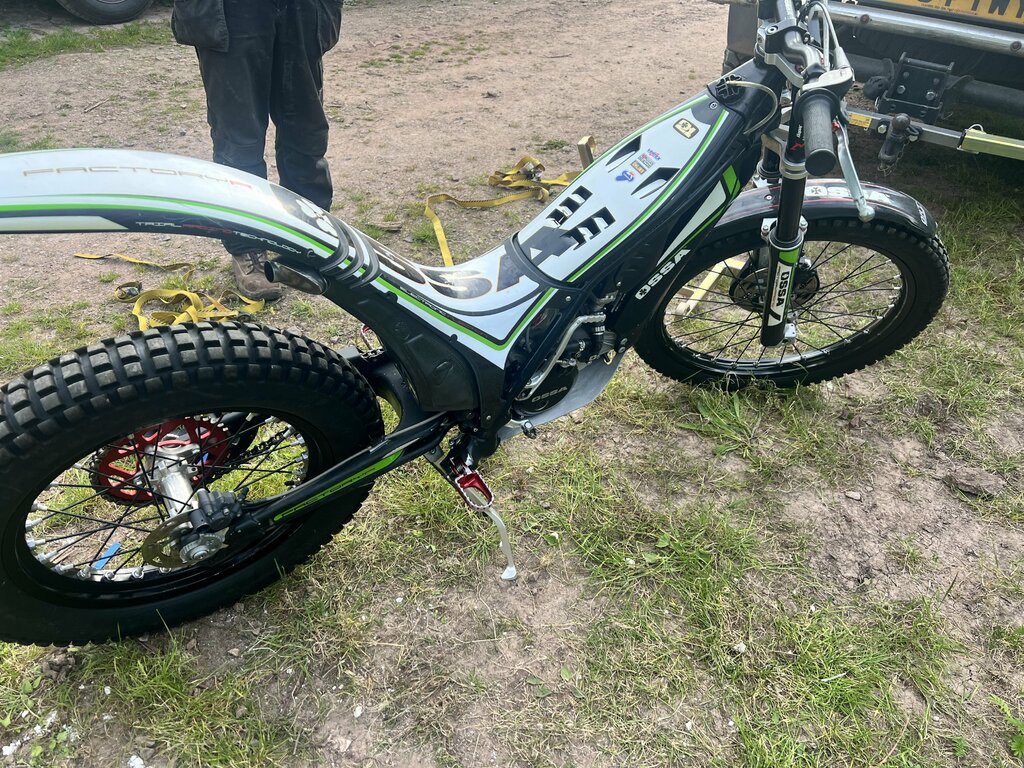
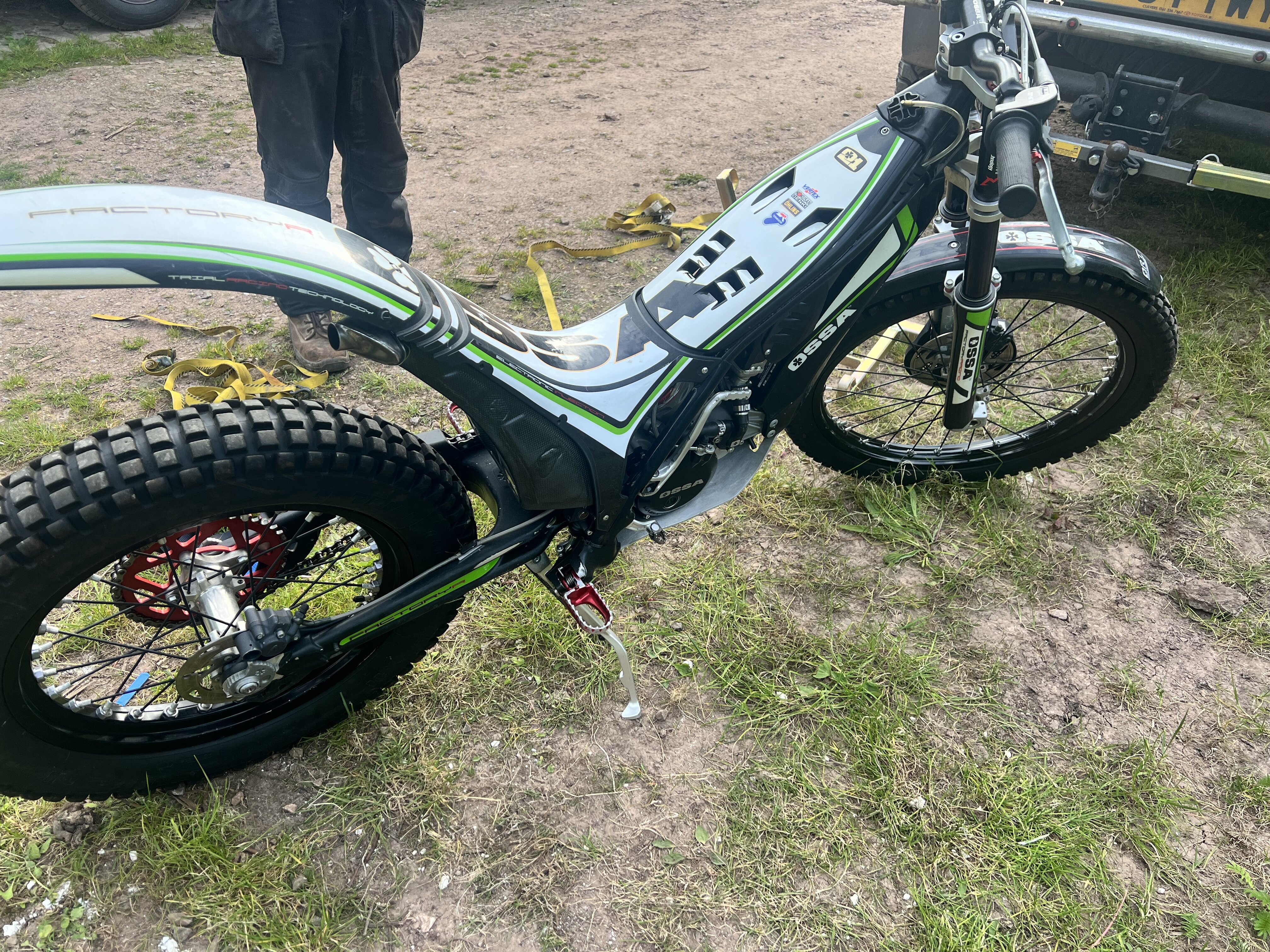
Thanks that’s really interesting I’m on the factory engine with the termi exhaust so will try the road sections in Map 2 setting and see how it goes , and heat protect the seat as burnt my ass 😀 as termis aren’t designed for the explorer seat conversion .
-
Mixture is 100/1 as birketts recommend
-
Thanks it is dual mapped wild and mild , does that mean remapping the ECU ? had summer coolant in it , but that boiled and now replaced for water . just odd that you can throttle it to bits in 3rd and 4th all day on trials but boils over after 10 mins in 5th and 6th on road
-
My ossa runs fine on trial and enduro sections but overheats on any short road sections ? Fan seems to be working and head seems ok ? Any ideas ?
-
Thanks so much any idea about how the bigger tank connects to the original system , I have it on but confused how it works in tandem ?
-
Just bought a 2014 TR280i with an explorer conversion kit 1) how do you connect the explorer tank to fuel system 2) does anyone have the part number for the easy start system as the one supplied doesn’t look correct ? thanks