

Skip to content
View in the app

A better way to browse. Learn more.

Trials Central

A full-screen app on your home screen with push notifications, badges and more.

To install this app on iOS and iPadOS
  1. Tap the Share icon in Safari
  2. Scroll the menu and tap Add to Home Screen.
  3. Tap Add in the top-right corner.
To install this app on Android
  1. Tap the 3-dot menu (⋮) in the top-right corner of the browser.
  2. Tap Add to Home screen or Install app.
  3. Confirm by tapping Install.

Mooney78865

Members
  • Joined

  • Last visited

  1. Cool! Only 9,993 hours to go! 🙃
  2. Mooney78865 changed their profile photo
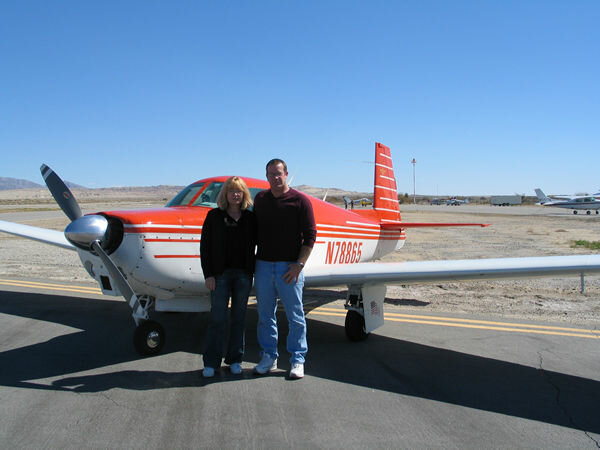
  3. Thanks for the welcome! We did own a Mooney for a number of years. No longer though.
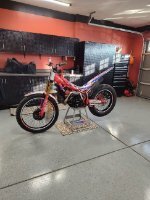
  4. I just picked up my first Trials bike, a '23 Beta 250 Factory. I have been riding motorcycle for the past 50+ years with the last 15 years or so on Adventure bikes. I have a fair bit of off road riding, completing 7 Back Country Discovery Routes and the Trans America Trail coast to coast to coast this past summer. So far, having ridden the trials bike 3 times, about the only thing that seems to relate to riding trials is, "I can ride a motorcycle"! Early days yet, but pretty sure I'm going to enjoy this journey...😁

Account

Navigation

Search

Search

Configure browser push notifications

Chrome (Android)
  1. Tap the lock icon next to the address bar.
  2. Tap Permissions → Notifications.
  3. Adjust your preference.
Chrome (Desktop)
  1. Click the padlock icon in the address bar.
  2. Select Site settings.
  3. Find Notifications and adjust your preference.