July 25, 201610 yr I have put all my Videos from day 2 of the trial at Dudwood farm on youtube as a playlist, follow the link https://www.youtube.com/playlist?list=PLz3viLD8efZksVR7WjSP634vR1KPId-o5
July 26, 201610 yr Author Thanks I enjoy taking the videos, but once I'm riding I may not get the time to film anymore. I may take the camera around with me and film others as I go round. . it was a lovely day, im hoping to enter it next year also the Sections were layed out by non other than the legend Mick Andrews, who was there for both days
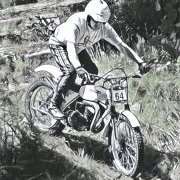
August 22, 201610 yr Author Finally got out on the Beamish yesterday at Dudwood farm had a great afternoon practicing


Join the conversation
You can post now and register later. If you have an account, sign in now to post with your account.