shakennstirred
Members
-
Joined
-
Last visited
-
1974 Tm250
-
-
Not a mod i have seen. definitely not a Suzuki or Beamish mod
-
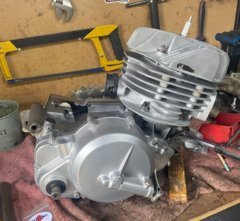
Not on your engine. its was always the worm drive as on the TS250. in the newer black engine bikes the clutch arm was moved to the right-side of the engine . works in the same way as the older TM mx bikes. You can upgrade the TS based engine like your. to a Clutch case of the TM250. rare to find these days. but they do turn up. It then will look like the picture ive added to this post
-
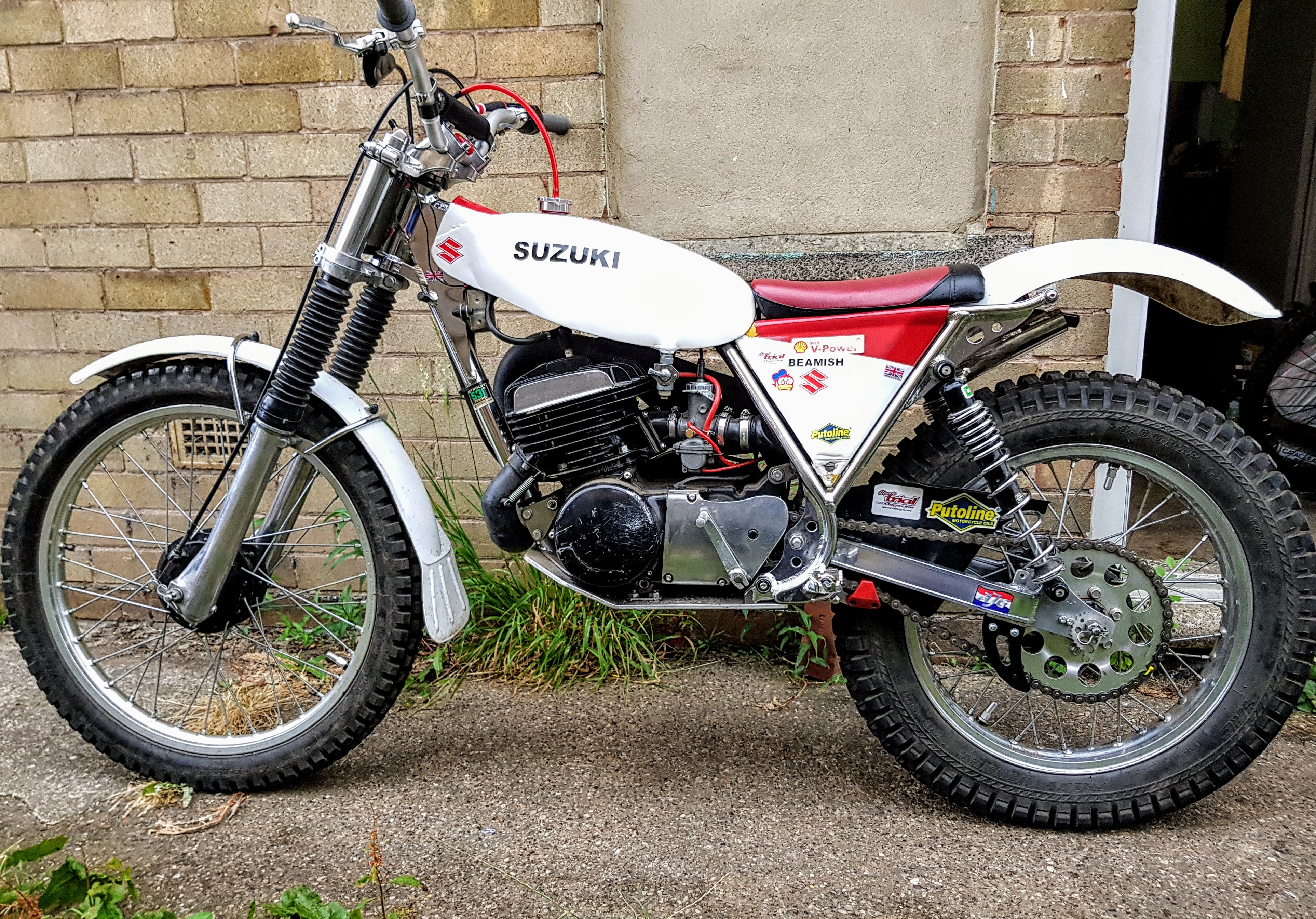
The 250 motor in your bike , is a modded Ts250 engine. in the Beamish world, there called the silver engine. the 325cc engine is a new engine and only came from Suzuki as a 325. Beamish in the UK got some engines converted down the 250cc(because the 325 can be a bit of a handful) these engines are called the Black engine bikes. Also an interesting note, Suzuki never used the engine themselves, it was a UK Beamish Suzuki exclusive.
-
Beamish never built the motors. Suzuki did them all. On the later black engine Beamish , Beamish had some work done on the top end to convert the 325 to 250.
-
Yamaha TY250 Mono resto
-
anymore info. hows it going mine
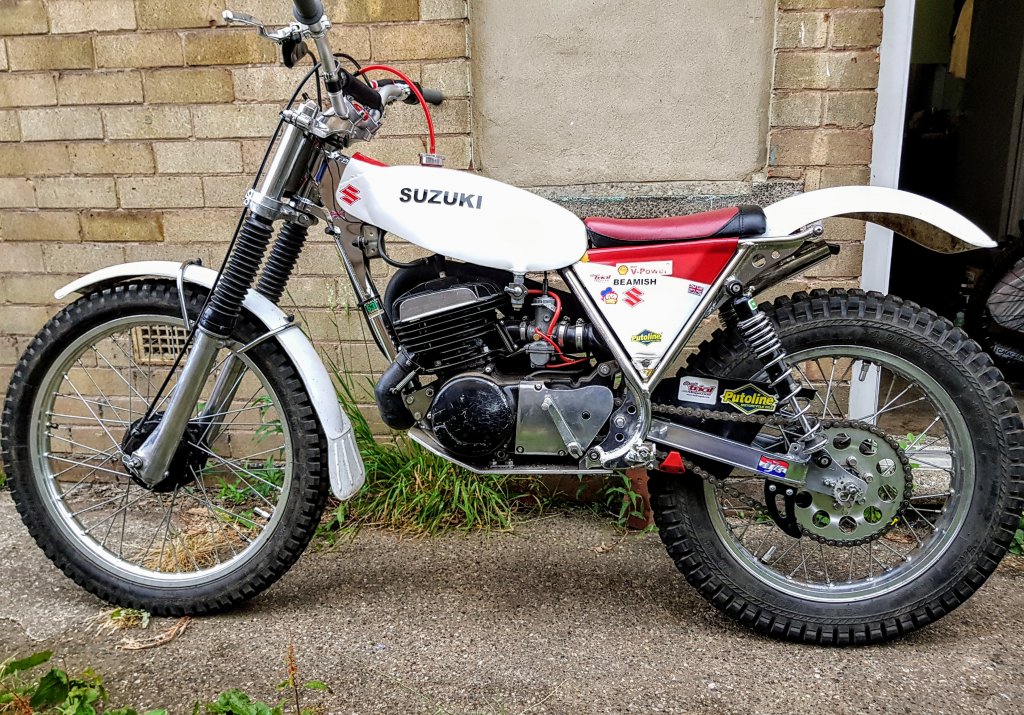
-
-
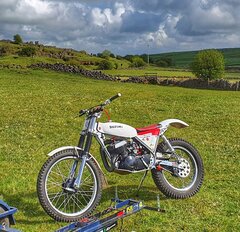
© AJW
-
maybe a 90w or 75/80w gear oil. something thick
-
just remember, you will need a spacer if you run a flat rear sproket. the origanl is dished
-
I can't see it on there
-
yeah its a 325
-
Getting close to my 400 subscribers.