

Skip to content
View in the app

A better way to browse. Learn more.

Trials Central

A full-screen app on your home screen with push notifications, badges and more.

To install this app on iOS and iPadOS
  1. Tap the Share icon in Safari
  2. Scroll the menu and tap Add to Home Screen.
  3. Tap Add in the top-right corner.
To install this app on Android
  1. Tap the 3-dot menu (⋮) in the top-right corner of the browser.
  2. Tap Add to Home screen or Install app.
  3. Confirm by tapping Install.

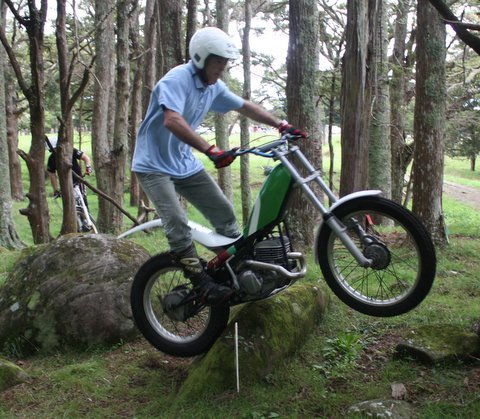
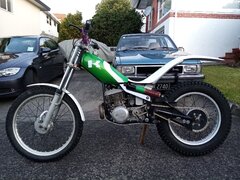
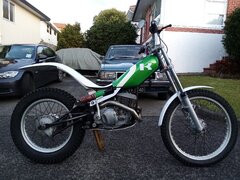
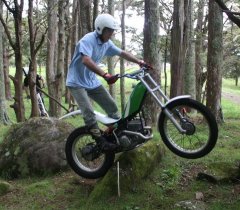
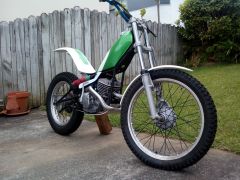
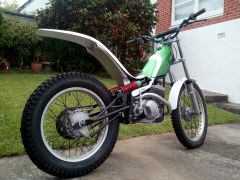
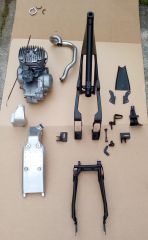
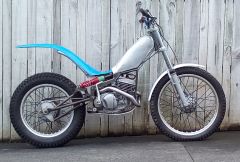
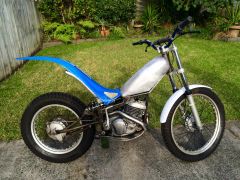
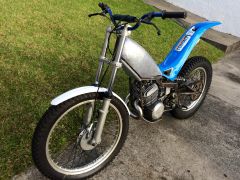
It works!!. IMG-7033.JPG

First ride. It steers really nicely. Back end is too soft as expected, New stiffer springs underway.

Its easy to balance. Major difference in power delivery to my GG320. Takes time to accellerate and doesn't slow down very quickly. Clutch is massivley heavy. Breaks as expected; ok for drums, until it meets water then they become 'Drags" not brakes..

Very relieved and happy with how it goes first time out.

    • Like 1

    From the album:

    KT250r

    · 19 images

    Account

    Navigation

    Search

    Search

    Configure browser push notifications

    Chrome (Android)
    1. Tap the lock icon next to the address bar.
    2. Tap Permissions → Notifications.
    3. Adjust your preference.
    Chrome (Desktop)
    1. Click the padlock icon in the address bar.
    2. Select Site settings.
    3. Find Notifications and adjust your preference.