Skip to content
View in the app

A better way to browse. Learn more.

Trials Central

A full-screen app on your home screen with push notifications, badges and more.

To install this app on iOS and iPadOS
  1. Tap the Share icon in Safari
  2. Scroll the menu and tap Add to Home Screen.
  3. Tap Add in the top-right corner.
To install this app on Android
  1. Tap the 3-dot menu (⋮) in the top-right corner of the browser.
  2. Tap Add to Home screen or Install app.
  3. Confirm by tapping Install.

grats

Members
  • Joined

  • Last visited

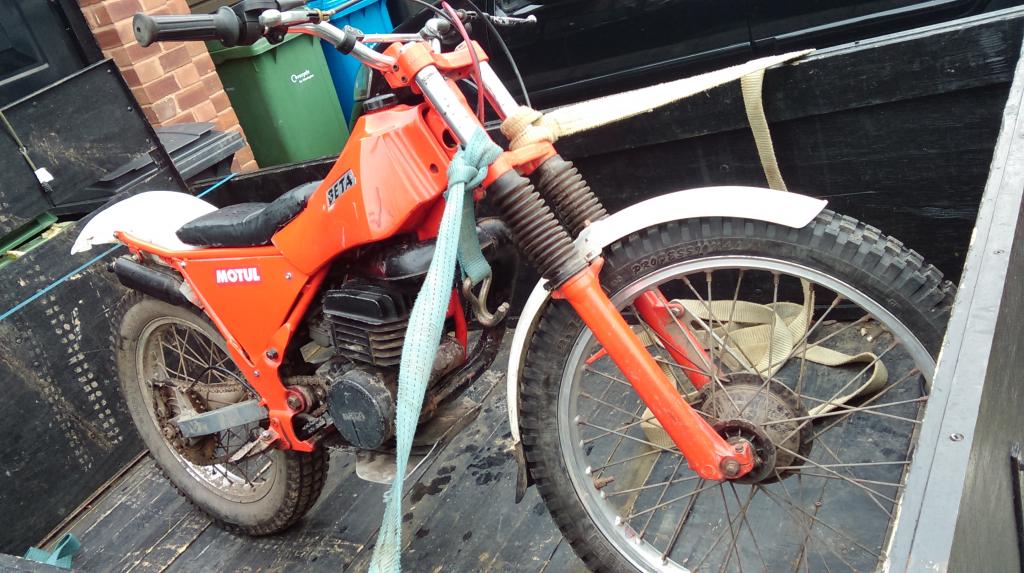
  1. Just got my new toy
  2. Thanks all for your info and help mimigh pick it up Saturday will put sum more pics up then thanks
  3. Thanks so what model is it
  4. Hi huski I like old bikes and i might go to sum old school shows all he is asking is £200 it's just for sum fun that's all
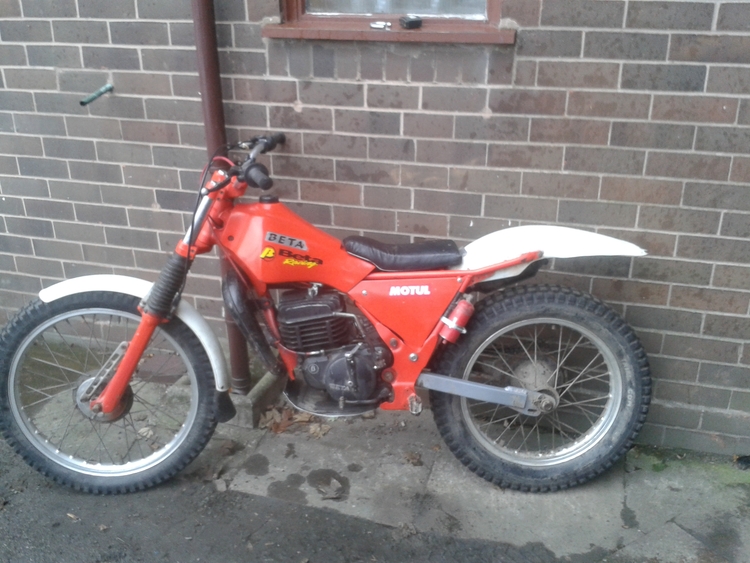
  5. Hi I'm from Northampton UK and was thinking on getting a beta so I see one for sale but not sure what make it is and how much it's worth thanks
Account

Navigation

Search

Search

Configure browser push notifications

Chrome (Android)
  1. Tap the lock icon next to the address bar.
  2. Tap Permissions → Notifications.
  3. Adjust your preference.
Chrome (Desktop)
  1. Click the padlock icon in the address bar.
  2. Select Site settings.
  3. Find Notifications and adjust your preference.