paf1
Members
-
Joined
-
Last visited
Everything posted by paf1
-
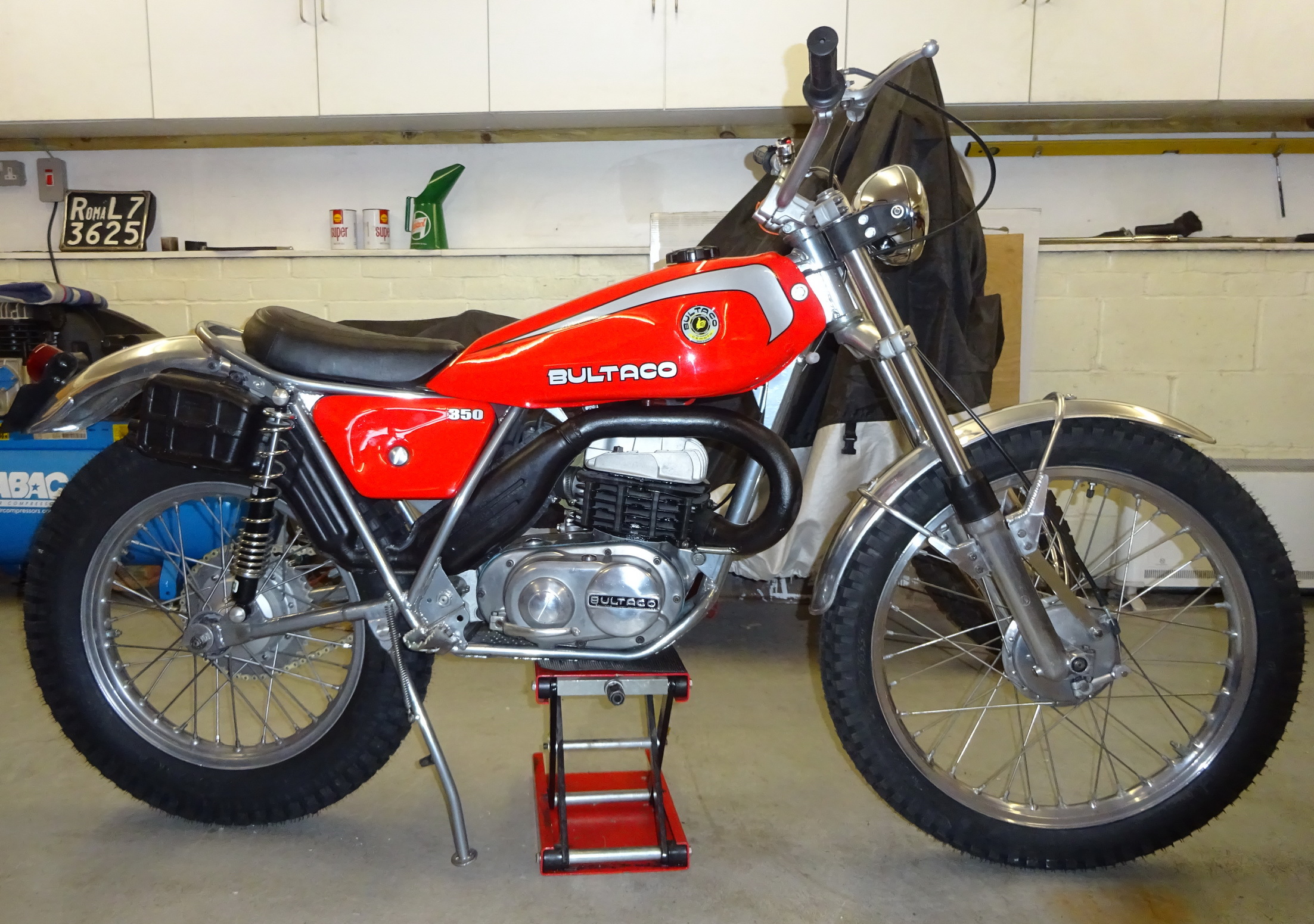
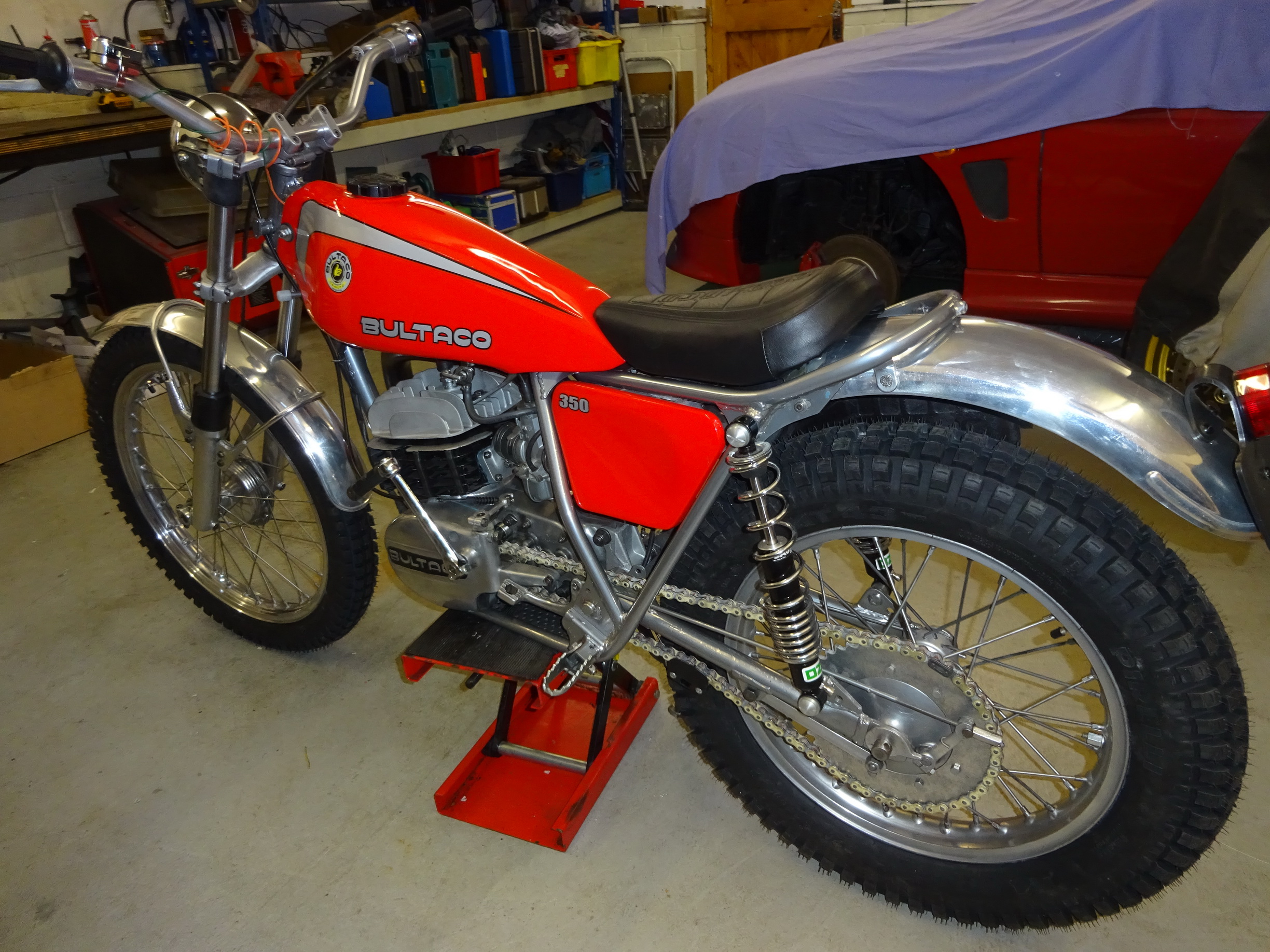
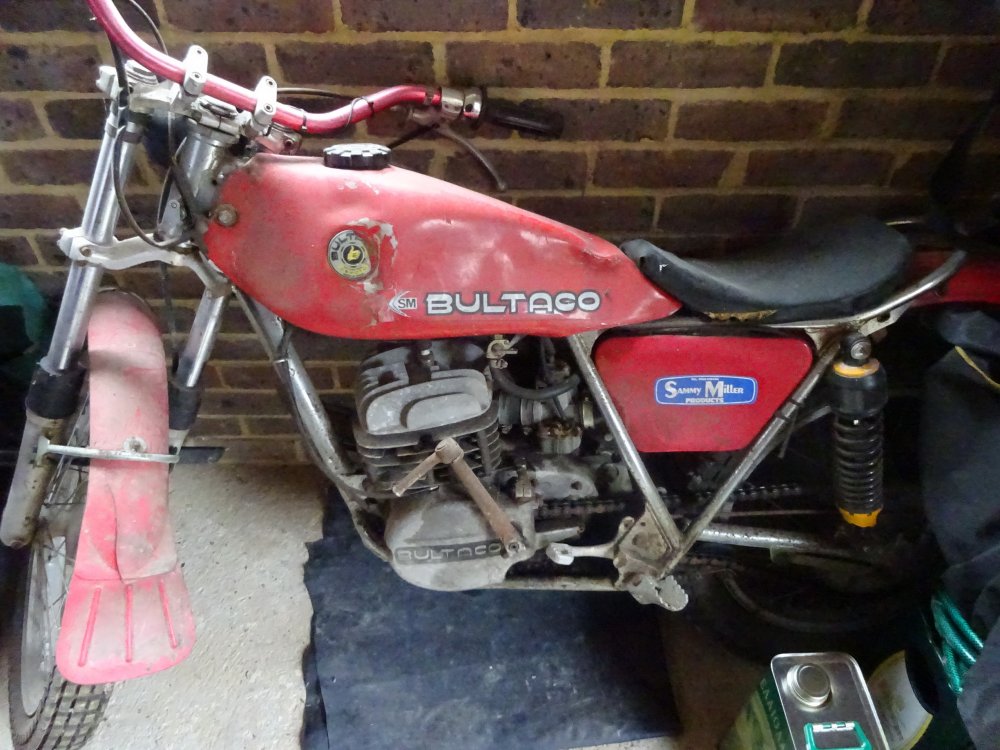
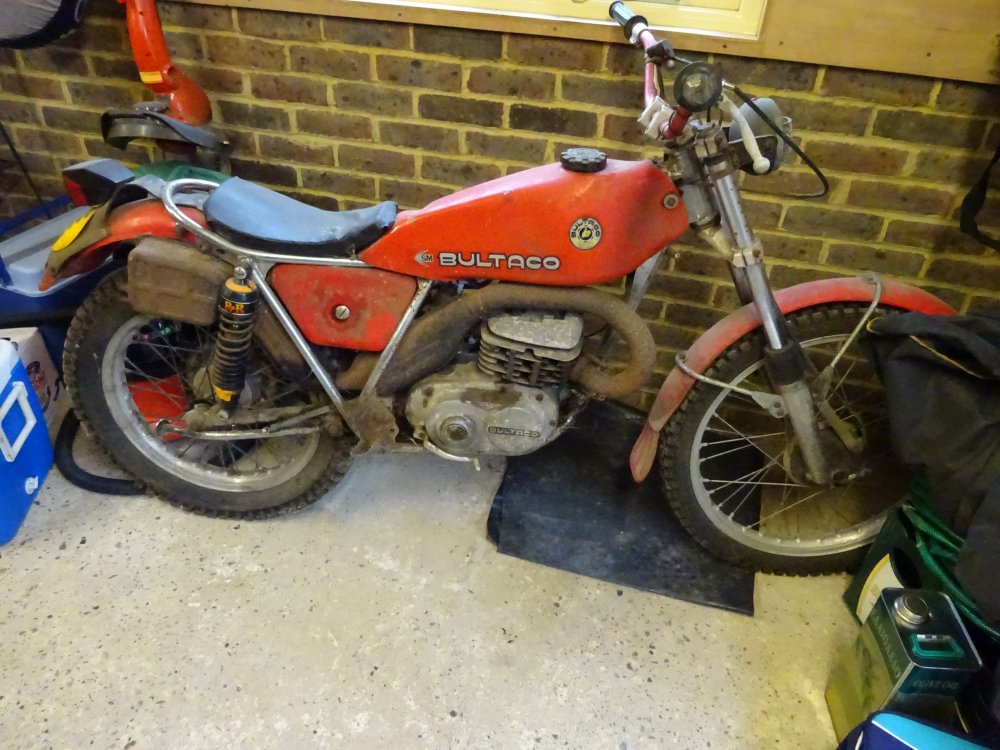
Nearly finished restoring this Bultaco Sherpa, which had been sitting in a shed for 25 years feeling very sorry for itself. Not anymore!


-
Update...the swing arm has been found and it's back in my hands!
-
Thanks for the replies. I think the 175 swing arm is different. Richard Allen is having a look to see what he has got, and hopefully he will have the solution.
-
I gave the swingarm off my Sherpa 159 350cc to a mate for some minor repair, and he has managed to lose it! I am struggling to find a replacement...any ideas?
-
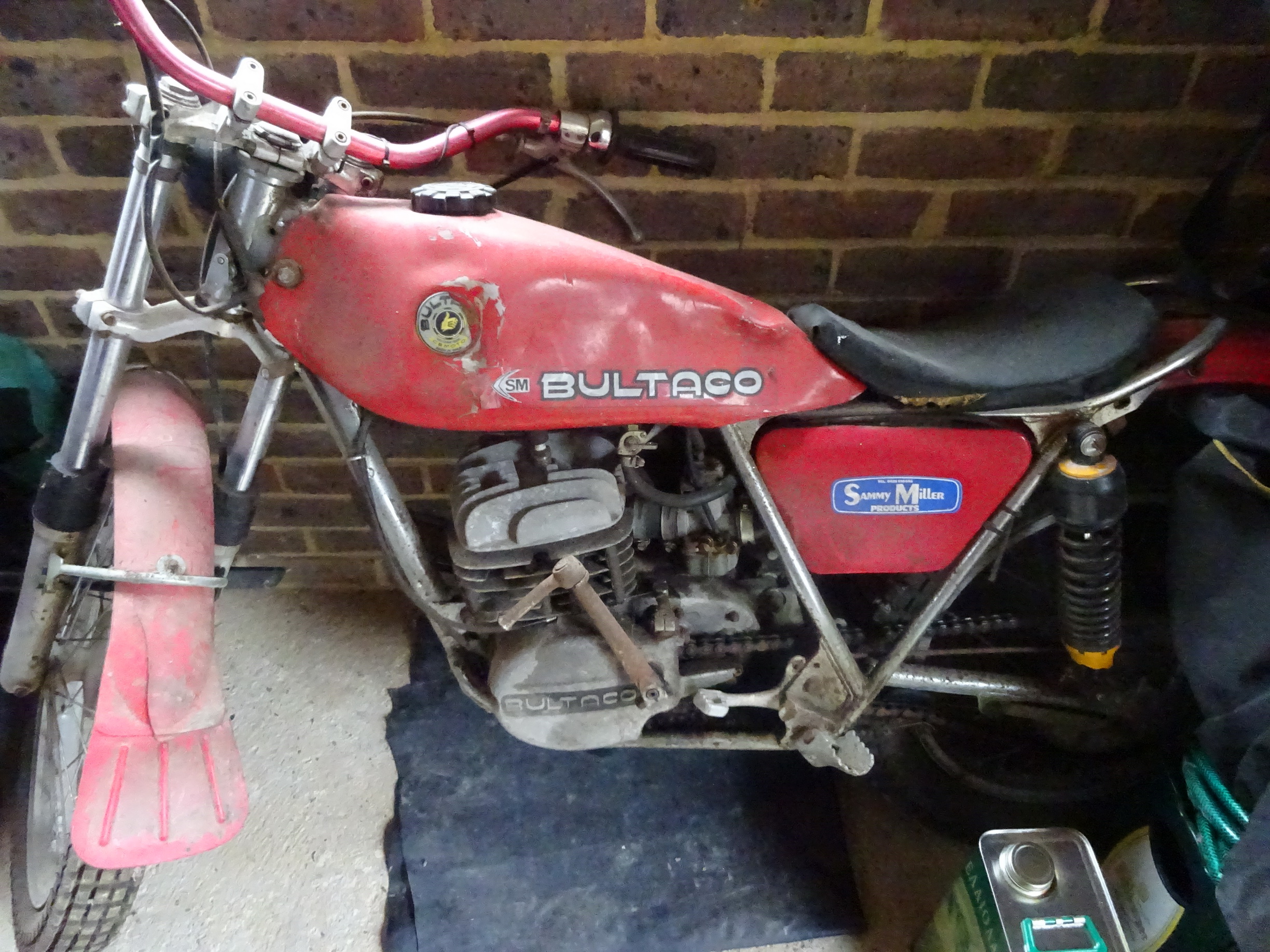
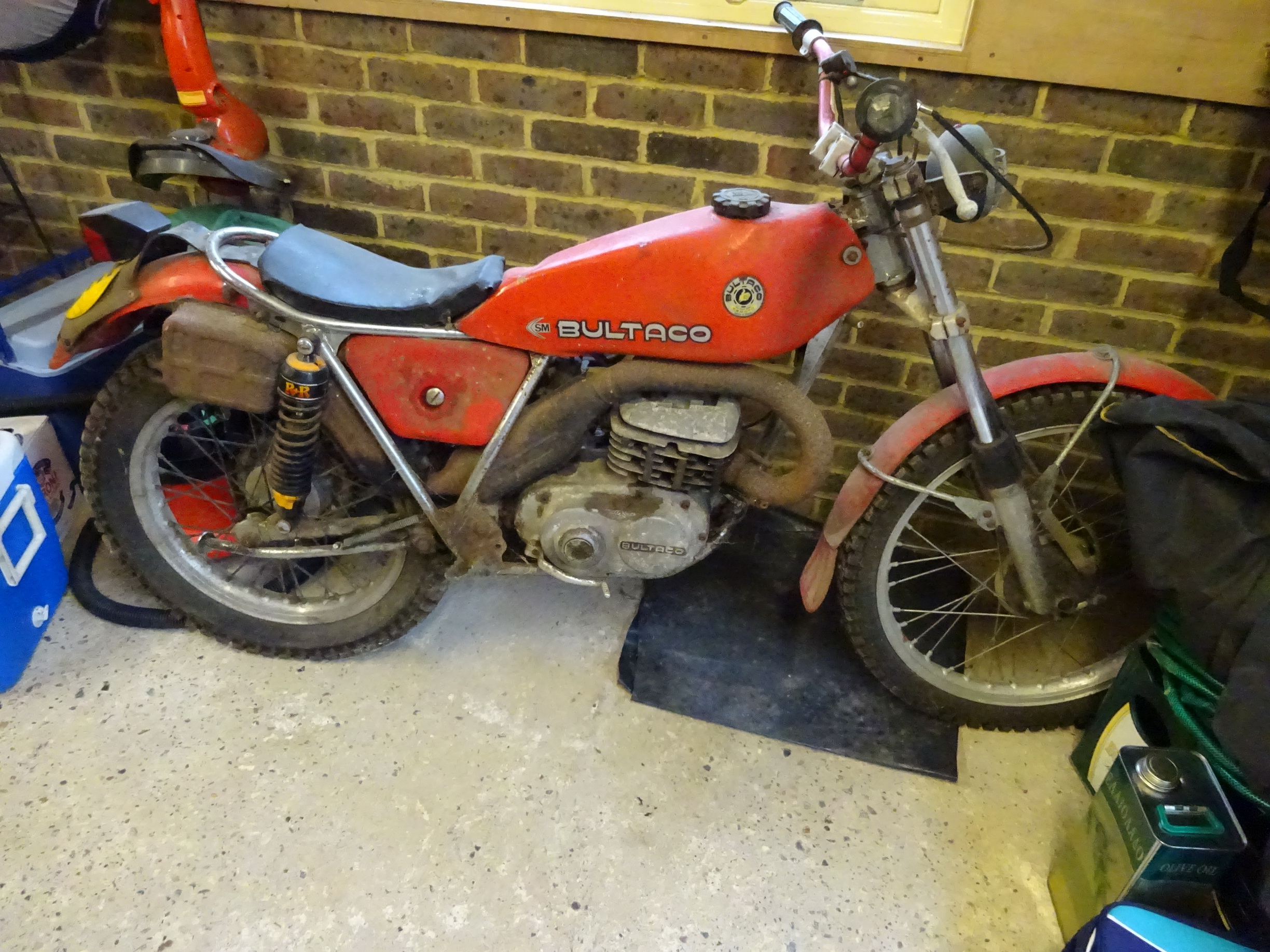
Before work started...it had been sitting in a shed for 25 years!
-
If anybody can explain how to post pictures, I will put on some pics of the bike.
-
Hi scbond2, I think I have seen you at the Huntsman...is yours the blue Bultaco Sherpa?
-
[sharedmedia=garage:vehicles:1188]
-
That's really interesting as the bike was first registered in 1976 and was/is based in Kent. I wonder if it could be the same bike??
-
I have just started restoring a 1976 Bultaco Sherpa t 350. It has matching frame and engine numbers, and I have owned the bike since 1985. It is fitted with a chrome frame, and I was wondering if Bultaco ever produced bikes with chrome frames. I don't think the bike has ever been stripped before, and it is definitely a standard frame, just in chrome! Any information would be welcome.