gassertxt
Members
-
Joined
-
Last visited
-
Gentleman thankyou all very much for your input, finally the gasser is back running as it should... fan coming on as it should rather than all the tine and kill switch working spot on. My final issue was trying to get the correct wiring schematic but one of the other guys provided me with that and within 10 minutes we were firing.. Thanks again chaps ✌??
-
This is fantastic thankyou very much.. finally my bike is running. Much appreciated.
-
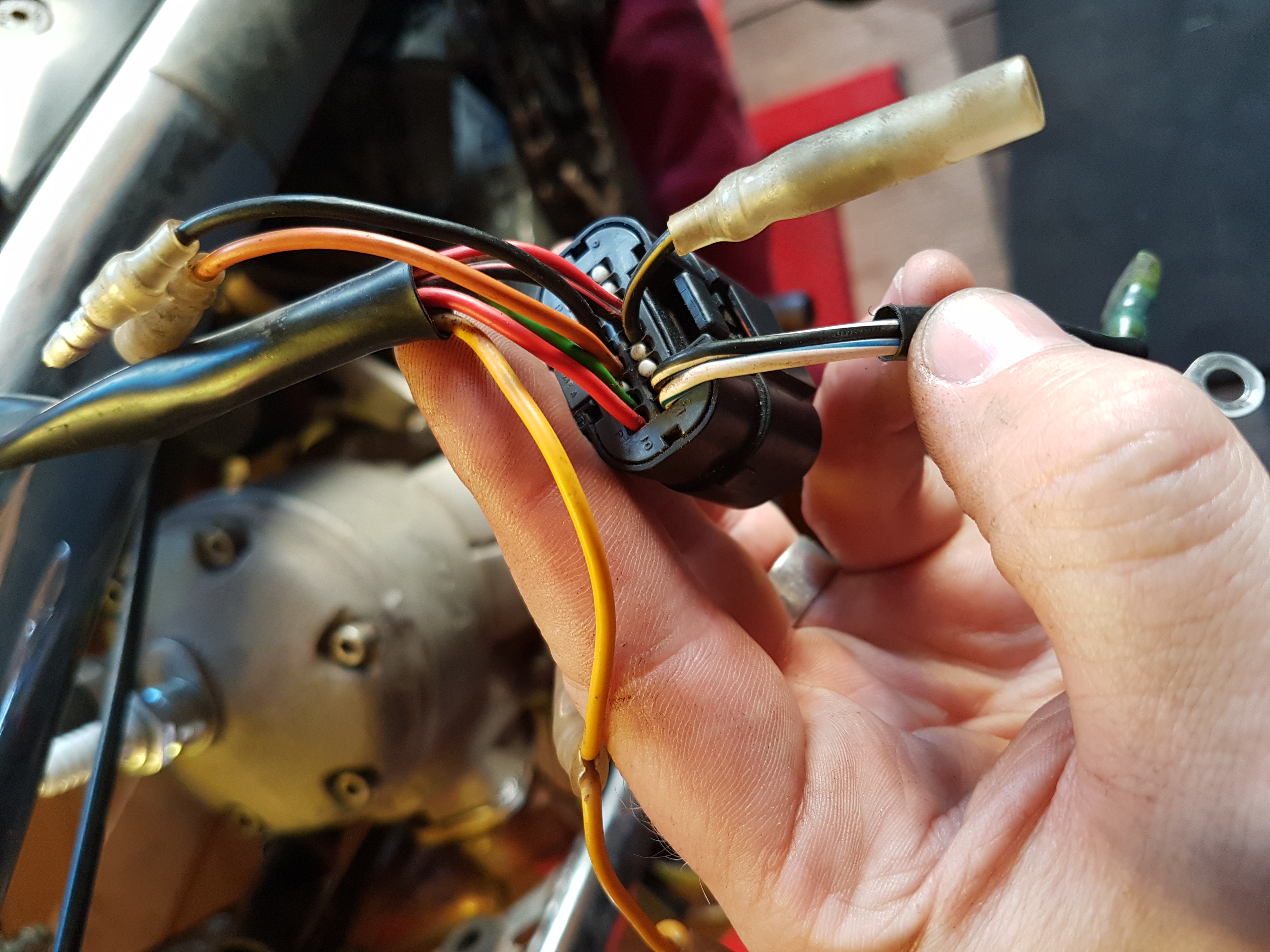
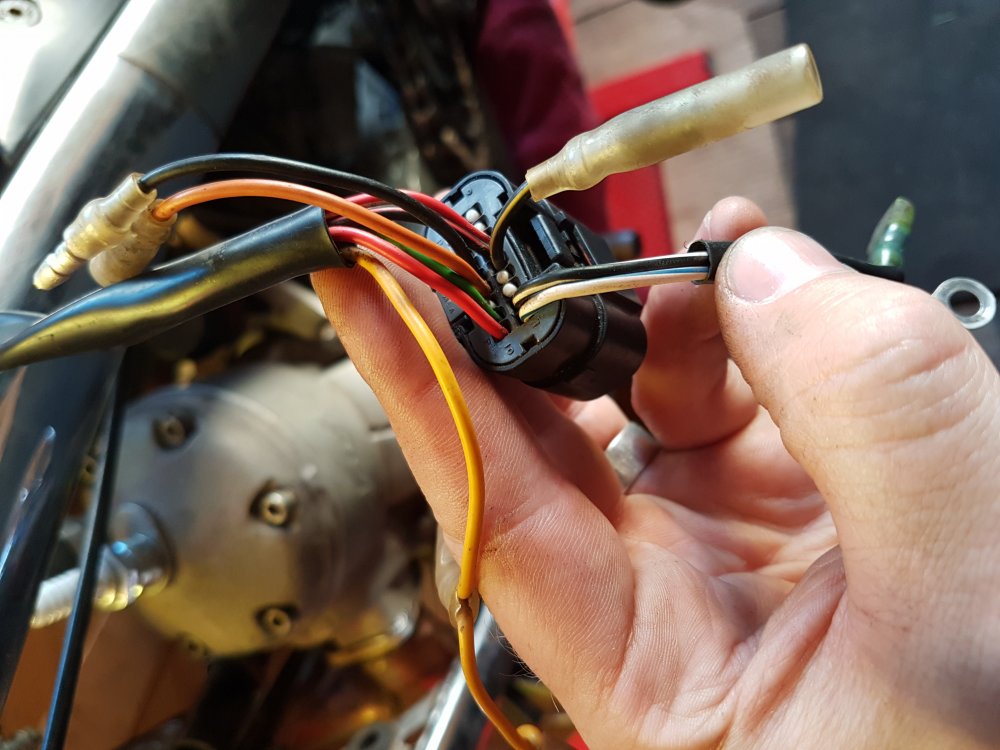
Hi guys i need a bit of help with some wiring please.. i have a 2006 280 txt pro.. had some cutting out issues which have been explained to me by some of the guys on here which was great. Ive found various kokusan wiring diagrams on google however they are for different year bikes and not sll the wires match up Example.. the thermostat i have has an earth cable and a live (both black) but on the diagram it tells me to wire it one end (yellow)comes from the ignition into the thermostat and then the other wire (blue) goes into the converter.. I also would love if someone could identify what cables are what coming from the ignition as only 3 match.. the black for kill switch.. the black/white to earth and white/blue to coil.. the rest im lost.
-
I take it when you test it in boilingbwater it should open and close aye??
-
Yes i leave it for 5 mins and it fires up.. i tested the thermostat in boiling water but no movement on it at all.
-
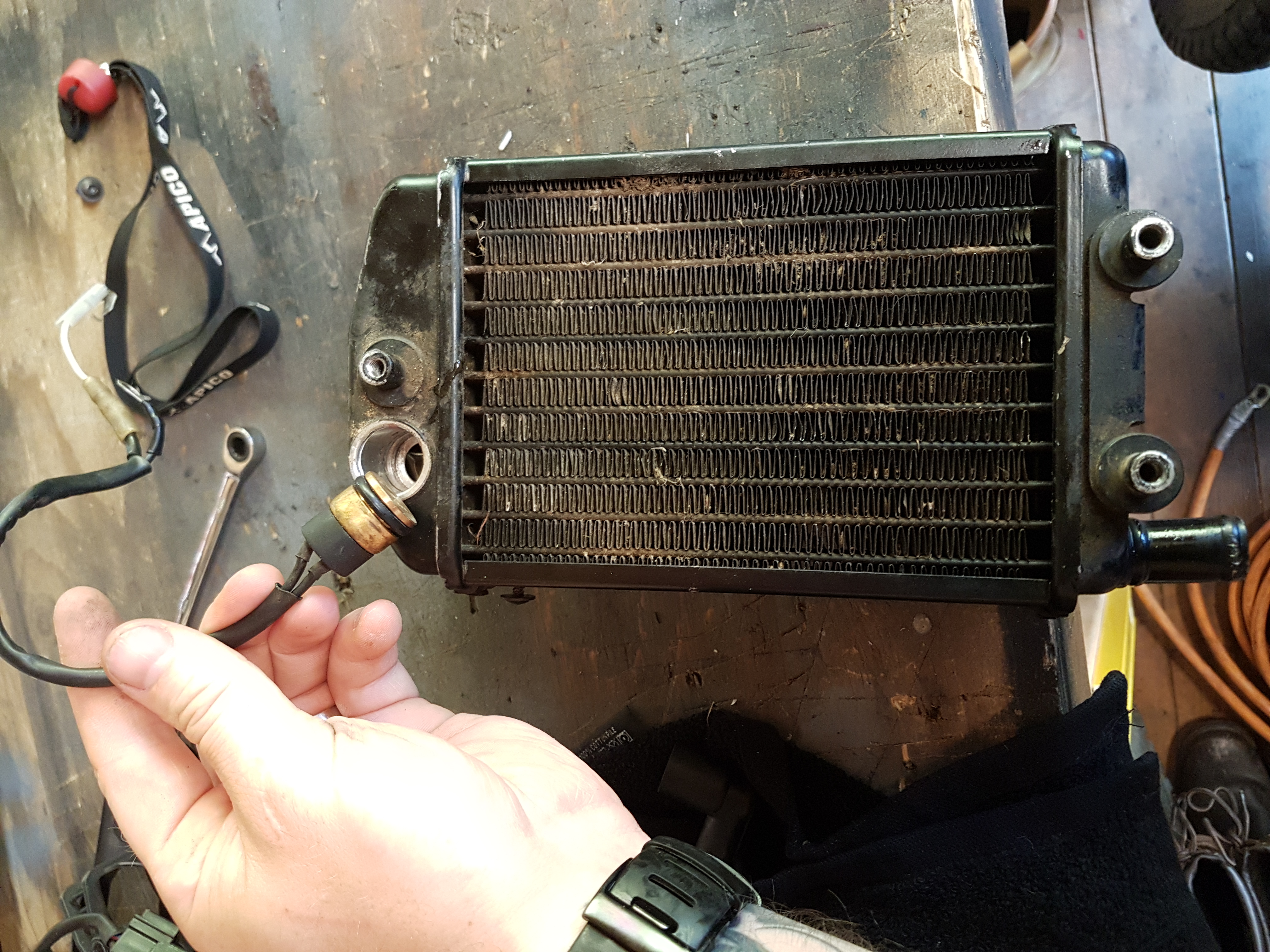
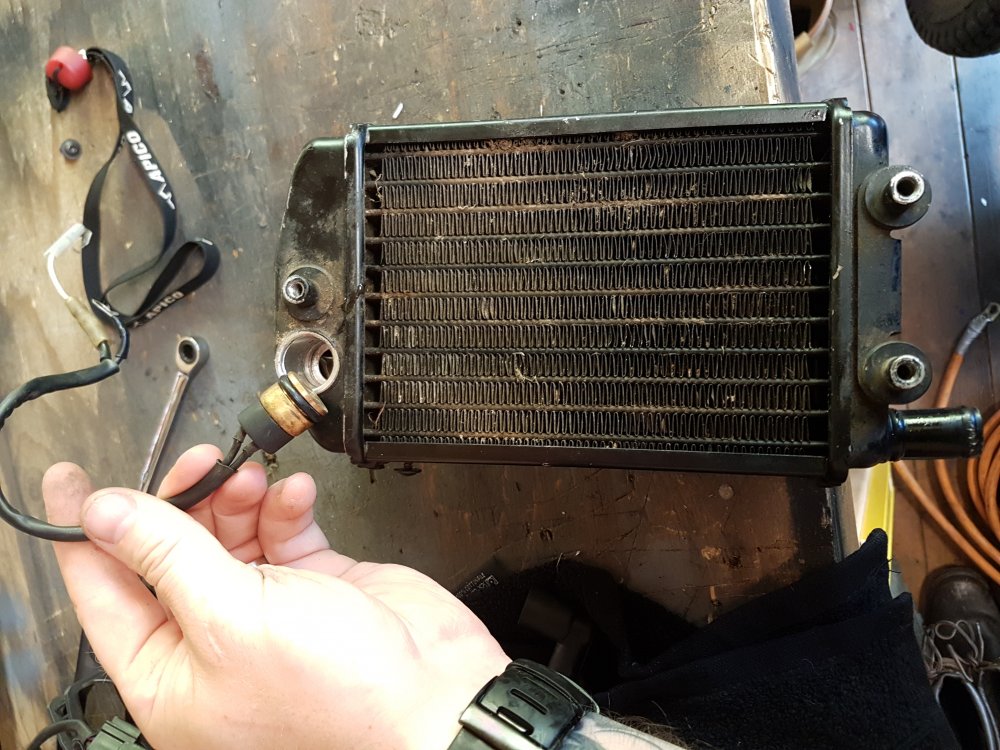
Hi guys.. correct me if im wrong but this is my thermostat yes?? My cooling fan is on from cold which it never was before. I installed a lanyard kill switch when i got the bike so removed all the headlight and associated wiring.. however the bike had been running fine for long enough.. now all of a sudden ill get going and when the bike gets hot itll just stop.. not splutter as if it were fuel related..itll just die. Ive checked and replaced the spark plug.. could it be the earth on the kill switch be no use as its shared with thr coil earth and not getting a proper connection?
-
As there is so many wires in amongst the coil I can see how easy it it to get the connection wrong. Starting to think I should have put it into a pro for this now ?, but Ill only learn the hard way. I could really use a wiring diagram of what it "Should" look like if anyone has a one!
-
Hi guys, recently I replaced the piston on my 2006 txt pro, had the barrel honed and new piston put in place. The reason for the change of piston was that I came off the bike and the throttle jammed wide open and then it went dead. On inspection the piston was KO'd and had welded bits of itself to the barrel. Moving on,, I also replaced the throttle cable too as it was linked. Since putting it back together I've kicked it over and on second kick it runs sweet as a nut. I've let it idle and give it a wee run round the garden then let it idle a bit more then all of a sudden it just cuts out. I pulled the plug out and it's wetter than an otters pocket. I dryed it then put it back in and it goes no bother. Since replacing the throttle cable could it be running too rich for some reason? I haven't touched the jets at all. Cheers