guidobetaevo300
Members
-
Joined
-
Last visited
-
in the meanwhile my dealer had contact with Beta Italia and although its no waranty anymore as a new conrod wasnt in there warehouse the'll send a new crankschaft with 50% reduction. i cross my fingers to know what the totaly cost will be ...
-
Thank you Carlos, here in Belgium it's also unknown as issue,i cross my fingers
-
of corse we'll fix it with a new bolt and new conrod, my question was either the fact that this can happen, and can happen on any model of year i am afraid so
-
Hello Peter, Thanks for this info, but do you think its normal that one of these screws come loose and start to block and dammage the engine Inside ... ? Did you ever heared about it ?
-
hello Lineaway, no nothing is worn out, everything is like new inside I did bye this bike second hand but trust the seller who owns a Beta workshop Its the first time he saw this sort of problem in his life :-(
-
it holds indeed a plastic or rubber part, the function of it i don't know exactly as the bike is still at the workshop. the workshop owner had contacted Beta factory but no news till now.
-
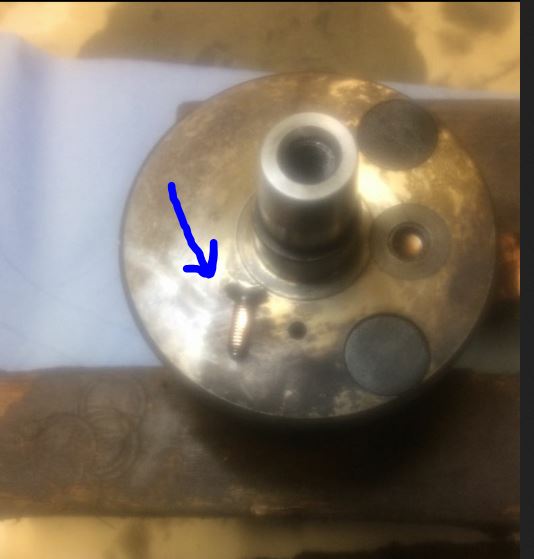
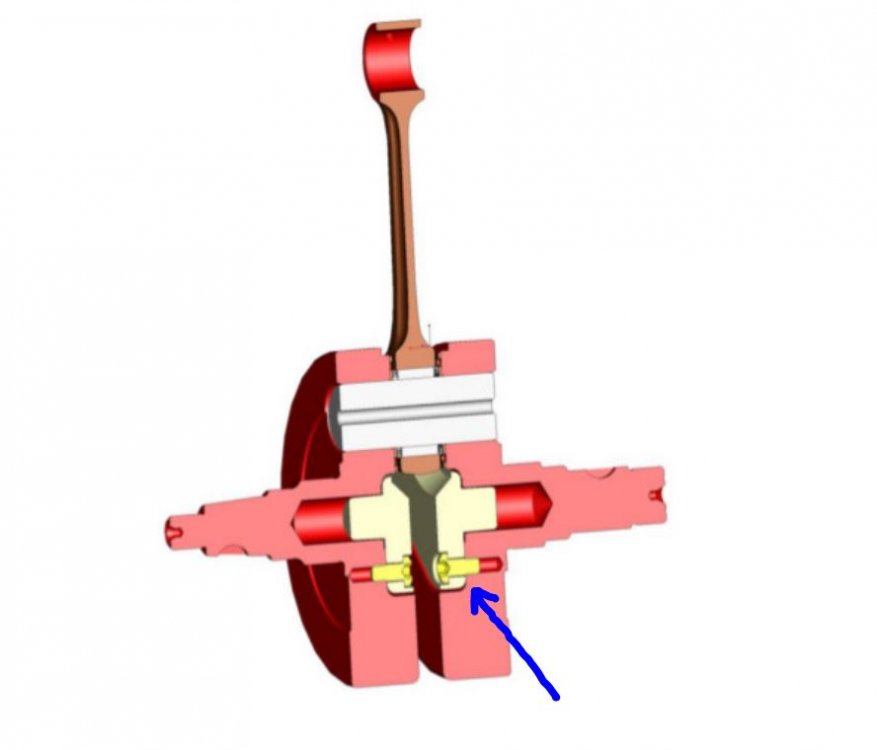
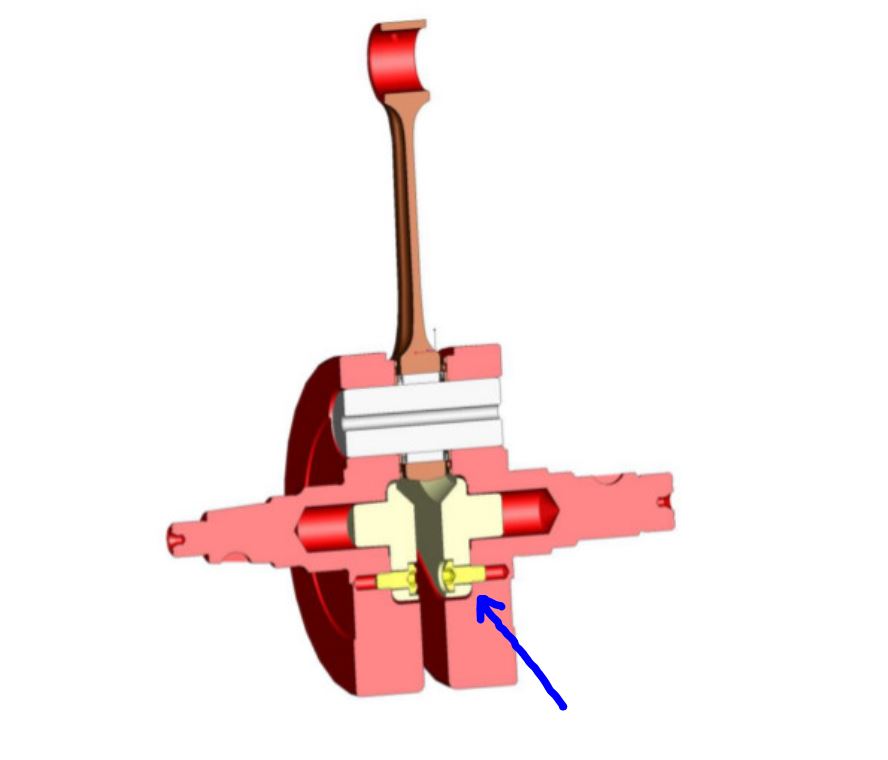
Hello, on my Beta Evo 300 2 stroke 2012 a bolt came loose and blocked my crankshaft. The bolt came out my crankshaft itself, we think a production issue, bad use of locktide product or even no locktide used while crankshaft parts were merged See picture from the bolt who came loose from the inside of crankshaft Does anyone had this problem in the past or heared about ? Thanks Guido