Skip to content
View in the app

A better way to browse. Learn more.

Trials Central

A full-screen app on your home screen with push notifications, badges and more.

To install this app on iOS and iPadOS
  1. Tap the Share icon in Safari
  2. Scroll the menu and tap Add to Home Screen.
  3. Tap Add in the top-right corner.
To install this app on Android
  1. Tap the 3-dot menu (⋮) in the top-right corner of the browser.
  2. Tap Add to Home screen or Install app.
  3. Confirm by tapping Install.

Del Boi

Members
  • Joined

  • Last visited

  1. Thanks everyone, I think I'll hang on to it & maybe find the motivation to sort it one day. it is running, brakes clutch are working good. I have already bought a new mudguard when I got the bike, I just lost interest after the illness.
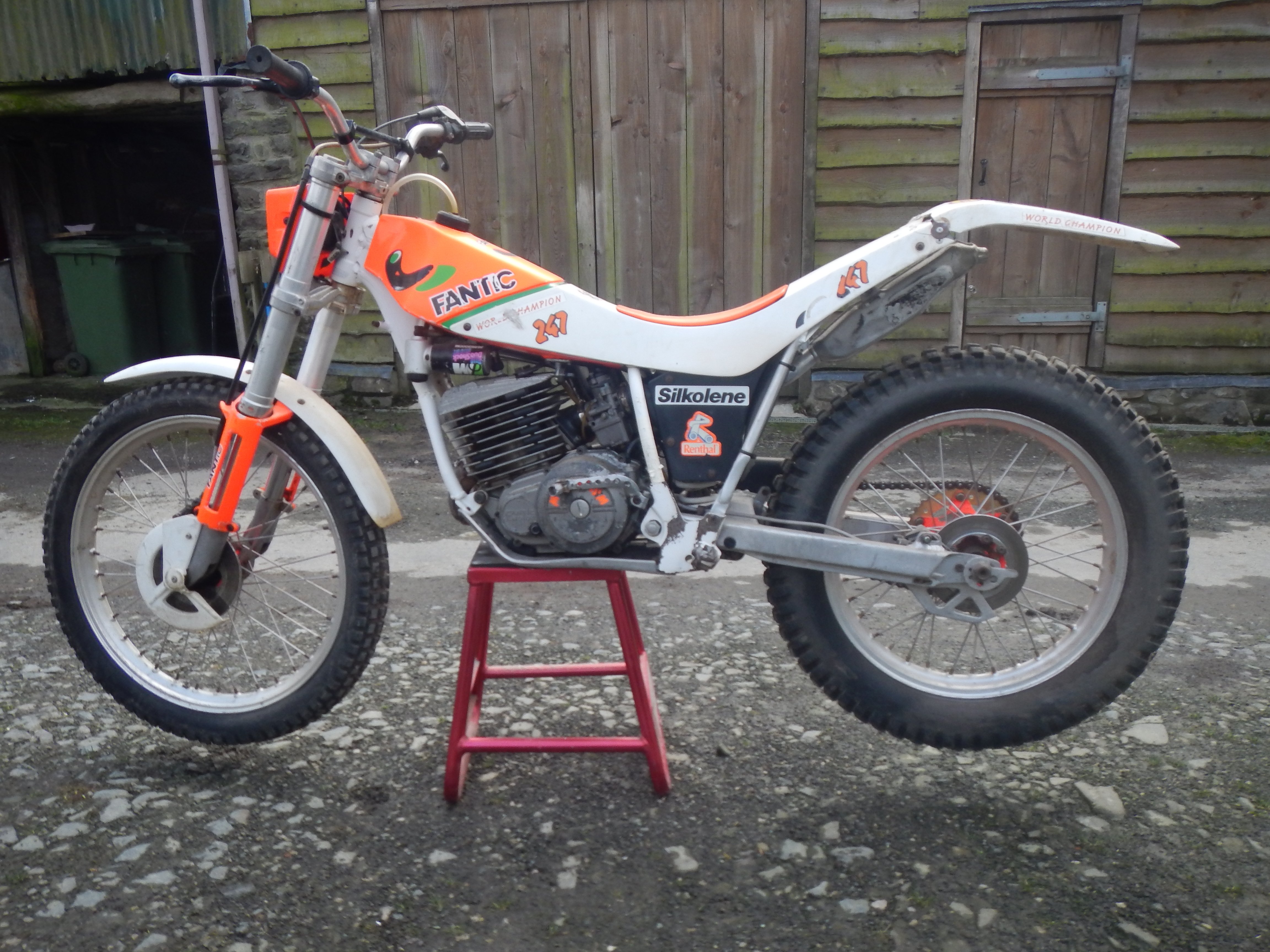
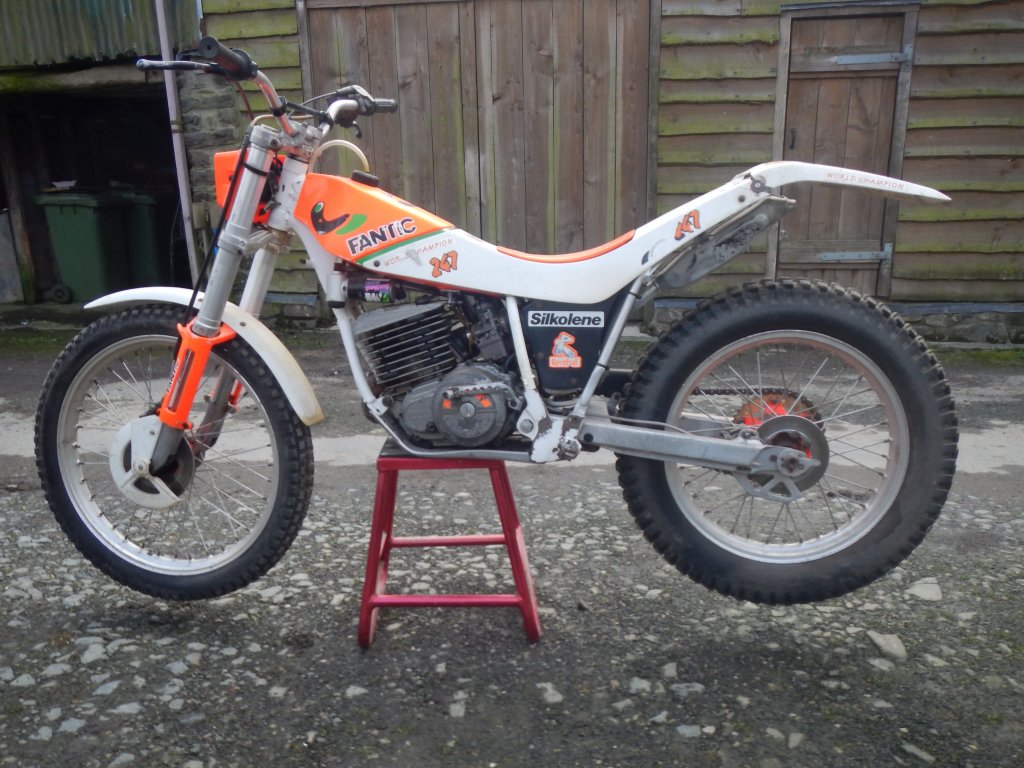
  2. Hi all, I acquired this bike with the hope of giving her a second lease of life at some point, in reality it's a bit cold in the workshop so she's sat there on her own; due to a decline in my health I've lost interest and now wanting to sell her but don't know much about the model - think it's a Champion 247 1990... Can anyone help in identifying and giving me an idea of how much to ask for her please?

Account

Navigation

Search

Search

Configure browser push notifications

Chrome (Android)
  1. Tap the lock icon next to the address bar.
  2. Tap Permissions → Notifications.
  3. Adjust your preference.
Chrome (Desktop)
  1. Click the padlock icon in the address bar.
  2. Select Site settings.
  3. Find Notifications and adjust your preference.