classicauto
Members
-
Joined
-
Last visited
-
classicauto changed their profile photo
-
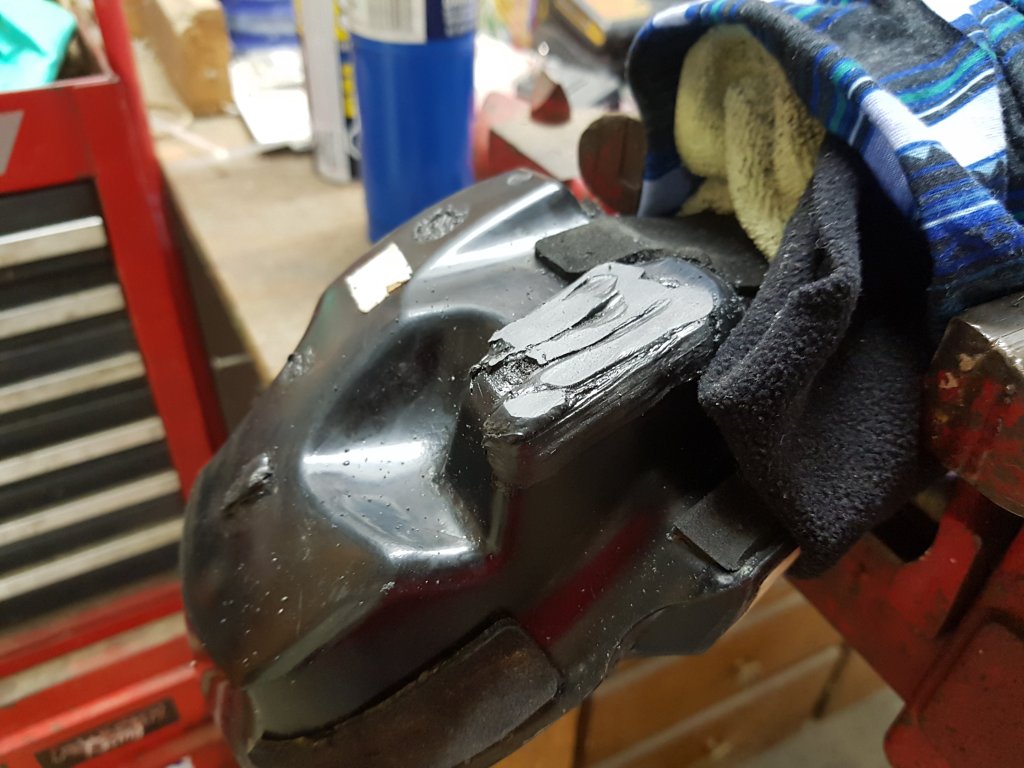
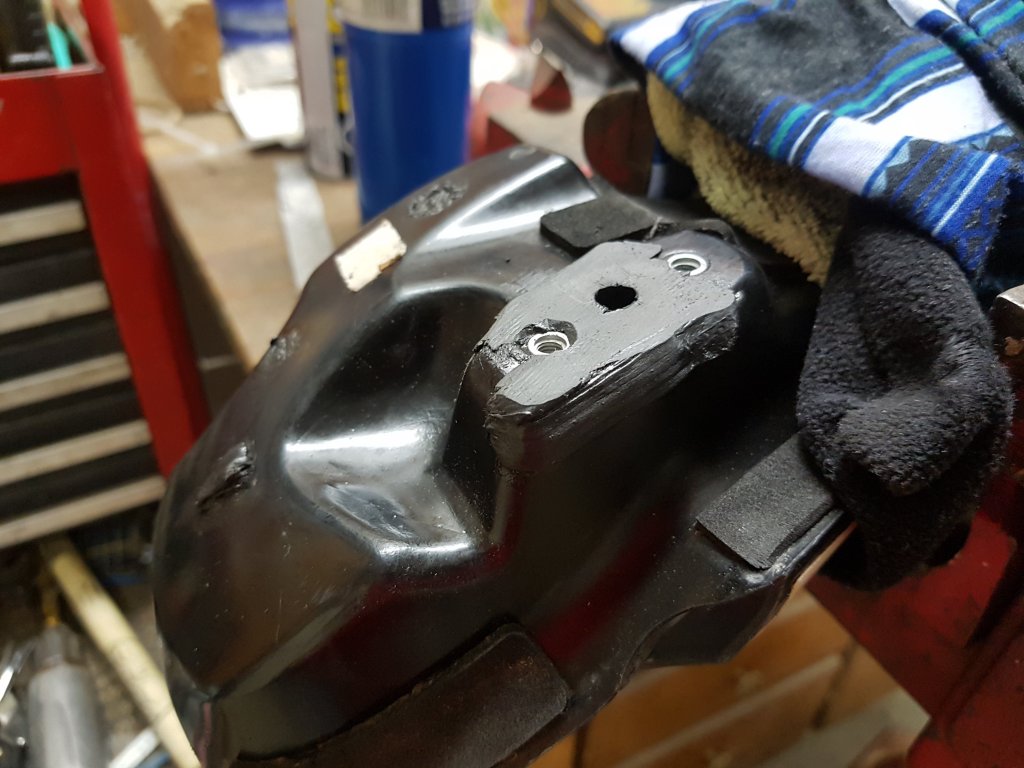
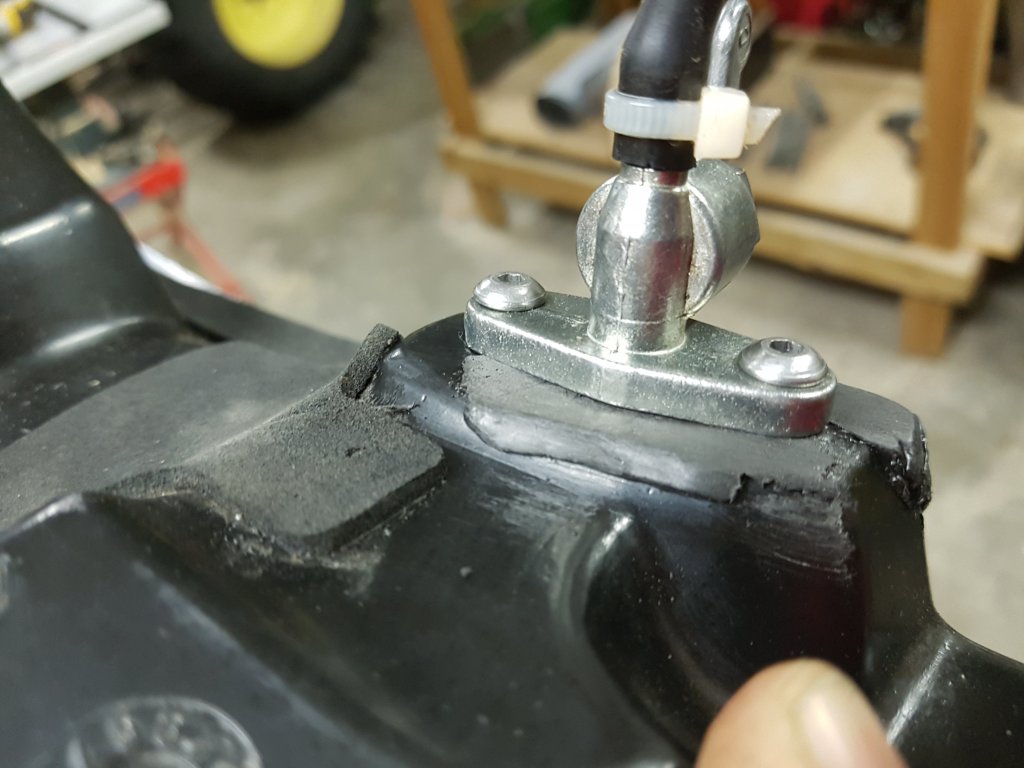
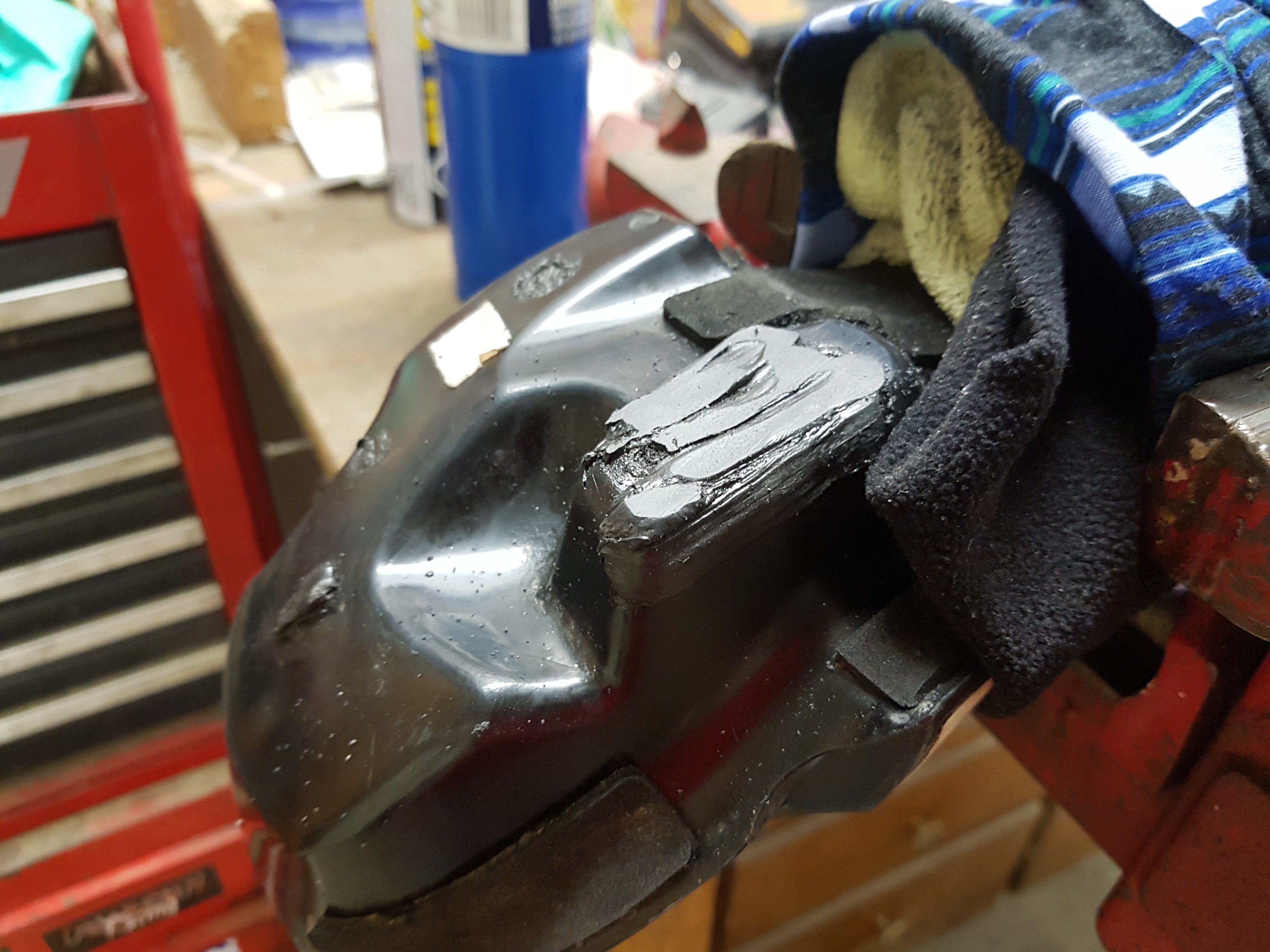
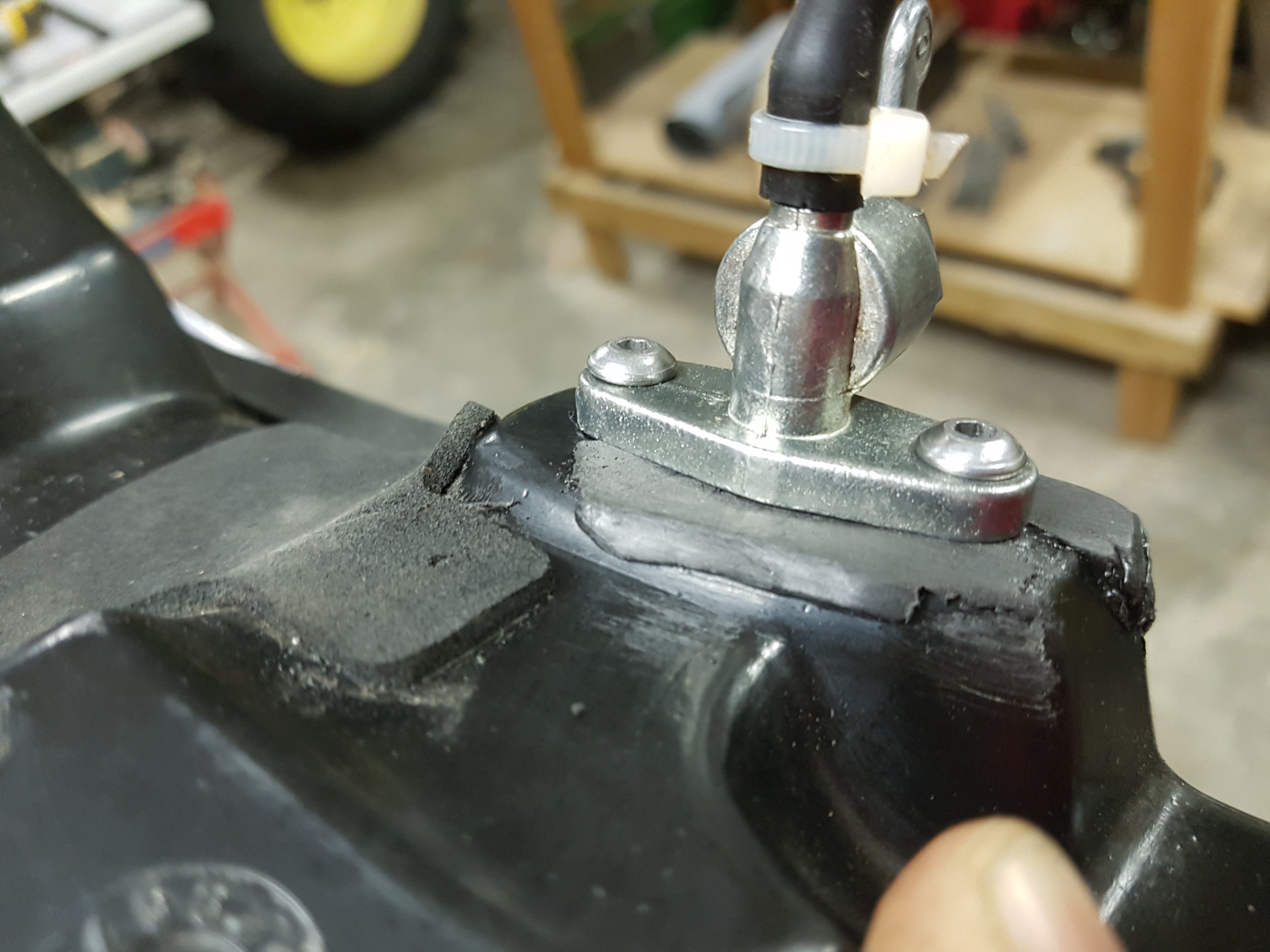
Good day gentlefolk from the world of Trials. I own a 2016 Sherco ST250 and it developed a fuel leak around the petcock flange in the summer. I tried a few different things, fitting a larger O-Ring around the factory one, replacing the O-Ring altogether with a thicker one and trying to massage the plastic to bow toward the ring instead of away from it. Nothing worked for me in a permanent sense. Being an auto body guy I am familiar with methods of plastic repair, specifically hot air welding, and had a light bulb moment involving using our hot air welder to build up, thicken and reinforce the flange area of the tank itself. I performed a few rod adhesion tests (literally just throwing different rods at it until something sticks) I found our Fiber-Flex ribbon to be the best match. Unfortunately the plastic in these tanks doesn't like a good fusion weld like typical PP plastic or even nylon. I'm not sure what it is exactly, a type of HDPE I would guess. Regardless, the material did seem to root in quite well and I managed to weld, file and refit the petcock. So far so good......but another year of bumps vibration heat and my novice abuse will tell the tale. I will update this thread if it ever becomes an issue again. Materials used: -Surface cleaner/degreaser -Stainless wire brush -Hot Air/Nitrogen Welder by Urethane Supply Company (Renamed "Polyvance") -Fiber-Flex Ribbon Part No.:R10-04-03-BK -Flat ******* file