gordh
Members
-
Joined
-
Last visited
-
https://sites.google.com/site/vpcrabtree/home/xr200 Lots of good info here on these engines and what swaps among them. I have been keeping my eyes open for an xl125s engine for the 6 speed but few come up here. About the rotor weight I am going play around with it next winter, I'll start with the riveted on ring just seems like not a lot to be gained weight wise Your bike is looking great by the way
-
Jon , have you rode your bike yet ? If so wondering what you think of adding weight to the rotor. I would like to but it just doesn't seem possible with this rotor -stator design.

-
I think it works pretty well, I was new when I bought it and had never rode a trials bike before. I have since purchased a ty 175 and use it the most but this one is a keeper
-
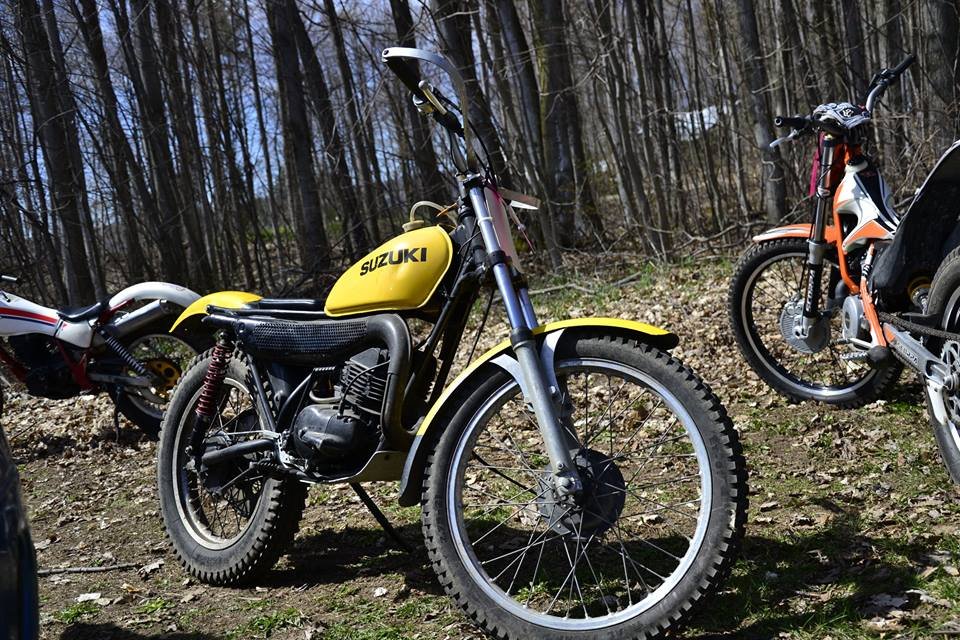
I started riding trials on this Suzuki in 2015 . The fellow I bought It from converted it from the pictured ts185.
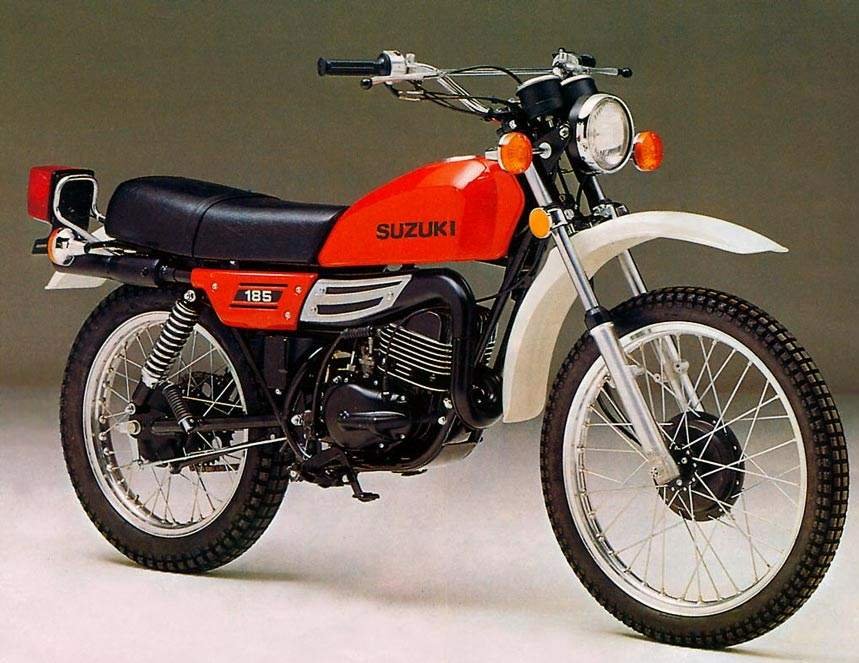
-
nice aluminum work
-
I would say you have a TLR 200 . MD09 is the correct model number for it.
-
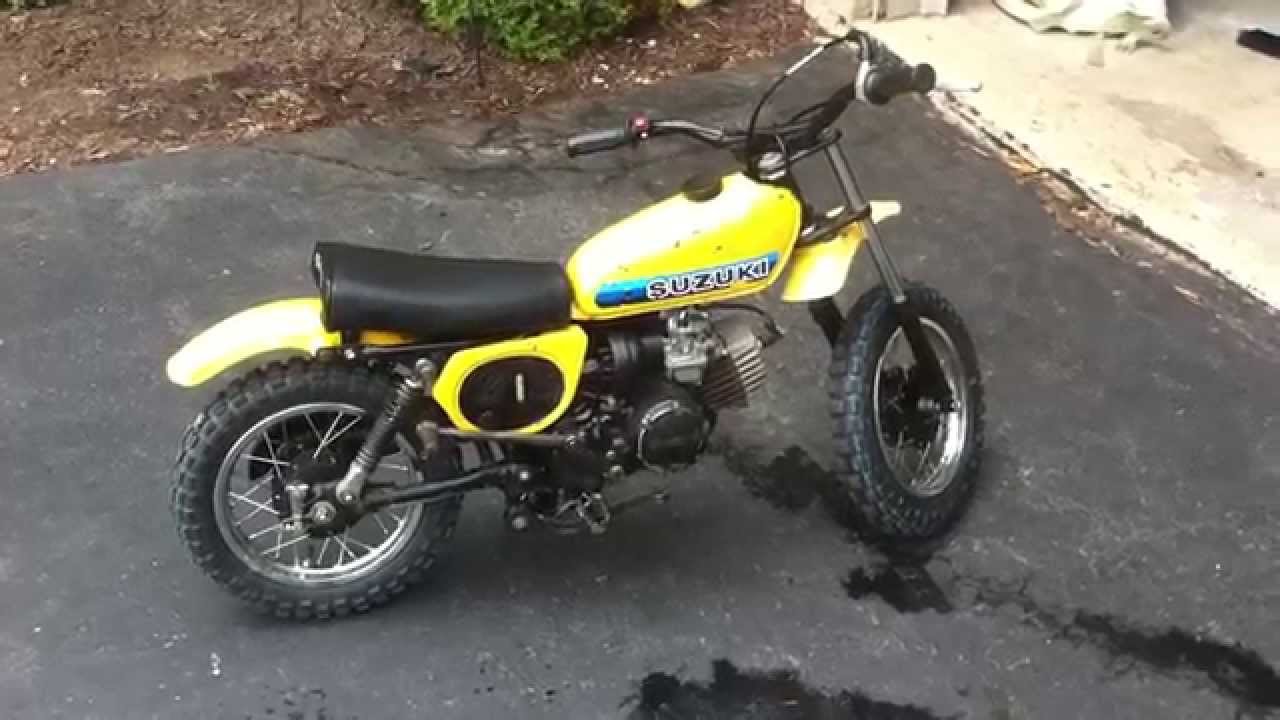
Hey Jon, the tank is from a Suzuki jr 50 ordered from e-bay, I took a bit of a chance on fit but went on pretty well. Sprockets are 12-60. Everything I did was for weight savings, the stock exhaust on these are brutes.
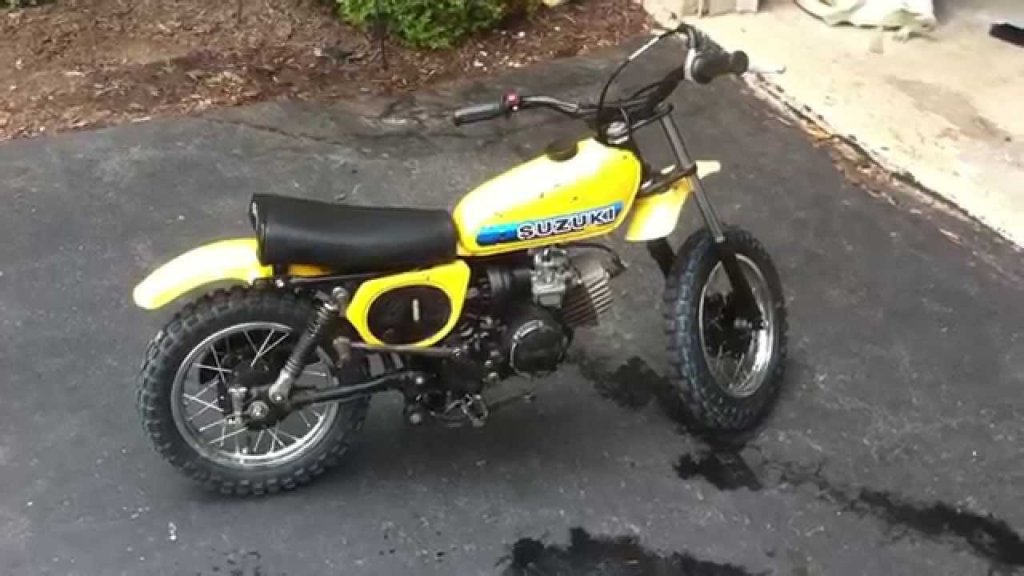
-
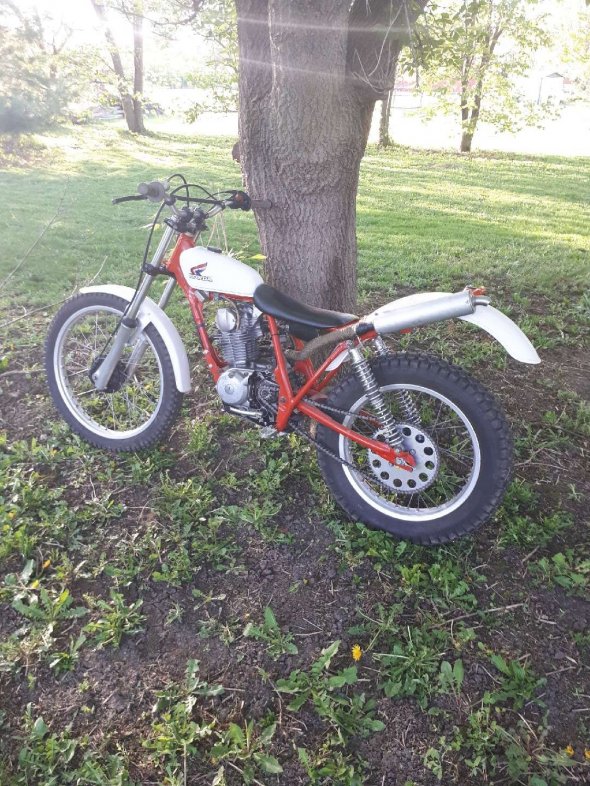
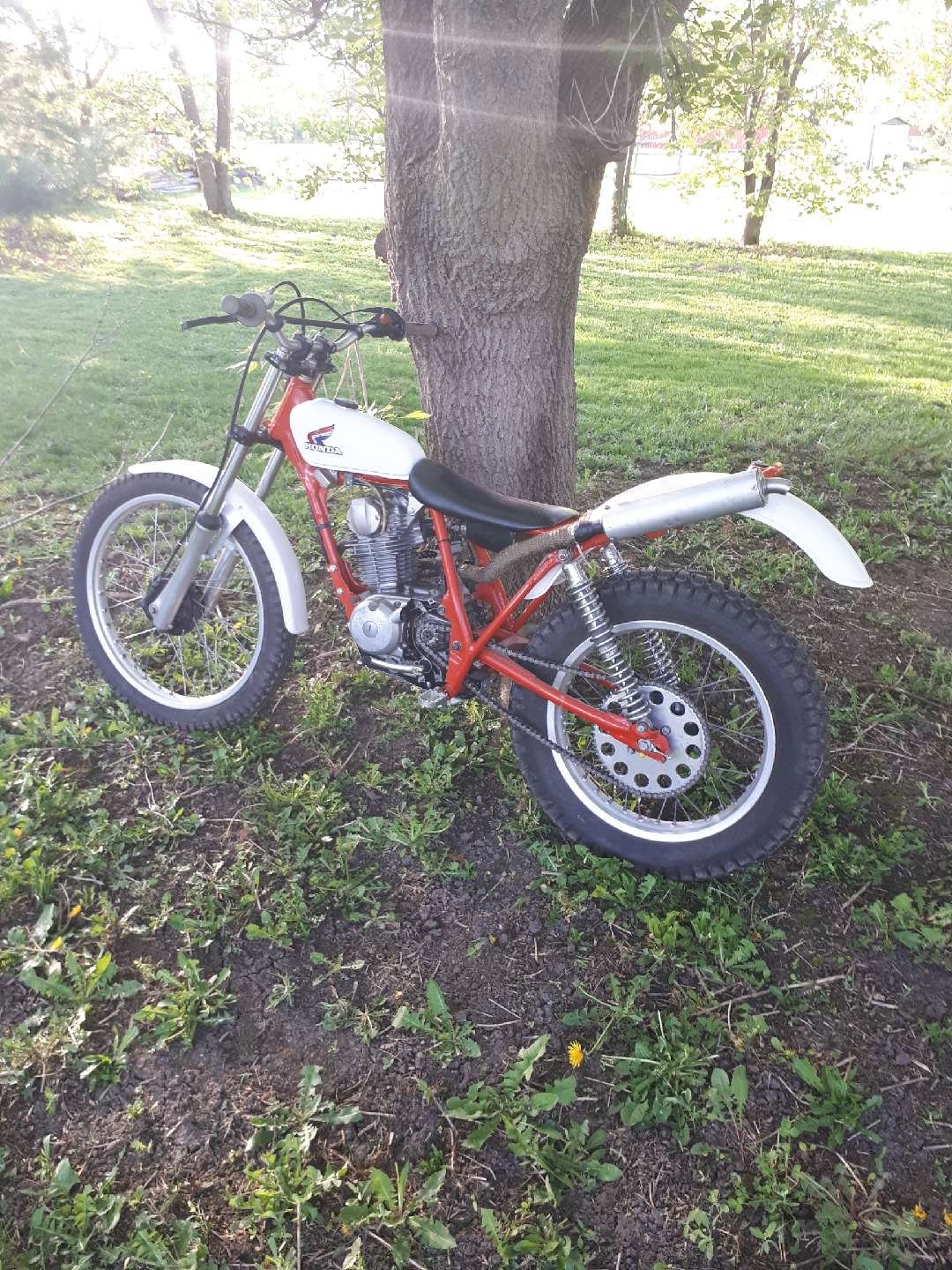
Looking forward to seeing your project progress. This is my xl185 conversion , I've added a chain tensioner since this picture