Skip to content
View in the app

A better way to browse. Learn more.

Trials Central

A full-screen app on your home screen with push notifications, badges and more.

To install this app on iOS and iPadOS
  1. Tap the Share icon in Safari
  2. Scroll the menu and tap Add to Home Screen.
  3. Tap Add in the top-right corner.
To install this app on Android
  1. Tap the 3-dot menu (⋮) in the top-right corner of the browser.
  2. Tap Add to Home screen or Install app.
  3. Confirm by tapping Install.

TheWarden

Members
  • Joined

  • Last visited

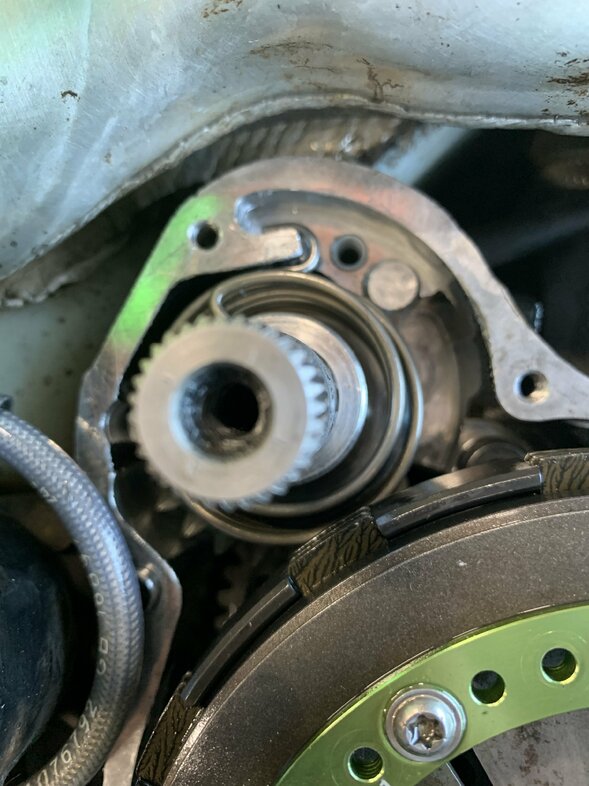
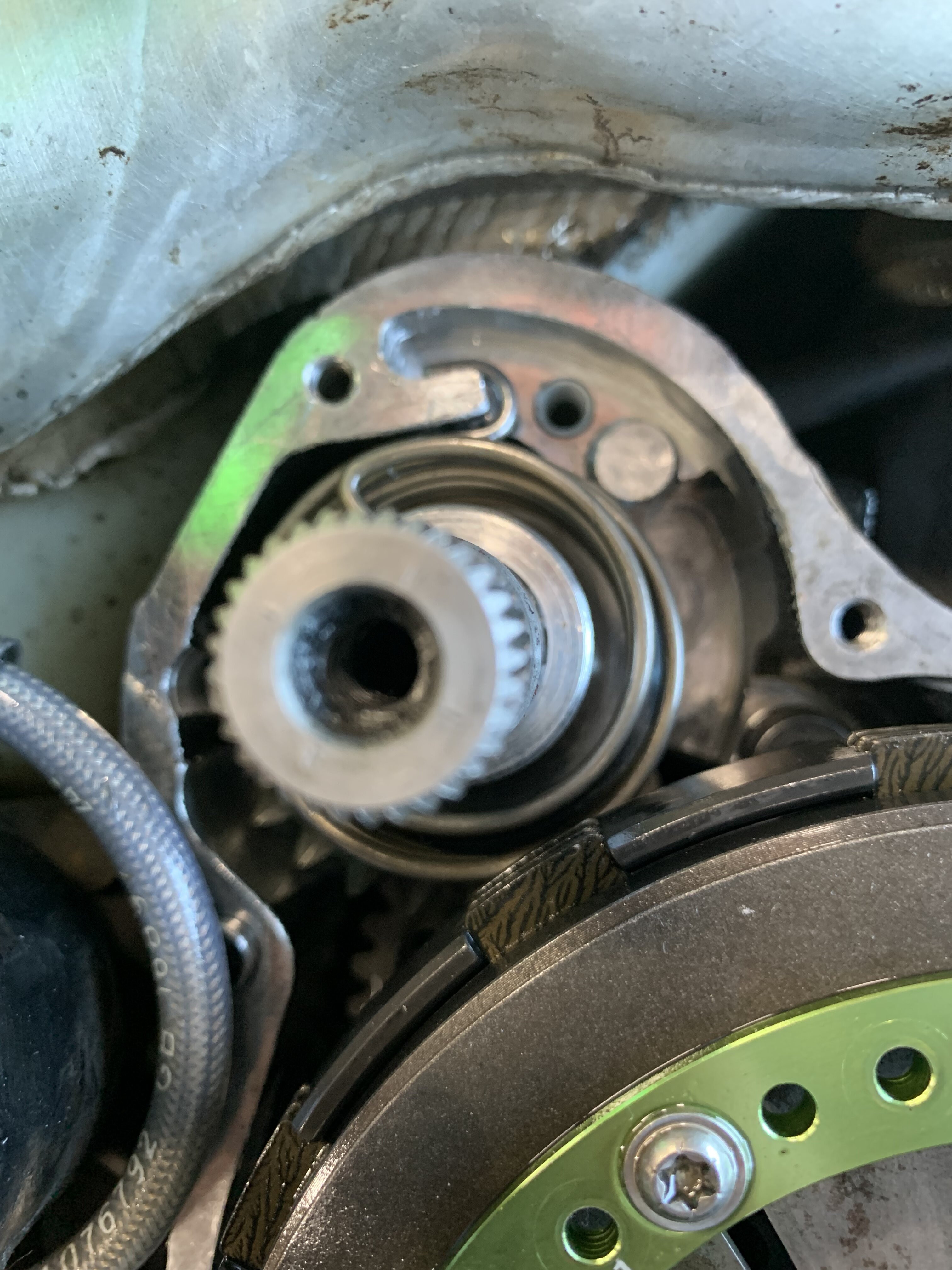
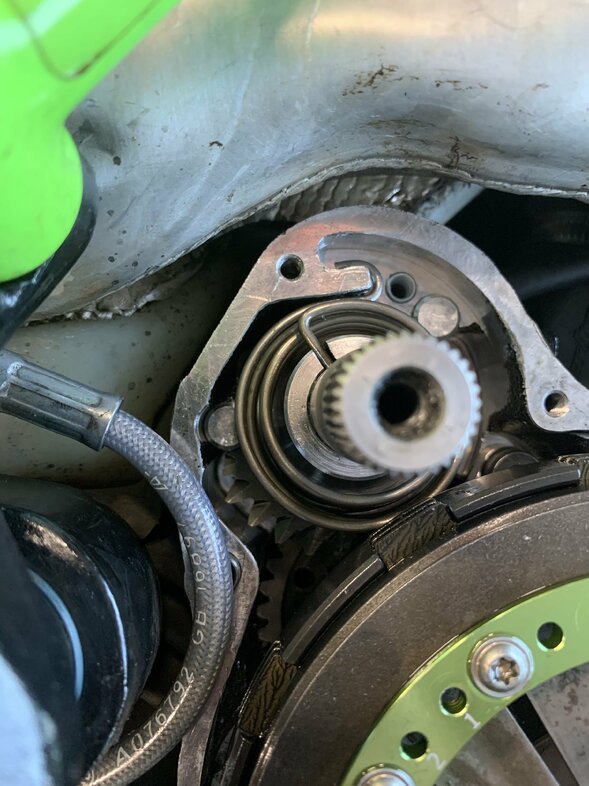
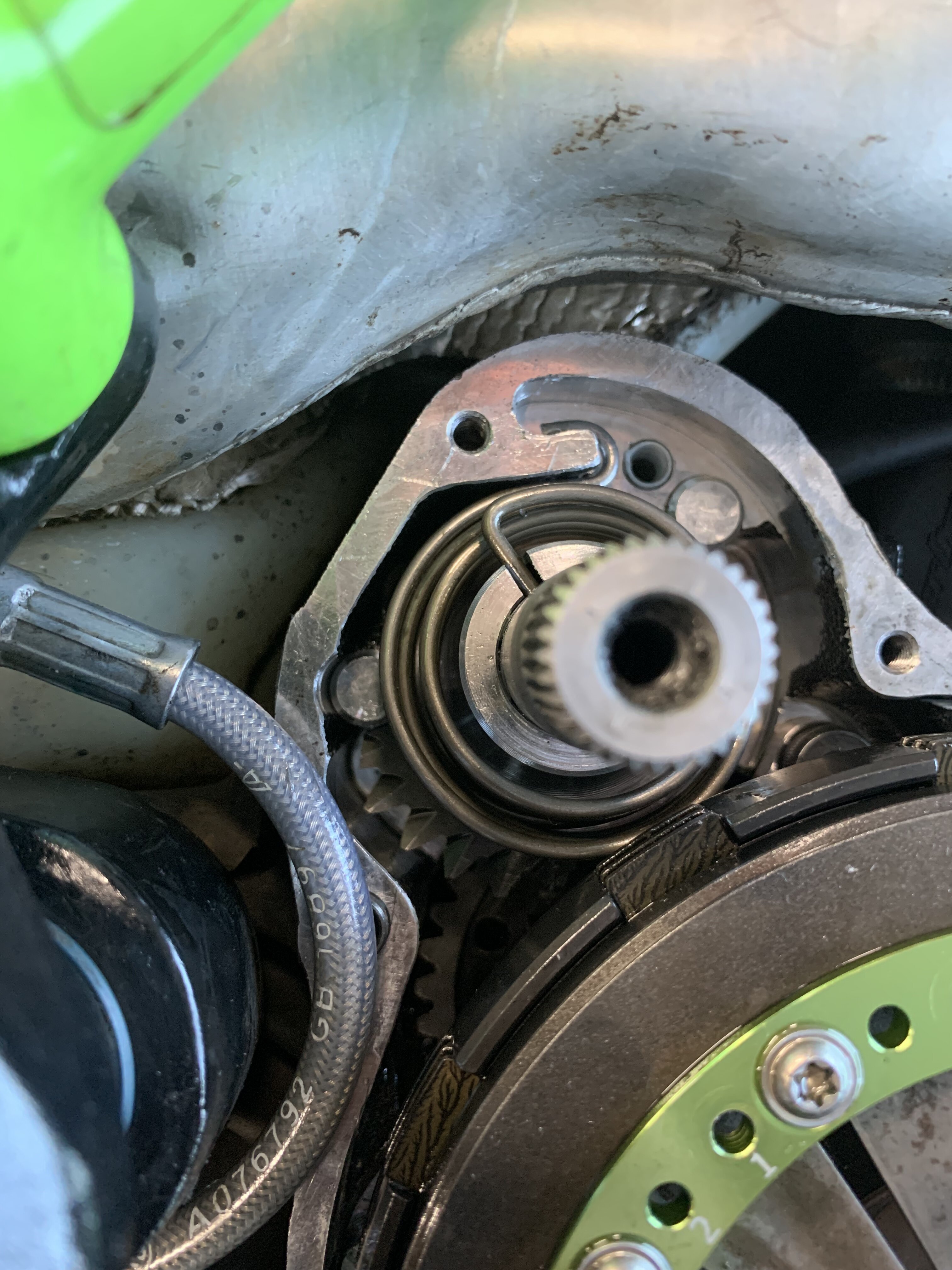
  1. I have been working on my sons 2018 R3 and having issues getting the kick starter gear reinstalled. I have no doubt the answer is right in front of me but I can’t figure it out. When I install it the Kickstarter won’t spring back. I have looked at it several times and can see how I’m installing it wrong. I have attached a few photos for someone to probably point out the obvious……maybe I’m just tired. Thank you in advance .
  2. I have the R3 250 and have it since March 15 and ride 2-3 days a week and love it. No issues at this point. I have to adjust the idle once but besides that I love the bike.😁
  3. TheWarden replied to lotus54's topic in Vertigo
    I would love to get a copy please. Cheers the12thmann@gmail.com
Account

Navigation

Search

Search

Configure browser push notifications

Chrome (Android)
  1. Tap the lock icon next to the address bar.
  2. Tap Permissions → Notifications.
  3. Adjust your preference.
Chrome (Desktop)
  1. Click the padlock icon in the address bar.
  2. Select Site settings.
  3. Find Notifications and adjust your preference.