Skip to content
View in the app

A better way to browse. Learn more.

Trials Central

A full-screen app on your home screen with push notifications, badges and more.

To install this app on iOS and iPadOS
  1. Tap the Share icon in Safari
  2. Scroll the menu and tap Add to Home Screen.
  3. Tap Add in the top-right corner.
To install this app on Android
  1. Tap the 3-dot menu (⋮) in the top-right corner of the browser.
  2. Tap Add to Home screen or Install app.
  3. Confirm by tapping Install.

David123

Members
  • Joined

  • Last visited

  1. Thanks very much for the answers, they sound very constructive and helpful. Now I just have to try them out!
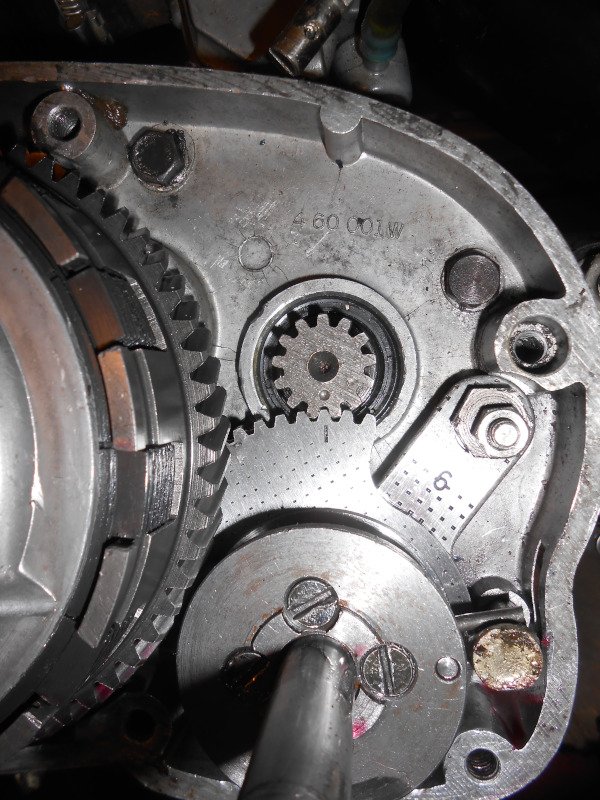
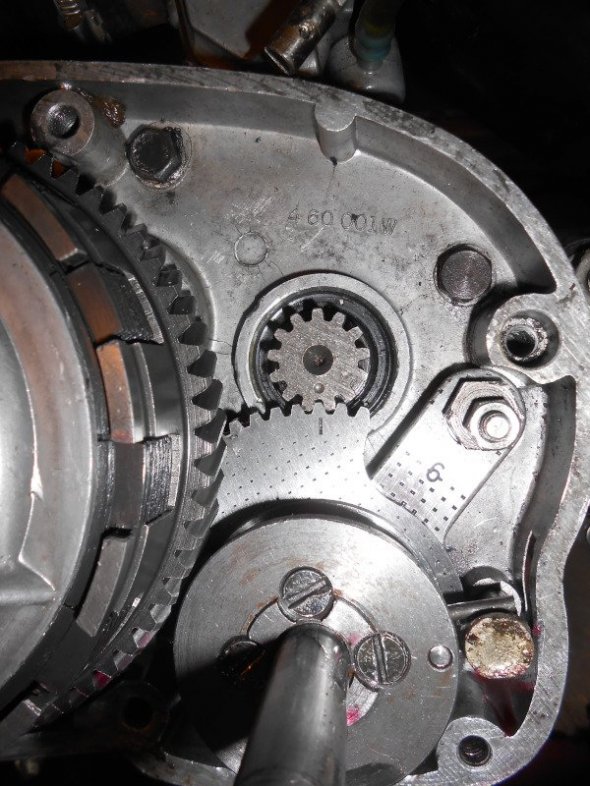
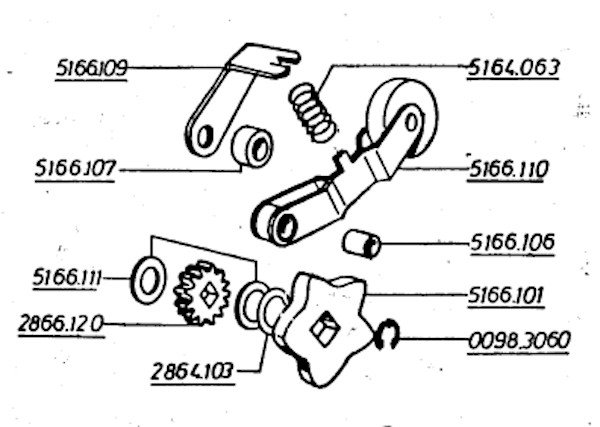
  2. Hello, I am trying to rebuild a 348 and only have a parts list, no proper manual. Before taking it to bits, the gears changed but after a mechanic friend fitted bearings and seals and clutch and reassembled, at most 1 and 2. I took the left side case off and found the situation in pic 1 The punched dot is lined up with the dash, which should be right? The parts list has parts as shown in pic 2, which were and are completely missing, and they wouldn't fit because there is no square-section fitting in the middle of the gearwheel as shown in pic 2. Can anyone help please?
Account

Navigation

Search

Search

Configure browser push notifications

Chrome (Android)
  1. Tap the lock icon next to the address bar.
  2. Tap Permissions → Notifications.
  3. Adjust your preference.
Chrome (Desktop)
  1. Click the padlock icon in the address bar.
  2. Select Site settings.
  3. Find Notifications and adjust your preference.