Skip to content
View in the app

A better way to browse. Learn more.

Trials Central

A full-screen app on your home screen with push notifications, badges and more.

To install this app on iOS and iPadOS
  1. Tap the Share icon in Safari
  2. Scroll the menu and tap Add to Home Screen.
  3. Tap Add in the top-right corner.
To install this app on Android
  1. Tap the 3-dot menu (⋮) in the top-right corner of the browser.
  2. Tap Add to Home screen or Install app.
  3. Confirm by tapping Install.

Flash1

Members
  • Joined

  • Last visited

Everything posted by Flash1

  1. Flash1 replied to Flash1's topic in OSSA
    You can load up photos here,click on add files and you will be able to upload photos
  2. Flash1 replied to Flash1's topic in OSSA
    I'm interested,What do you want for it
  3. Flash1 posted a topic in OSSA
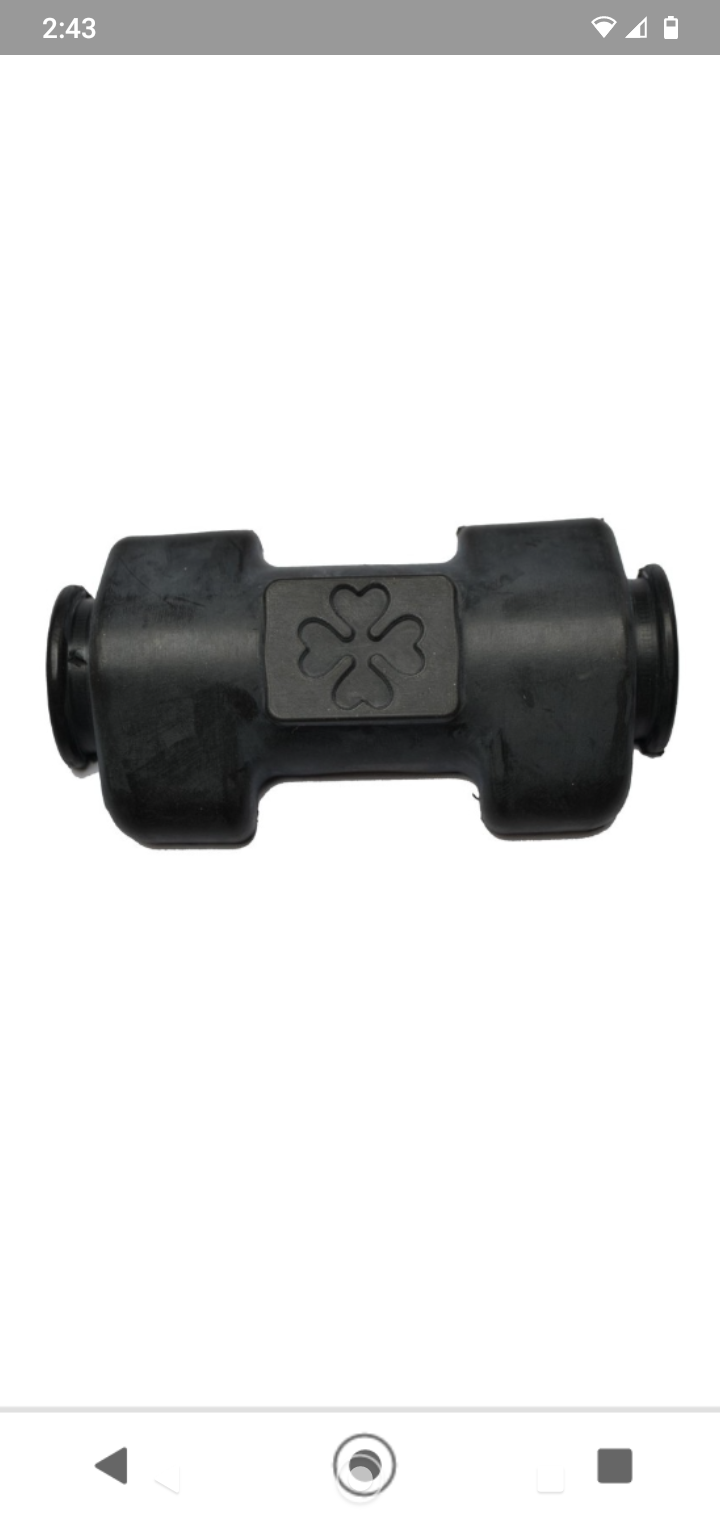
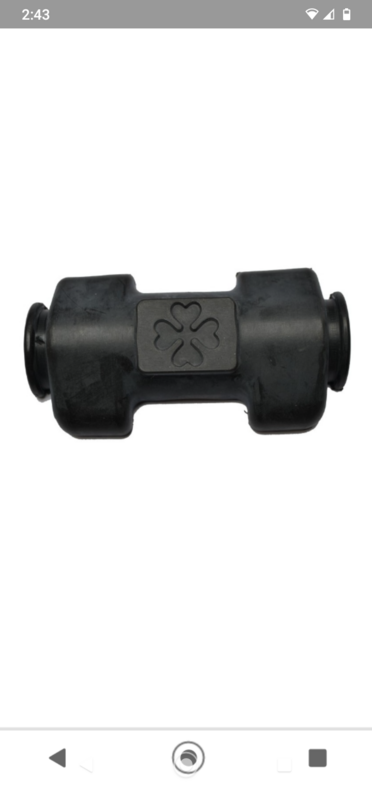
    Hi, does anyone have one of these bar pads they will sell
  4. Flash1 replied to Flash1's topic in OSSA
    Hi, I will give them a call, thanks for your reply
  5. Flash1 posted a topic in OSSA
    Hi, does anyone know where I can get the k-scan software and lead for my Ossa TR280i.
  6. Flash1 posted a topic in OSSA
    K scan any one
  7. Flash1 posted a topic in OSSA
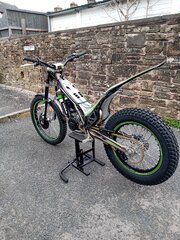
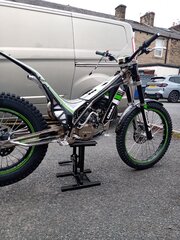
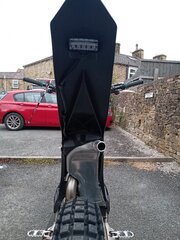
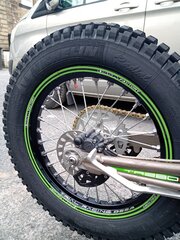
    Ossa tr280i
  8. Thanks for your help it's much appreciated,I will keep looking for one I'm sure one will turn up I'm not in a rush.thanks again
  9. Yes your right it's sold, I will keep on looking thanks
  10. Thanks Andy, I will contact him
  11. Hi, I'm looking for a ossa Tri 280 or 300 does anyone know where one is for sale must be in excellent condition, I'm in Lancashire in the UK
Account

Navigation

Search

Search

Configure browser push notifications

Chrome (Android)
  1. Tap the lock icon next to the address bar.
  2. Tap Permissions → Notifications.
  3. Adjust your preference.
Chrome (Desktop)
  1. Click the padlock icon in the address bar.
  2. Select Site settings.
  3. Find Notifications and adjust your preference.