Skip to content
View in the app

A better way to browse. Learn more.

Trials Central

A full-screen app on your home screen with push notifications, badges and more.

To install this app on iOS and iPadOS
  1. Tap the Share icon in Safari
  2. Scroll the menu and tap Add to Home Screen.
  3. Tap Add in the top-right corner.
To install this app on Android
  1. Tap the 3-dot menu (⋮) in the top-right corner of the browser.
  2. Tap Add to Home screen or Install app.
  3. Confirm by tapping Install.

Melbutcher

Members
  • Joined

  • Last visited

  1. Melbutcher replied to Ninja's topic in Bultaco
    Thank you Doug. Some priceless information here, I’m going to print it off and save it for myself. I did put it all back together with 5 drive and 5 driven plates and lo and behold it runs around the yard beautifully, Mel.
  2. Melbutcher replied to Ninja's topic in Bultaco
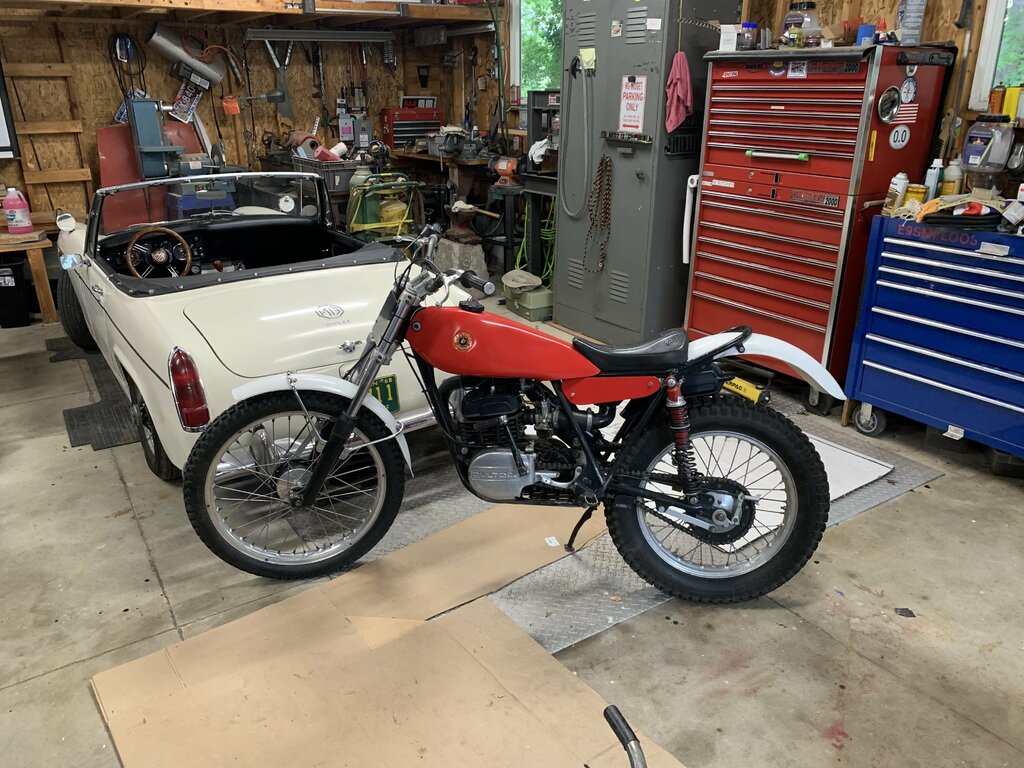
    Doug, maybe a diagram of the clutch and mechanism would help especially with part numbers. My engine number is JM-199**** thanks for offering. Mel. this is her.
  3. Melbutcher replied to Ninja's topic in Bultaco
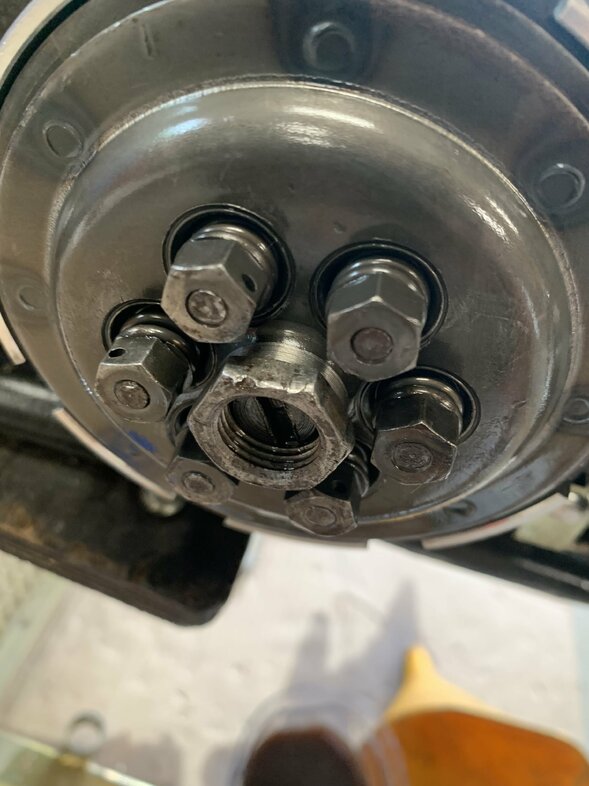
    Thanks for getting back bullylover, last night I put it back with 5&5, I didn’t have time to finish it but I’ll let you know what happens. It definitely looks better and feels good.
  4. Melbutcher replied to Ninja's topic in Bultaco
    Thanks for the advice, I’ll open it up further and let you know what I find, how many plates should it have? I counted 6 and 6.
  5. Melbutcher replied to Ninja's topic in Bultaco
    Right now it seems like I have the same issue, I was wondering if you resolved it.
Account

Navigation

Search

Search

Configure browser push notifications

Chrome (Android)
  1. Tap the lock icon next to the address bar.
  2. Tap Permissions → Notifications.
  3. Adjust your preference.
Chrome (Desktop)
  1. Click the padlock icon in the address bar.
  2. Select Site settings.
  3. Find Notifications and adjust your preference.