Skip to content
View in the app

A better way to browse. Learn more.

Trials Central

A full-screen app on your home screen with push notifications, badges and more.

To install this app on iOS and iPadOS
  1. Tap the Share icon in Safari
  2. Scroll the menu and tap Add to Home Screen.
  3. Tap Add in the top-right corner.
To install this app on Android
  1. Tap the 3-dot menu (⋮) in the top-right corner of the browser.
  2. Tap Add to Home screen or Install app.
  3. Confirm by tapping Install.

svobodna

Members
  • Joined

  • Last visited

Everything posted by svobodna

  1. I think I was not specific enough in my question. The order of the clutch plates is not a problem. Factory has two special steel discs with an edge, and I don't know on which side the edge goes, towards the cover or inside.
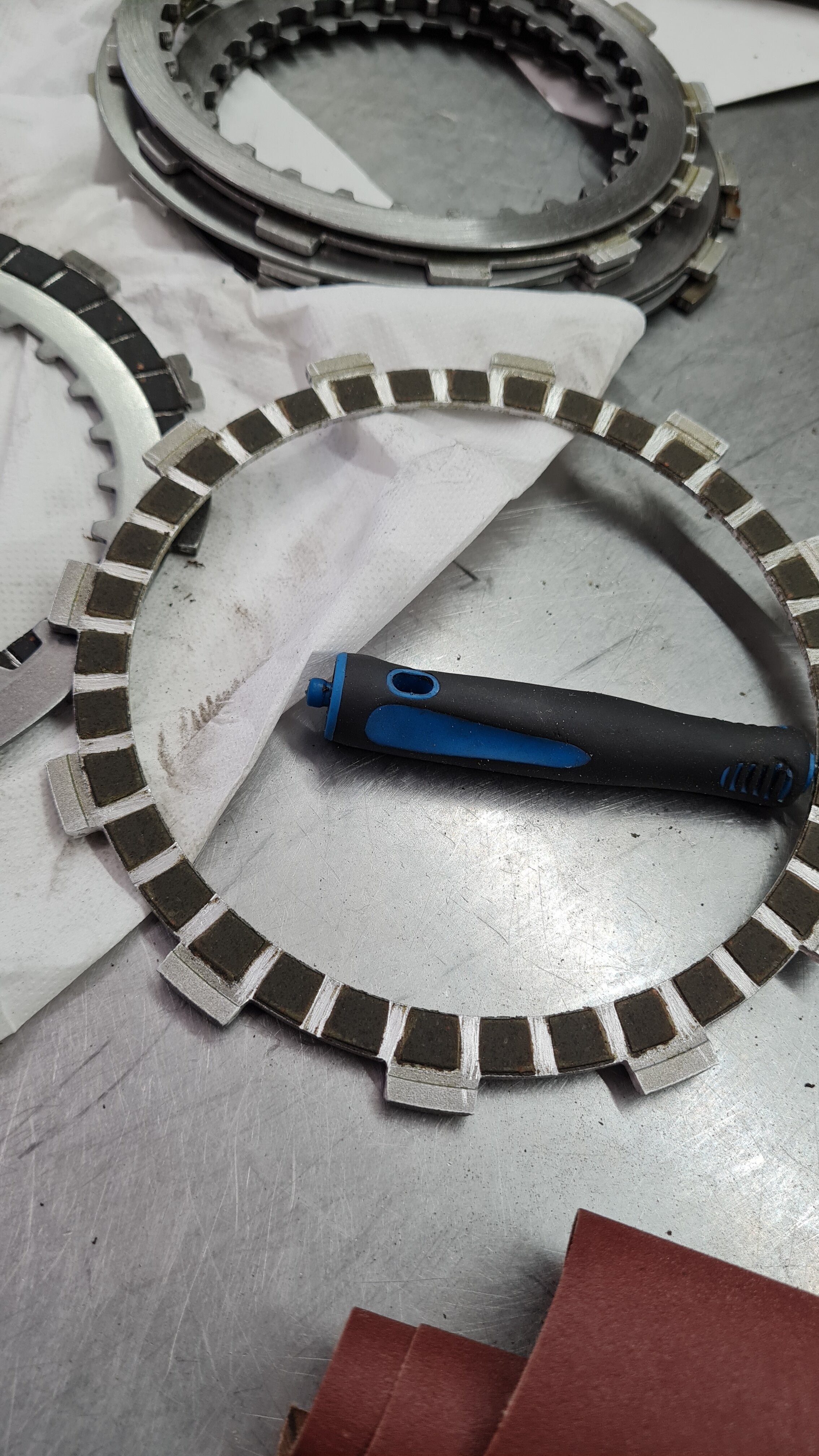
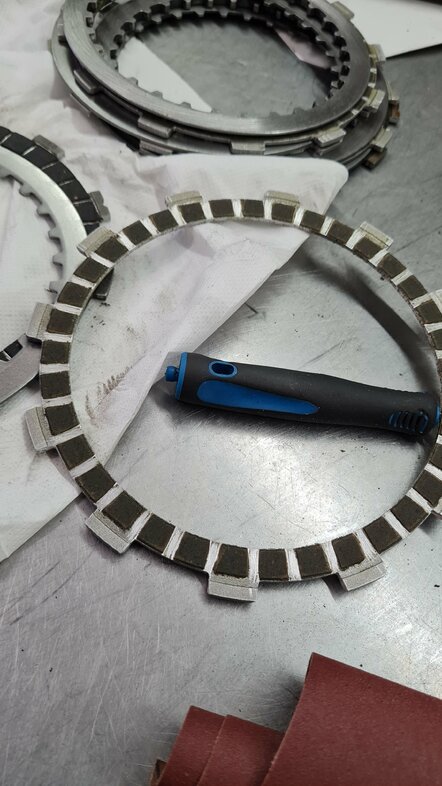
  2. Can someone please upload or send me a link to this pdf how to configure the factory clutch? I took the clutch apart on my 2022 Factory 125 Evo to clean all the glue and dremel the edges of the tabs: I've put the plates + steel discs in the order they were installed in a box, but my kiddo knocked them down, and I can't find anywhere how the edges of the two special steel plates with an edge 8(that are only in factory edition) should be turned: inside or outside. Any help would be appreciated.

Account

Navigation

Search

Search

Configure browser push notifications

Chrome (Android)
  1. Tap the lock icon next to the address bar.
  2. Tap Permissions → Notifications.
  3. Adjust your preference.
Chrome (Desktop)
  1. Click the padlock icon in the address bar.
  2. Select Site settings.
  3. Find Notifications and adjust your preference.