Farcinsen
Members
-
Joined
-
Last visited
-
I bought the Grib last year at a black friday offer. Chose Grib mostly because it was sent from a country inside EU. But it is a beauty! And my bike haven't run this good ever. I know some will say that you loose some power in the bottom end. I haven't felt this at all. But I'm probably not the best too say either. Looks da.. good and is probably 1/4 of the weight. Do it! As an early Christmas present
-
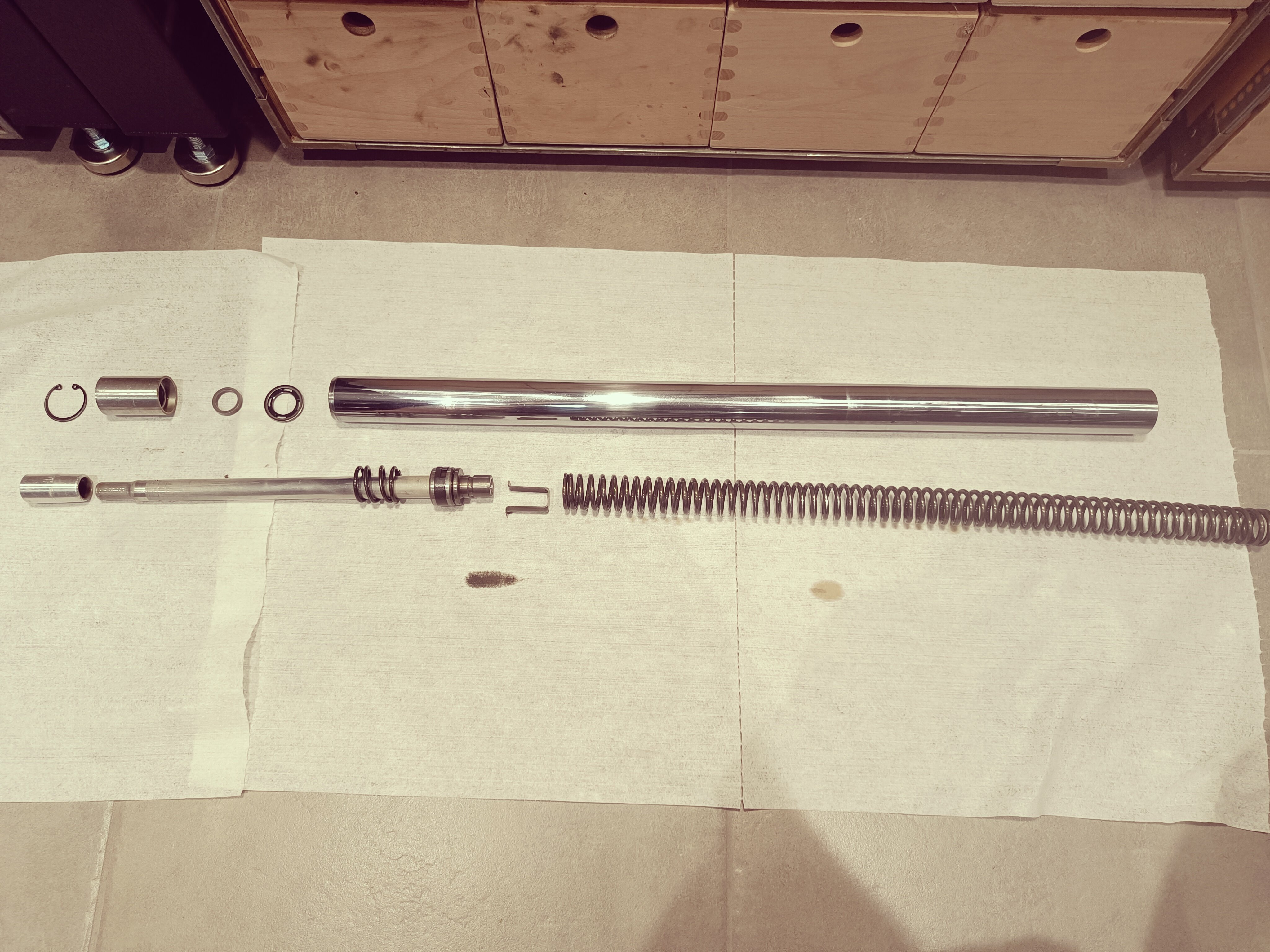
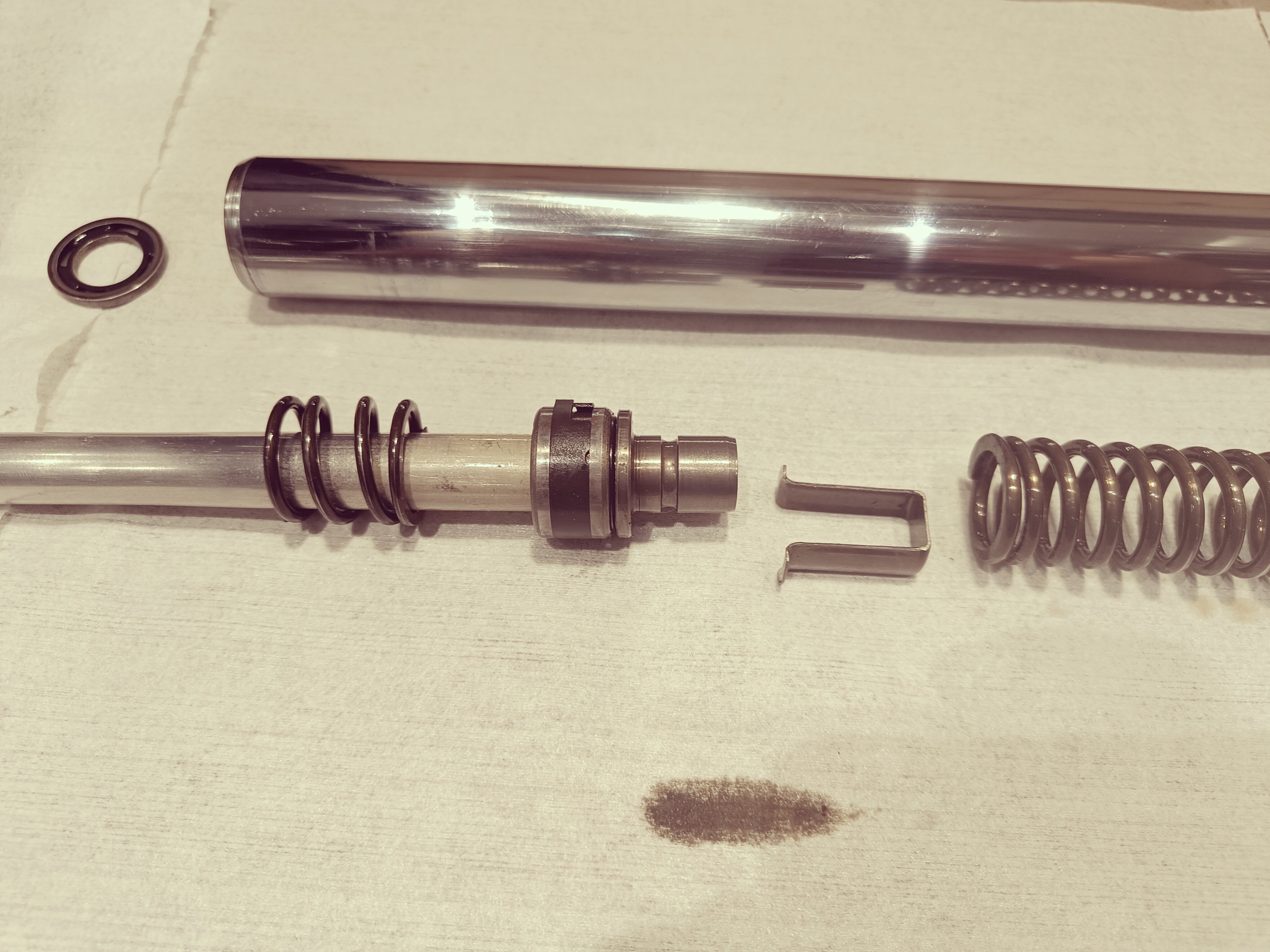
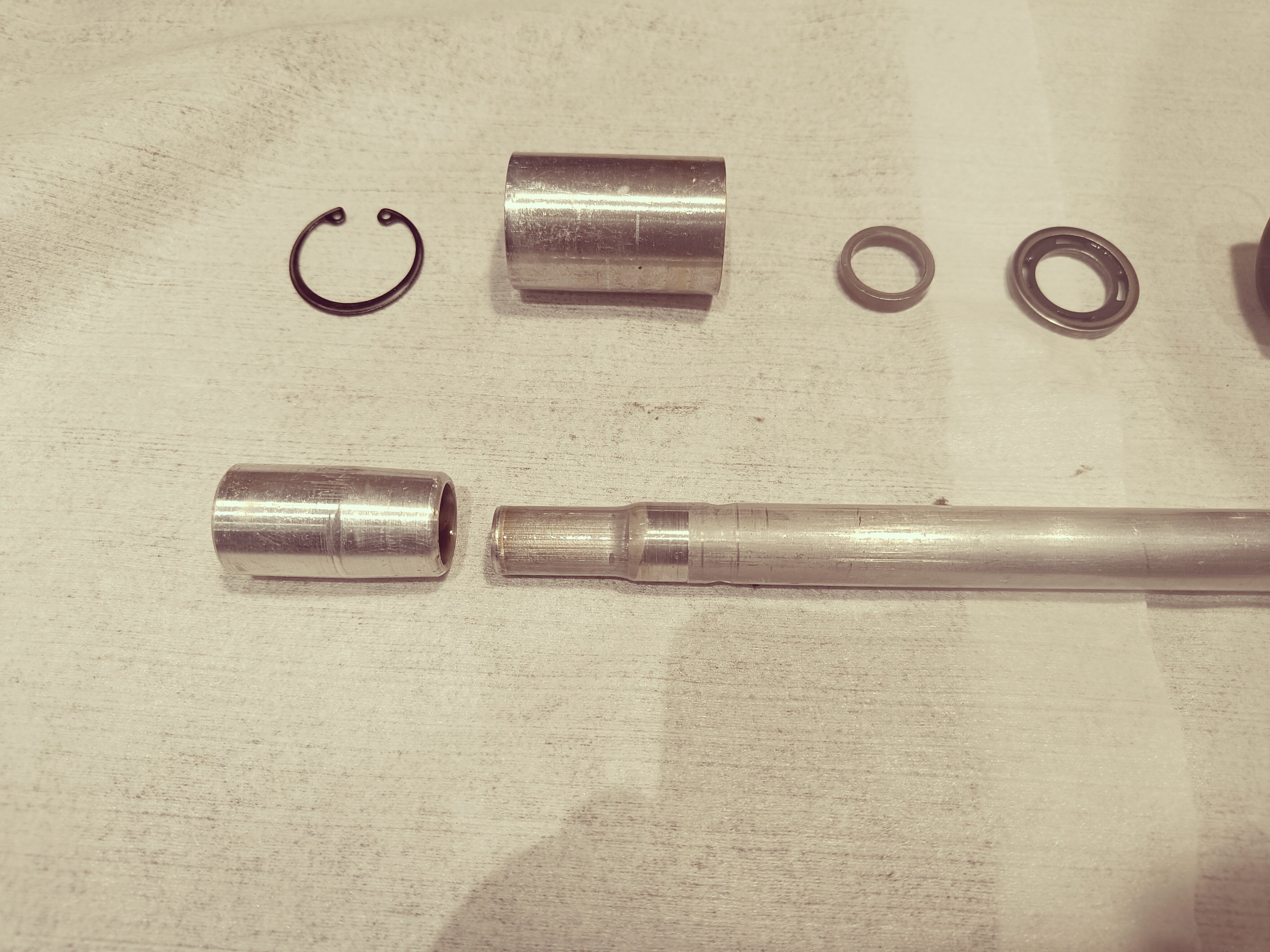
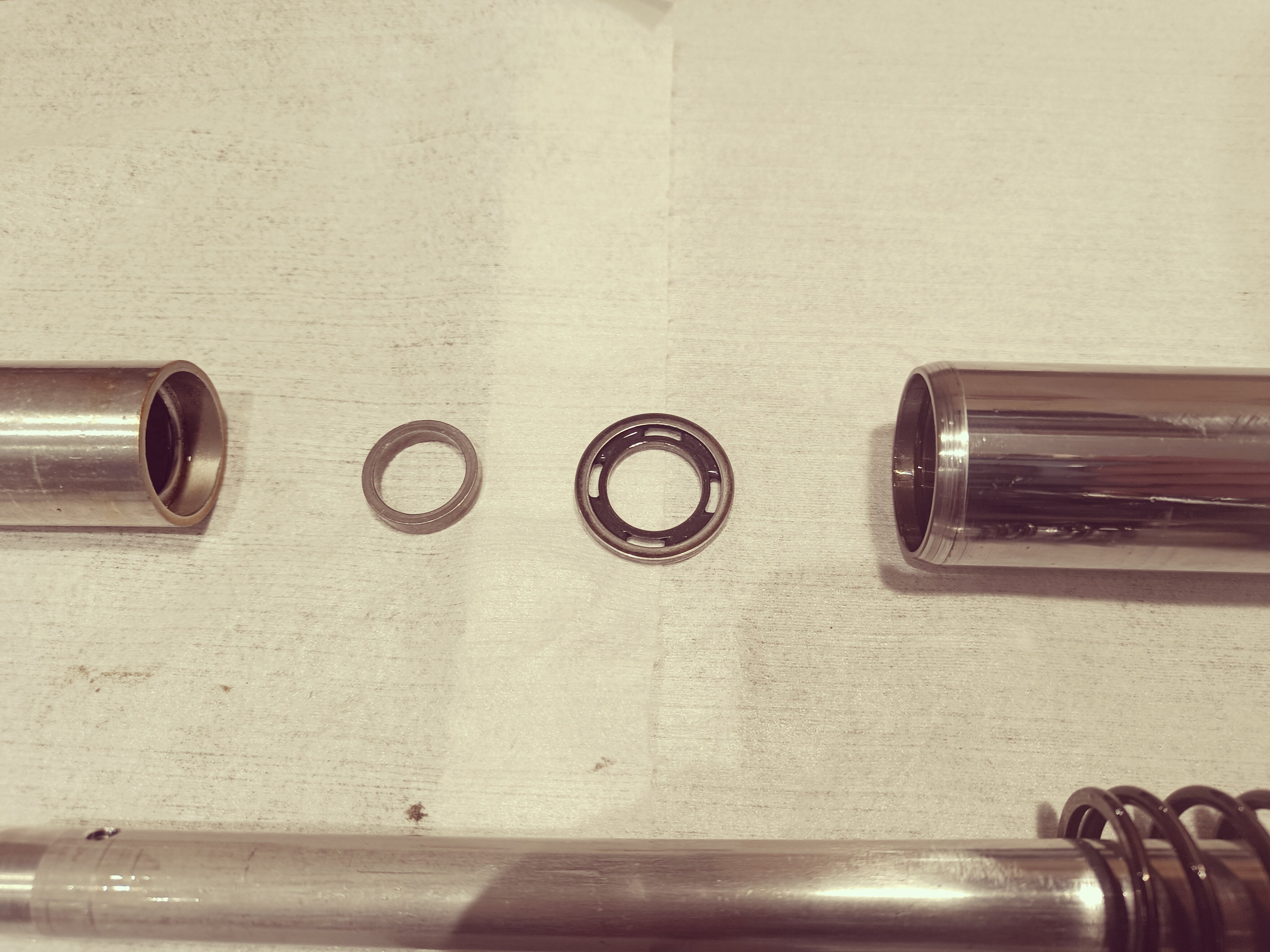
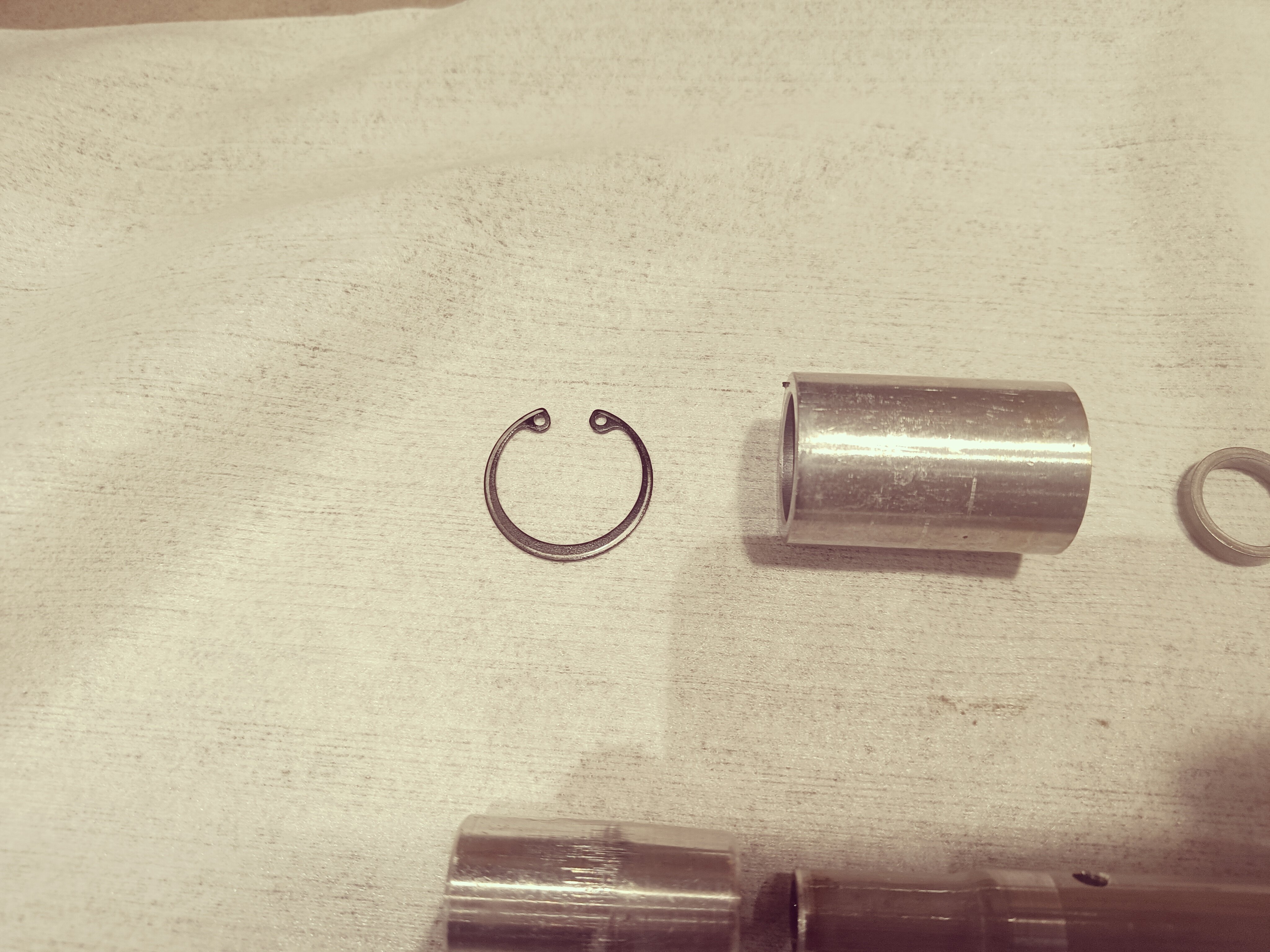
Thanks for your reply. Now it's all cleaned and ready to be assembled again.
-
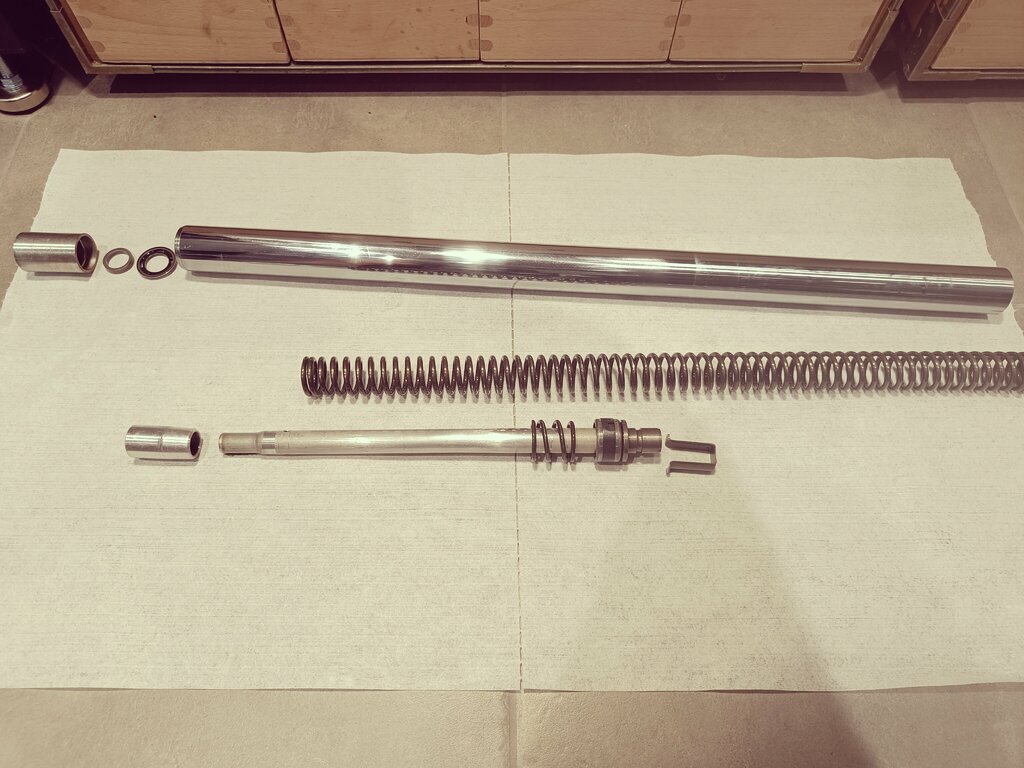
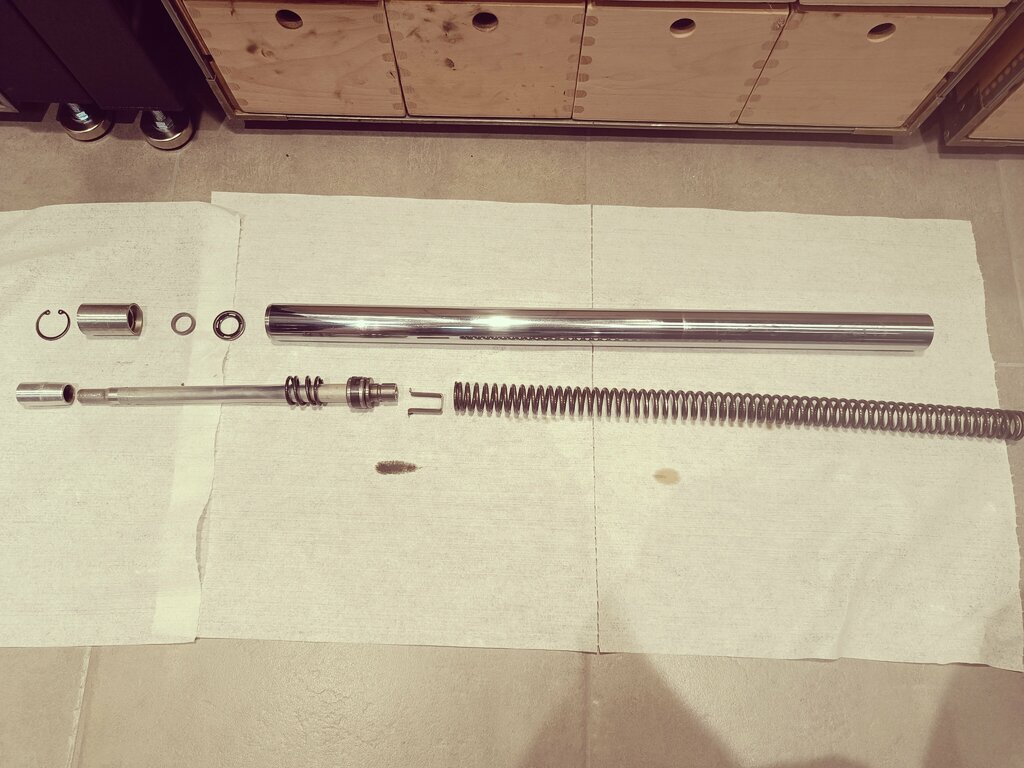
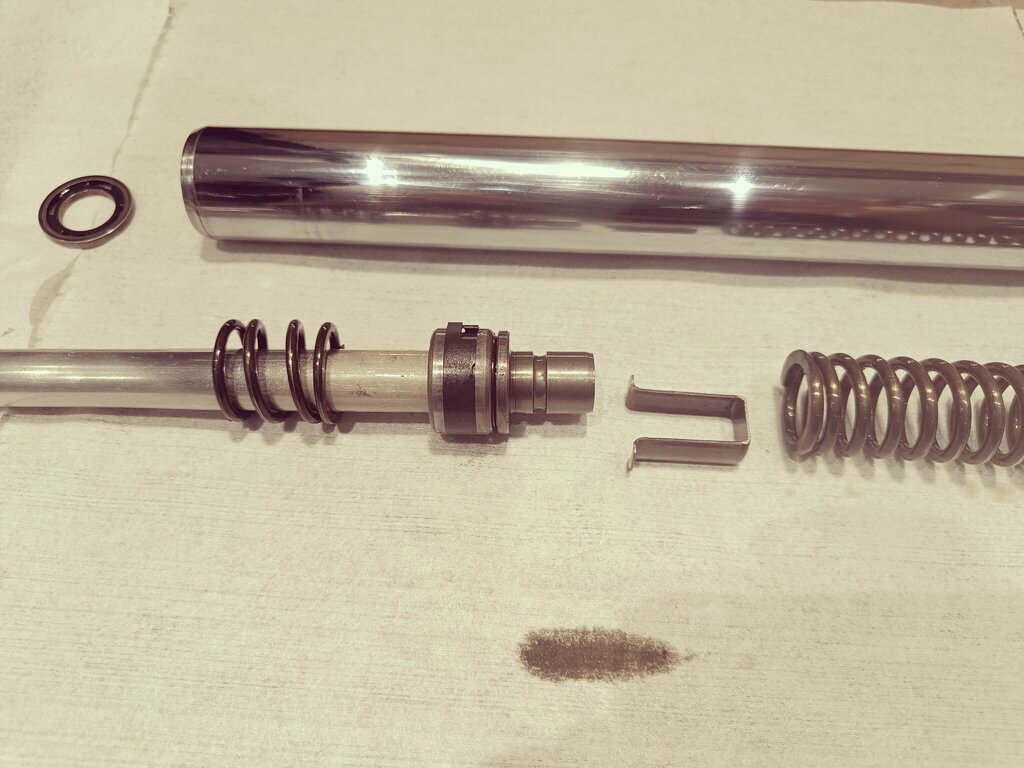
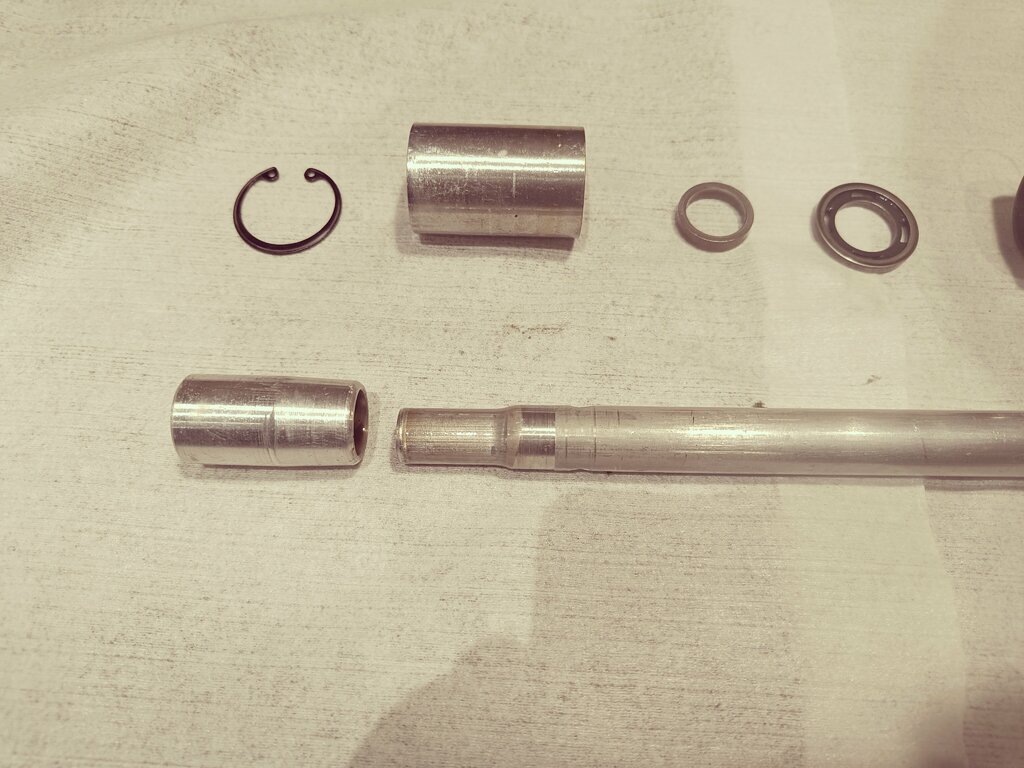
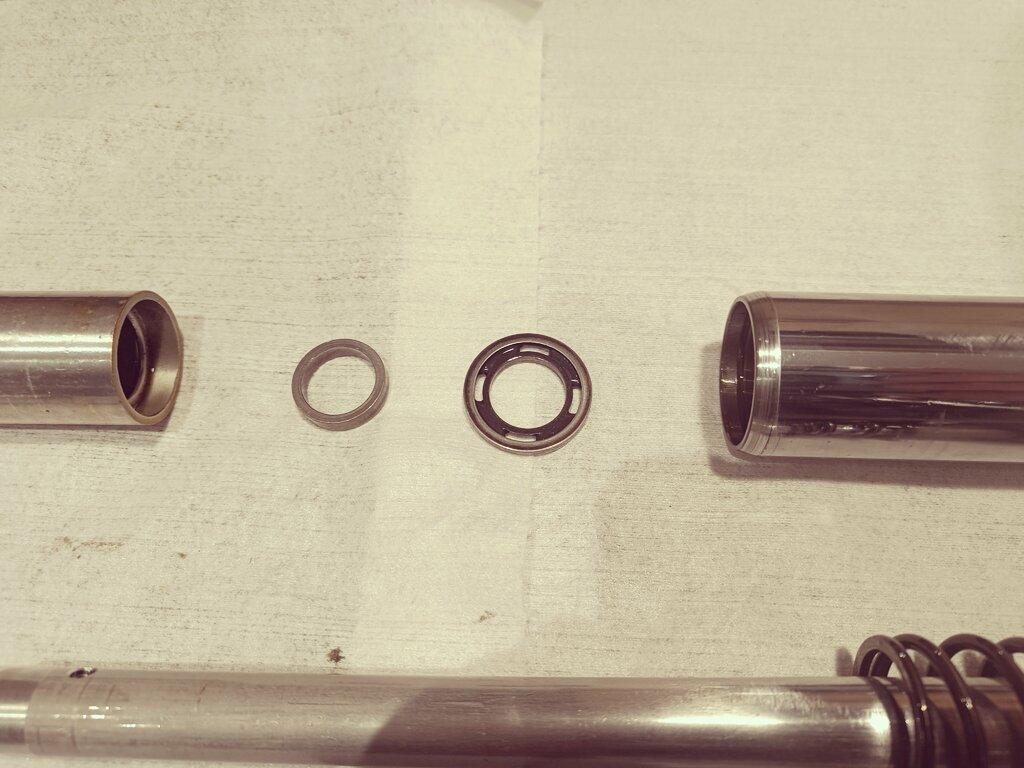
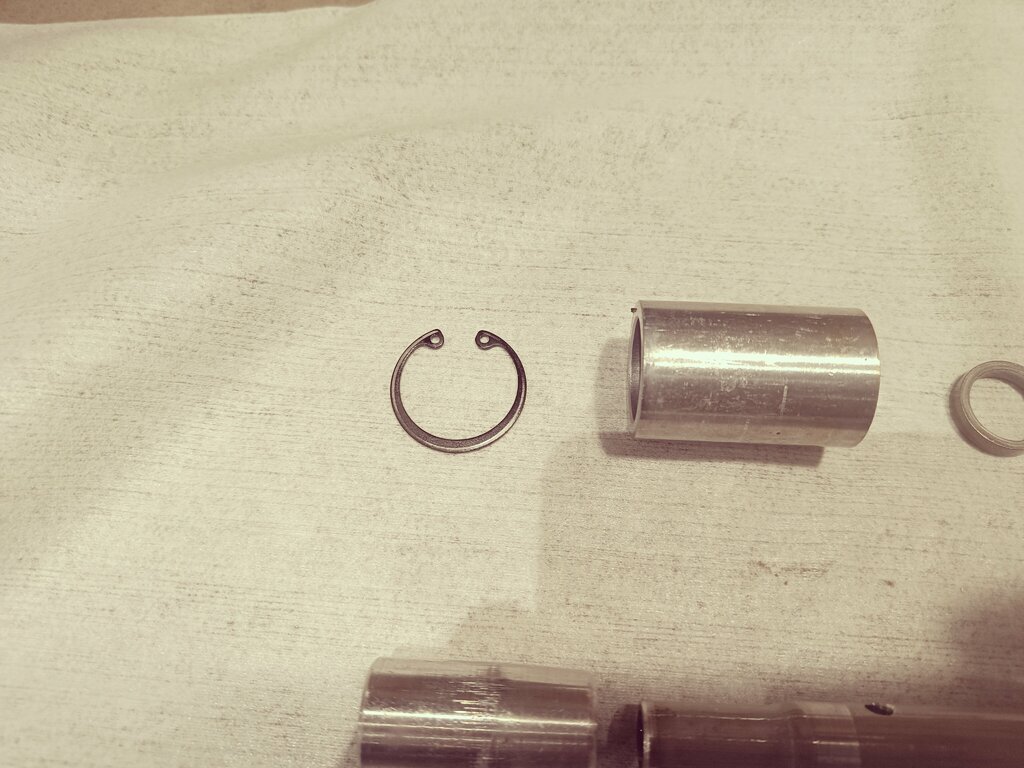
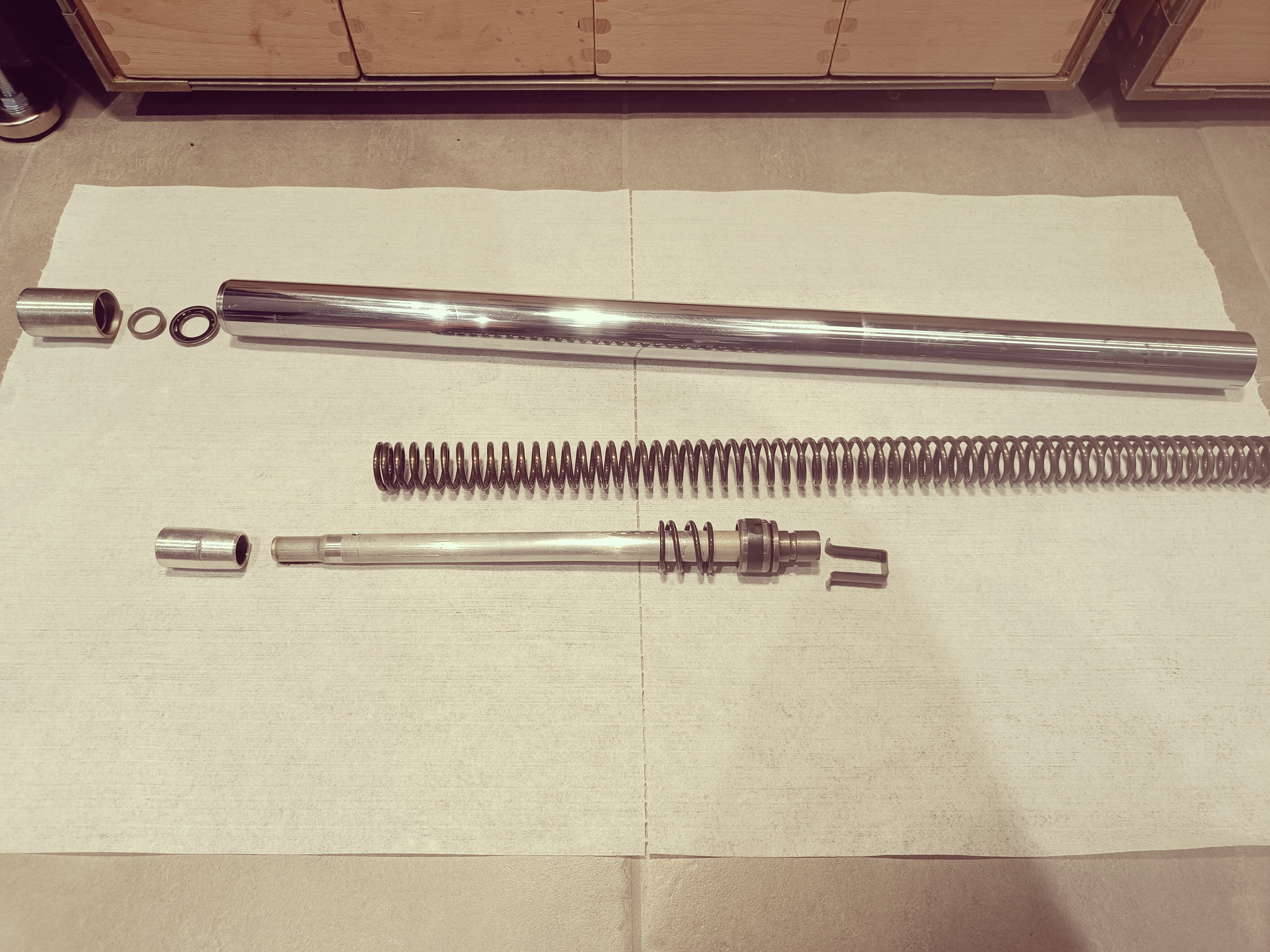
Hi everyone. I'm new to trial and the same with Fantic bikes. (Just bought one) I have disassembled my forks, (I believe it's Betor) and I am not sure if the internals is correct, or it has been altered. I have found different pictures, and workshop manual, but nothing looks similar to mine. I have tried to place them in order on the attached pictures. Does it look right? Best Regards. Morten from Denmark