pete65
Members
-
Joined
-
Last visited
Everything posted by pete65
-
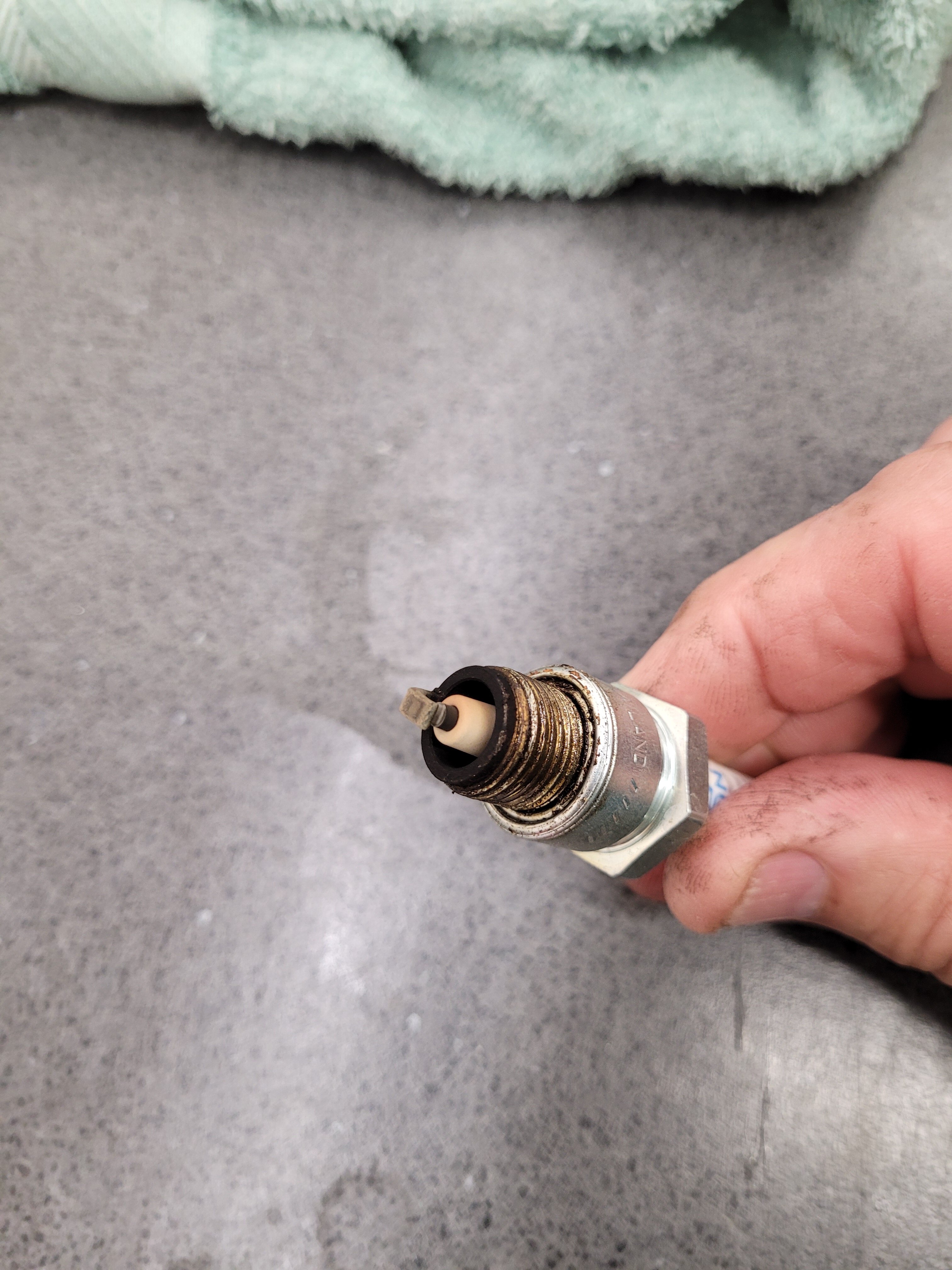
After stripping and rebuilding my carb, with the benefit of an airline gun, and without the benefit of my rarely used £90 Chinese ultrasonic cleaner that decided to pack in, 🤬 I now have a smooth tickover and good throttle response. I was surprised at the colour of my plug with the needle being in it's highest position, I will keep an eye on that. Is it normal for these engines yo run lean? The fan also came on much quicker than usual? I would be interested in anyone's thoughts?
-
Good point Lemur, the plug tells me that the mixture is lean enough, I'll leave the needle at it's richest setting rather than the manual's setting of one slot lower and concentrate on getting the carb and jets clean.
-
Hi, Can anyone give me some carb advice? My bike hunts slightly at tickover, and I can't get the tickover to run smoothly. I've tried adjusting the pilot air screw without much success, so have now stripped the carb to give it a good clean. I have discovered that the needle clip is in the bottom Grove, No.5, the richest setting. The manual says position 4. Could this be the reason for the rough tickover? I was always under the impression that the needle didn't influence the running until after a quarter throttle position or thereabouts, so the needle position might have nothing to do with it? I have also noticed that the fan rarely comes on, indicating a rich mixture? Any advice would be greatly appreciated. Cheers, Pete