steviegasgas
Members
-
Joined
-
Last visited
Everything posted by steviegasgas
-
Had my TXT Pro 250 now for 5 months and been out a lot and the trials bug has got me, i'm hooked Anyway i have had it serviced not long after buying the bike as i needed a guy to set up the carb for me. I am now going to change the oil myself but i have just been to a bike shop to buy oil and they have sold me Motul 4T 10w40, they assure me this is fine for my bike but i aint so sure, any help out there? I am not going to open the oil in case i have to get a refund, any advice would be appreciated
-
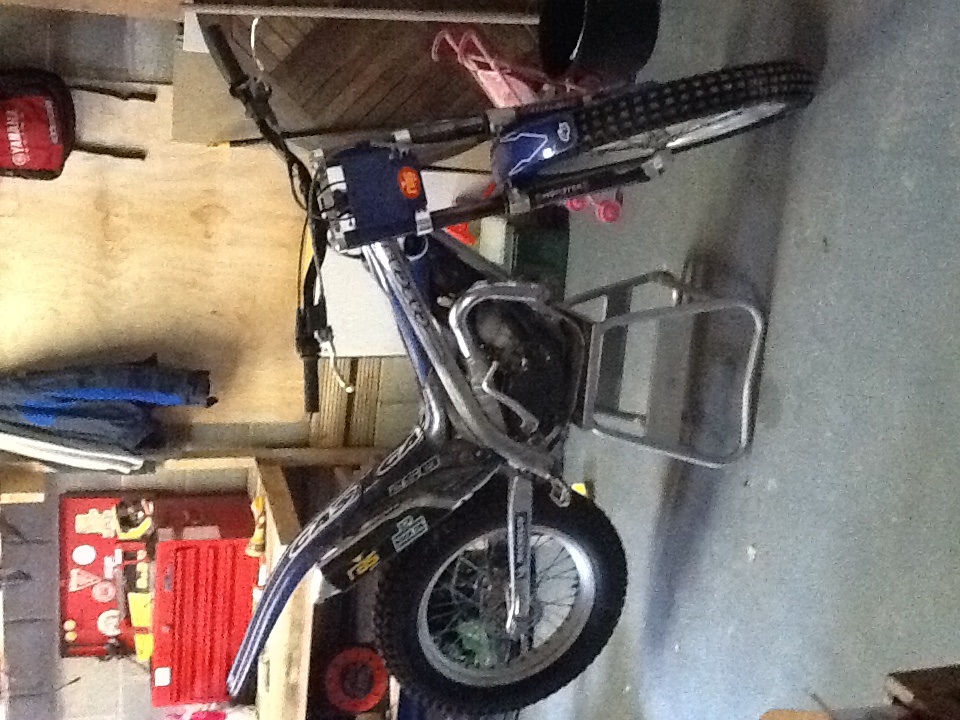
This is my 2005 txt pro I bought 1 month to get me into trials riding, been out a few times and thoroughly enjoying it, long may it continue
-
Cheers for that, i will try and nip the connection to hold it in place. As for now i will just and try and get used to the bike and my new found hobby and try to stay on
-
I have just started out in the world of trials and took delivery of a 2005model txt 250 last week. I was out yesterday for the 1st time and thoroughly enjoyed myself. Just getting used to the bike and different style of riding. I have noticed the radiator fan is coming on quite a lot, is this normal? Also do gas gas sell HT leads or do people make their own? The one i have is a bit short and was popping itself loose out of the spark plug cap and stalling