Skip to content
View in the app

A better way to browse. Learn more.

Trials Central

A full-screen app on your home screen with push notifications, badges and more.

To install this app on iOS and iPadOS
  1. Tap the Share icon in Safari
  2. Scroll the menu and tap Add to Home Screen.
  3. Tap Add in the top-right corner.
To install this app on Android
  1. Tap the 3-dot menu (⋮) in the top-right corner of the browser.
  2. Tap Add to Home screen or Install app.
  3. Confirm by tapping Install.

christabb23

Members
  • Joined

  • Last visited

About Me

☆Hi I am Chris ☆ 

☆33☆

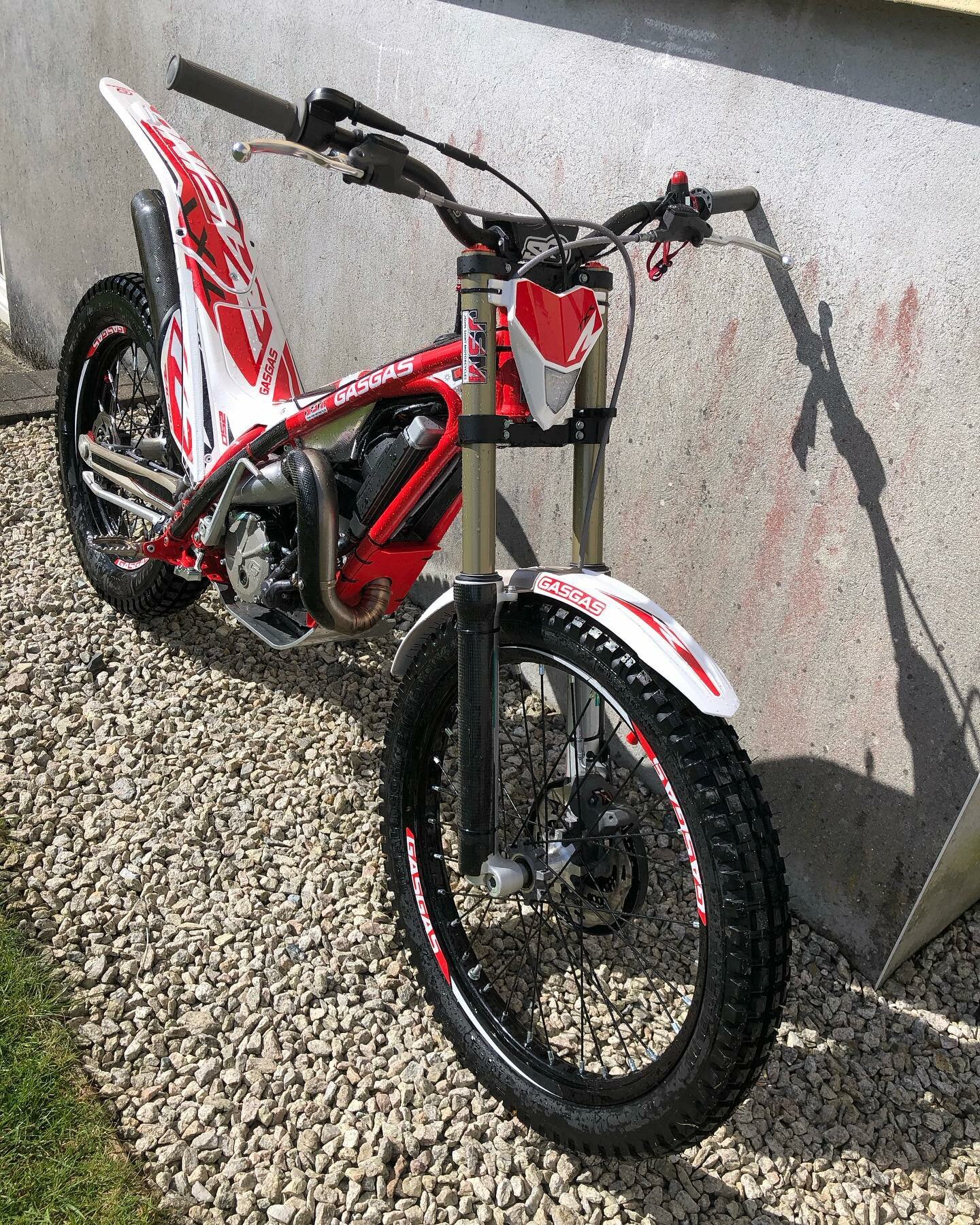
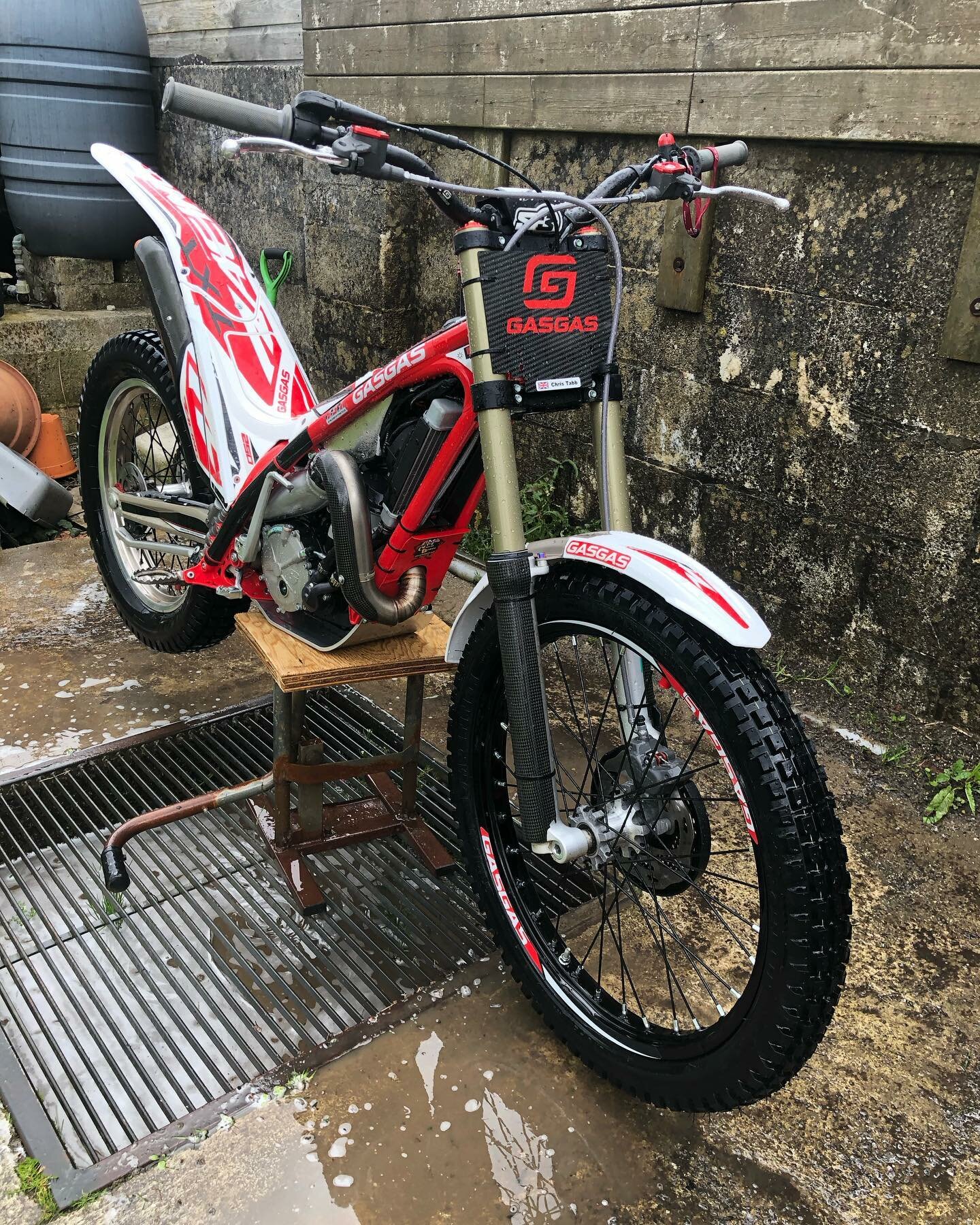
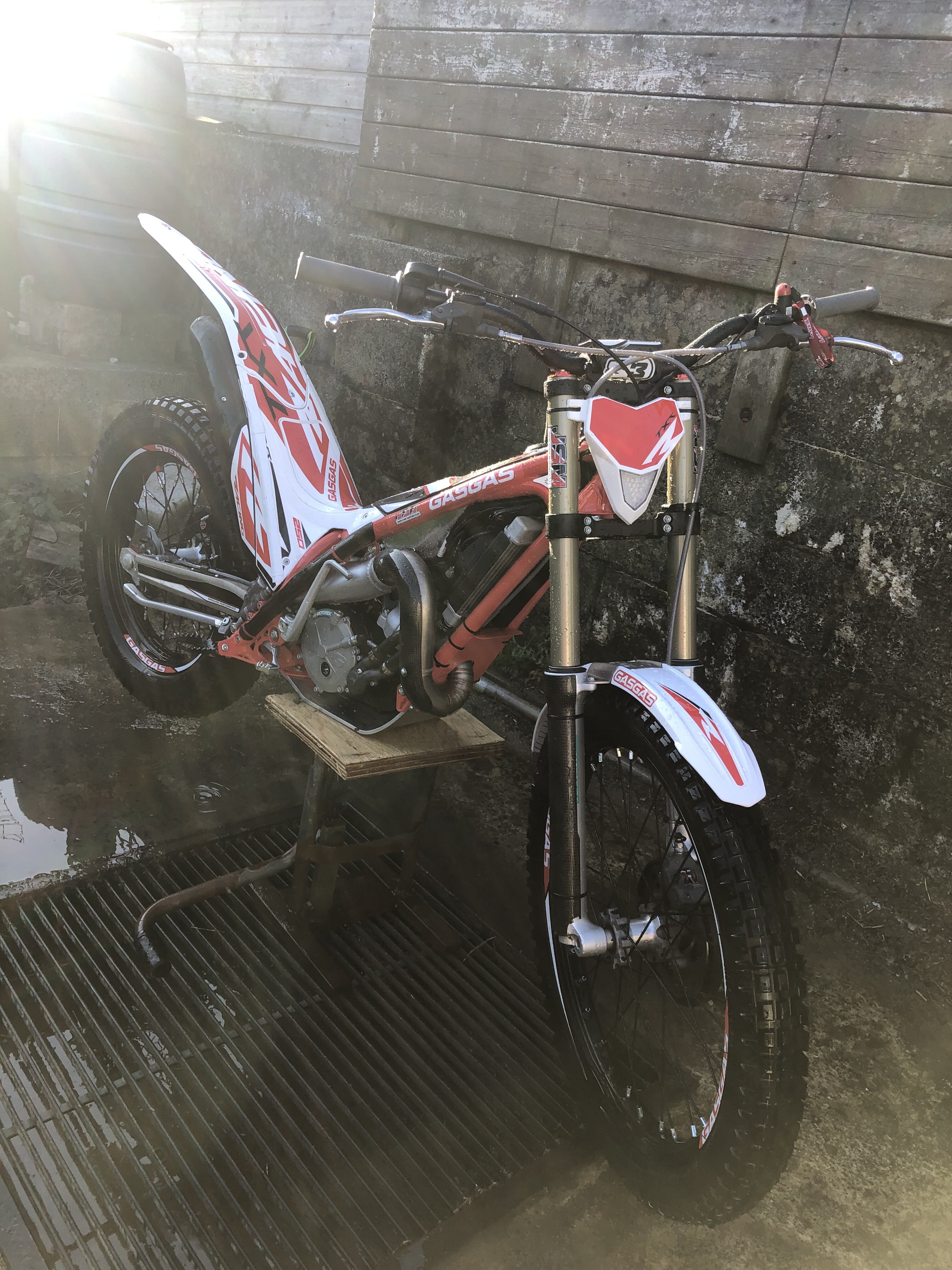
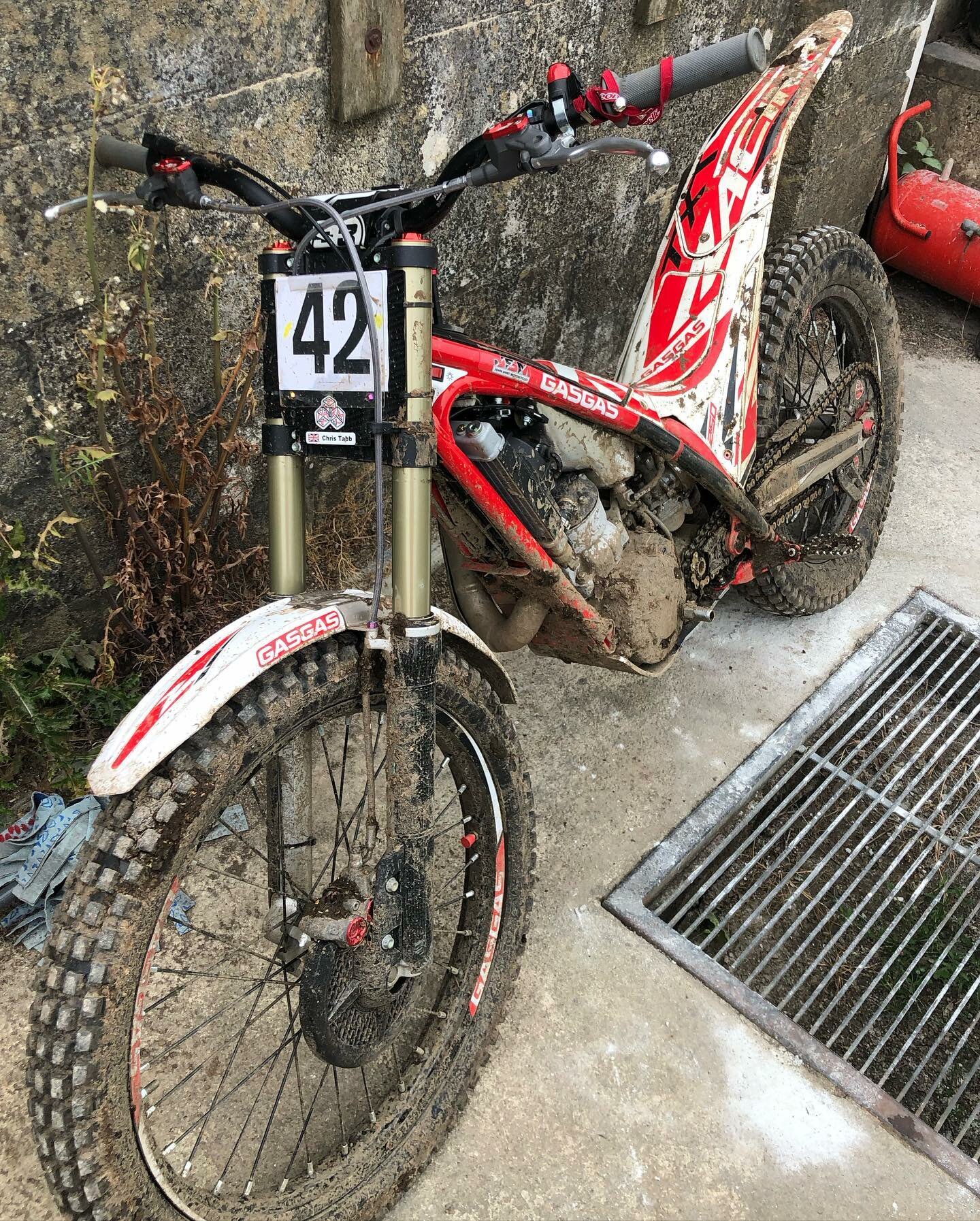
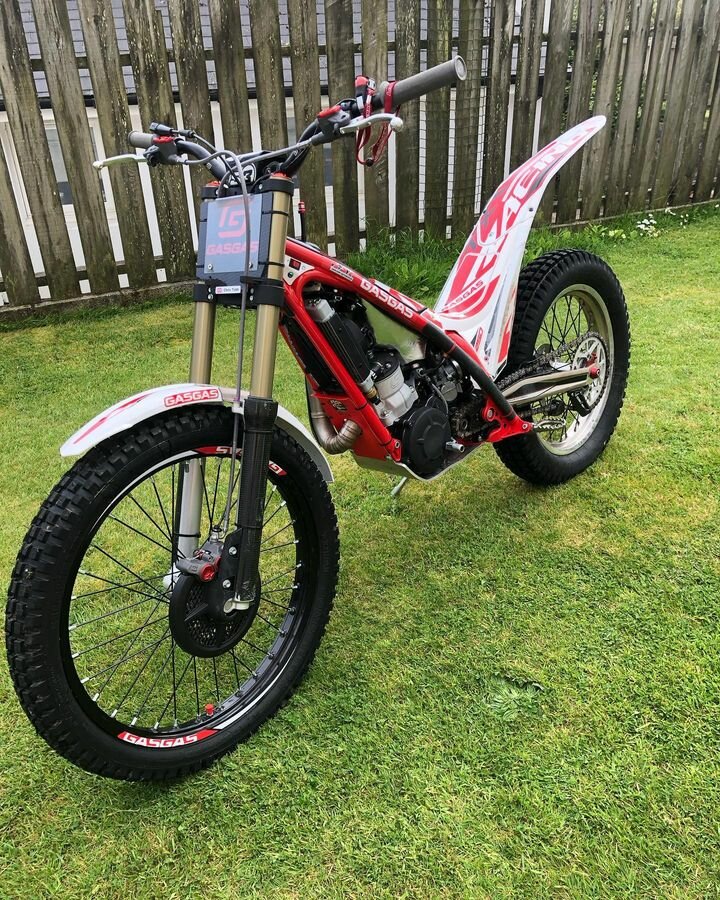
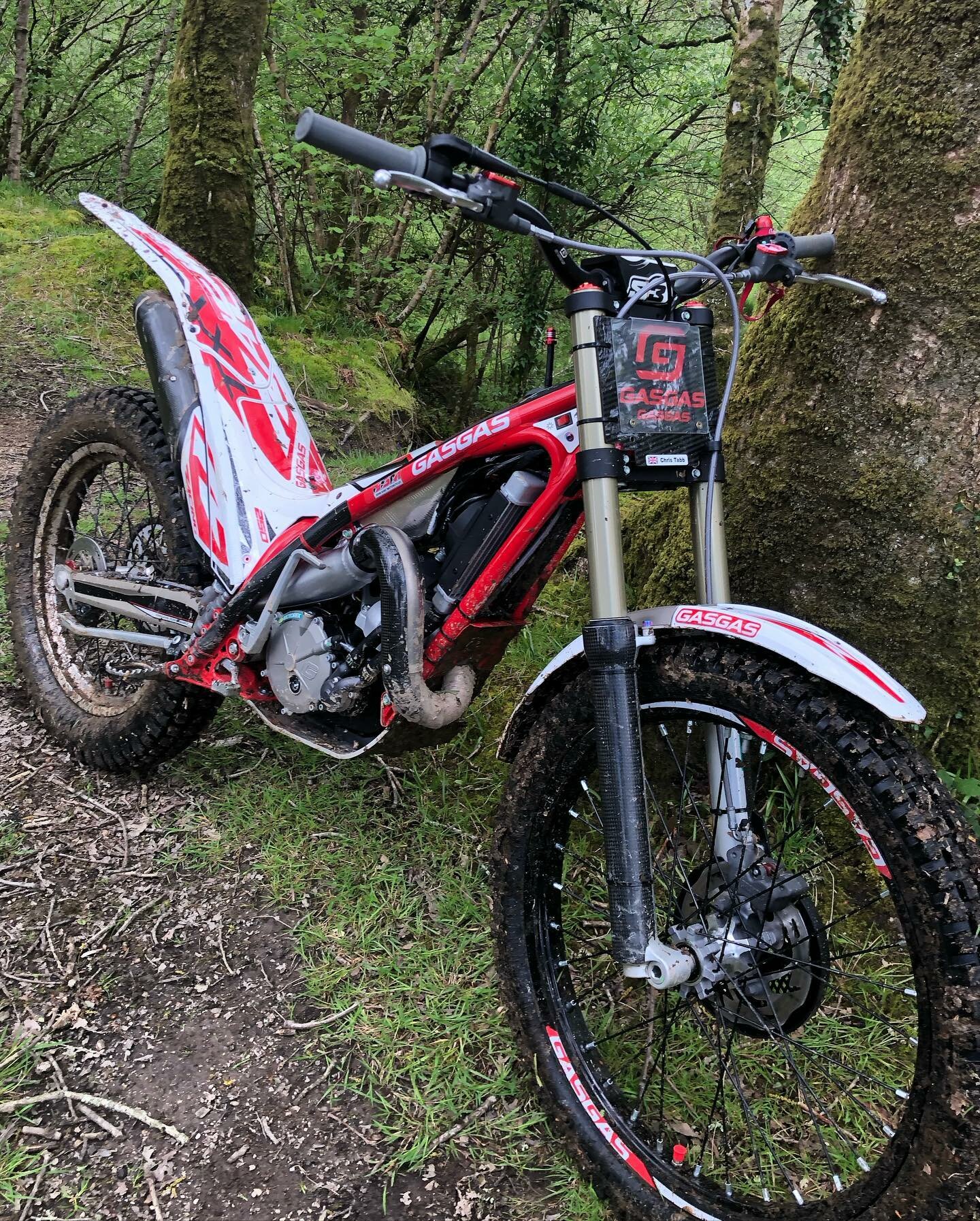
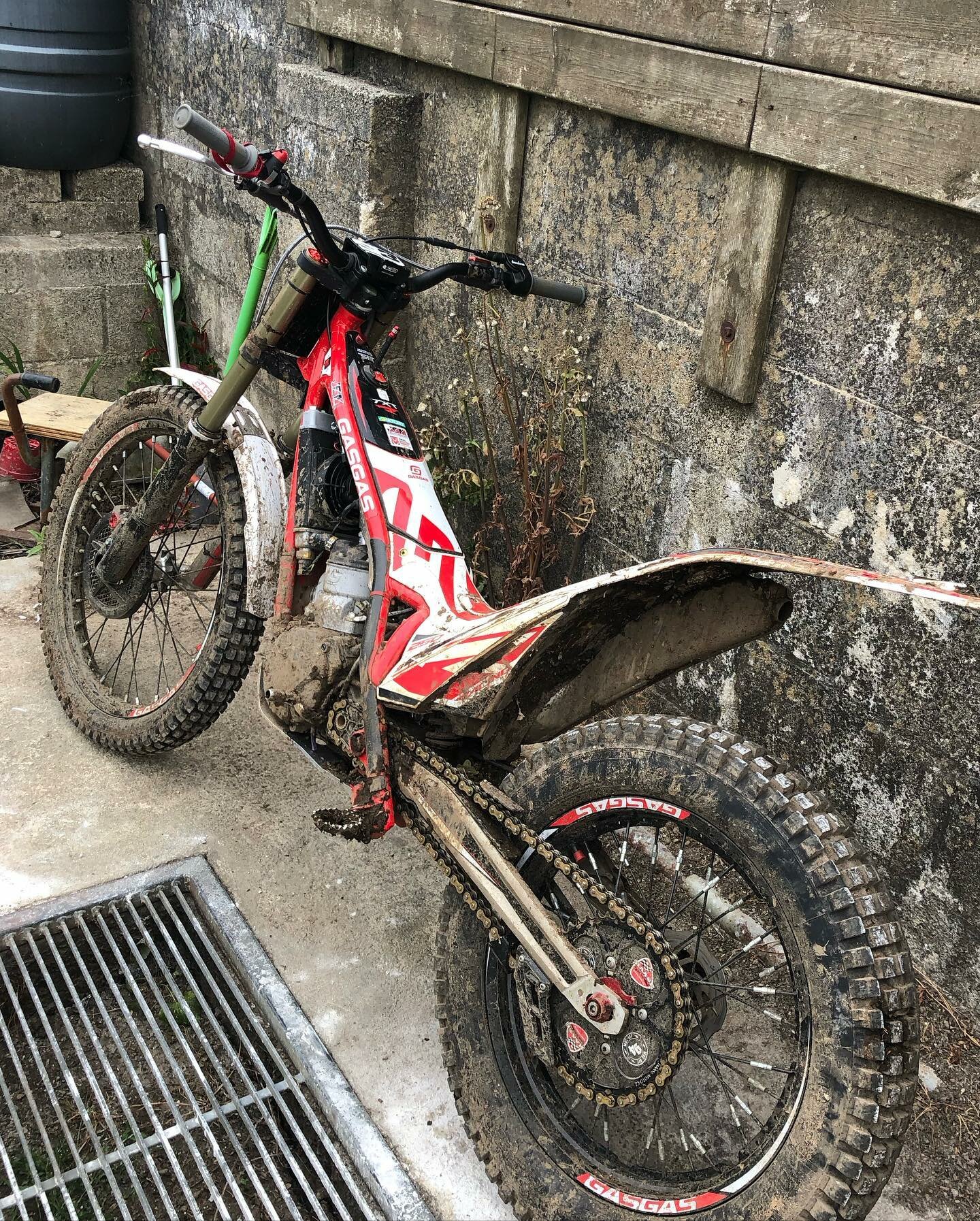
☆I ride A GasGas Racing 250 2022  


676637072_340005675_1257078571563673_4250330966453729315_n(1).thumb.jpg.17bda03c3261013c53ae9ccd2b6f7384.jpg

340012427_241476638282087_3022671696933813360_n.thumb.jpg.e8ba03259cf0644ff37a1de250ca0ad0.jpg344324417_748556363627769_2135107334877643046_n.thumb.jpg.88aa353c93485dc90c0fd6b44e6e6b03.jpg344823927_1340203793207287_3414761428905373082_n.thumb.jpg.7d5ebf9388640cff65cb60d58b1f093e.jpgIMG_2972.thumb.JPG.3dec9e9511892235038303ed34d78f2b.JPG355025469_10159246397687478_636468665896744163_n.thumb.jpg.122b82984f2a7ef9cae1eb63a787e84d.jpg


IMG_2968.JPG

345229684_776469737444574_1143329531165087179_n.jpg

345452210_573674474604366_6466846166459744116_n.jpg

354545388_10159246397682478_5083495261913991360_n.jpg

Account

Navigation

Search

Search

Configure browser push notifications

Chrome (Android)
  1. Tap the lock icon next to the address bar.
  2. Tap Permissions → Notifications.
  3. Adjust your preference.
Chrome (Desktop)
  1. Click the padlock icon in the address bar.
  2. Select Site settings.
  3. Find Notifications and adjust your preference.