

Skip to content
View in the app

A better way to browse. Learn more.

Trials Central

A full-screen app on your home screen with push notifications, badges and more.

To install this app on iOS and iPadOS
  1. Tap the Share icon in Safari
  2. Scroll the menu and tap Add to Home Screen.
  3. Tap Add in the top-right corner.
To install this app on Android
  1. Tap the 3-dot menu (⋮) in the top-right corner of the browser.
  2. Tap Add to Home screen or Install app.
  3. Confirm by tapping Install.

sukahutan

Members
  • Joined

  • Last visited

Everything posted by sukahutan

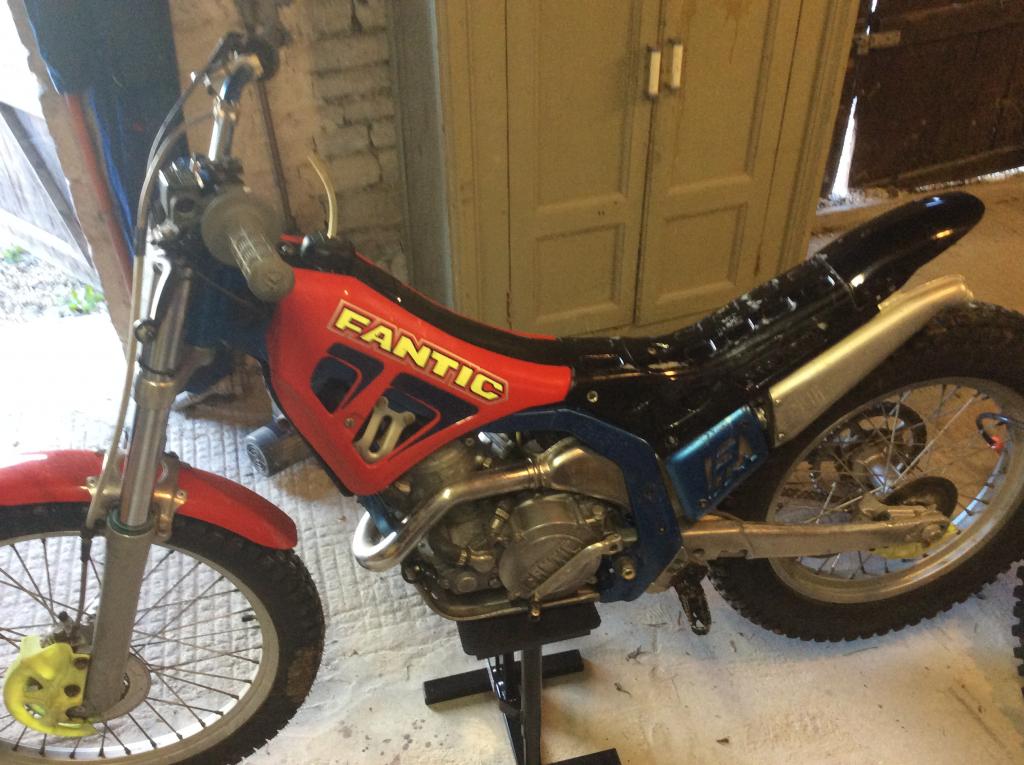
  1. Greetings All, I'm a Brit living in France near to Niort in the Deux Sevres (not far from La Rochelle). I've been away from biking for 25 years, as you do, and got back into this year with a BMW 1150RT and a Yamaha WR250F. I've just come back from a dirt ride adventure around Kazakhstan, which was awesome. I used to have a Fantic 200 and did some competition but wasn't any good - I once got my bike stuck high up in a tree! Lured by the name again, I bought a 1997 Fantic 250, which has turned out to be tired and used and costing to get it running properly but I am learning more about mechanics which is what I wanted. So, I am hoping for some advice and company on here. Cheers. Kev.
Account

Navigation

Search

Search

Configure browser push notifications

Chrome (Android)
  1. Tap the lock icon next to the address bar.
  2. Tap Permissions → Notifications.
  3. Adjust your preference.
Chrome (Desktop)
  1. Click the padlock icon in the address bar.
  2. Select Site settings.
  3. Find Notifications and adjust your preference.
