Skip to content
View in the app

A better way to browse. Learn more.

Trials Central

A full-screen app on your home screen with push notifications, badges and more.

To install this app on iOS and iPadOS
  1. Tap the Share icon in Safari
  2. Scroll the menu and tap Add to Home Screen.
  3. Tap Add in the top-right corner.
To install this app on Android
  1. Tap the 3-dot menu (⋮) in the top-right corner of the browser.
  2. Tap Add to Home screen or Install app.
  3. Confirm by tapping Install.

seitzo

Members
  • Joined

  • Last visited

Everything posted by seitzo

  1. Thank you guys so much! This has definitely broadened my search. Probably going with a 348 one I found.
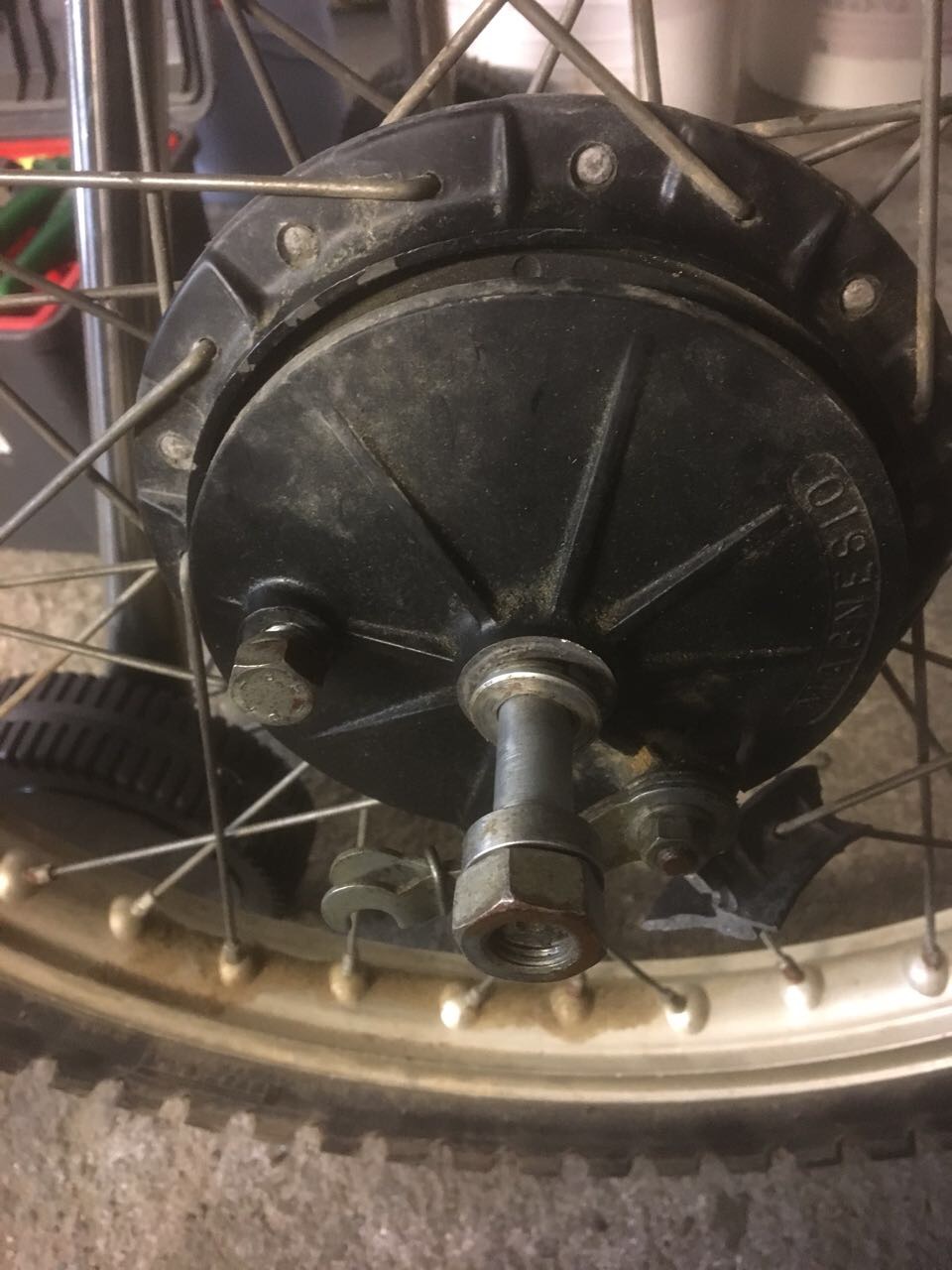
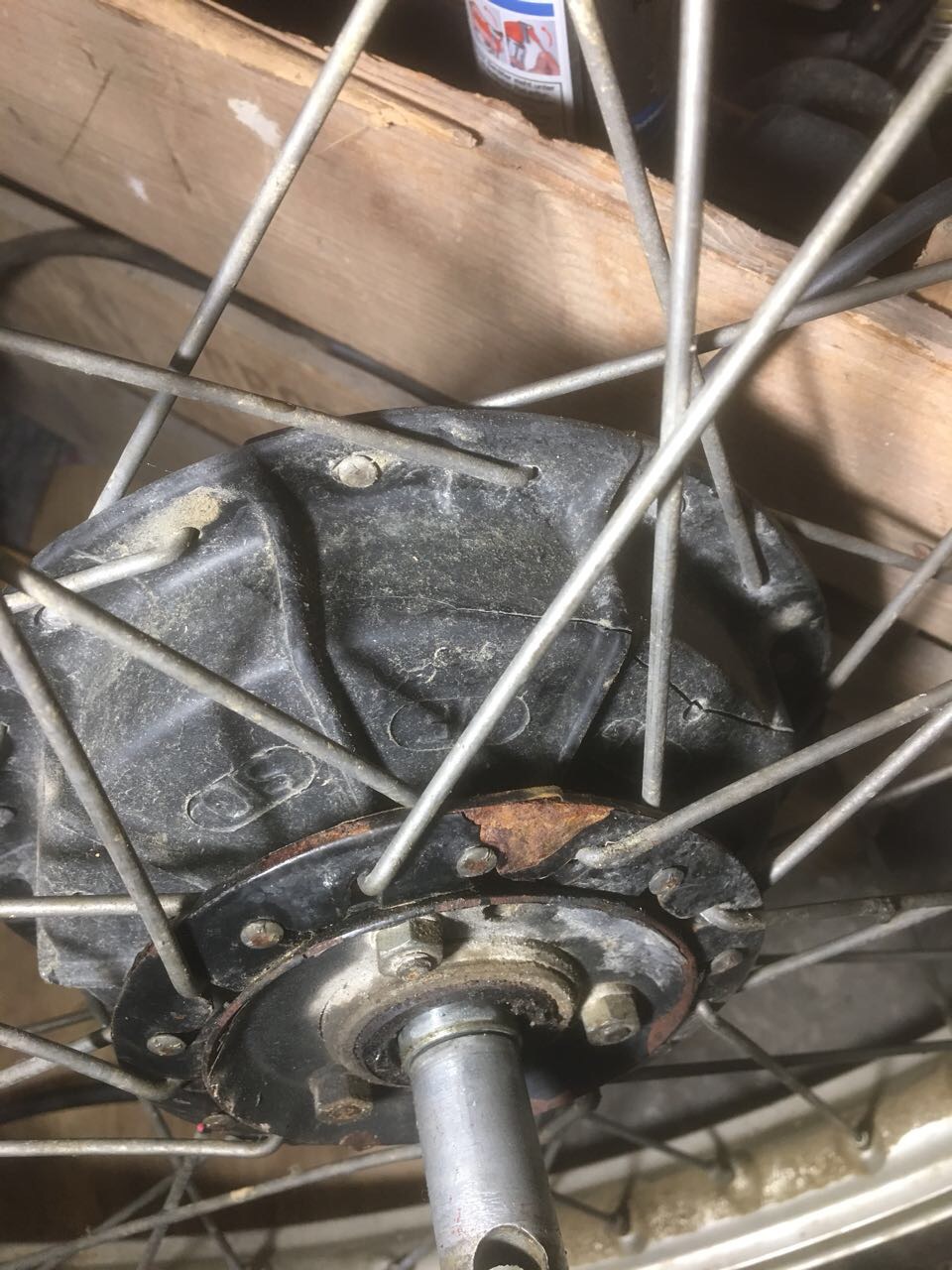
  2. Hi there! I just got a montesa 349 mh and am attempting to rebuild it. now i found out that it is quite the niche model and i'm trying to find a front wheel hub in better condition than mine. I also know that some other hubs from different models might fit the bill but i'm not sure which ones and how much has to be changed in order to make them work. I would greatly appreciate any help from you guys since i'm kind of lost at the moment. did anybody ever work on an mh and know exactly what i'm talking about? anything helps at this point... thanks a million and glad to be here!
Account

Navigation

Search

Search

Configure browser push notifications

Chrome (Android)
  1. Tap the lock icon next to the address bar.
  2. Tap Permissions → Notifications.
  3. Adjust your preference.
Chrome (Desktop)
  1. Click the padlock icon in the address bar.
  2. Select Site settings.
  3. Find Notifications and adjust your preference.