Skip to content
View in the app

A better way to browse. Learn more.

Trials Central

A full-screen app on your home screen with push notifications, badges and more.

To install this app on iOS and iPadOS
  1. Tap the Share icon in Safari
  2. Scroll the menu and tap Add to Home Screen.
  3. Tap Add in the top-right corner.
To install this app on Android
  1. Tap the 3-dot menu (⋮) in the top-right corner of the browser.
  2. Tap Add to Home screen or Install app.
  3. Confirm by tapping Install.

Rockland213

Members
  • Joined

  • Last visited

Everything posted by Rockland213

  1. Rockland213 replied to power175's topic in Yamaha
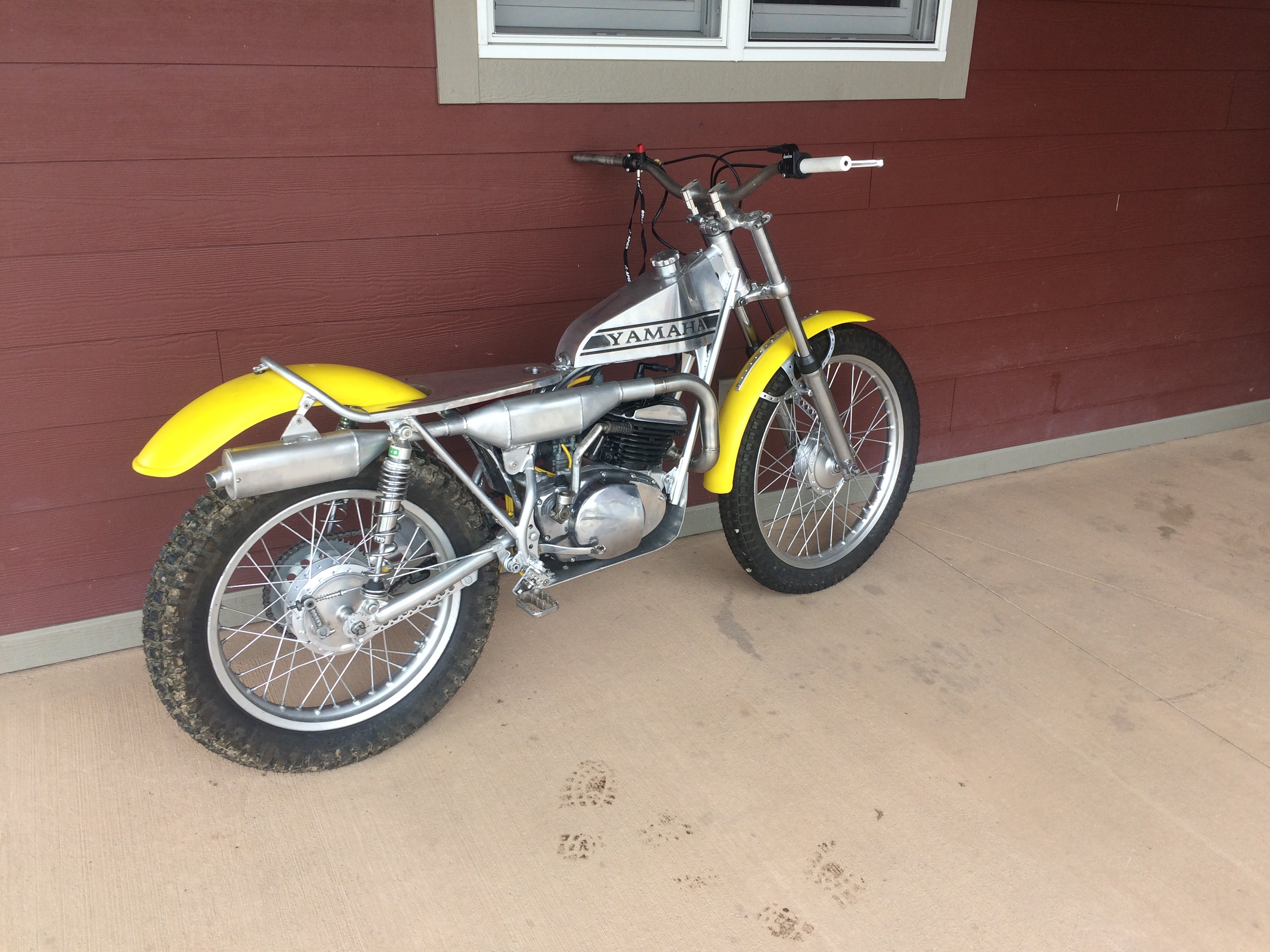
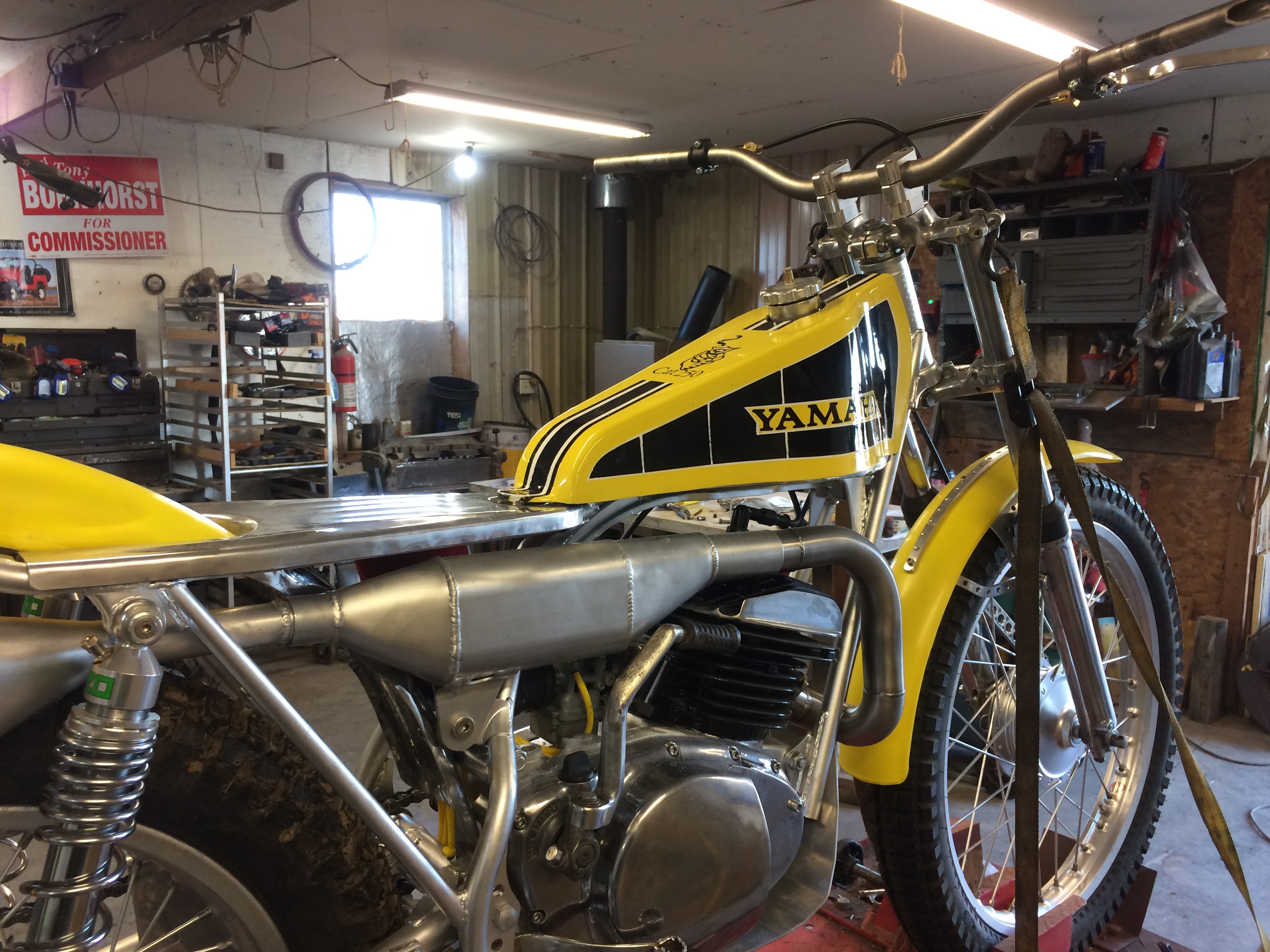
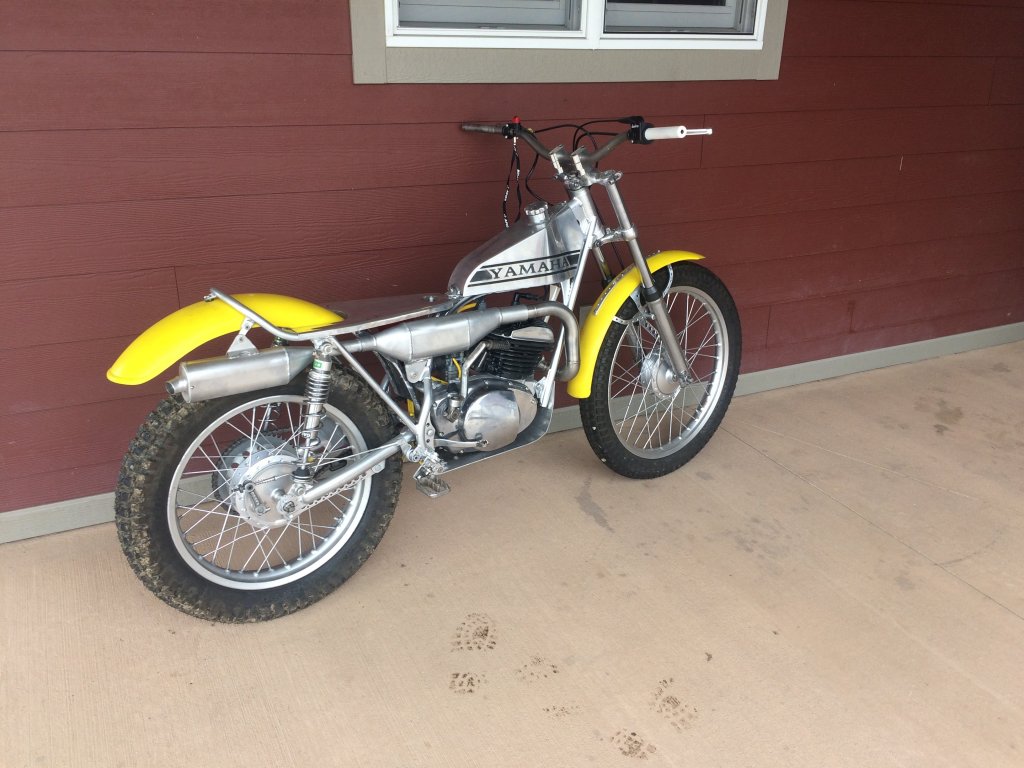
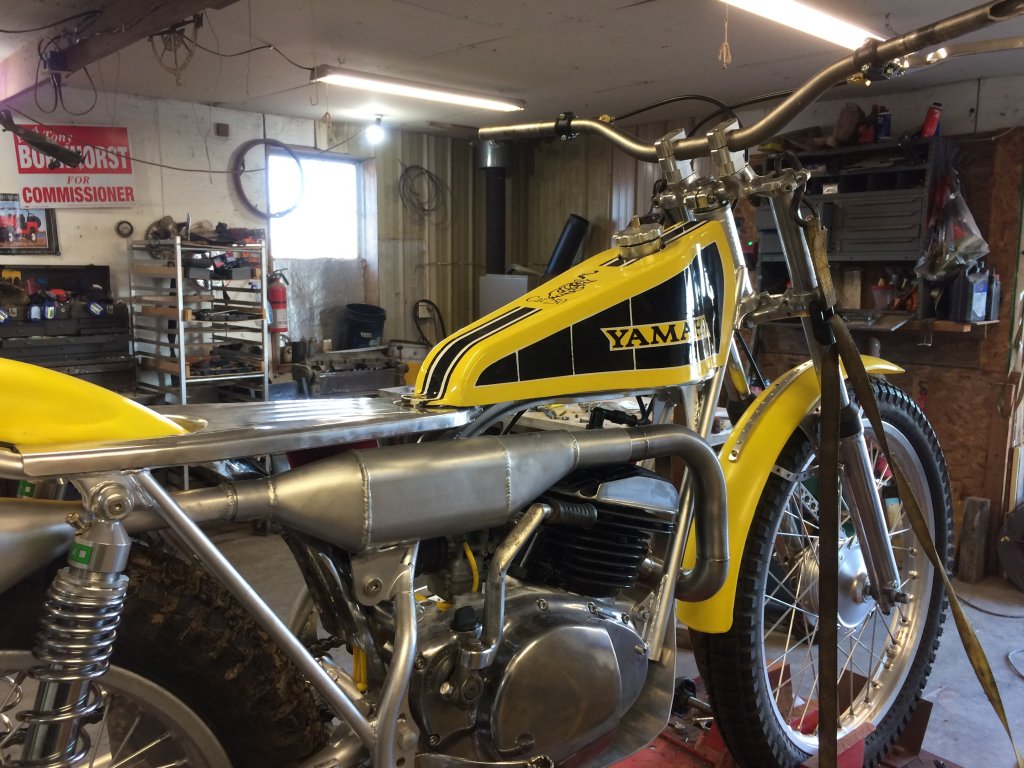
    I built the tank, I started off and was going to make a fiberglass tank and that is what is painted yellow and black. It is now just a cover I don’t run the cover since the aluminum tank turned out so well but I will if I ever dent the tank. The Yamaha on the aluminum is not a decal, that is sandblasted in there and then acid etched.
  2. Rockland213 replied to power175's topic in Yamaha
    Got this TY early 2019 and went to work on it , did my first vintage trials this weekend and had a blast riding it. It preformed very good and I can’t wait to compete in a cupple weeks on it again. This is my first bike build and I had a blast ,
Account

Navigation

Search

Search

Configure browser push notifications

Chrome (Android)
  1. Tap the lock icon next to the address bar.
  2. Tap Permissions → Notifications.
  3. Adjust your preference.
Chrome (Desktop)
  1. Click the padlock icon in the address bar.
  2. Select Site settings.
  3. Find Notifications and adjust your preference.