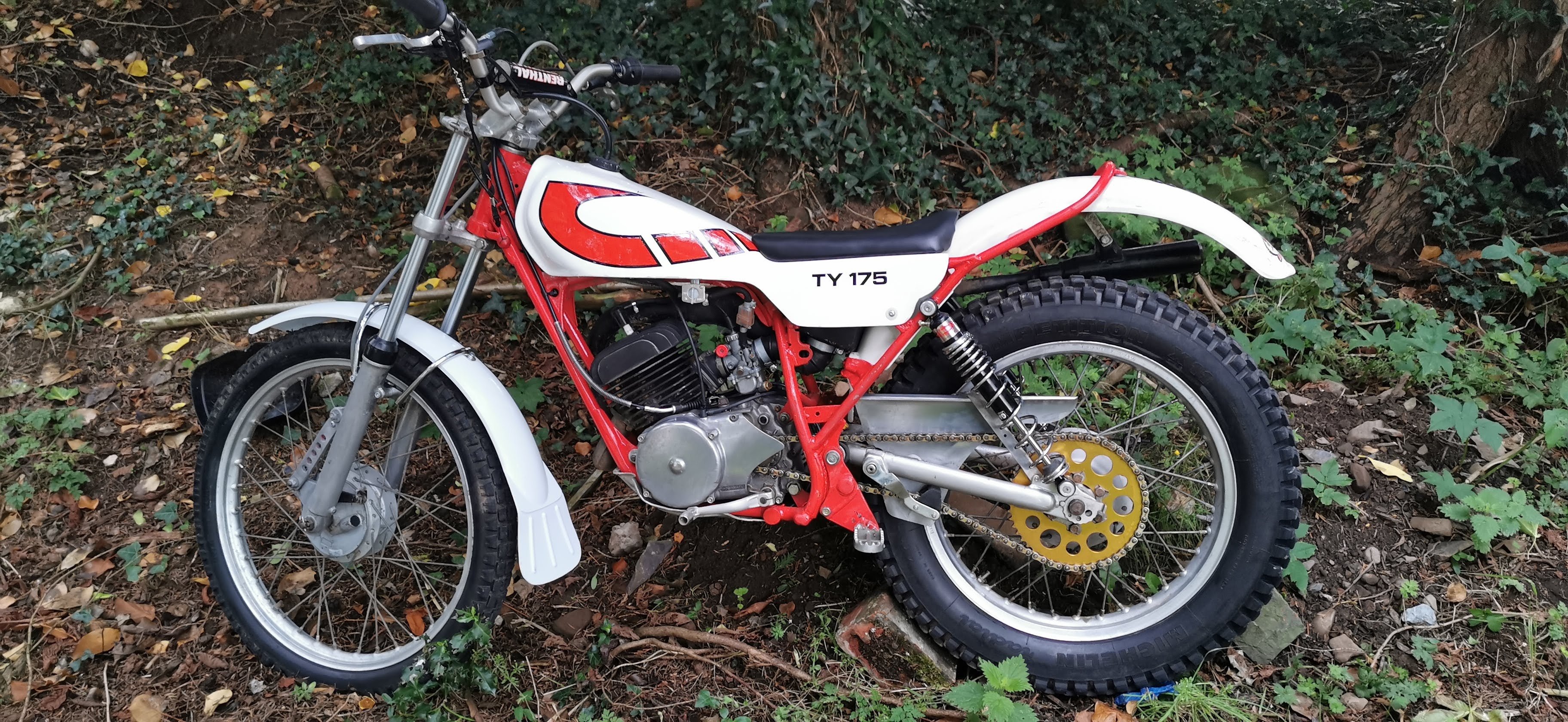
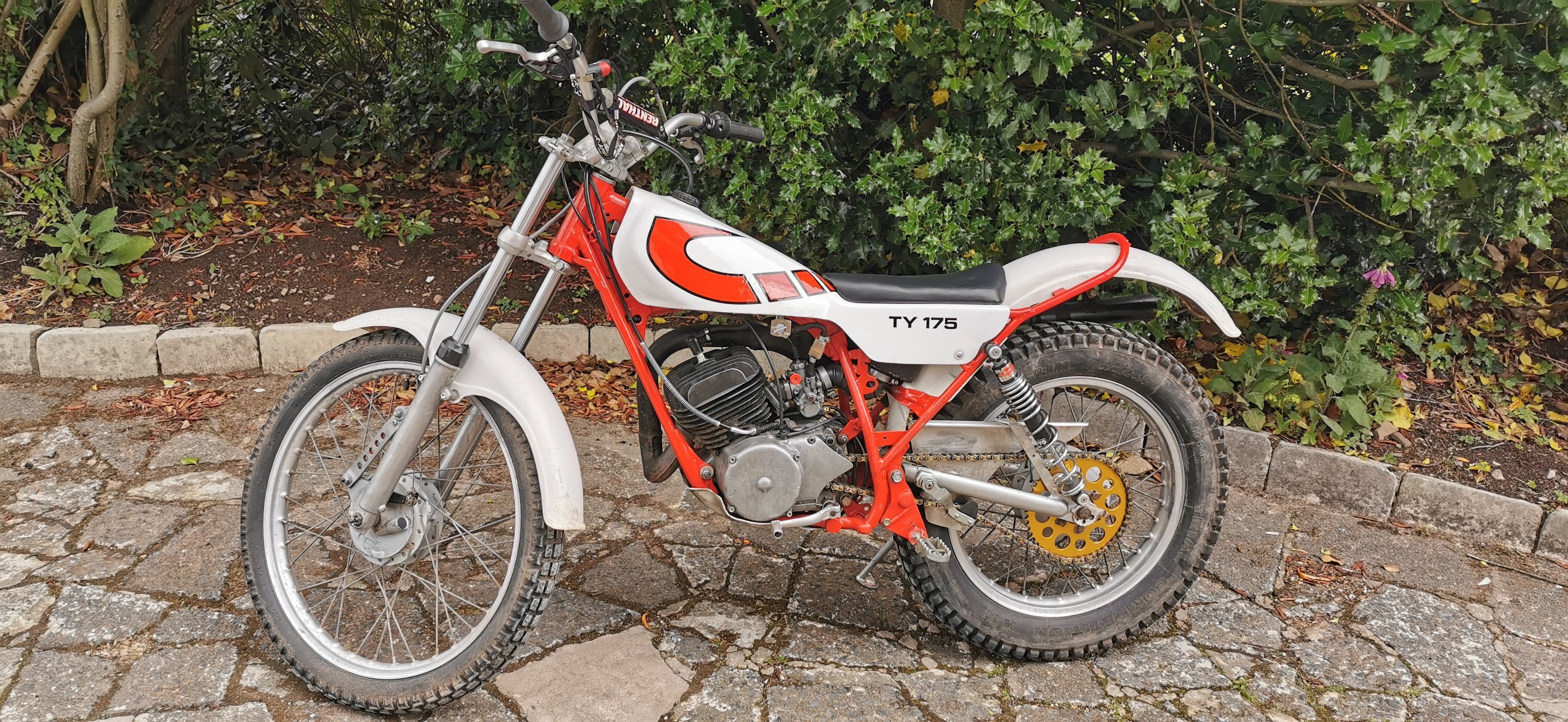
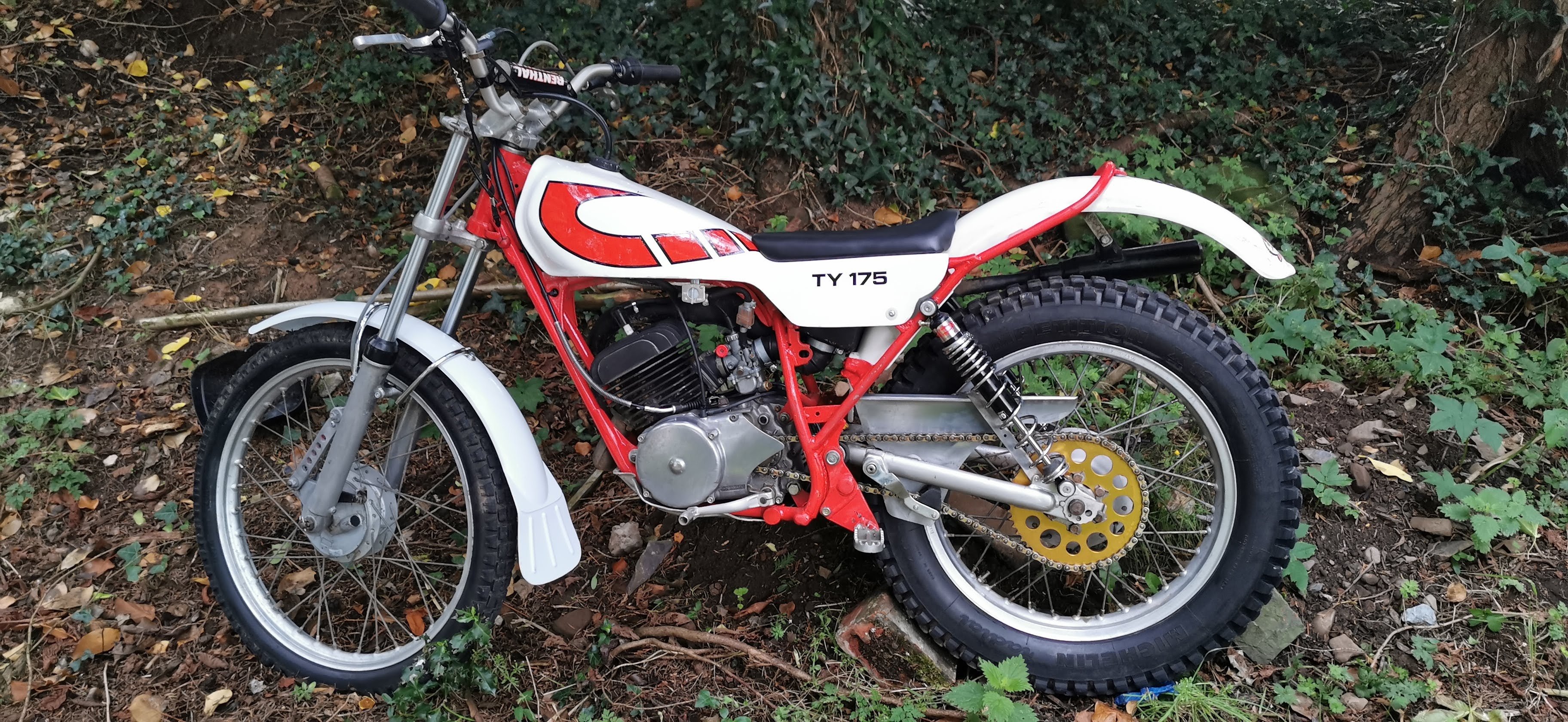
-
Ty175 won't run
Many thanks. Will try that to see if it helps.
-
Ty175 won't run
Yep going to get one of those ordered. Thanks
-
Ty175 won't run
Tomorrow's job! Cheers
-
Ty175 won't run
It will idle OK. I took the exhaust baffle out and replaced it with a new one. Old one was totally choked up and oil sparking from it when running. Still doing same though ?♂️ problem seems to be when you let the clutch out it just bogs down after running a while. Then tops completely until the engine cools down.
-
Ty175 won't run
Thanks. Tried that but no joy.
-
Show Us Your Ty
- Show Us Your Ty
- Ty175 won't run
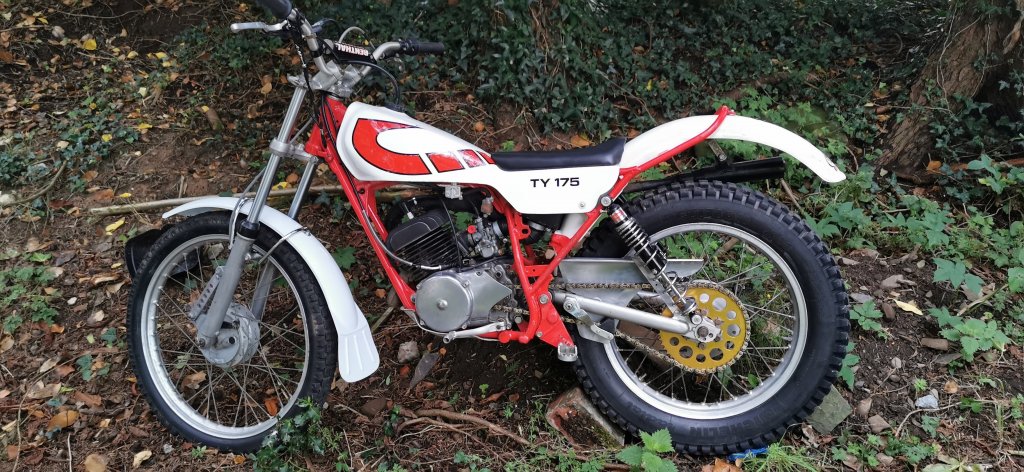
Hi al Got a TY175 recently and nice looking bike. Starts OK but will only run for a few minutes then bogs down after riding for a few minutes. When you let the clutch out when pulling away, doesn't want to go, bogs down and have to give it a lot of revs, but then eventually it dies and won't start again then. Any ideas? I think carb related as repalced spark plug and air filter is clean. Many thanks! - Show Us Your Ty
Jlpettimore
Members
-
Joined
-
Last visited
Account
Navigation
Search
Configure browser push notifications
Chrome (Android)
- Tap the lock icon next to the address bar.
- Tap Permissions → Notifications.
- Adjust your preference.
Chrome (Desktop)
- Click the padlock icon in the address bar.
- Select Site settings.
- Find Notifications and adjust your preference.
Safari (iOS 16.4+)
- Ensure the site is installed via Add to Home Screen.
- Open Settings App → Notifications.
- Find your app name and adjust your preference.
Safari (macOS)
- Go to Safari → Preferences.
- Click the Websites tab.
- Select Notifications in the sidebar.
- Find this website and adjust your preference.
Edge (Android)
- Tap the lock icon next to the address bar.
- Tap Permissions.
- Find Notifications and adjust your preference.
Edge (Desktop)
- Click the padlock icon in the address bar.
- Click Permissions for this site.
- Find Notifications and adjust your preference.
Firefox (Android)
- Go to Settings → Site permissions.
- Tap Notifications.
- Find this site in the list and adjust your preference.
Firefox (Desktop)
- Open Firefox Settings.
- Search for Notifications.
- Find this site in the list and adjust your preference.