Flyingspanner
Members
-
Joined
-
Last visited
-
Thanks, will look at both clubs, you probably have come across my friend Ian from Adlington, he does all the local trails on his 200 ?
-
Thanks - I am in Bramhall so not far from Macc , a friend of mine has the same bike and does local trails so has offed to take me around a few practice places first, I will look at both clubs as well ? cheers
-
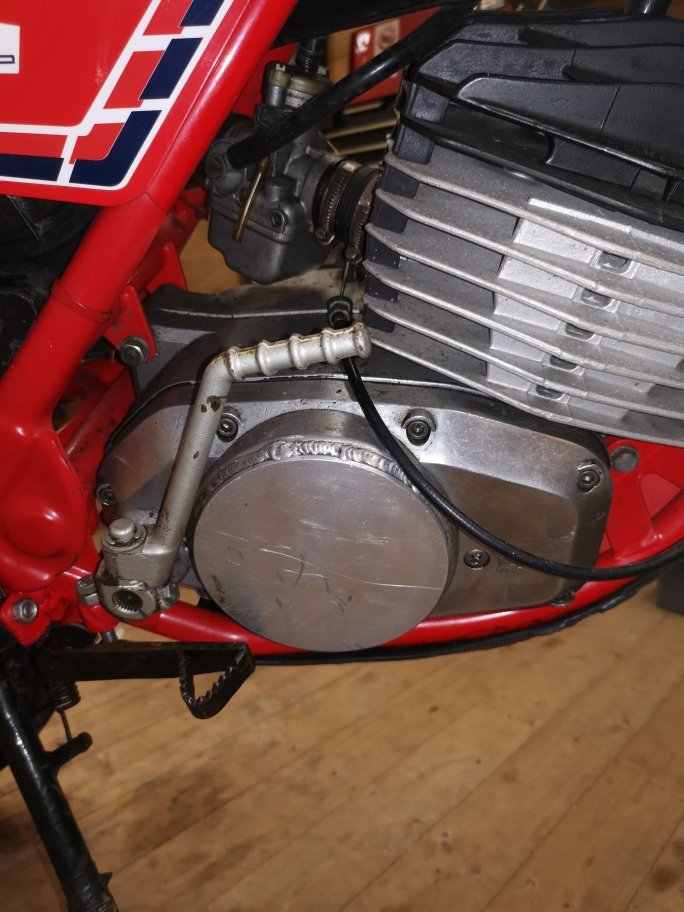
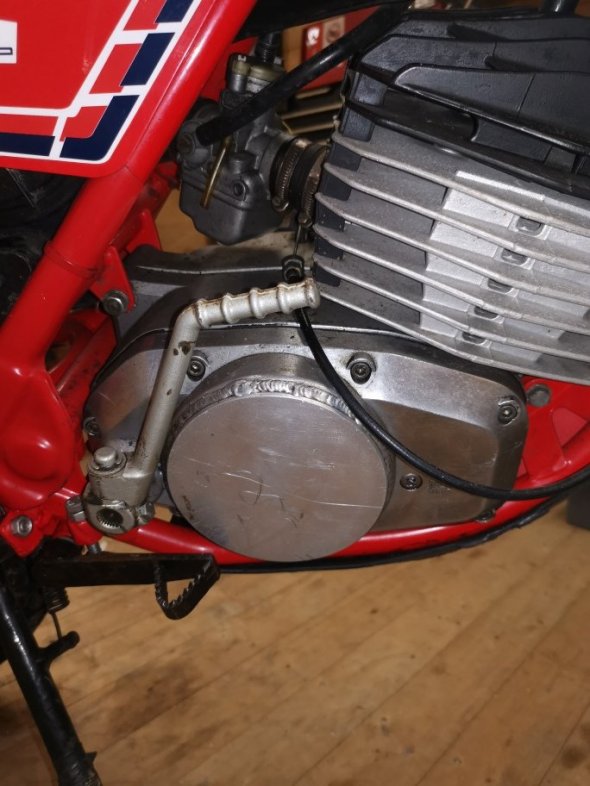
Yes it is a disk fitted and is welded all round - will tidy up and paint - Now is the black meant to be Matt,Gloss or Satin ?
-
Thanks - Yes seems like a good job, I would like it more to be standard, so we keep looking for a replacement, in the meantime I will tidy up the weld and probably paint it black again cheers
-
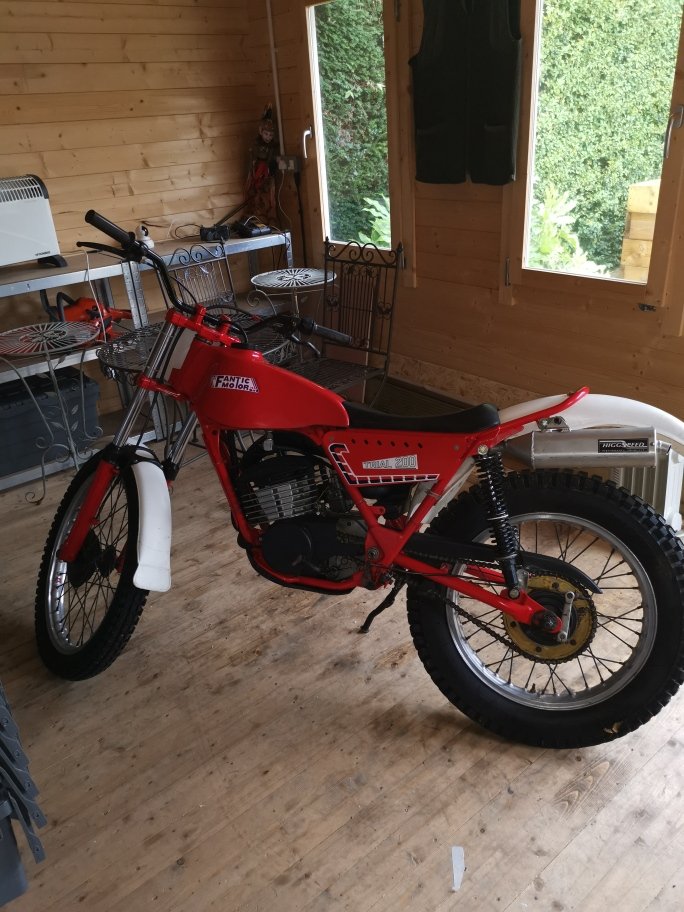
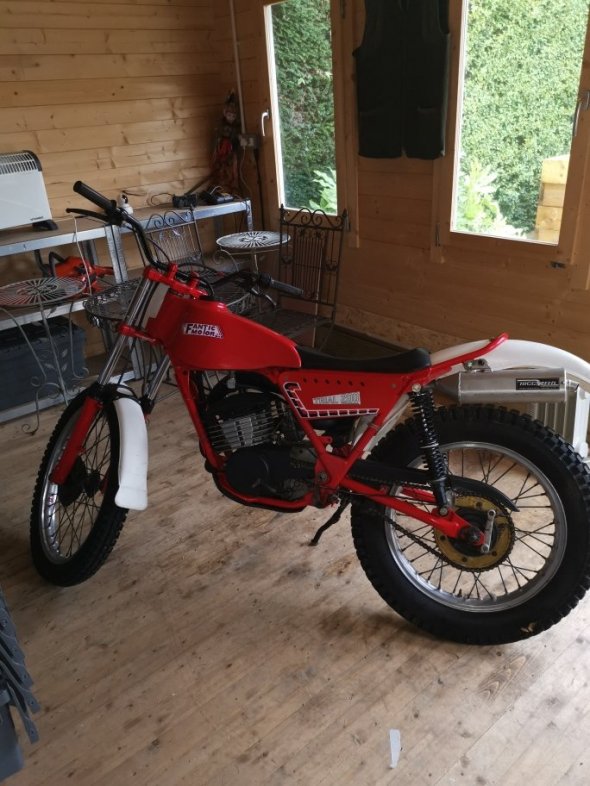
Hi all, just acquired a FantIc 200 1980ish (not sure of year yet) , bike has stood for a while so first thing is to get it running, then a few items I would like to sort out, the main one being the clutch cover has been repaired, so looking to buy a cover if anyone has one for sale ? Or can point me in the right direction cheers
-
Hi all, just acquired a FantIc 200 trail bike, needs a bit of TLC, never owned a trail bike before but have owned Enduro/Motorcross bikes before and have done some restoration and rebuilds, looking forward to getting this bike up and running again and taking it out in the summer cheers ?