

Skip to content
View in the app

A better way to browse. Learn more.

Trials Central

A full-screen app on your home screen with push notifications, badges and more.

To install this app on iOS and iPadOS
  1. Tap the Share icon in Safari
  2. Scroll the menu and tap Add to Home Screen.
  3. Tap Add in the top-right corner.
To install this app on Android
  1. Tap the 3-dot menu (⋮) in the top-right corner of the browser.
  2. Tap Add to Home screen or Install app.
  3. Confirm by tapping Install.

FeetUp54

Members
  • Joined

  • Last visited

  1. Wasn't the float. I adjusted it to spec and it still fouled.
  2. Yes, that is on my to do list today. Someone else looked at it and said it was okay, but ill look for myself.
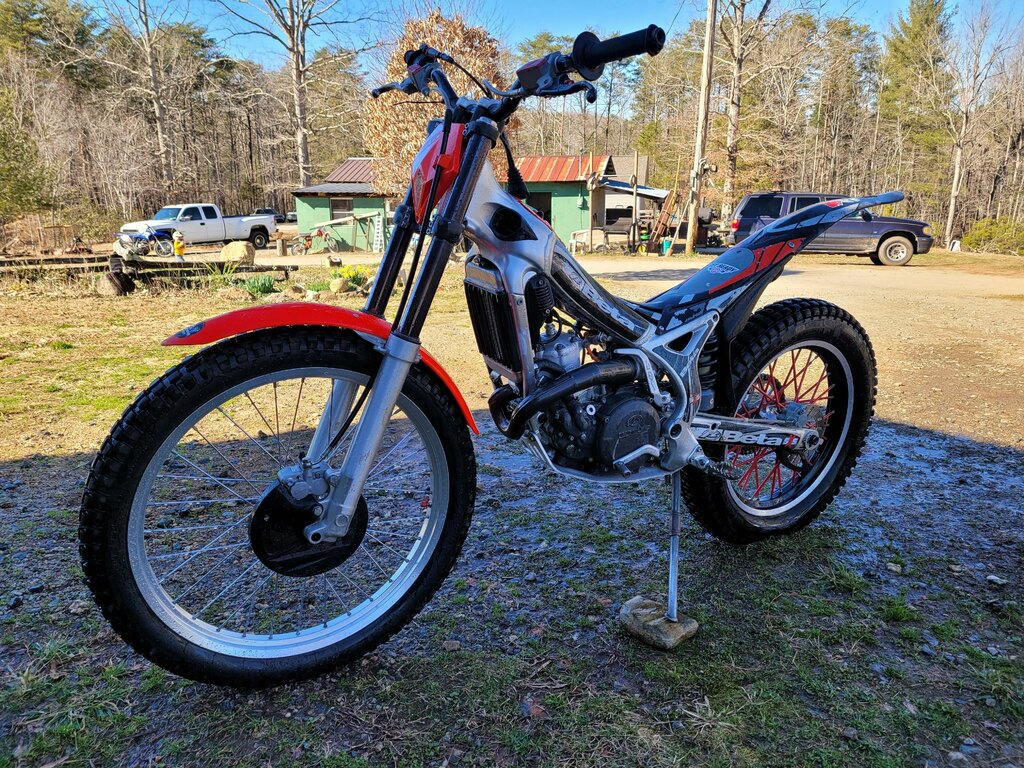
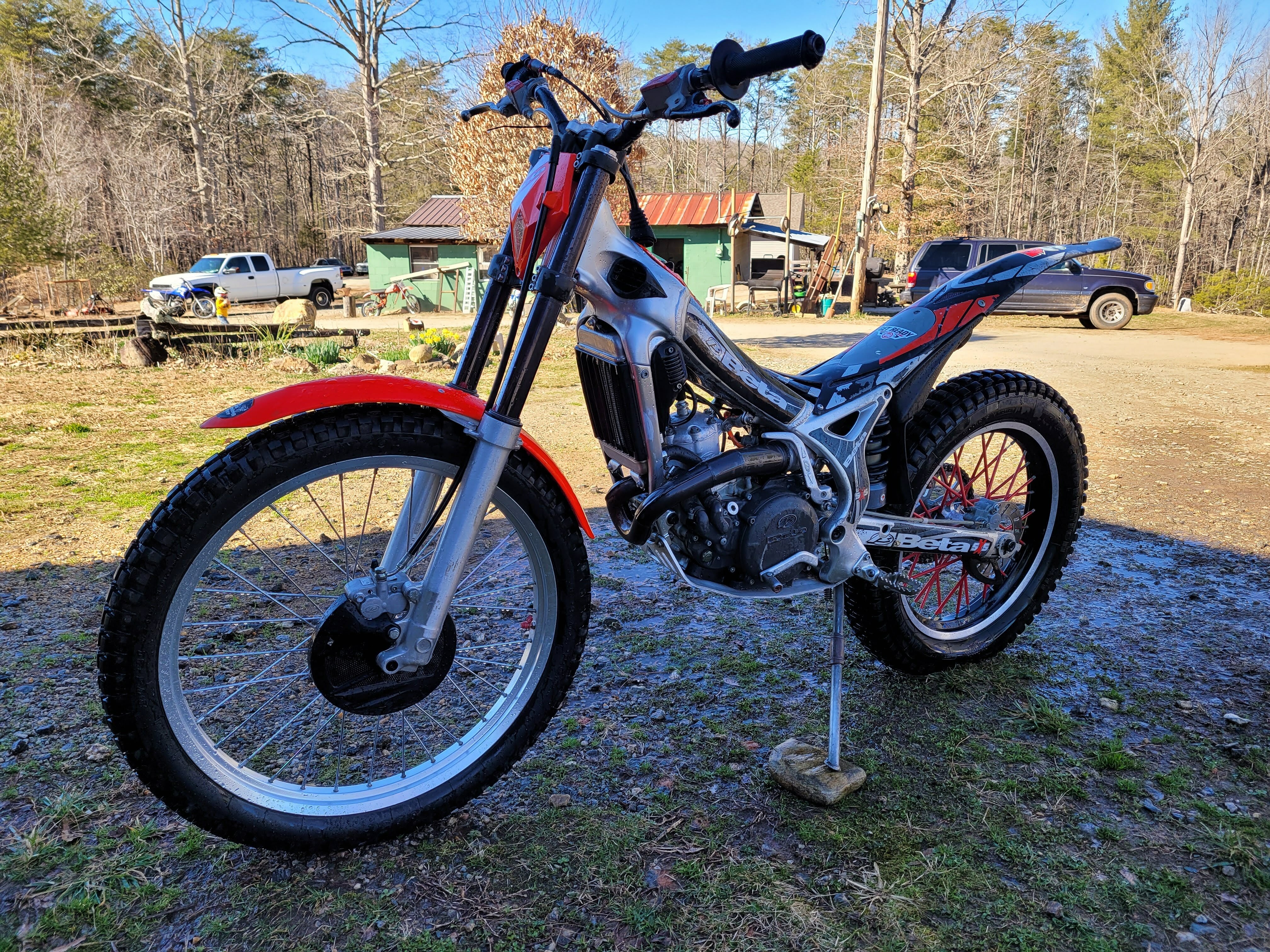
  3. I have a 08 Beta 125. Runs perfect... untill you put it nose down or nose up. It then changes idle and fouls a plug. Within a matter of seconds. Any ideas?
Account

Navigation

Search

Search

Configure browser push notifications

Chrome (Android)
  1. Tap the lock icon next to the address bar.
  2. Tap Permissions → Notifications.
  3. Adjust your preference.
Chrome (Desktop)
  1. Click the padlock icon in the address bar.
  2. Select Site settings.
  3. Find Notifications and adjust your preference.