Slytheslayer96
Members
-
Joined
-
Last visited
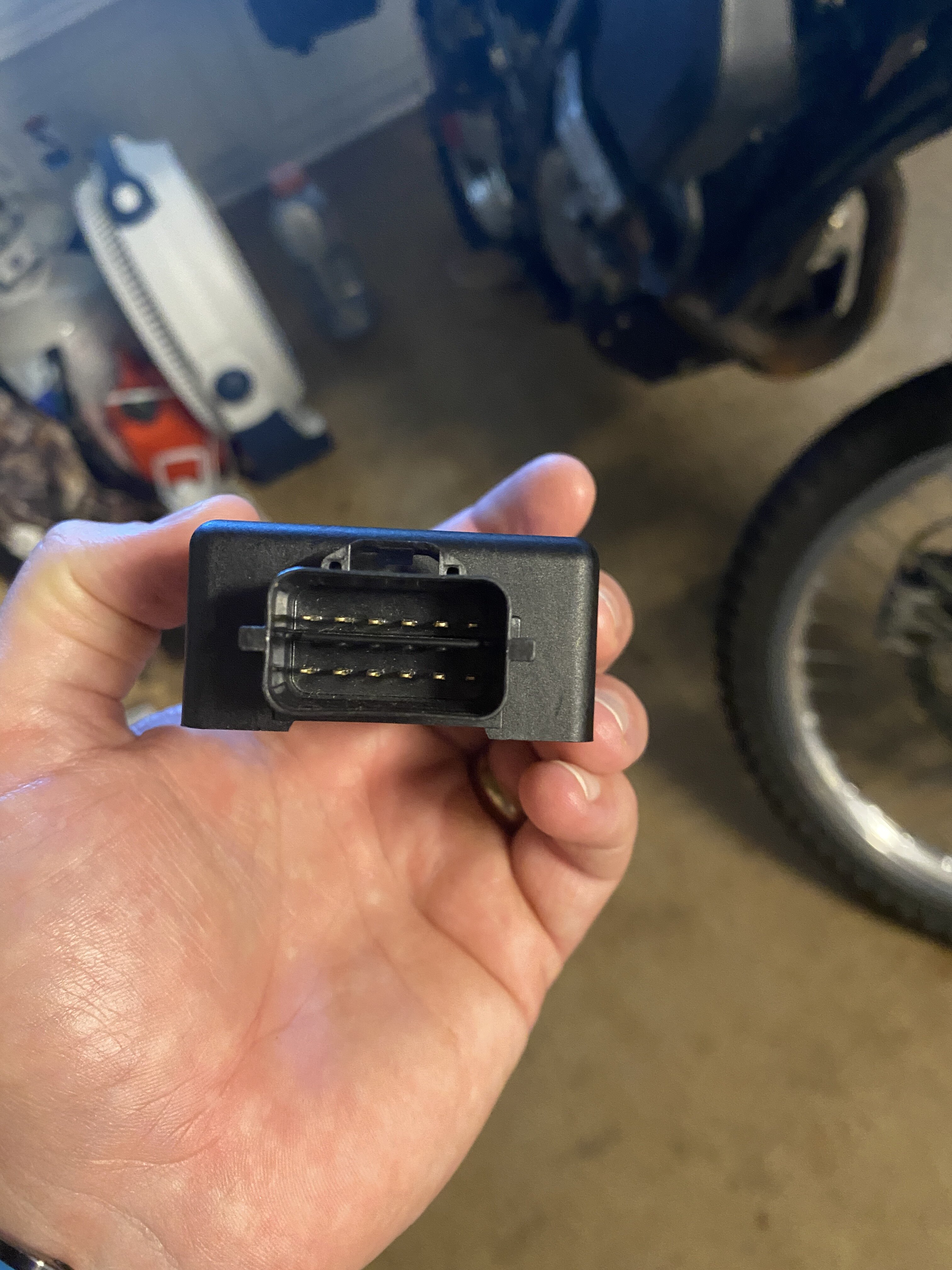
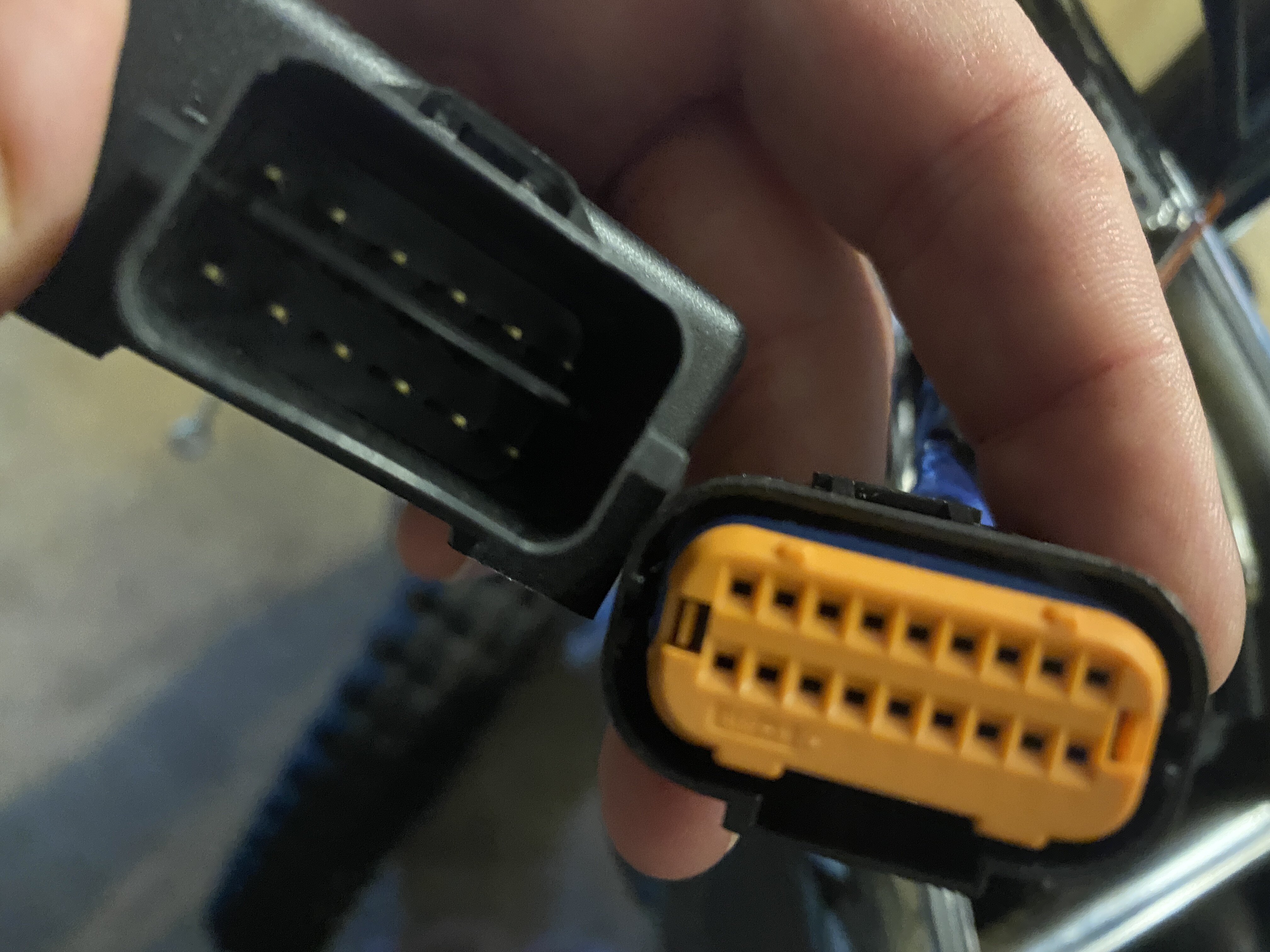
Everything posted by Slytheslayer96
-
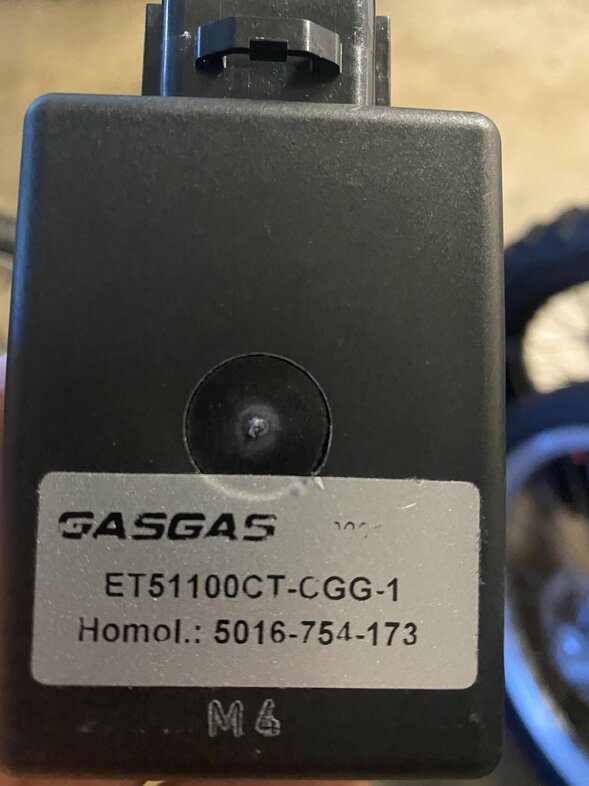
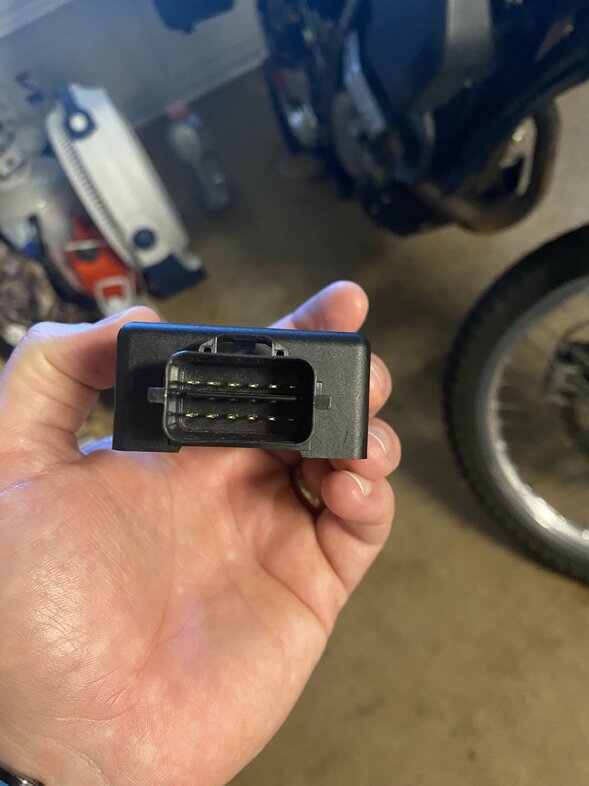
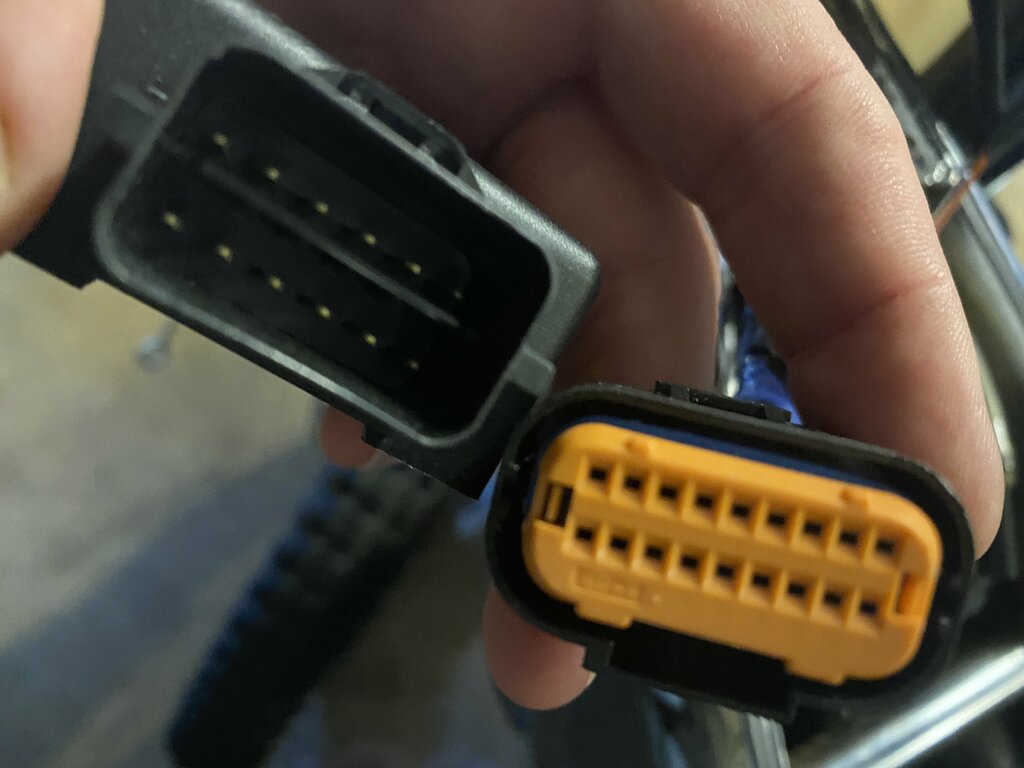
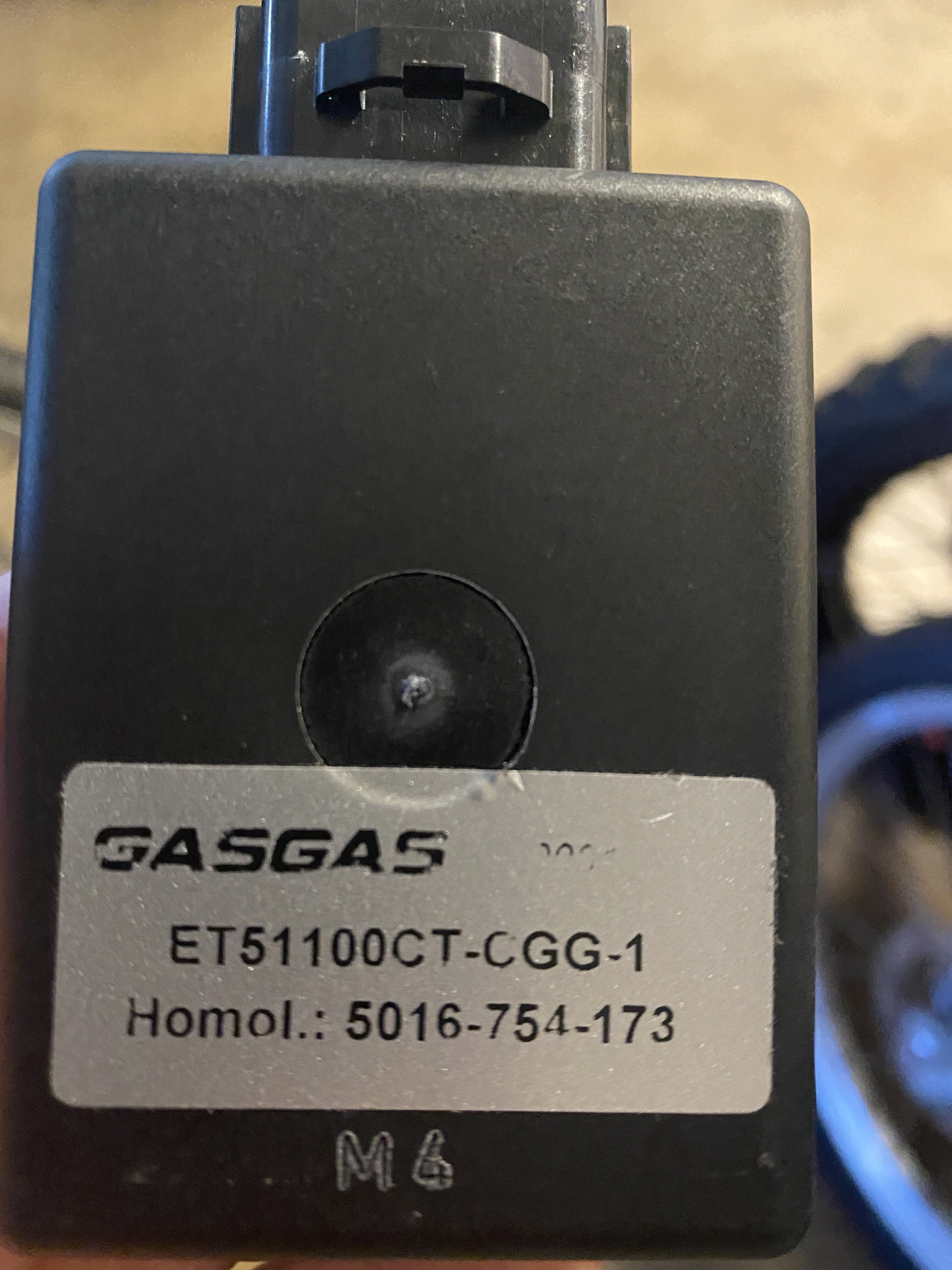
Hey guys, sorry to revive an old thread. I’m currently having an issue. I bought an 05 txt pro 300, with Ducati ignition.. it was all chopped up. So I reached out to the hellteam and got the part numbers to replace with a Hidria system. Here’s my problem. I ordered the exact parts that is required. however the wiring harness that is depicted as being the right one ET70120GG-CBN-1 for the Hidria system and my CDI ET51100CT-CGG-1 have different connectors. When I search on gas gas parts it shows this correct wiring harness for that correct CDI, and pictures look like the correct connector. They are not, or the same part number was used for newer model bikes and has a newer connector on it. I will attach what I am talking about. My question is, what connector is it so I can just buy that and swap it off the wiring harness? Or am I missing something here? I did find a kit to replace the connector but of course out of stock, it just doesn’t tell me the type of connector so I cannot find it anywhere. Thanks for any help. here is that website I mentioned https://www.splatshop.co.uk/hidria-cdi-connector-12-pin.html It looks like the 09 KTM 65 used the same connector as well Chris