Skip to content
View in the app

A better way to browse. Learn more.

Trials Central

A full-screen app on your home screen with push notifications, badges and more.

To install this app on iOS and iPadOS
  1. Tap the Share icon in Safari
  2. Scroll the menu and tap Add to Home Screen.
  3. Tap Add in the top-right corner.
To install this app on Android
  1. Tap the 3-dot menu (⋮) in the top-right corner of the browser.
  2. Tap Add to Home screen or Install app.
  3. Confirm by tapping Install.

RolandTheHeadless

Members
  • Joined

  • Last visited

Everything posted by RolandTheHeadless

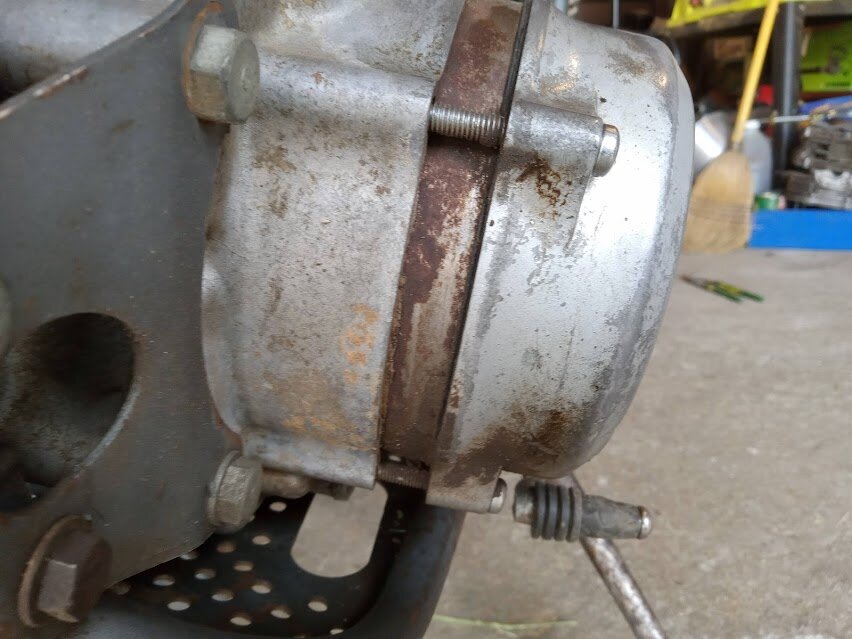
  1. PS I am gonna remove that case later and see
  2. Here is the thing it is sealed and runs perfectly
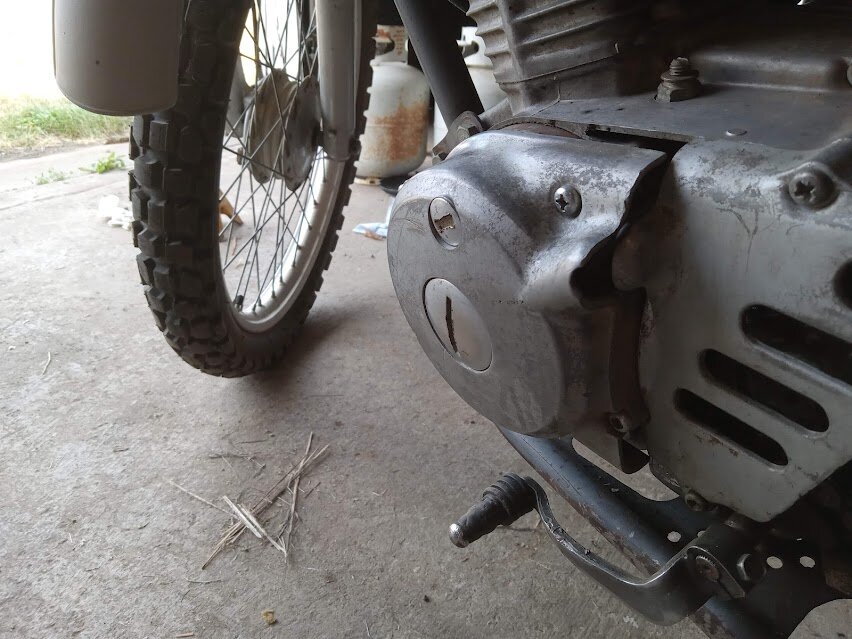
  3. Do yall think someone put extra flywheel weights in there? the PO said that the folks before him installed a lighting kit and that was the remnants my book says that the wiring and coils are there for lights SOOO I don't know
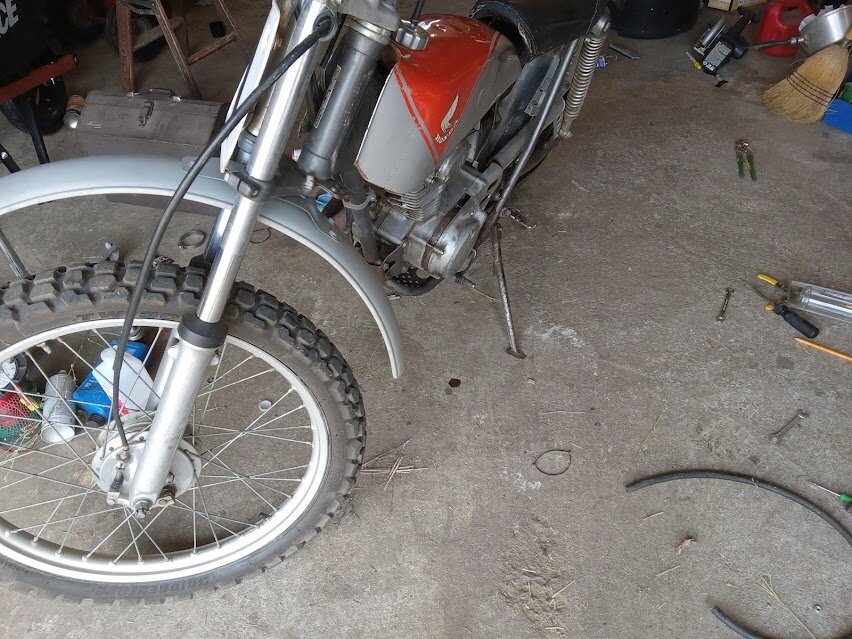
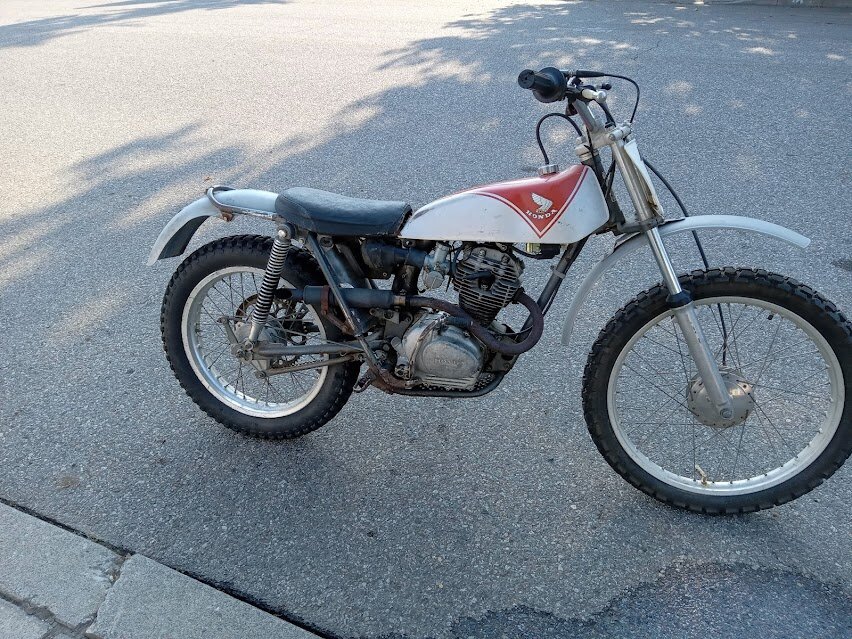
  4. What mod is this on the poor lil tl125 I just picked up???
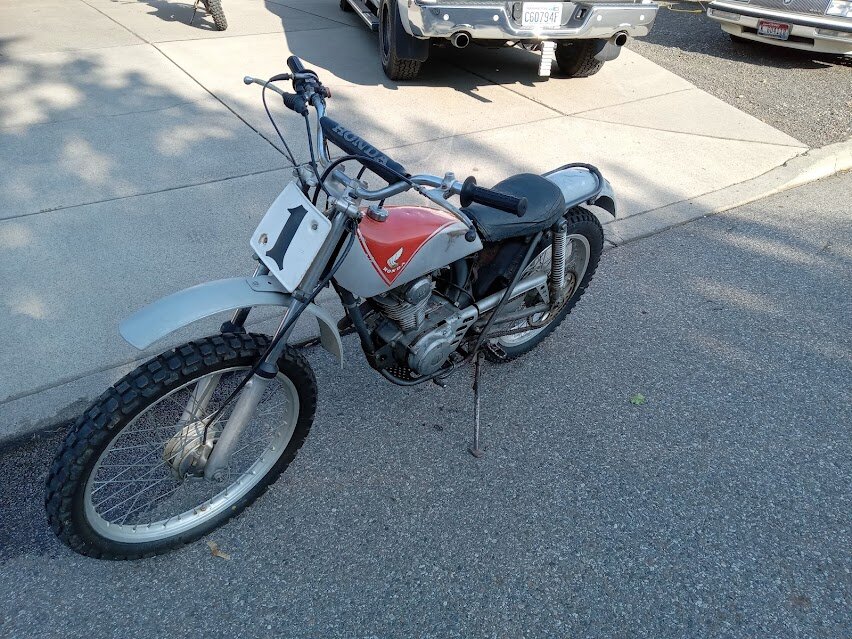
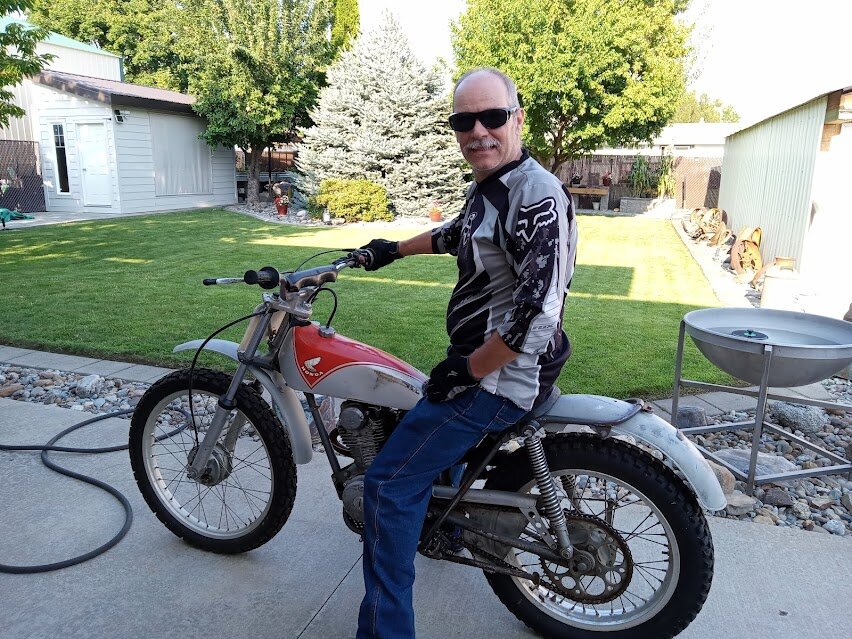
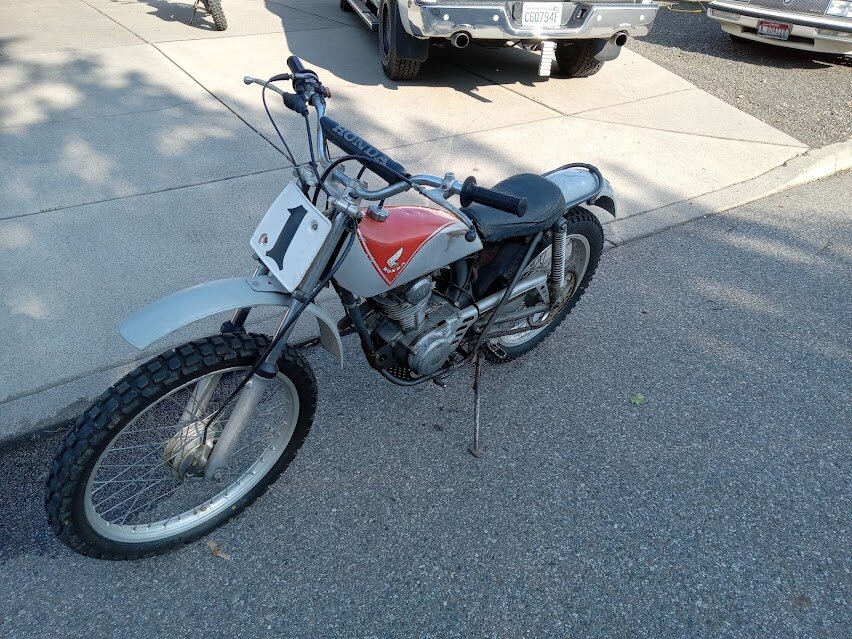
  5. I am a Motorcycle enthusiast I like dual sport, cruisers and vintage dirt bikes The reason I am here is I just picked up a TL125 I am gonna use it to learn trials and compete a lil I am asking myself am I insane ...well yea I guess but I will have fun
Account

Navigation

Search

Search

Configure browser push notifications

Chrome (Android)
  1. Tap the lock icon next to the address bar.
  2. Tap Permissions → Notifications.
  3. Adjust your preference.
Chrome (Desktop)
  1. Click the padlock icon in the address bar.
  2. Select Site settings.
  3. Find Notifications and adjust your preference.