nechakoriver
Members
-
Joined
-
Last visited
-
130:1 with Opti-2 oil is my chosen mix. No issues at all.
-
I was able to view the file on the Ossa USA site so it seems that the link has been fixed. http://www.ossausa.c...arts/tech-tips/ If anybody is still having trouble viewing the file, I've got a saved copy that I can email if needed.
-
-
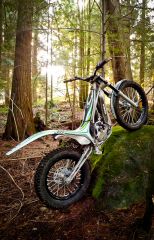
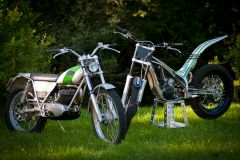
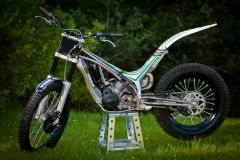
I bought my 2011 TR280i earlier this year and totally love it! This is my first trials bike and I've had nothing but fun with zero issues. It does have a few quirks such as the air filter removal procedure, slightly involved but still quite easy oil change, kick starter that bottoms out on the foot peg and shock adjustment knobs that are tricky to get at. These aren't really what I would call problems but may annoy some people. I know starting has been an issue with some bikes. Mine has the 9v system and sometimes it will start on the first kick. I love the FI system and how clean it runs. It really looks and feels like a well built machine. As a total trials newbie, I love my bike and couldn't be happier.