September 18, 201214 yr I've just printed off the Cliff Collinson regs for this year and i cant seem to find what routes there will be ie expert, 50/50 clubman jsp
September 18, 201214 yr Expert, Intermedate and Clubman listed in awards http://www.scarboroughdmc.co.uk/upl/doc/50537369a0c52.pdf
September 18, 201214 yr Thats what it was last year, expert, inters & clubman. Really enjoyed it, very good trial. I enjoy Harwood Dale but dont seem to get over there very often.
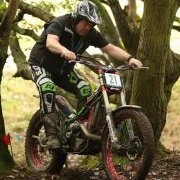
November 18, 201213 yr Superb trial. Thankyou to all involved. If you have never rode this trial before it is really worth a bash. Very enjoyable day.


Join the conversation
You can post now and register later. If you have an account, sign in now to post with your account.