whiskeywarlord
Members
-
Joined
-
Last visited
-
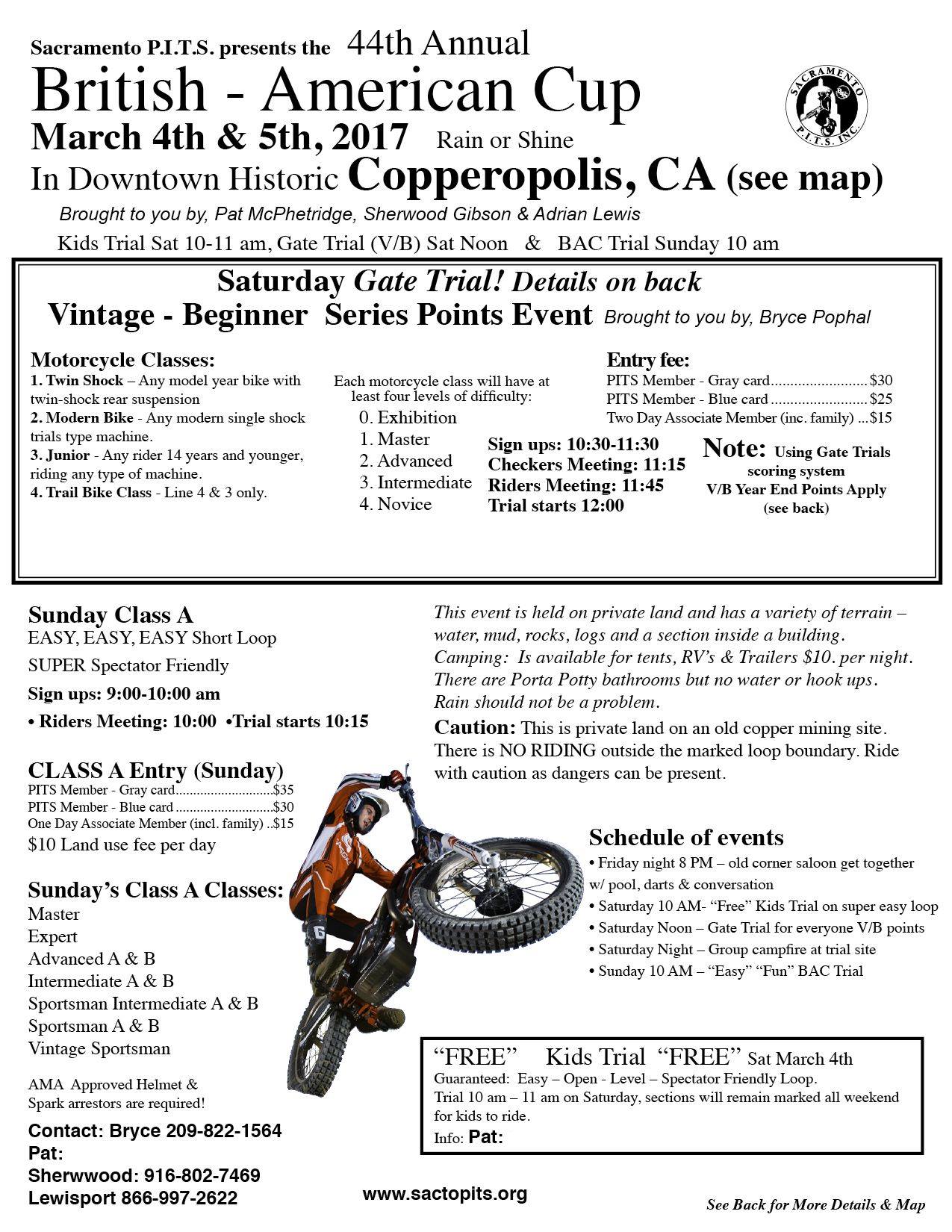
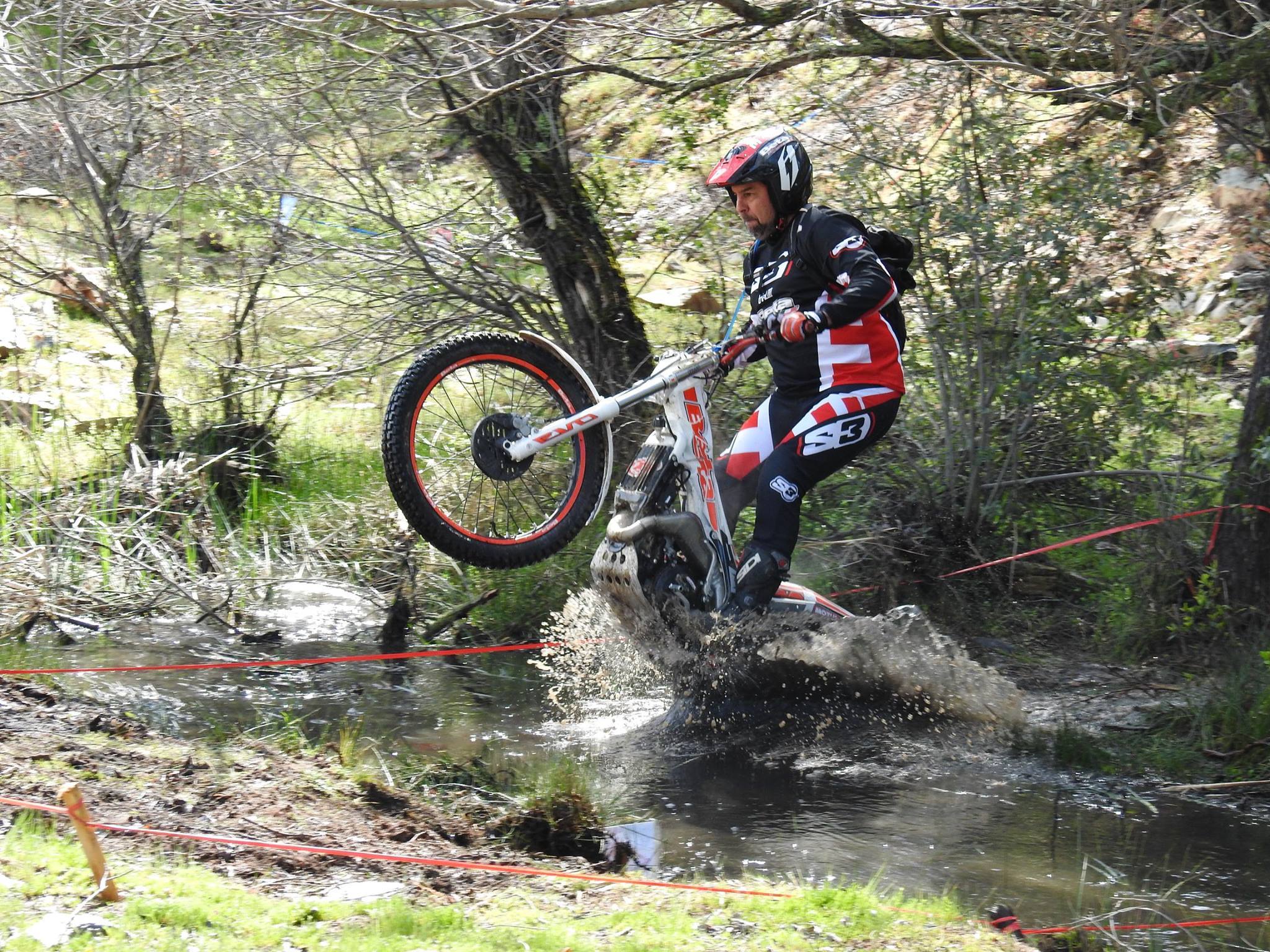
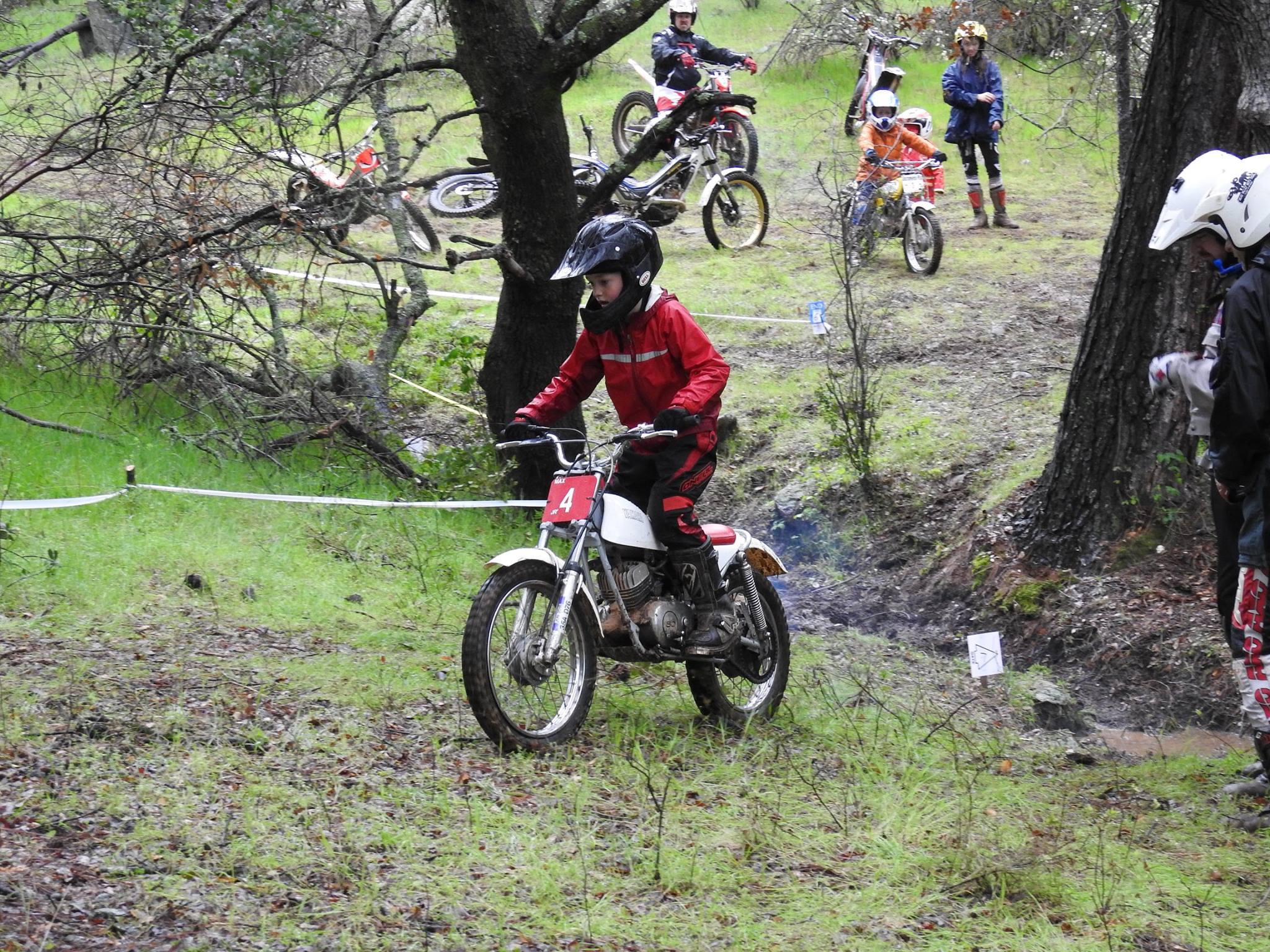
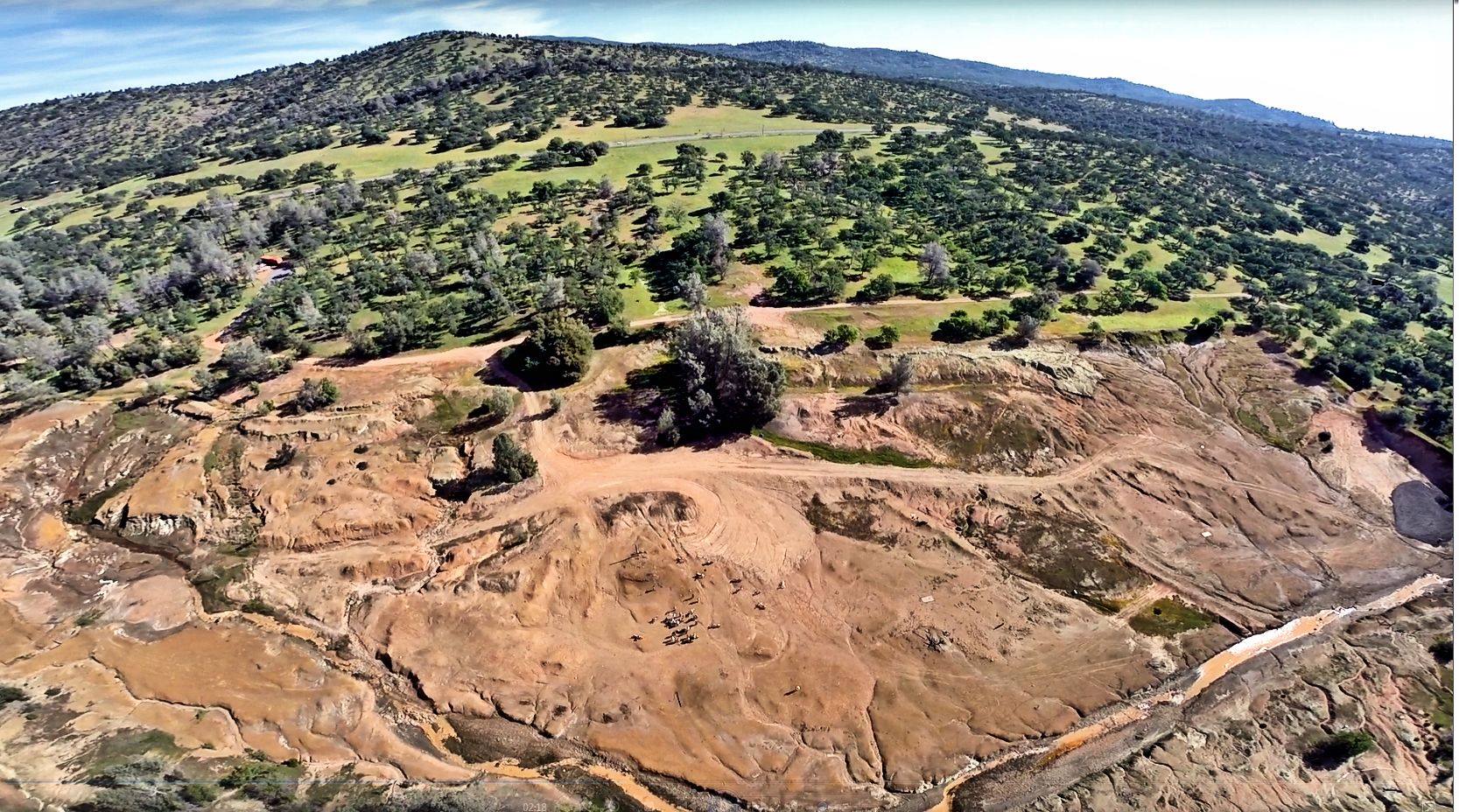
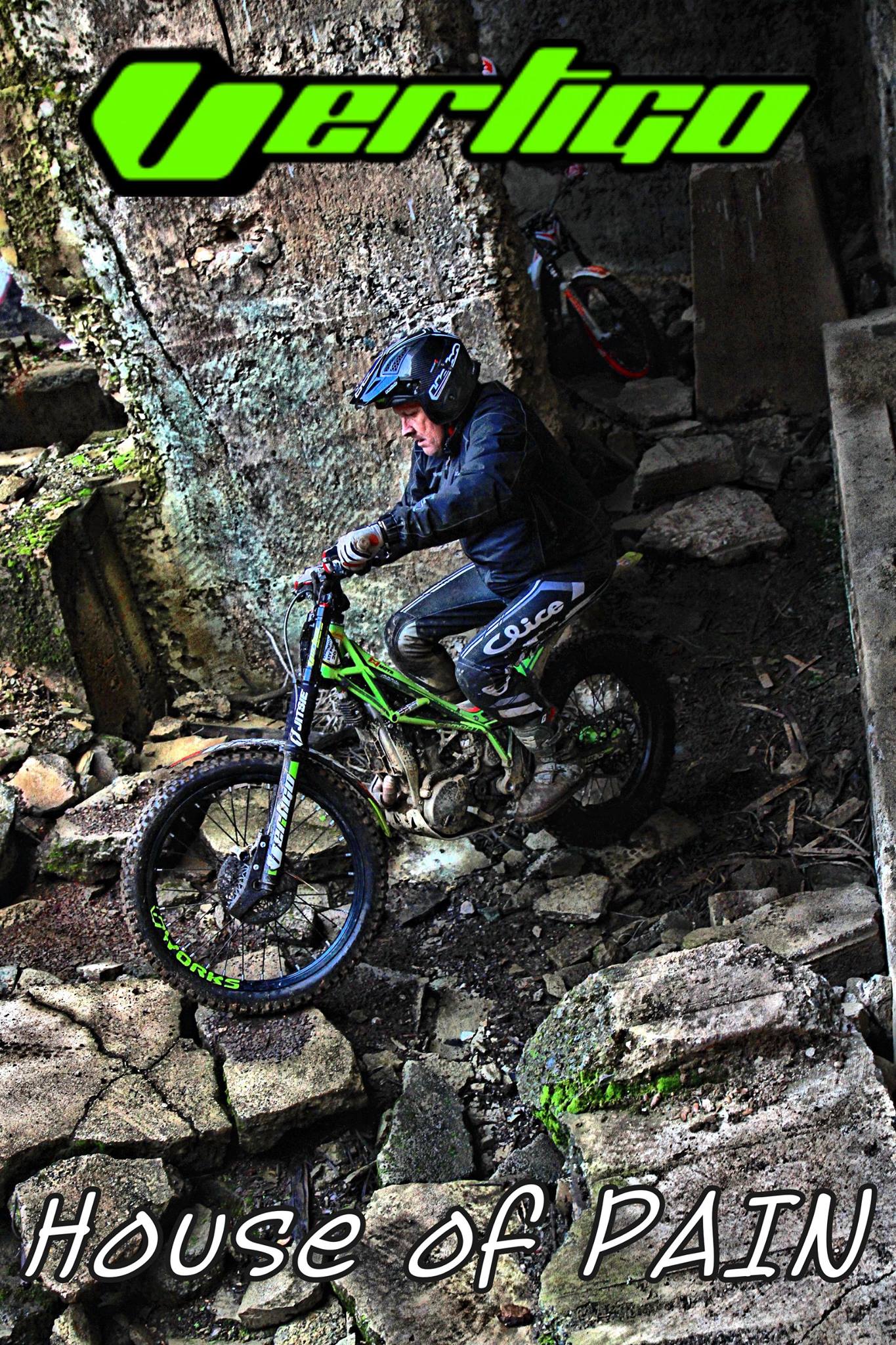
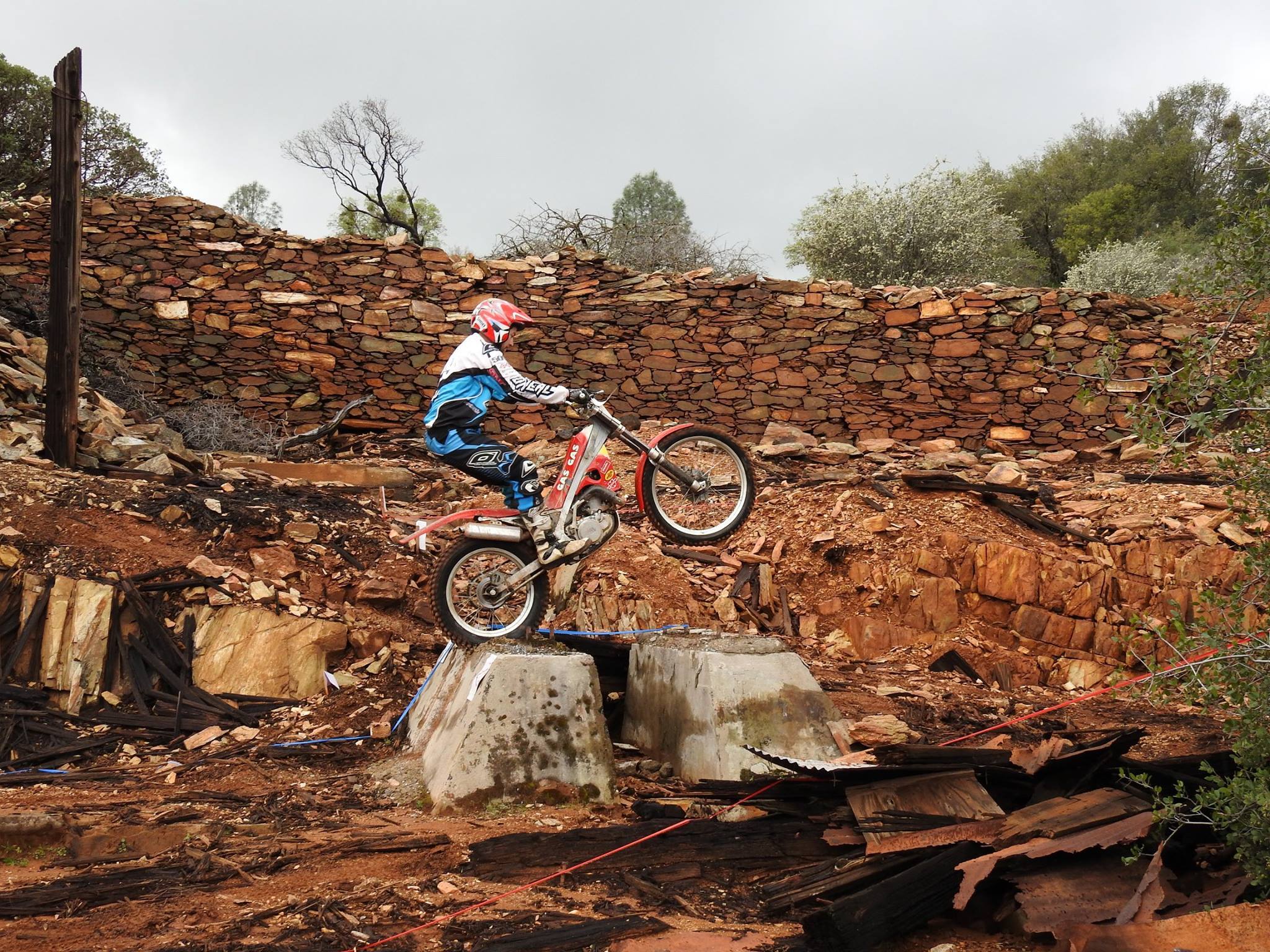
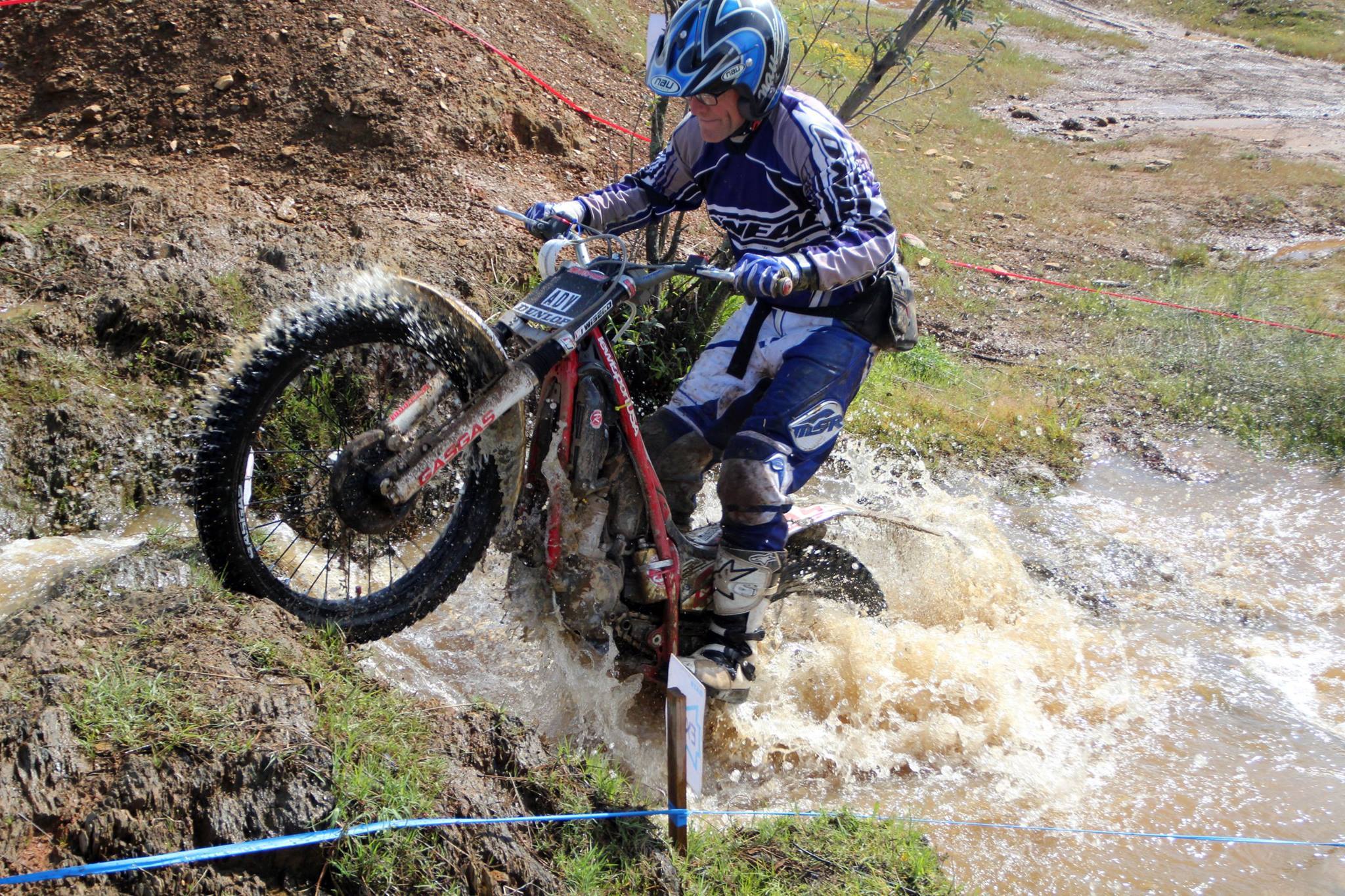
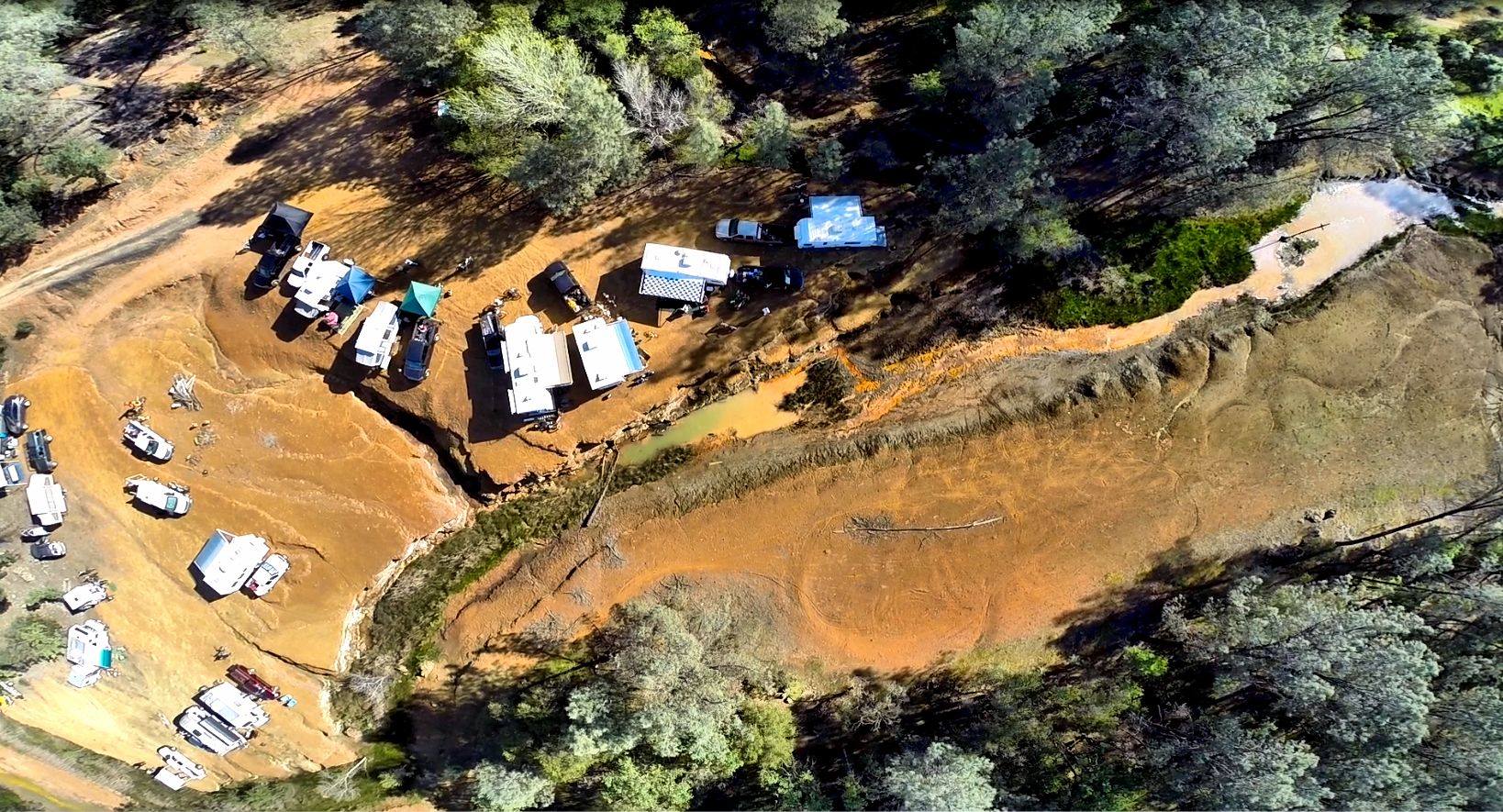
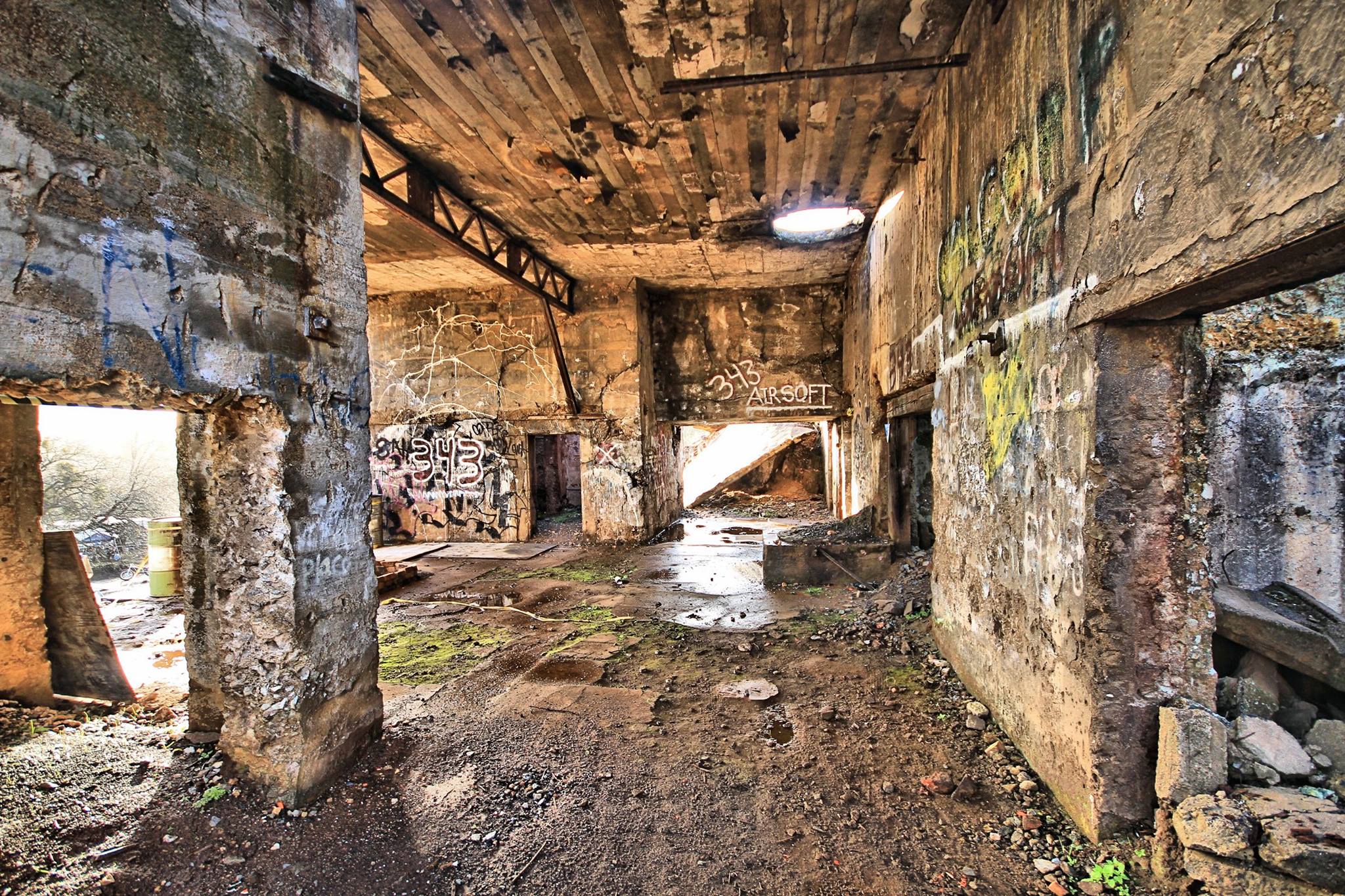
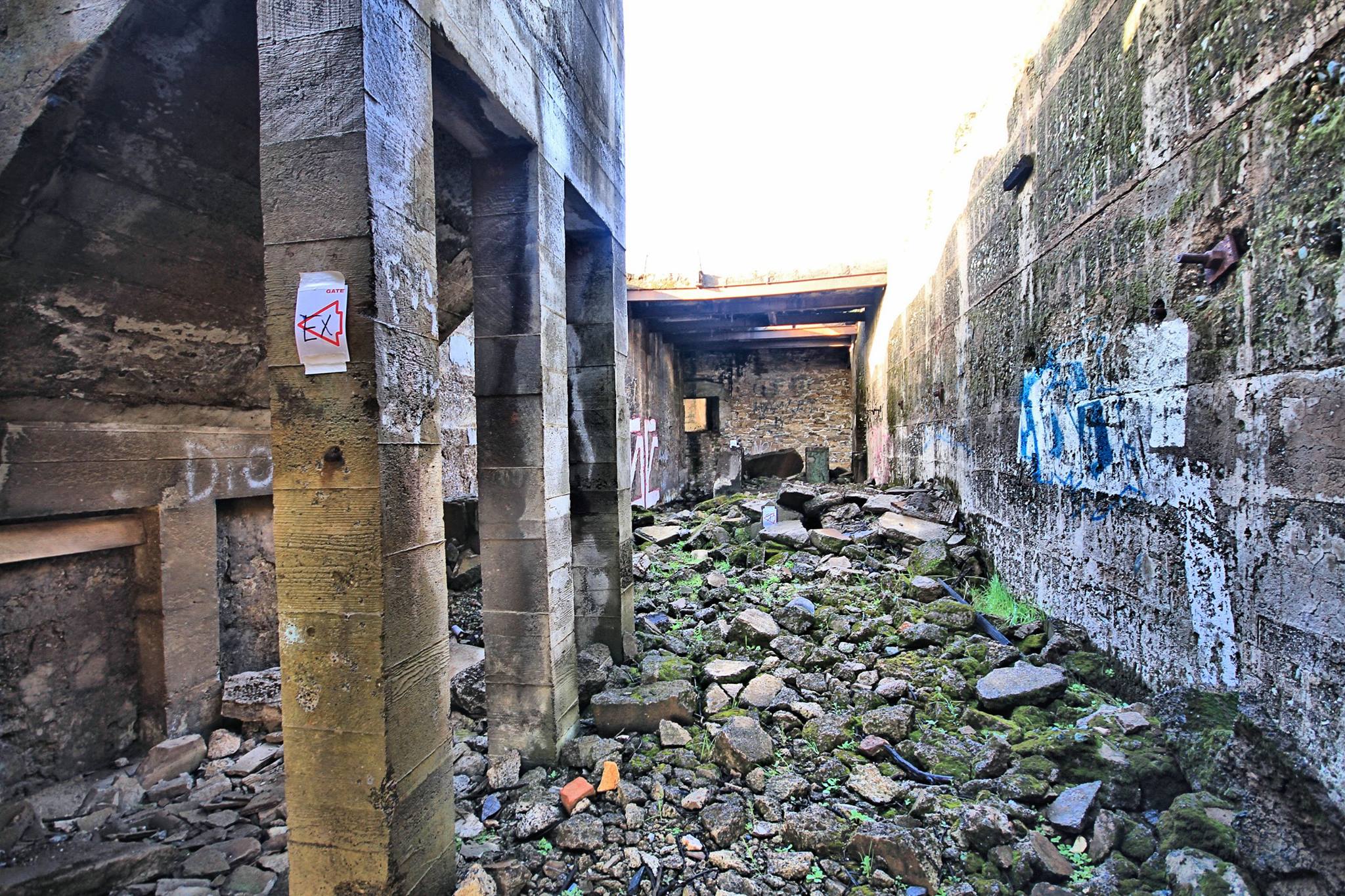
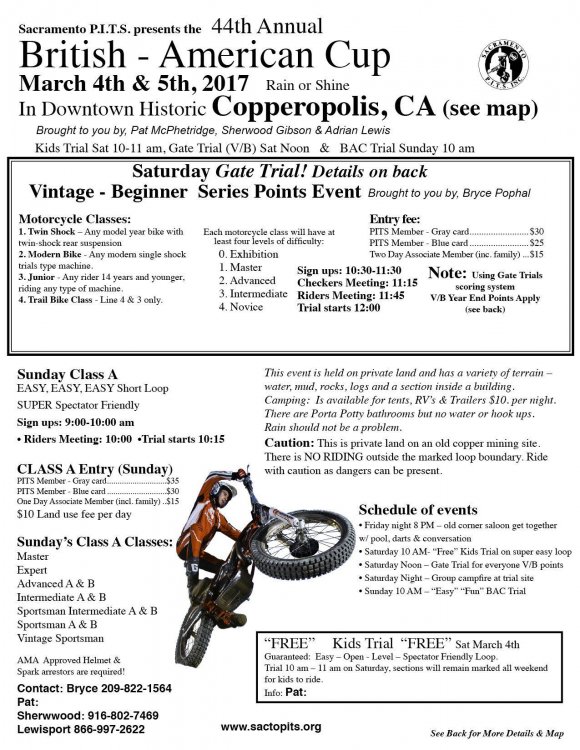
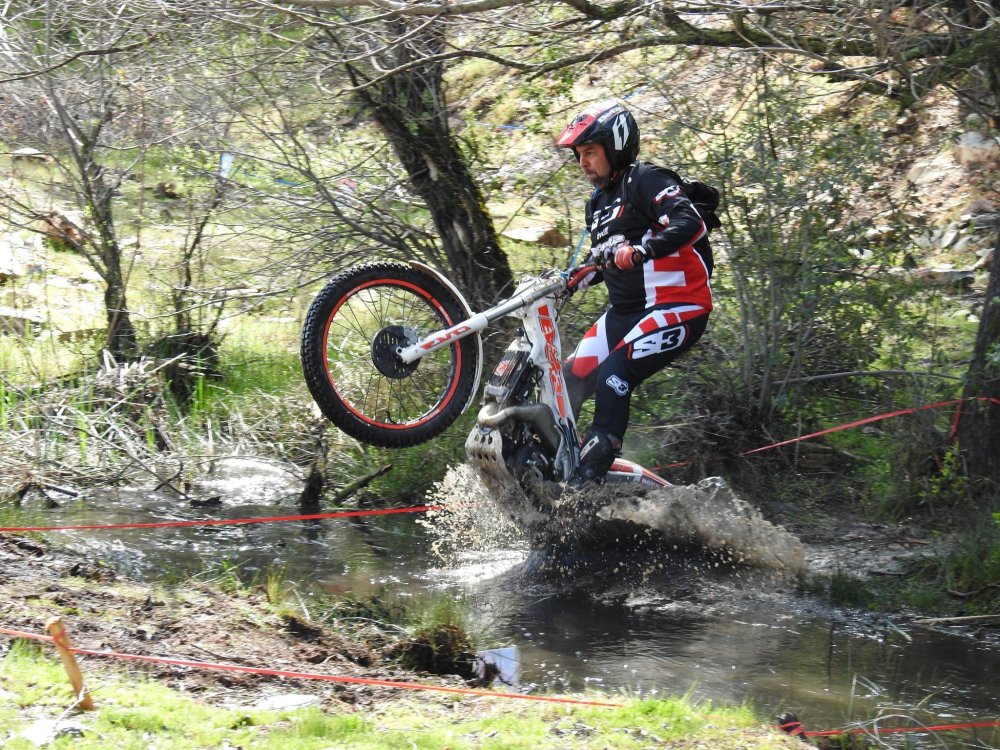
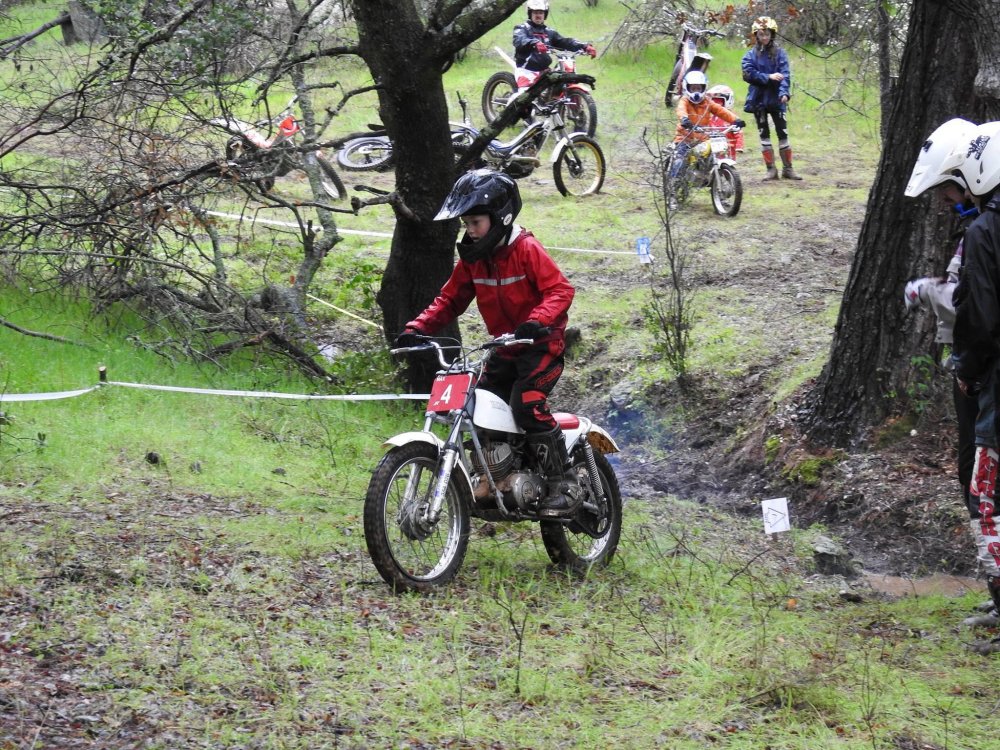
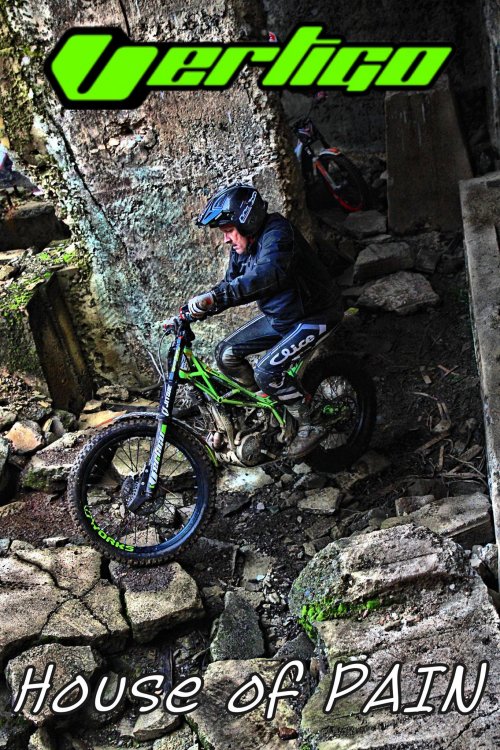
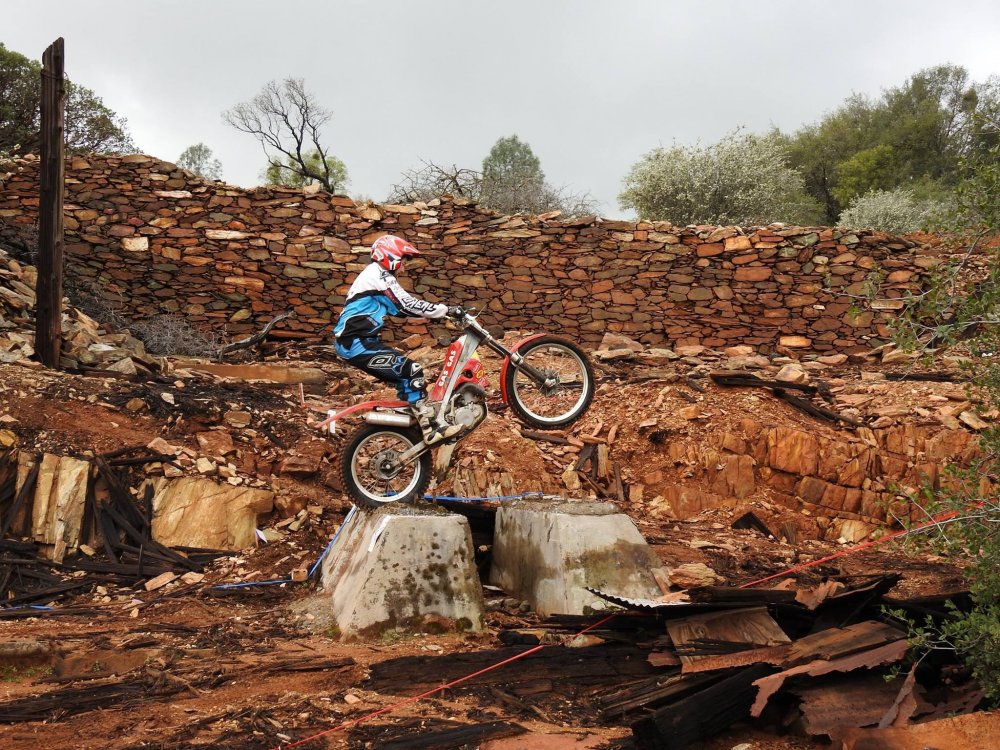
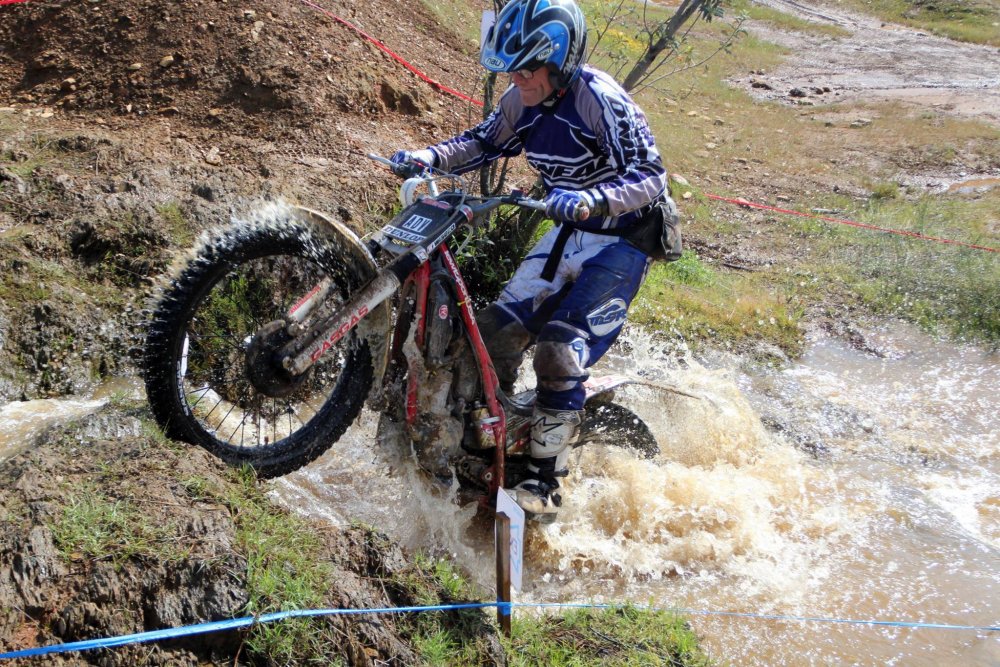
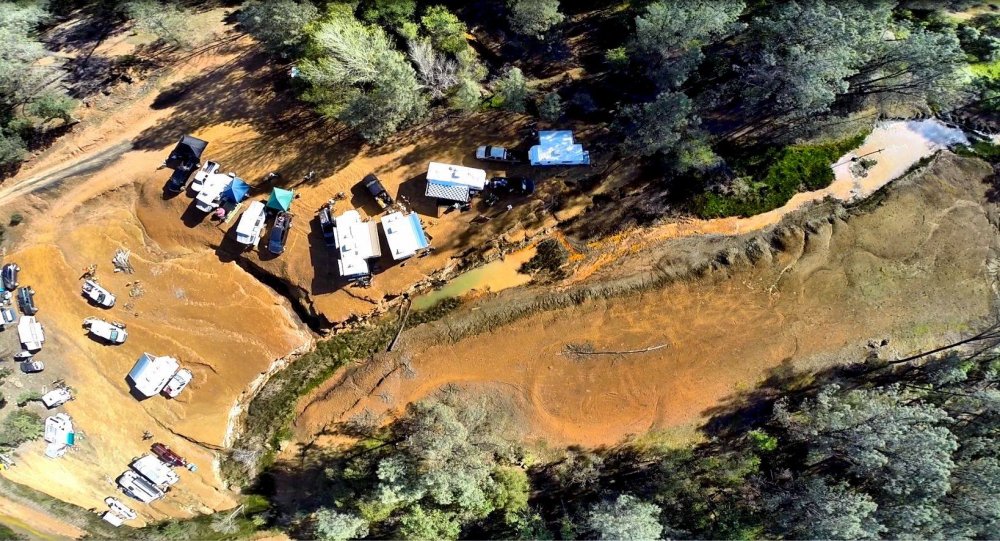
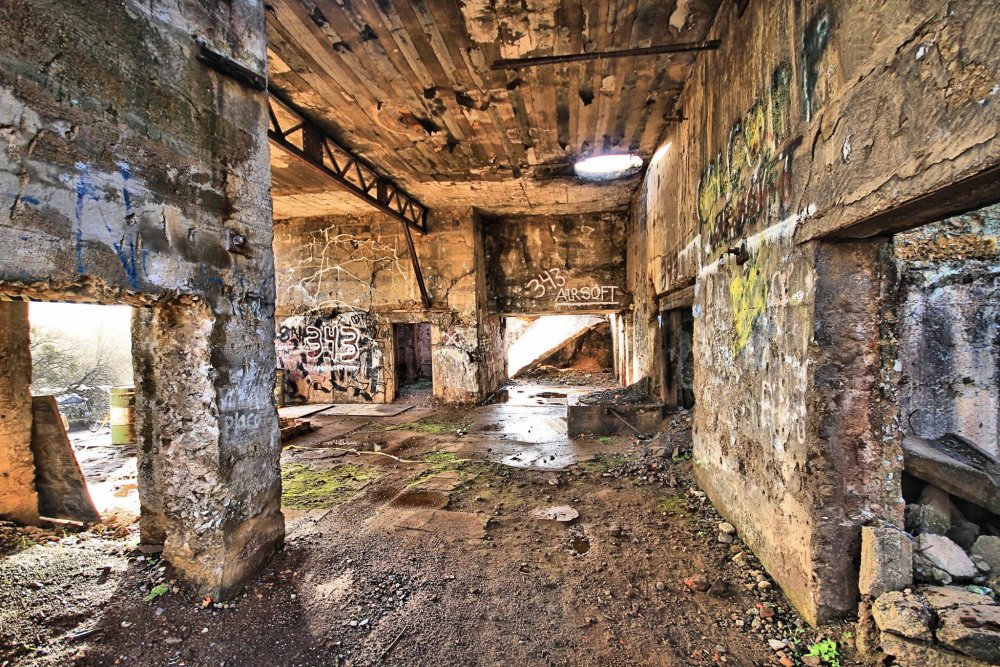
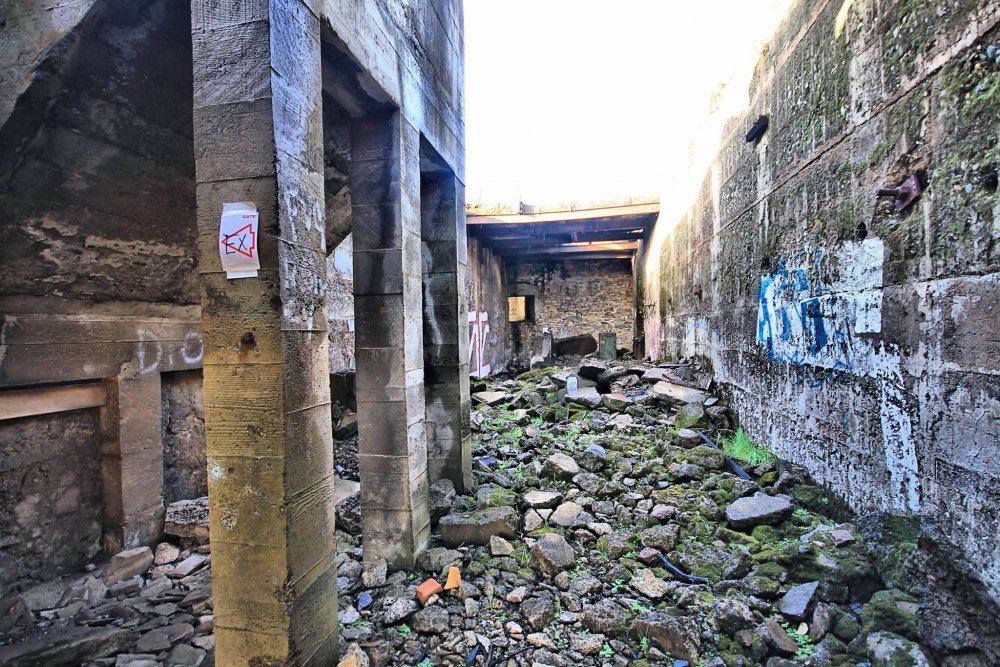
The Sacramento PITS is proud to announce our 2017 season kick-off trial in Copperopolis, CA! The British-American Cup will take place March 4th and 5th where we can camp with the family, enjoy a kids trial, ride a gate trial on Saturday and our Class A trial on Sunday. There's probably not a more diverse area to have a trial, the landscape from the old copper smelter gives us some unique sections in water, fantastic hill climbs, technical turns, newly downed trees, granite rocks and even the infamous House of Pain, check out the pics and you'll see what we mean! http://www.sactopits.org/event/bac/?instance_id=166

-
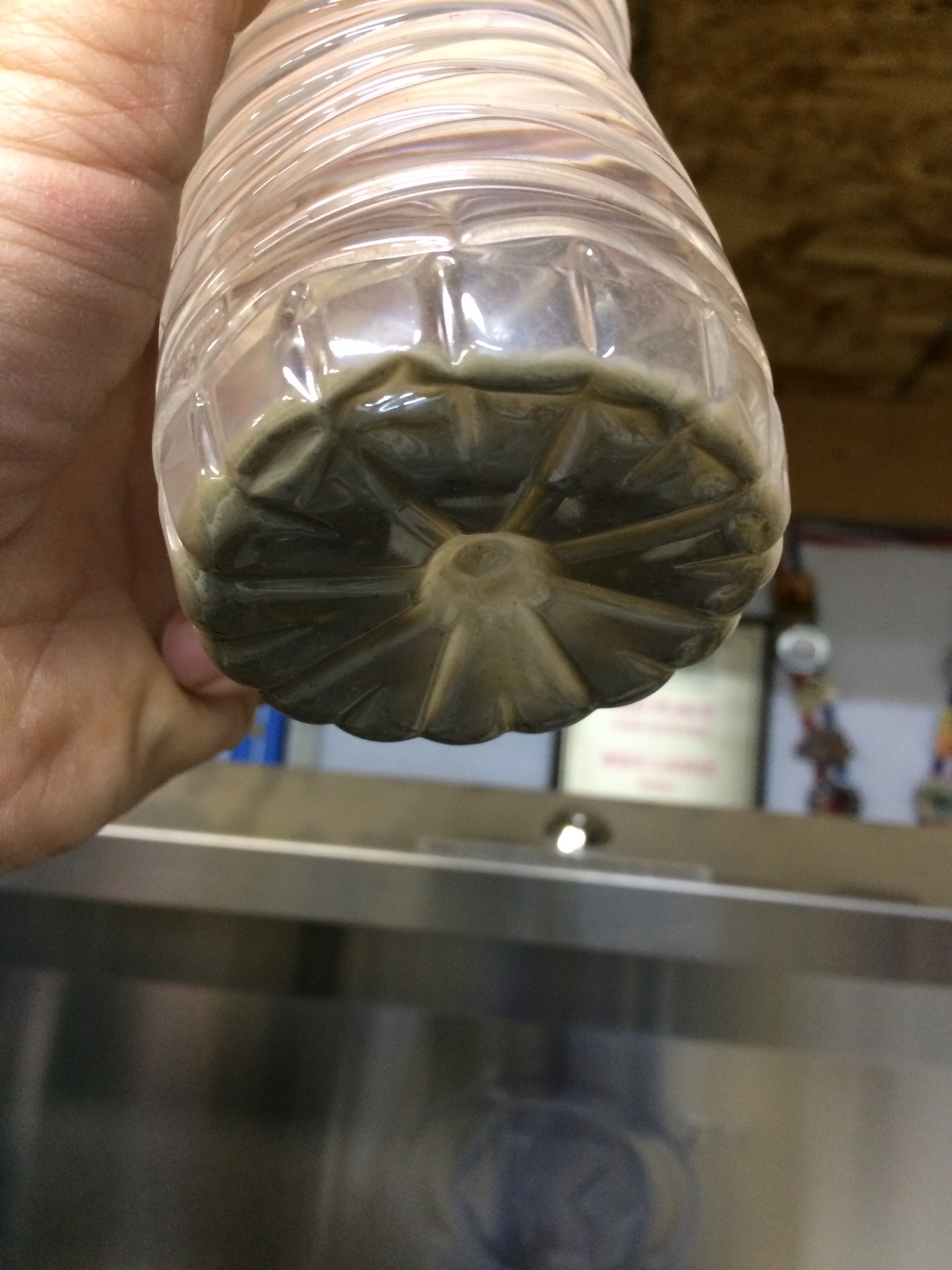
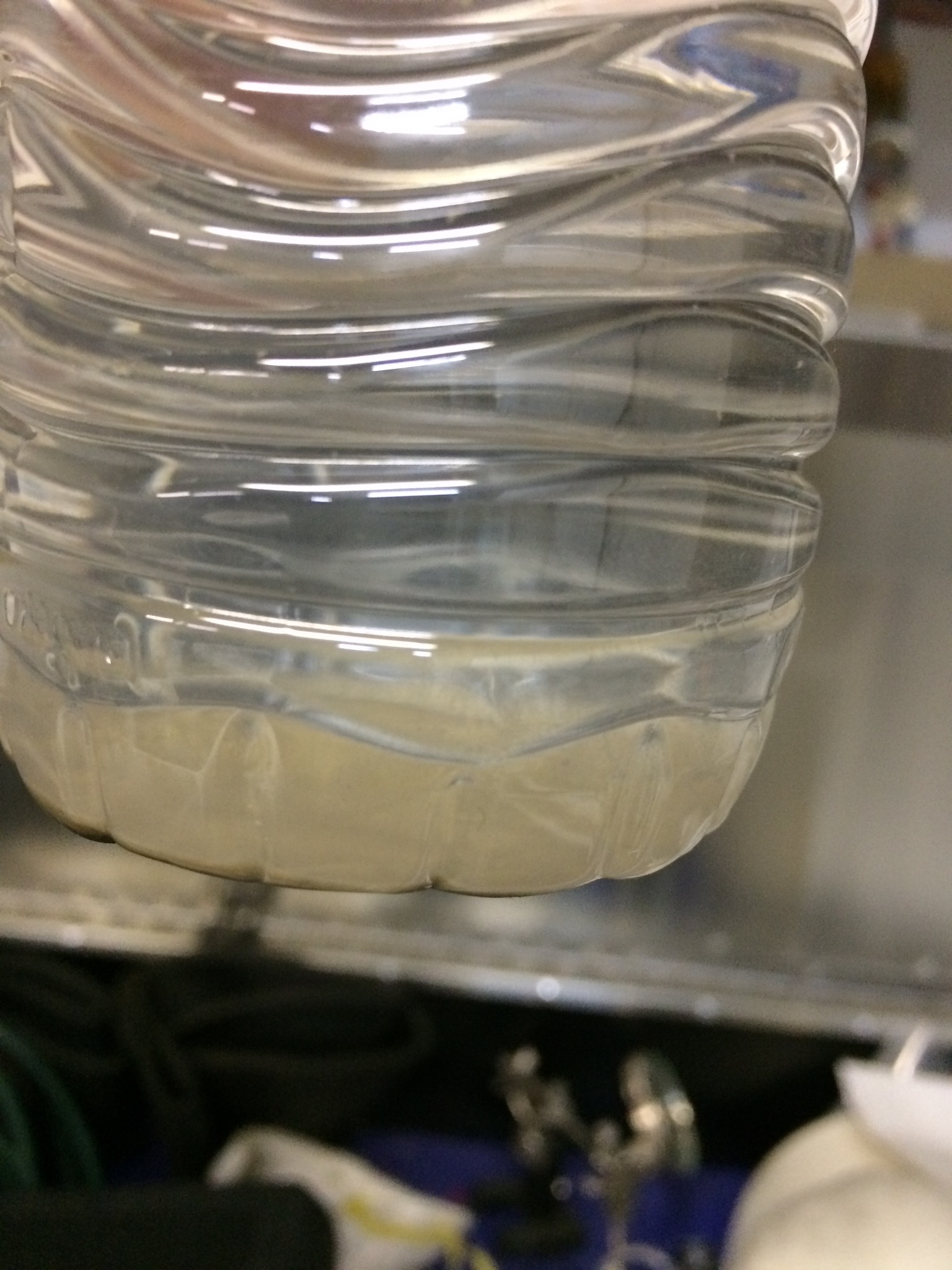
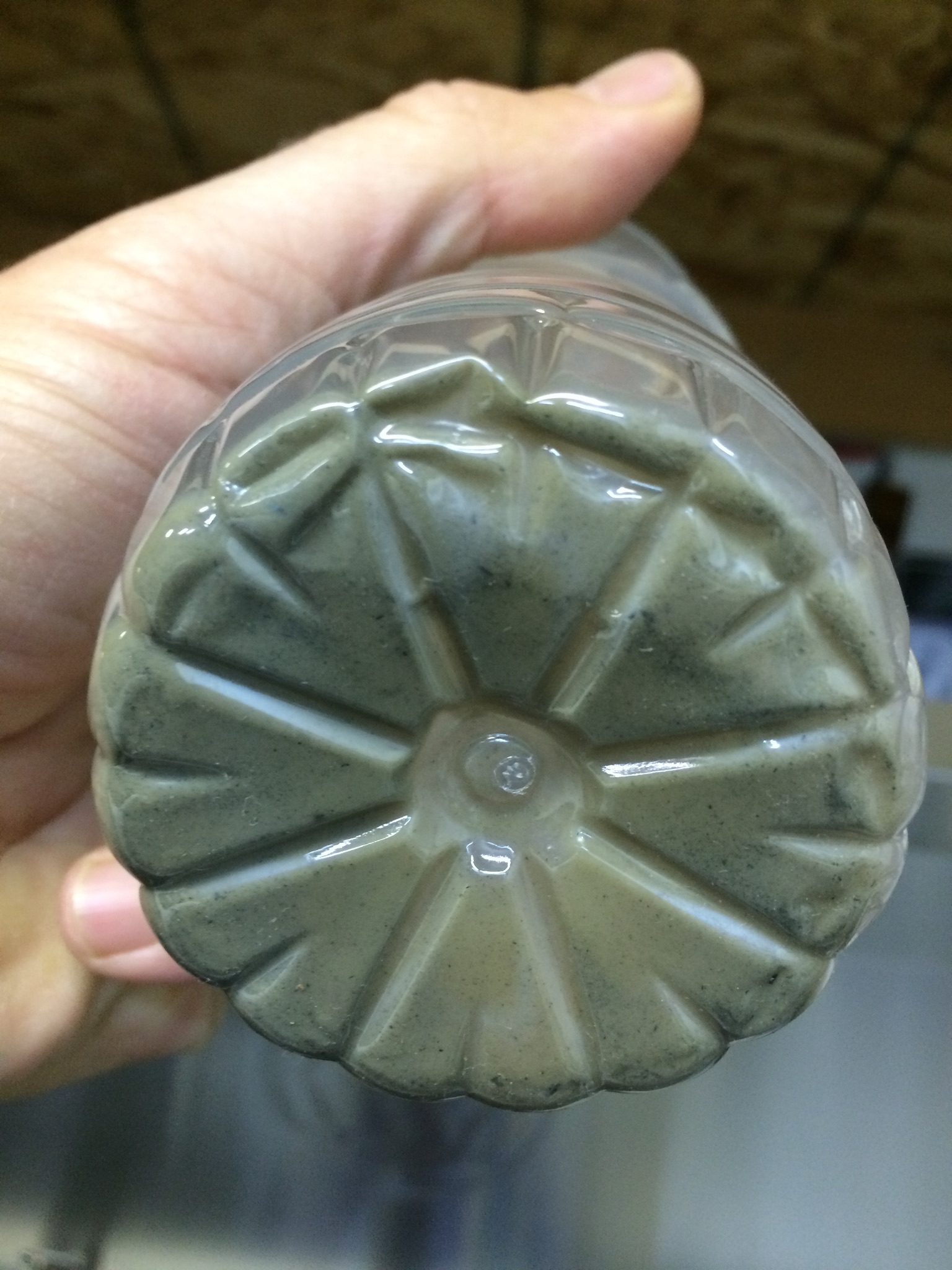
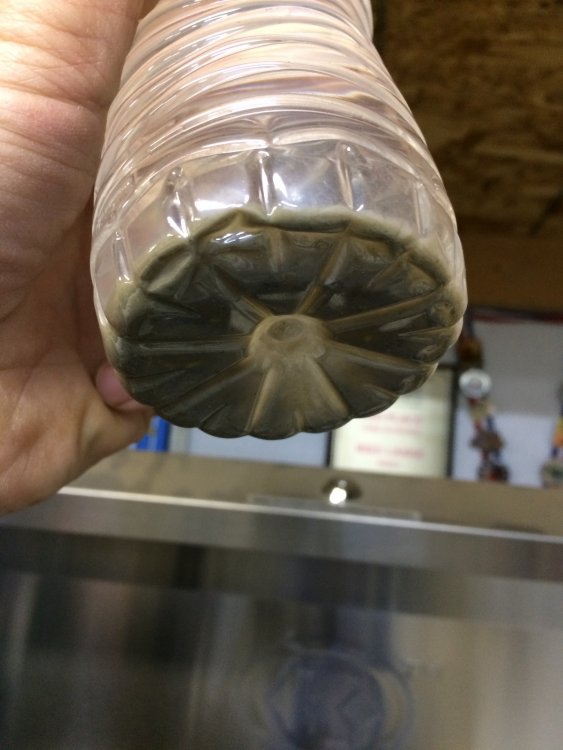
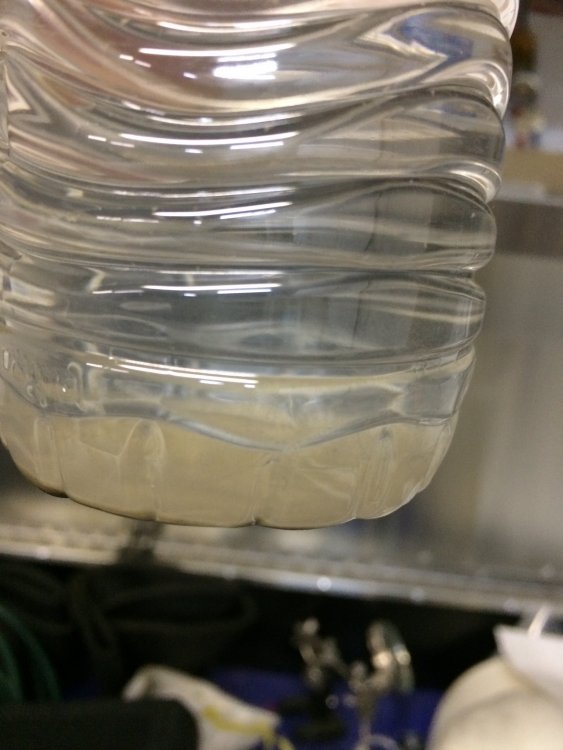
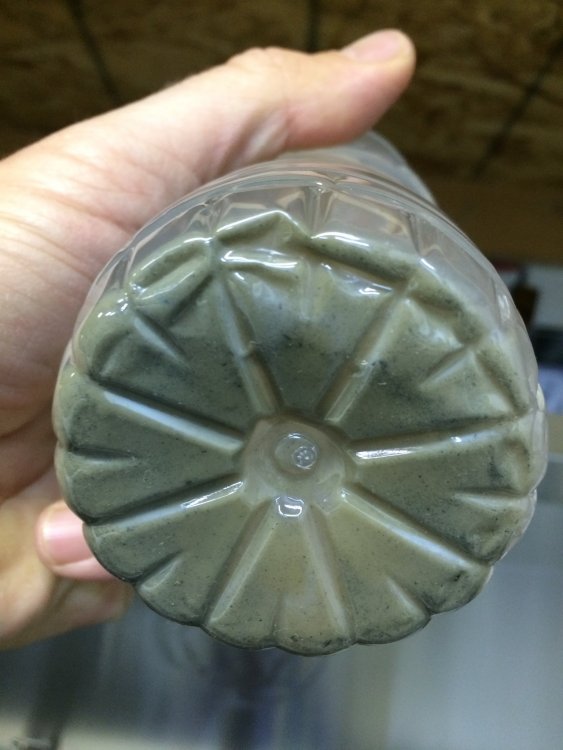
When I purchased my used Ossa 280 it had 65hrs on the clock. The prior owner used distilled water for coolant, which was said to be a season old. Since I often travel into areas that may fall below freezing I opted to change to Engine Ice (which I still have a bit of from snowmobiles and enduro bikes). It came out a bit cloudy, once I allowed it to settle overnight here's what it looked like. Although I've seen worse I'll rest easier knowing its freshened up (and freeze protected).
-
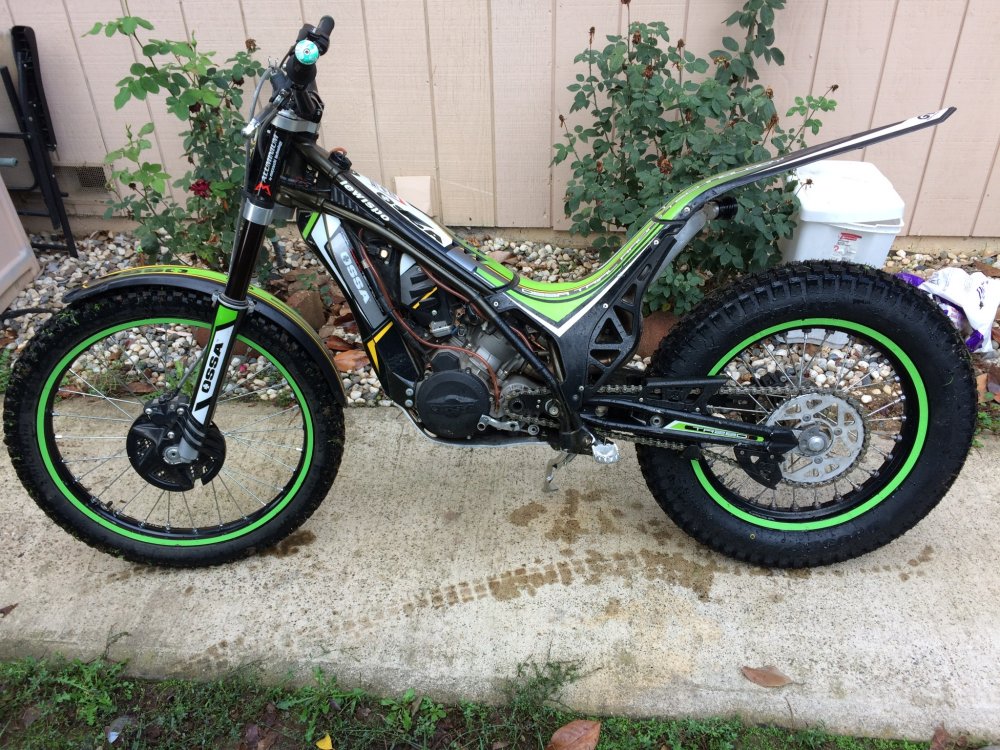
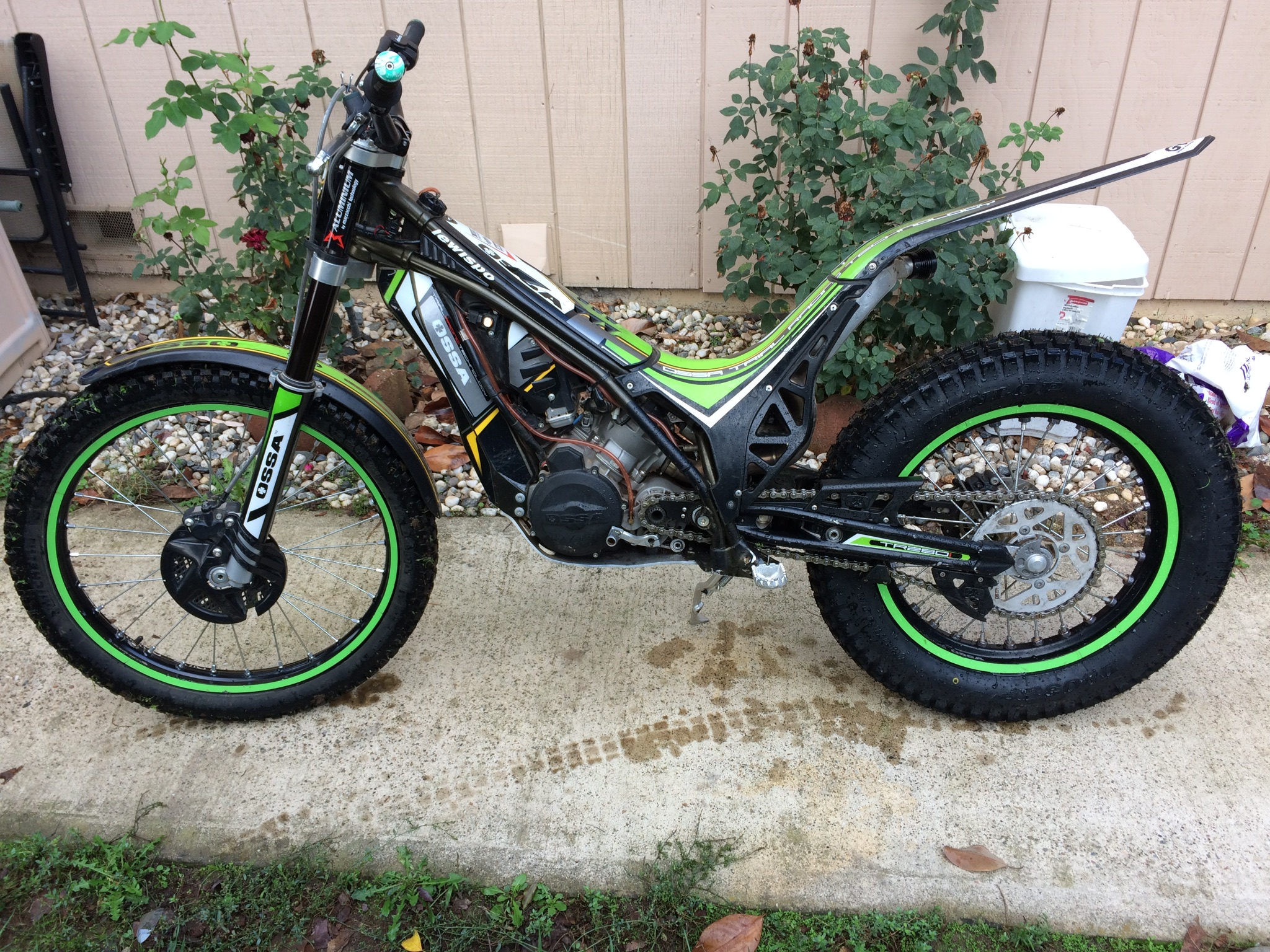
This is my 2012 TR280i. It's my first trials bike and I love it. I've ridden a few other brands but I strongly prefer the motor and handling characteristics of the Ossa.