-
Putting my bike back together, and I go to start and it’s full throttle when it starts. What is going on?
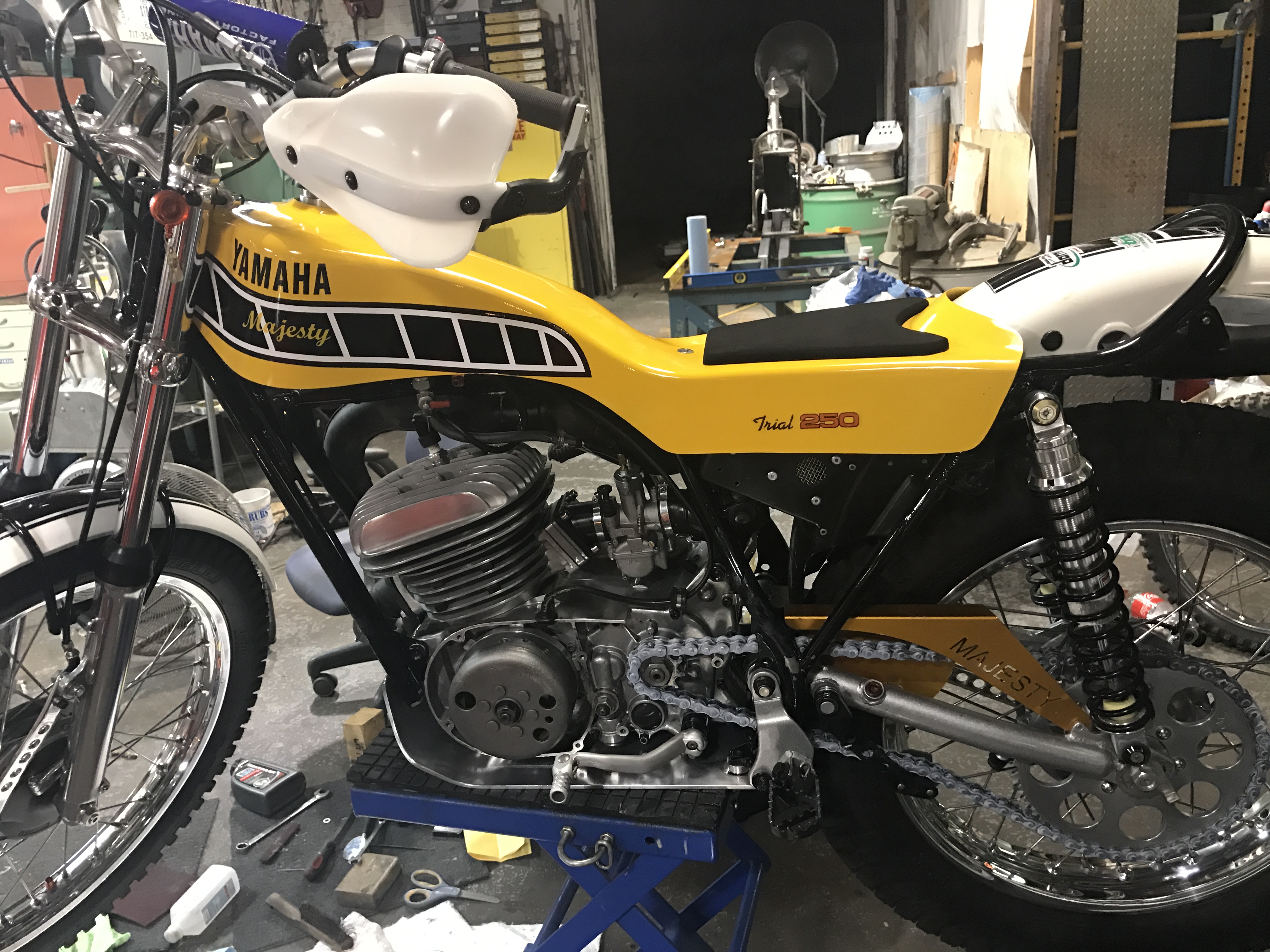
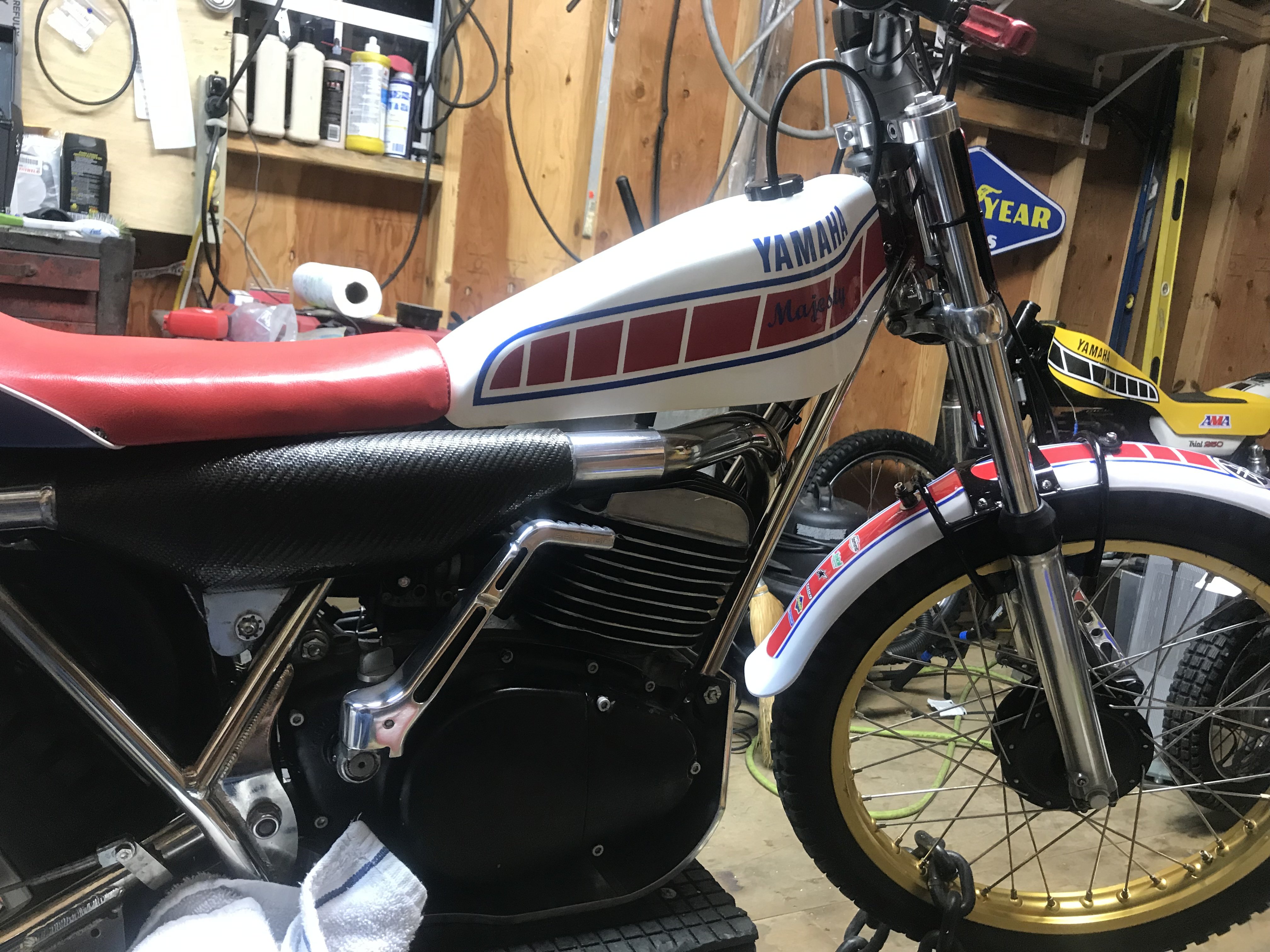
Ok I did a lot to the bike it’s been off the road a long time here is what has been done . crank seals electronic Ignition w/ lighting coil different head new throttle cable with OKO 26 carb . it’s a 76’ ty250
-
Putting my bike back together, and I go to start and it’s full throttle when it starts. What is going on?
I not sure what is going on? Oko carb ?
-
Yamaha ty 250 boost bottle ?
I was thinking of adding one any thoughts?
-
anyone try to fit mono wheels to a majesty?
I tried but I thank rear wheel spacer is to much 28mm>
-
TY 250 twinshock kickstart
-
mono fork caps where to buy ?
thank you that help's
-
mono fork caps where to buy ?
can someone tell me where I can buy a set?
-
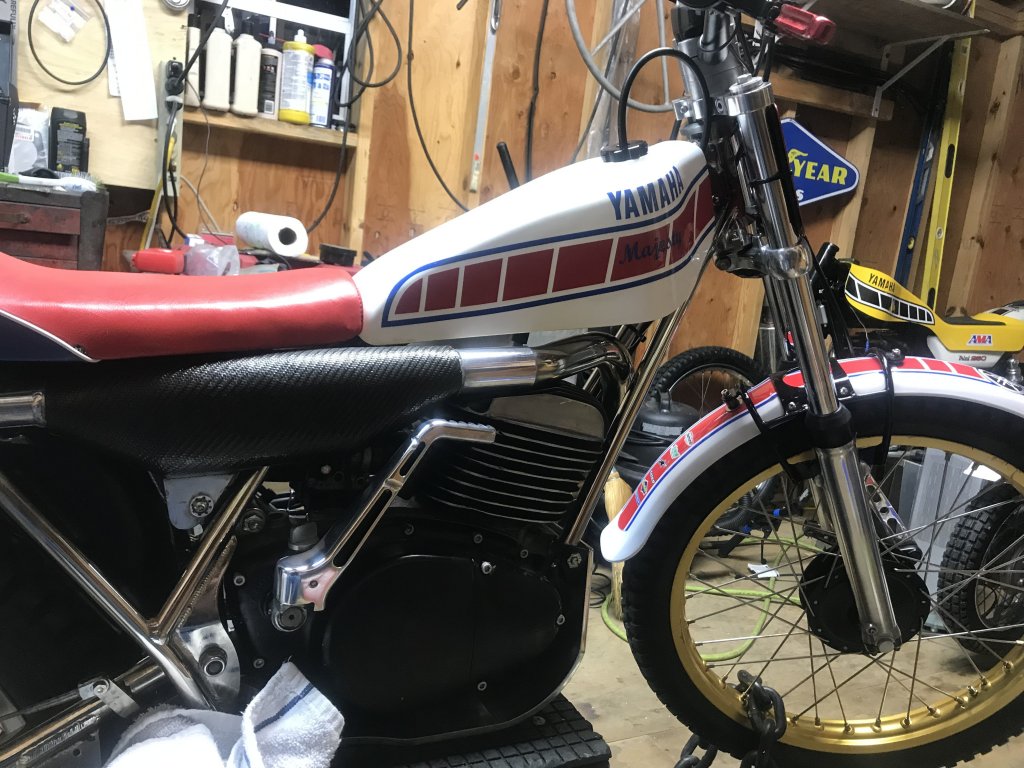
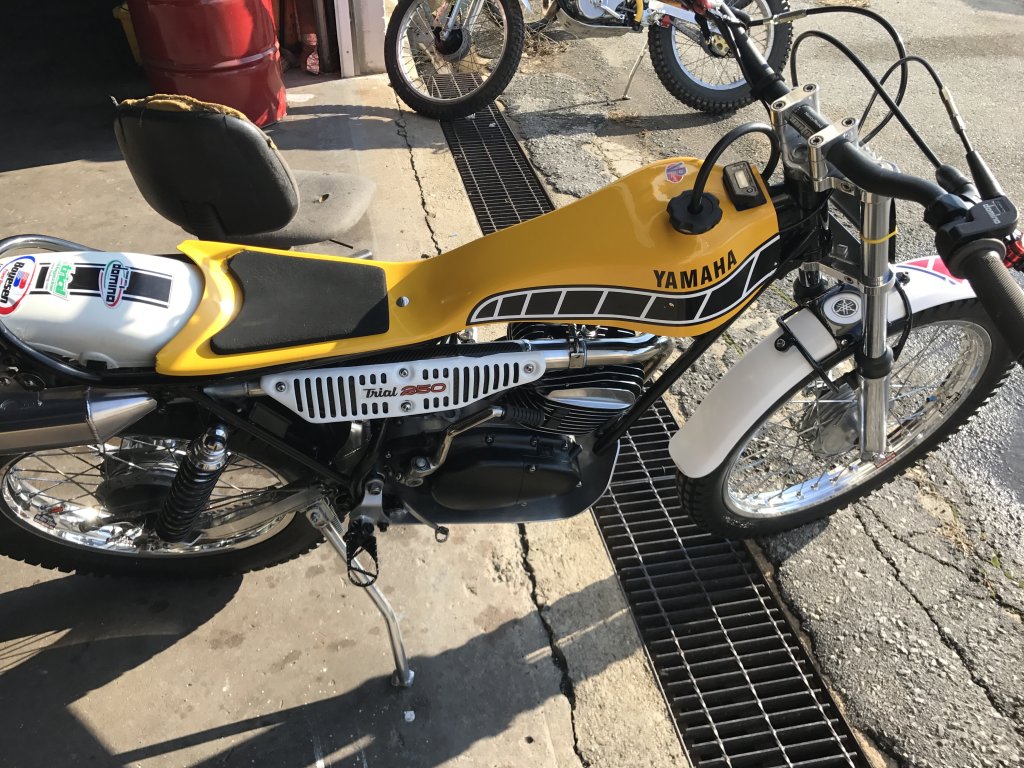
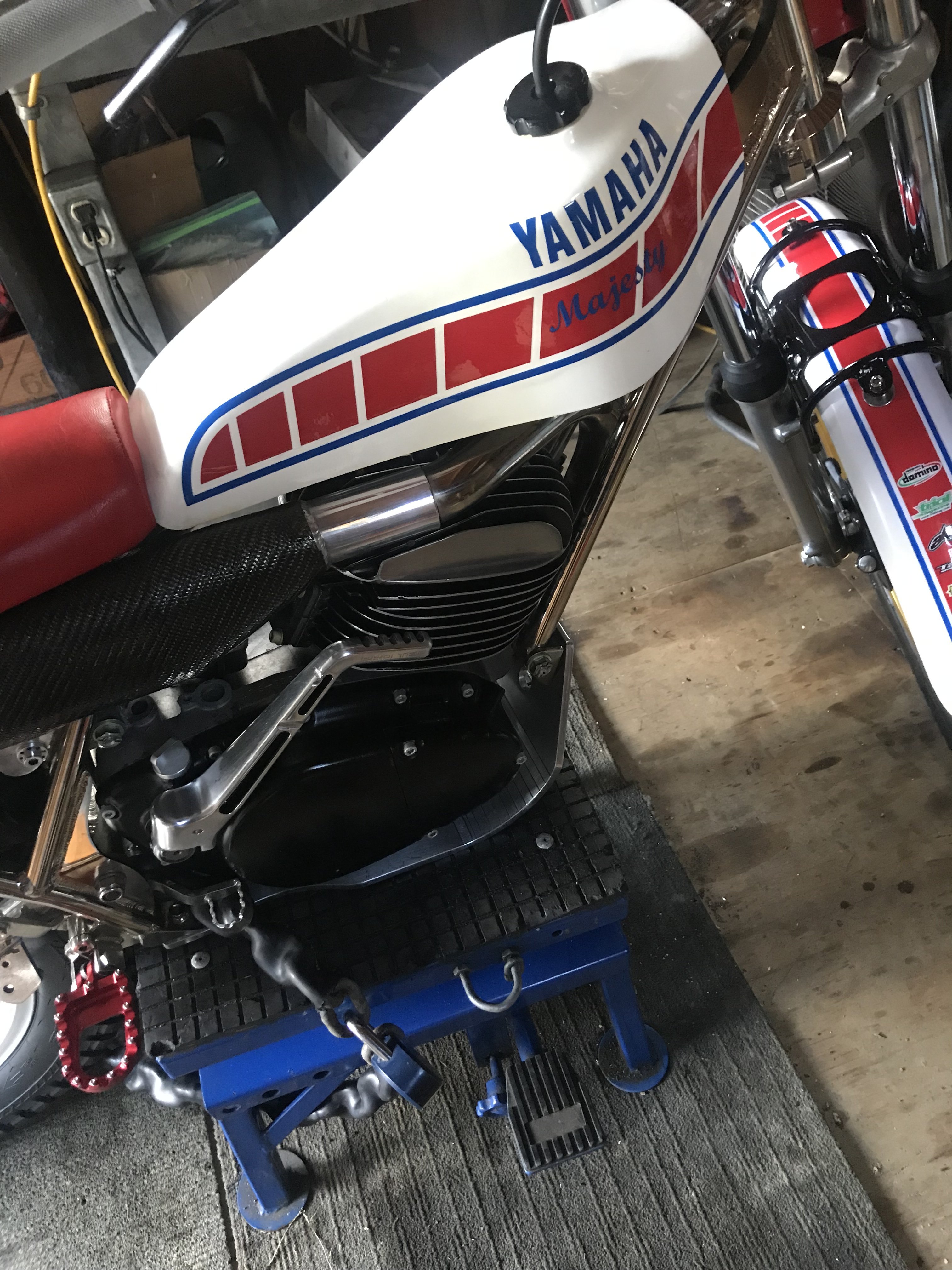
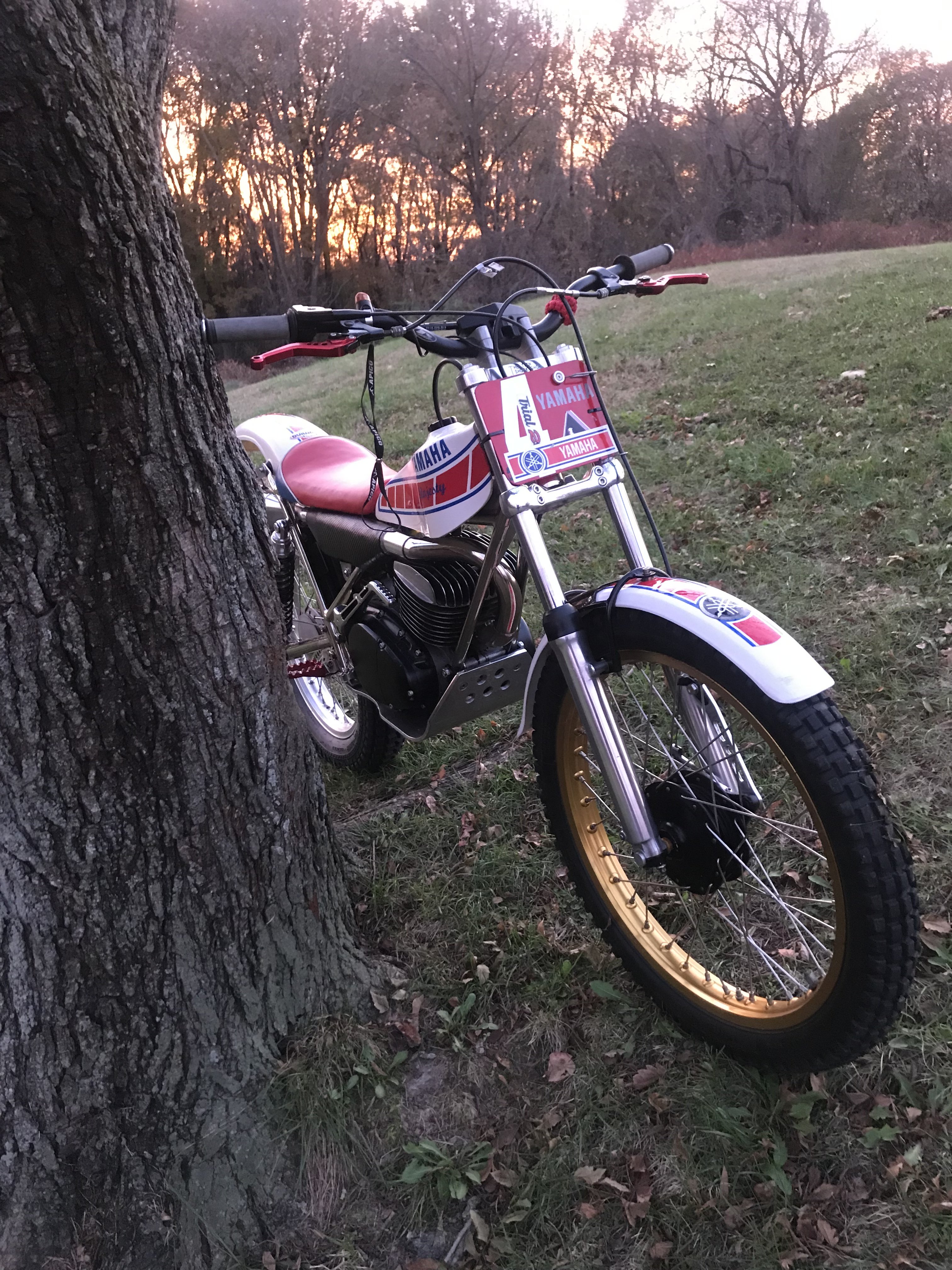
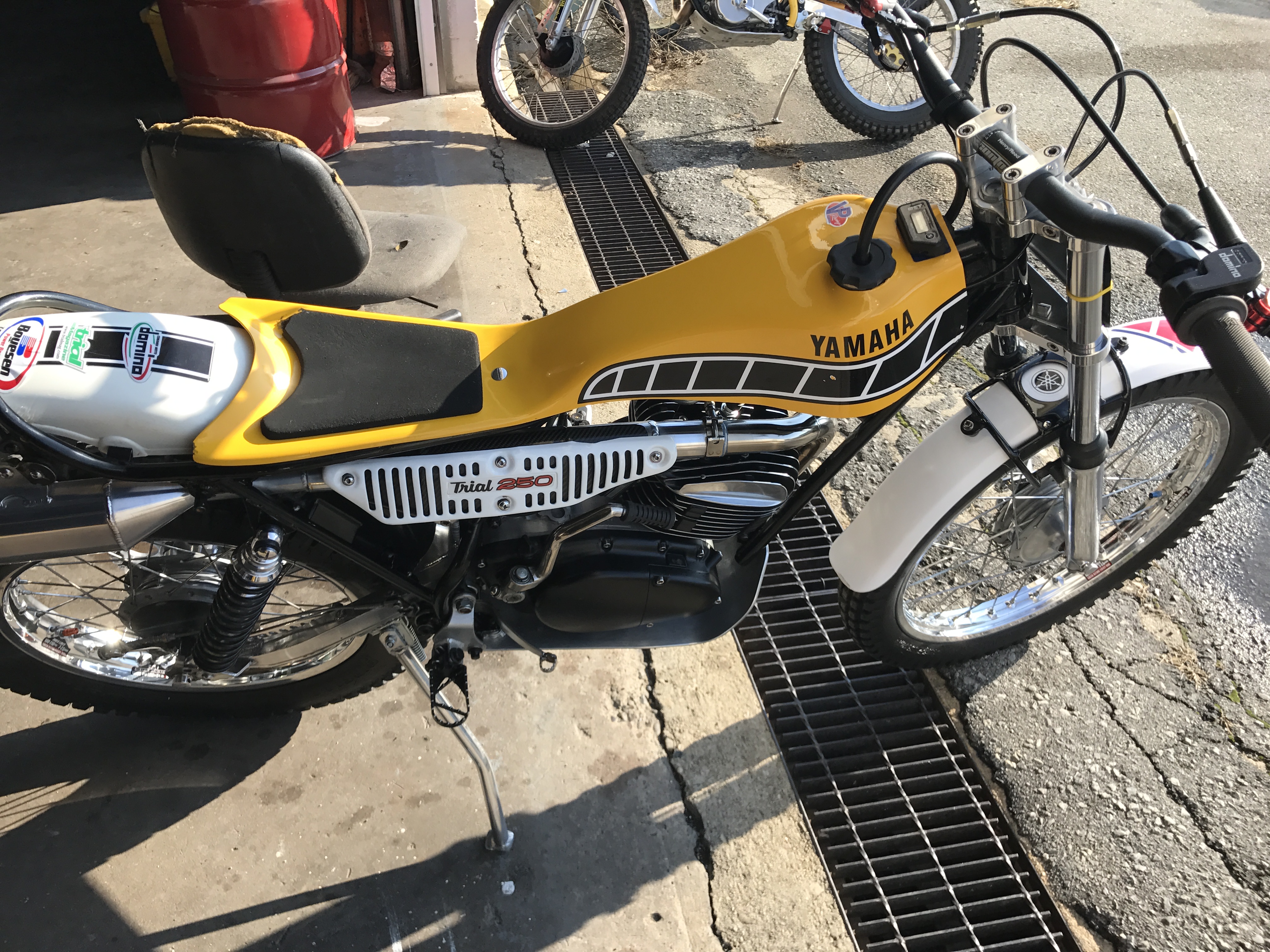
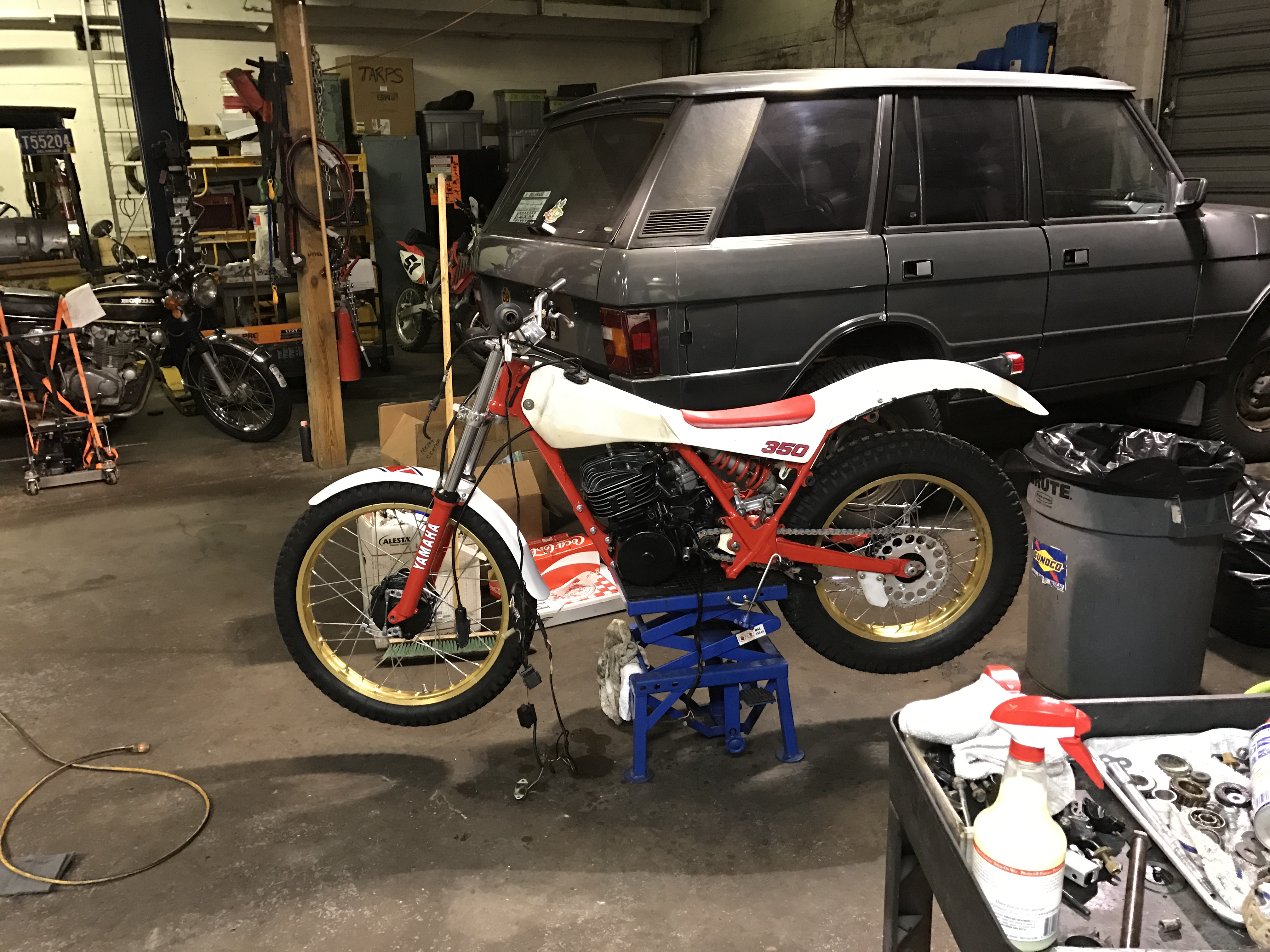
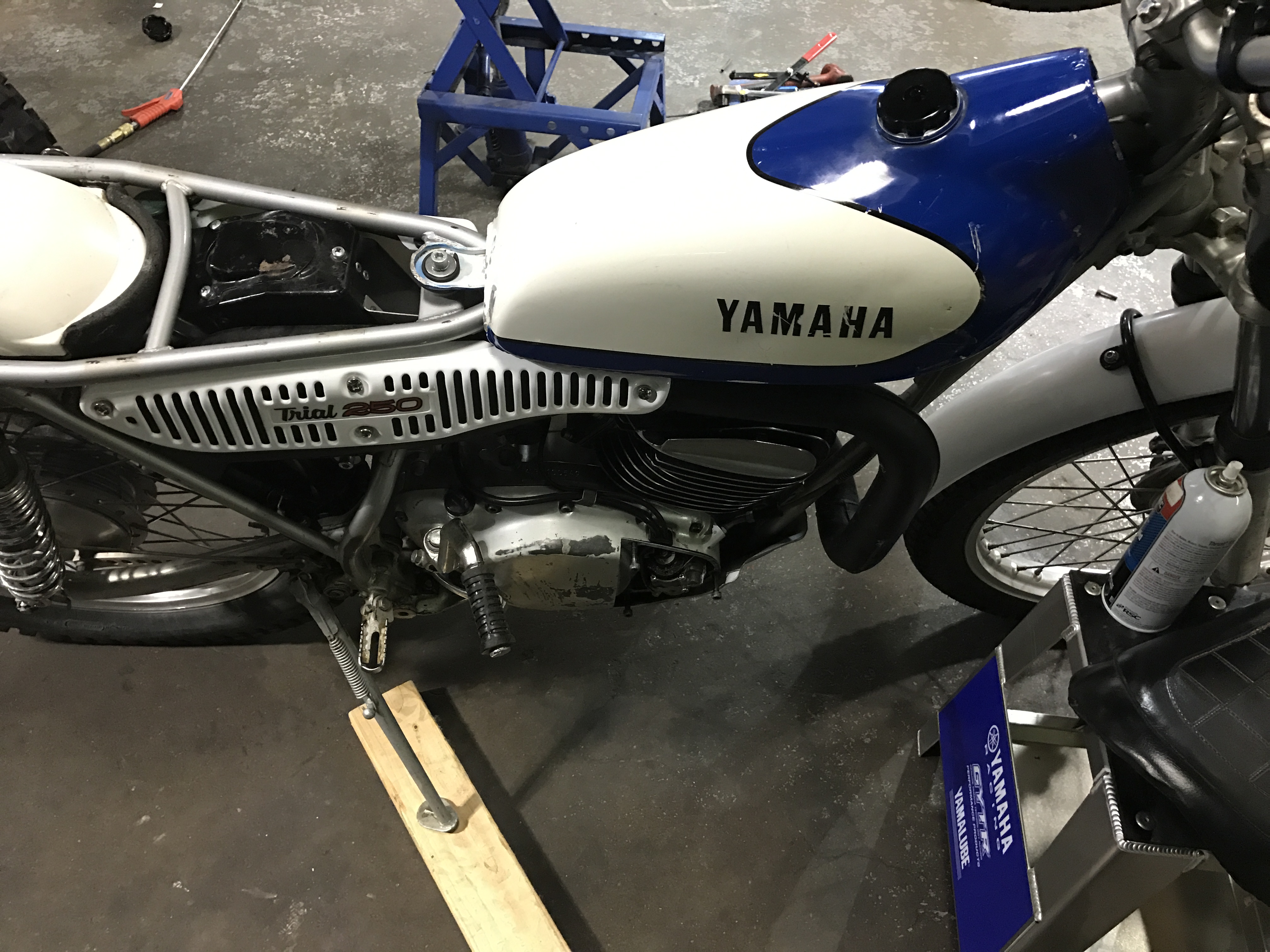
Show Us Your Ty
- Show Us Your Ty
- Show Us Your Ty
What is the head off of ?- Hello from DELAWARE , I ride YAMAHA TY 250 A/B
- Show Us Your Ty
- Show Us Your Ty
- Me and the bike went under water deep end
I pulled off muffler plug car air filter drained oil , gas kicked over with water coming out still need to turn up side down and kick some more I was able to fire it up today so it survived .- Me and the bike went under water deep end
I pulled off muffler plug car air filter drained oil , gas kicked over with water coming out still need to turn up side down and kick some more
littel
Members
-
Joined
-
Last visited
Account
Navigation
Search
Configure browser push notifications
Chrome (Android)
- Tap the lock icon next to the address bar.
- Tap Permissions → Notifications.
- Adjust your preference.
Chrome (Desktop)
- Click the padlock icon in the address bar.
- Select Site settings.
- Find Notifications and adjust your preference.
Safari (iOS 16.4+)
- Ensure the site is installed via Add to Home Screen.
- Open Settings App → Notifications.
- Find your app name and adjust your preference.
Safari (macOS)
- Go to Safari → Preferences.
- Click the Websites tab.
- Select Notifications in the sidebar.
- Find this website and adjust your preference.
Edge (Android)
- Tap the lock icon next to the address bar.
- Tap Permissions.
- Find Notifications and adjust your preference.
Edge (Desktop)
- Click the padlock icon in the address bar.
- Click Permissions for this site.
- Find Notifications and adjust your preference.
Firefox (Android)
- Go to Settings → Site permissions.
- Tap Notifications.
- Find this site in the list and adjust your preference.
Firefox (Desktop)
- Open Firefox Settings.
- Search for Notifications.
- Find this site in the list and adjust your preference.