Gazbee123
Members
-
Joined
-
Last visited
Everything posted by Gazbee123
-
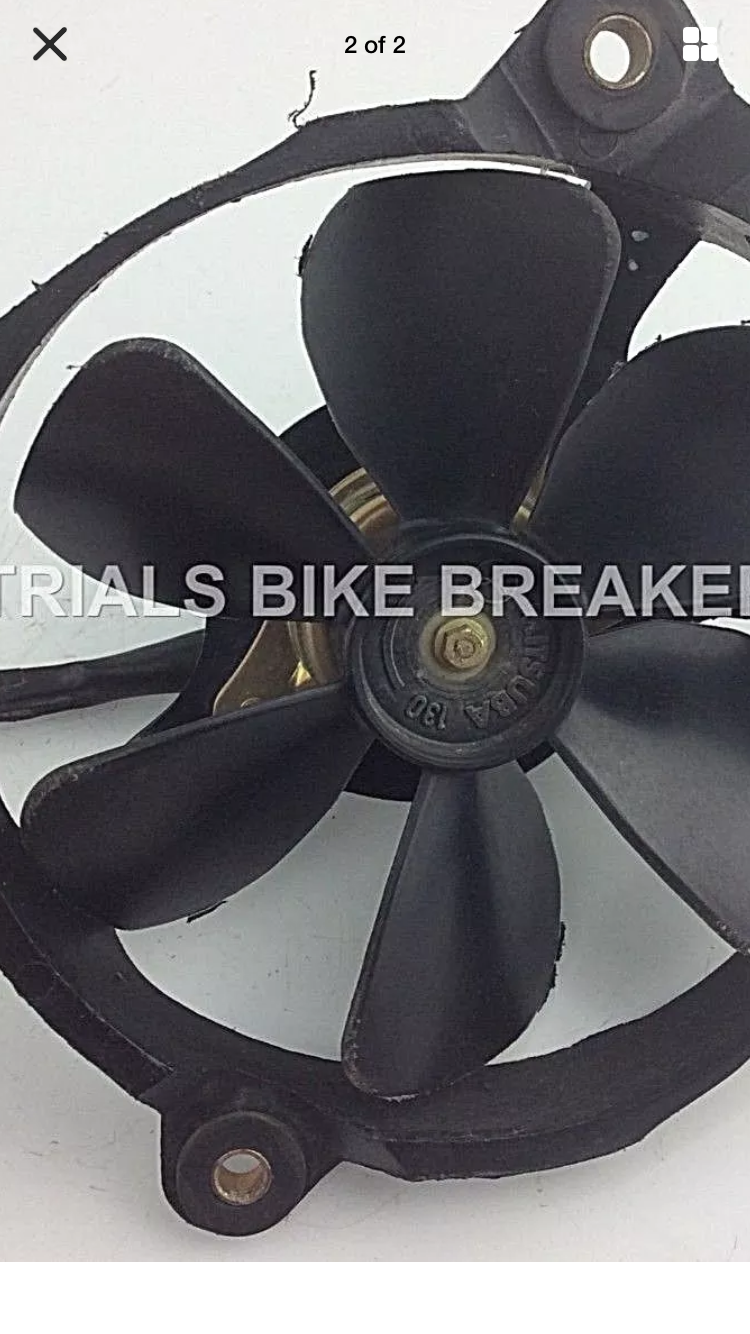
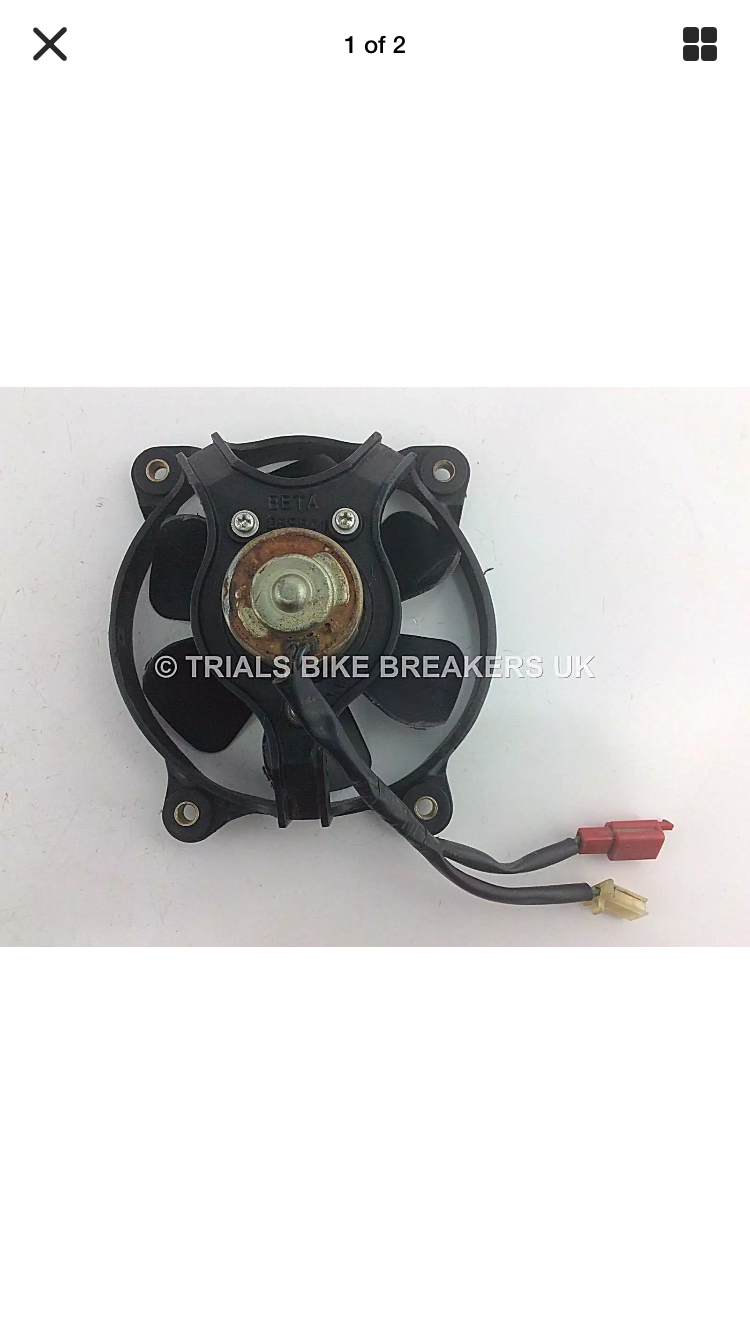
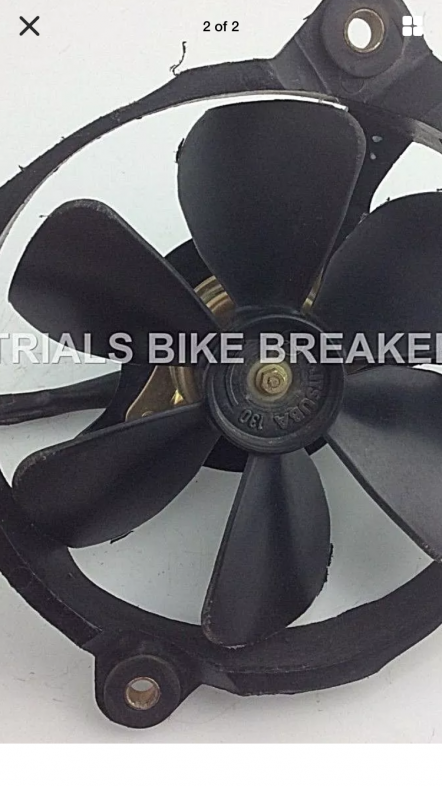
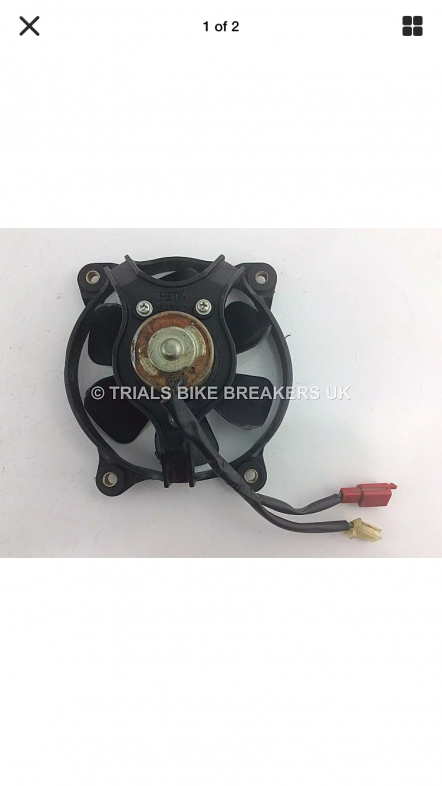
Hi fitted a montesa cota 315r fan to my beta rev3 but which way should it spin it as arrows on it and is spinning that way .. when sat on the bike should it spin left or right ? Should I feel it blowing on to me or should it be blowing through the rad .. cheers for your help
-
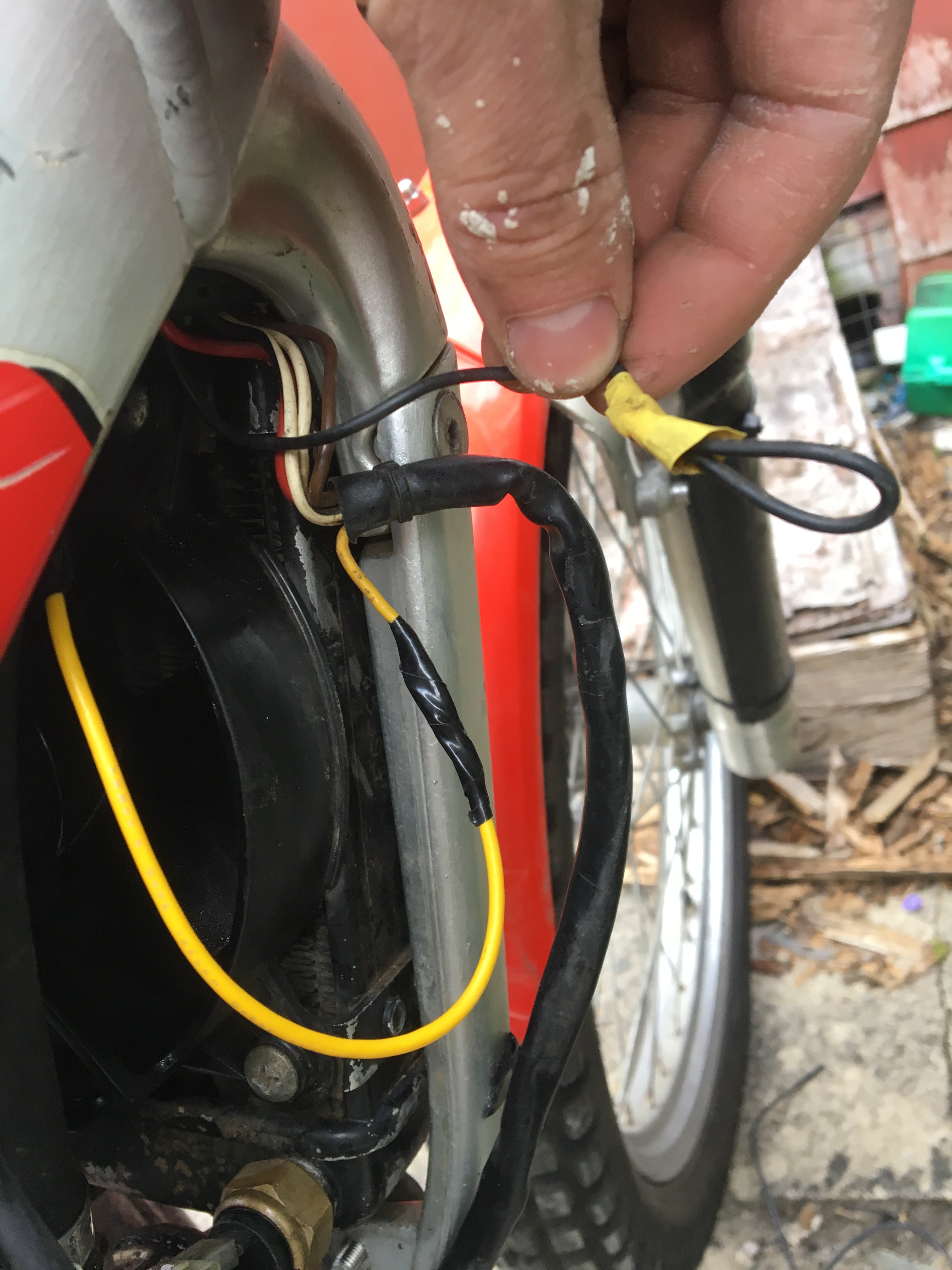
Spot on it works fine now kill switch still doesn’t work can anyone tell me what the black wire is for please
-
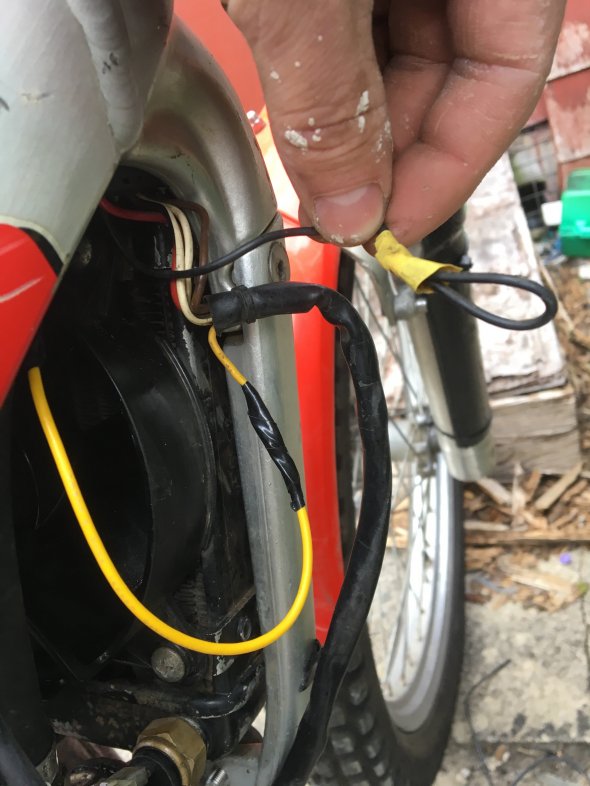
Hi yes other wires go to the fan and the thermostat the yellow is just left there hanging I will connect it tomorrow then bypass the thermostat and see if fan comes on . Thanks
-
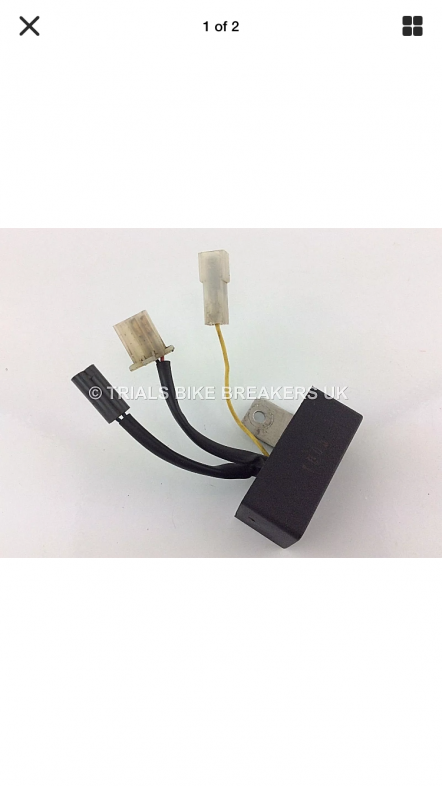
Hi thanks for the reply so the regulator bolts to the frame to act as an earth I’ve done that .. and the yellow wire in the picture is connected to the stator wire to give live feed to the regulator ?
-
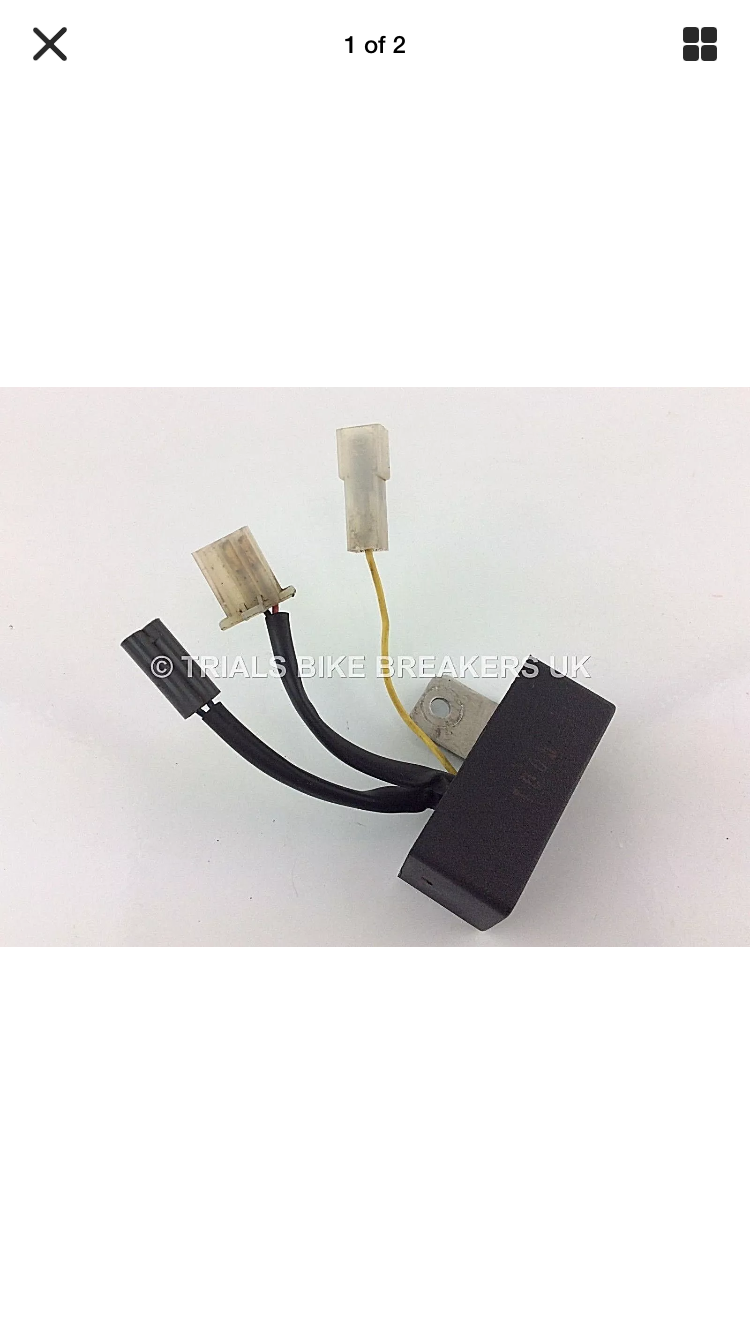
Hi all purchased a regulator could you tell me if the yellow wire need power to it please there is 5 in total two for the fan two for the thermostat and one left YELLOW ? Is it for the front light or should a wire be connected I took the old part off today yellow wasn’t connected fan won’t work unless I put battery on it fitted new part still won’t work even bypassing the thermostat doesn’t help kind regards