PoppinWhoolies
Members
-
Joined
Everything posted by PoppinWhoolies
-
Very clean and tidy! Congrats on the purchase
-
Moto whoolies need work This is my first motorbike and I want to get it running well before I ride it hard. It is currently in many pieces being cleaned and rebuilt. Hopefully the MTB whoolies will help the process
-
Just picked up everything I need from Splat Shop and it arrived in 2 days! They are great
-
Worked perfectly and the mudguard fits now
-
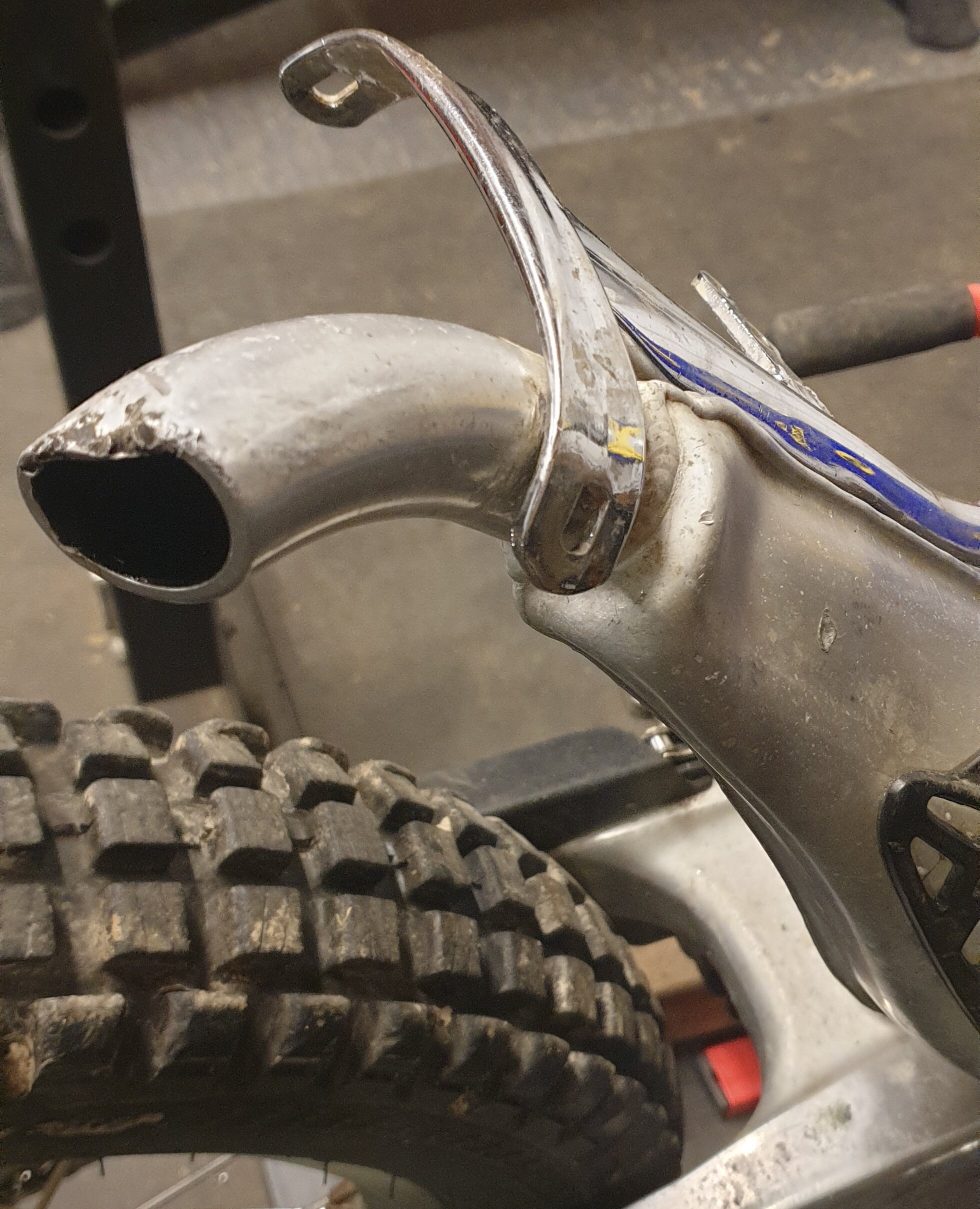
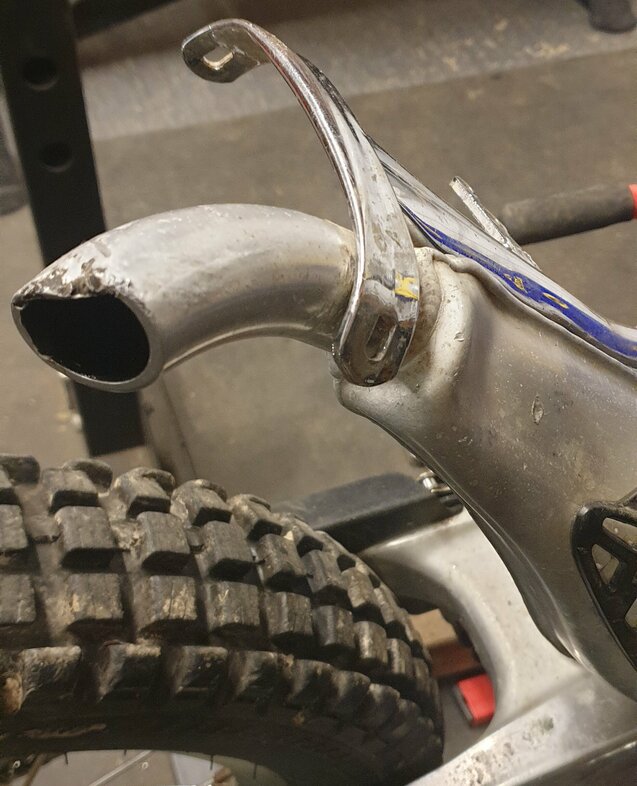
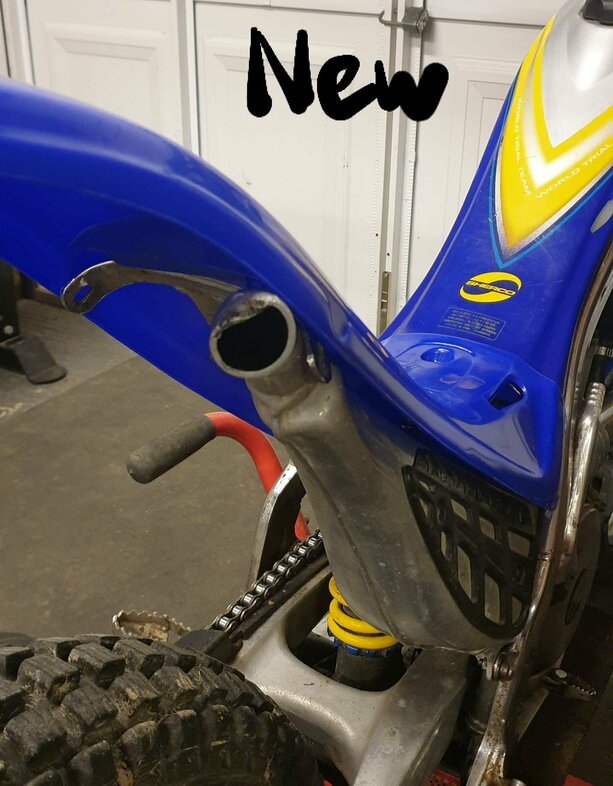
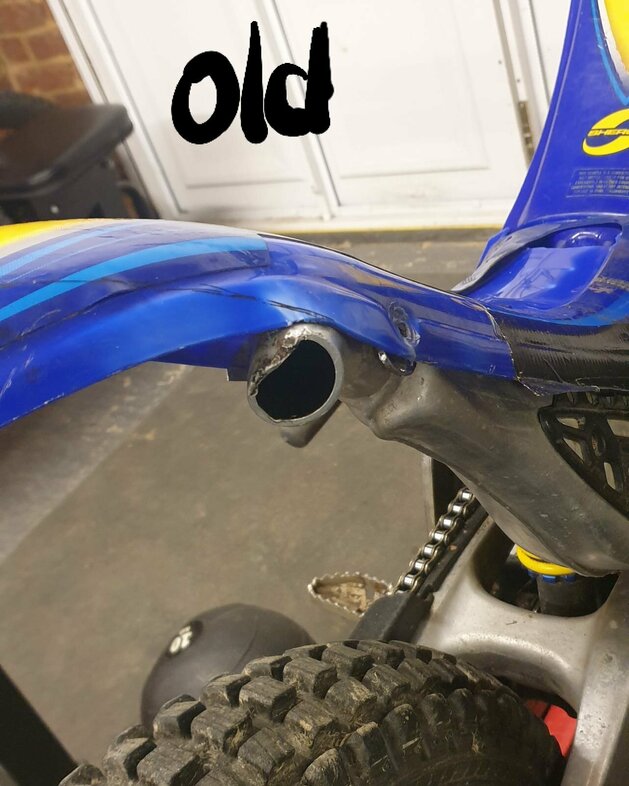
Great, thanks for the information. I can work with that Now you mention it, it is very obviously bent upwards. Is it a bad idea to try and persuade it back? I'd rather try that than cut into my spanking new mudguard
-
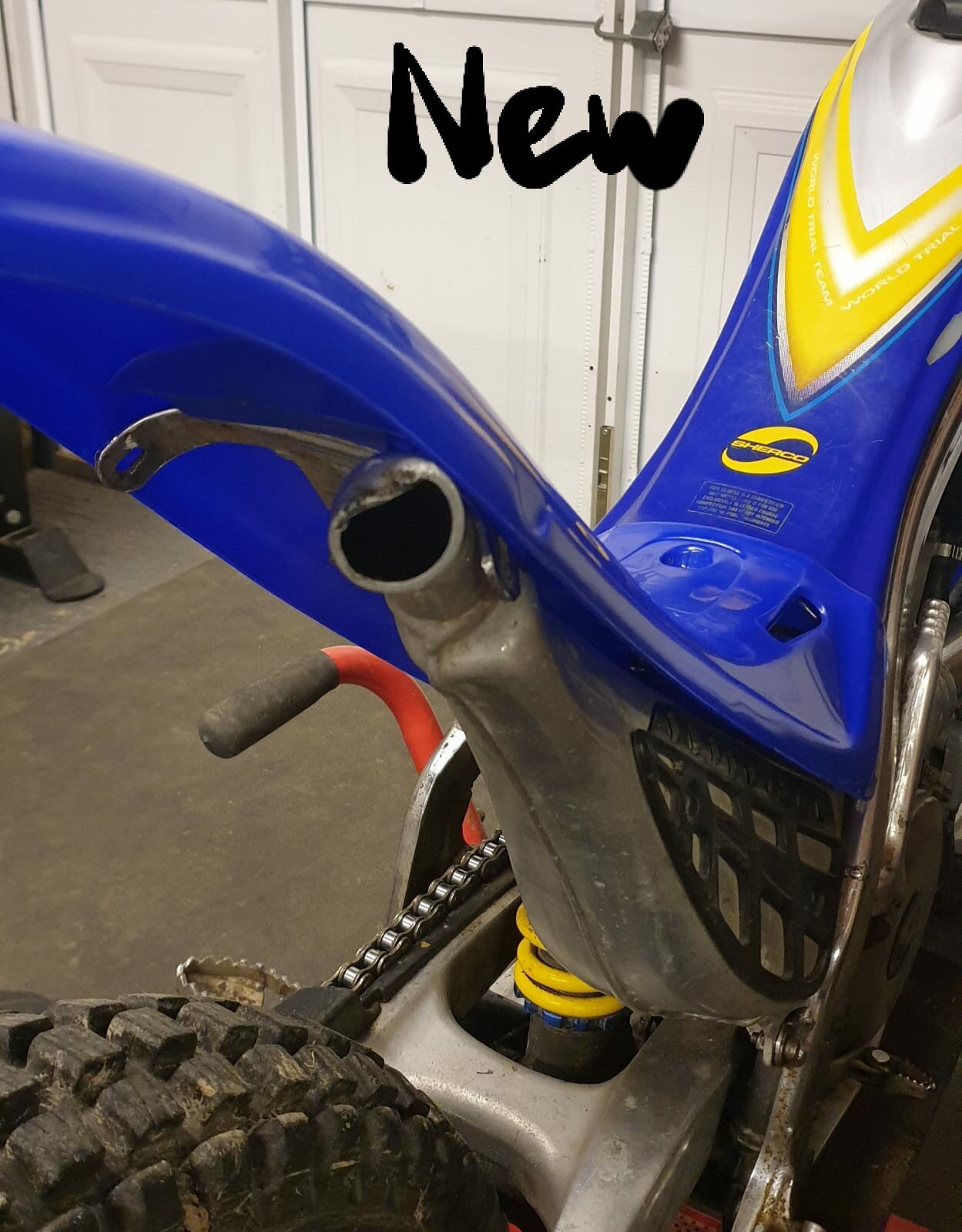
Ah ok. The exhaust is different from other 99-05 models? I think I'm gonna chop it
-
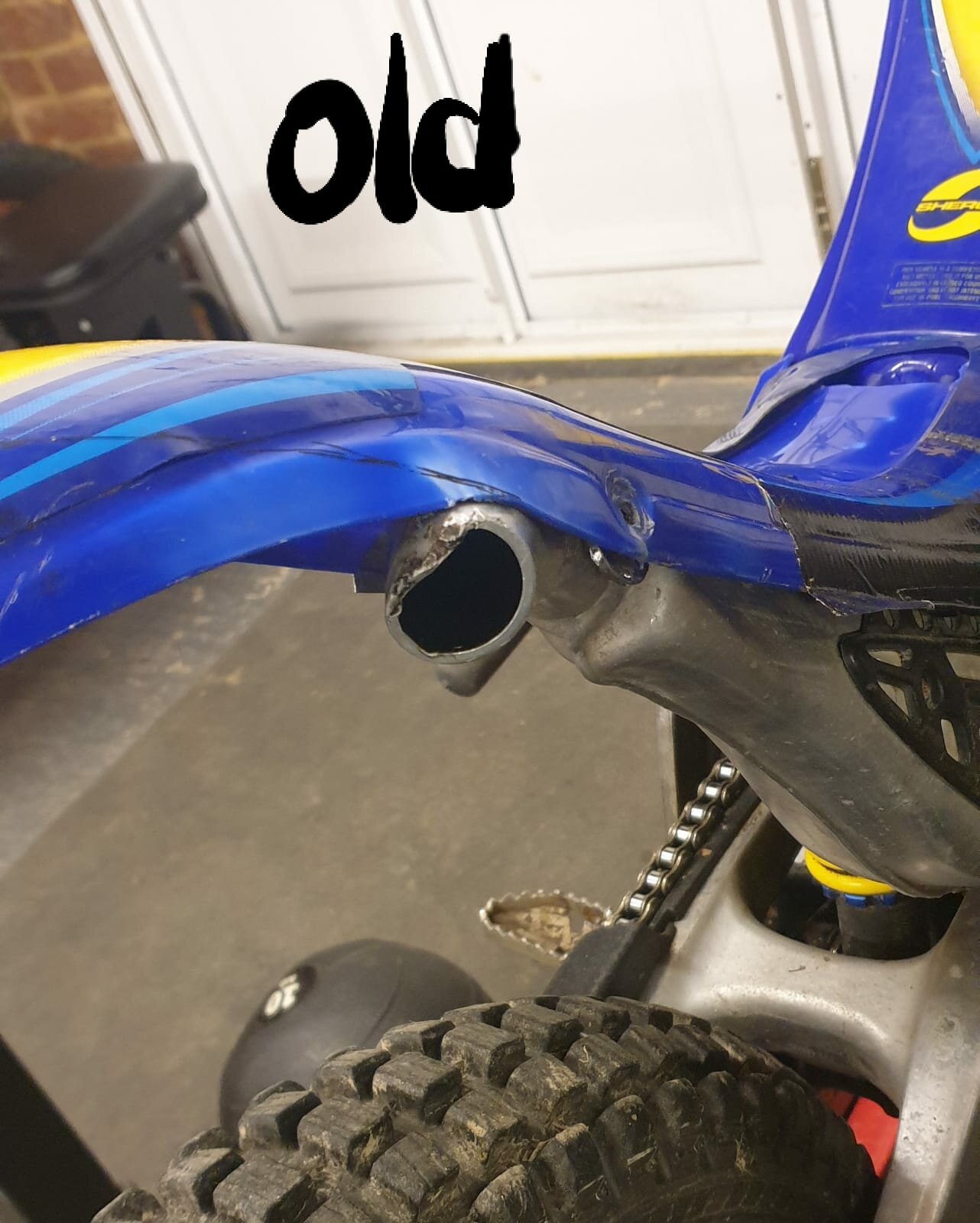
I got a new mudguard because the old one was held together by the sticker The old one was bent over the exhaust I assume from crashes The new one does not reach the mounts because it is obstructed by the exhaust. I have considered cutting a notch out or just forcing it over but wanted to see if anyone else has had this issue?
-
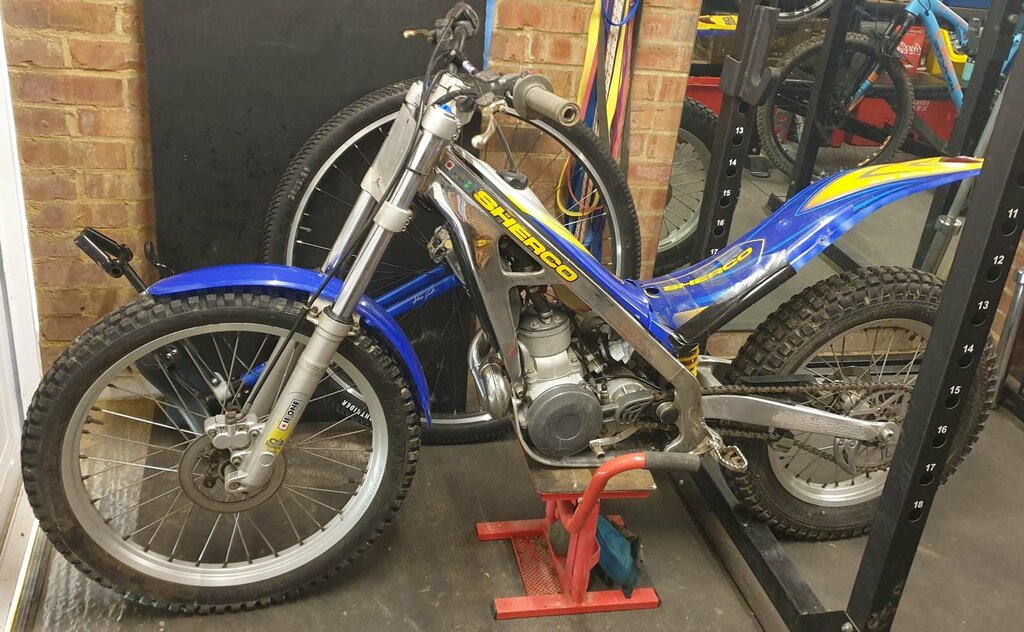
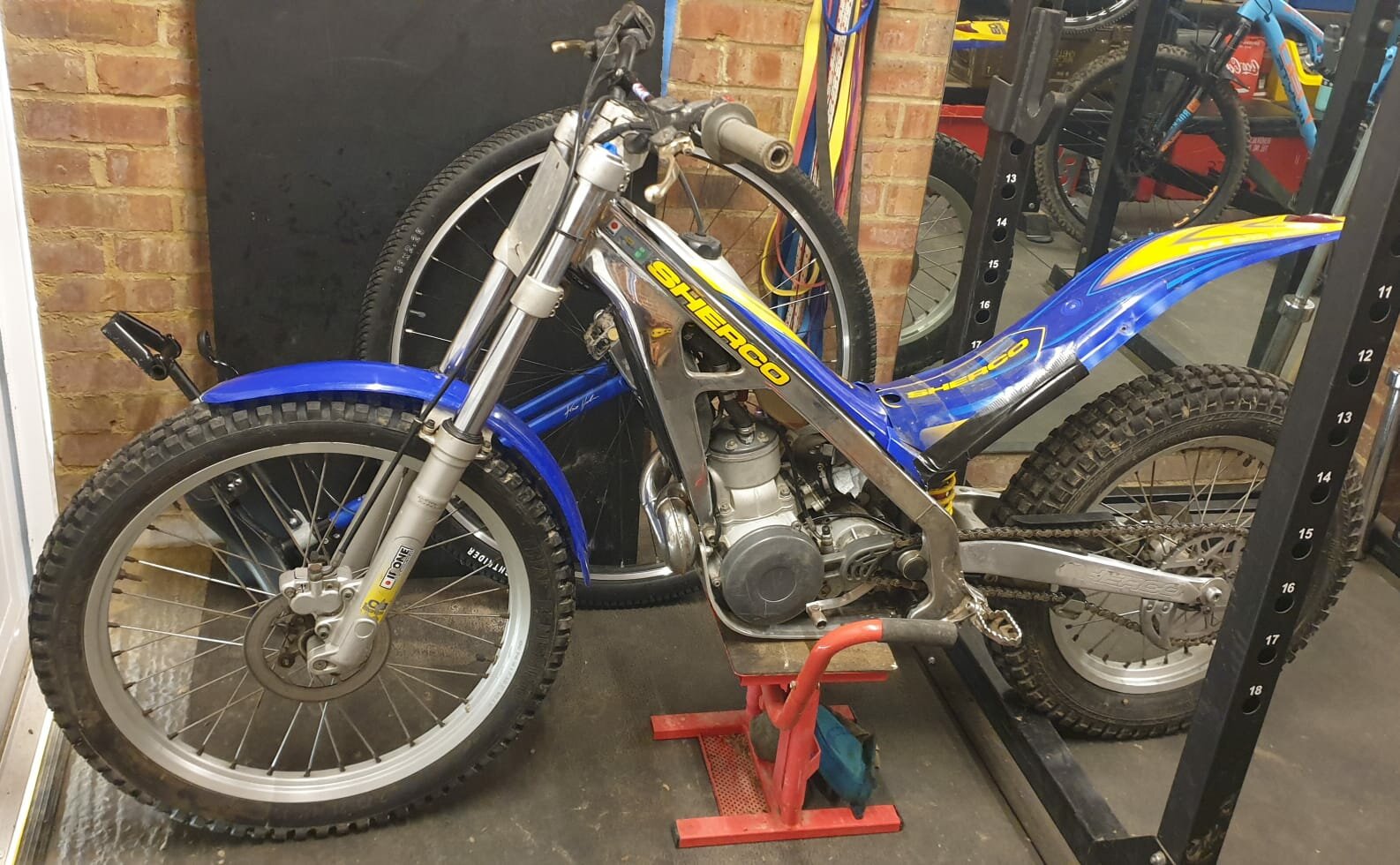
Hi everyone, I recently picked up a Sherco 03 series 250 as my first bike It needs some work... The rubber between carb and airbox perished Airbox is filled with gunk Rear mudguard is very broken Rear brake sticks Any additional tips and advice would be greatly appreciated. I will be posting about individual issues in the main forum. Looking forward to being part of this community