

Skip to content
View in the app

A better way to browse. Learn more.

Trials Central

A full-screen app on your home screen with push notifications, badges and more.

To install this app on iOS and iPadOS
  1. Tap the Share icon in Safari
  2. Scroll the menu and tap Add to Home Screen.
  3. Tap Add in the top-right corner.
To install this app on Android
  1. Tap the 3-dot menu (⋮) in the top-right corner of the browser.
  2. Tap Add to Home screen or Install app.
  3. Confirm by tapping Install.

Jonathan

Members
  • Joined

  • Last visited

  1. Jonathan replied to ccmtrials's topic in Twinshock
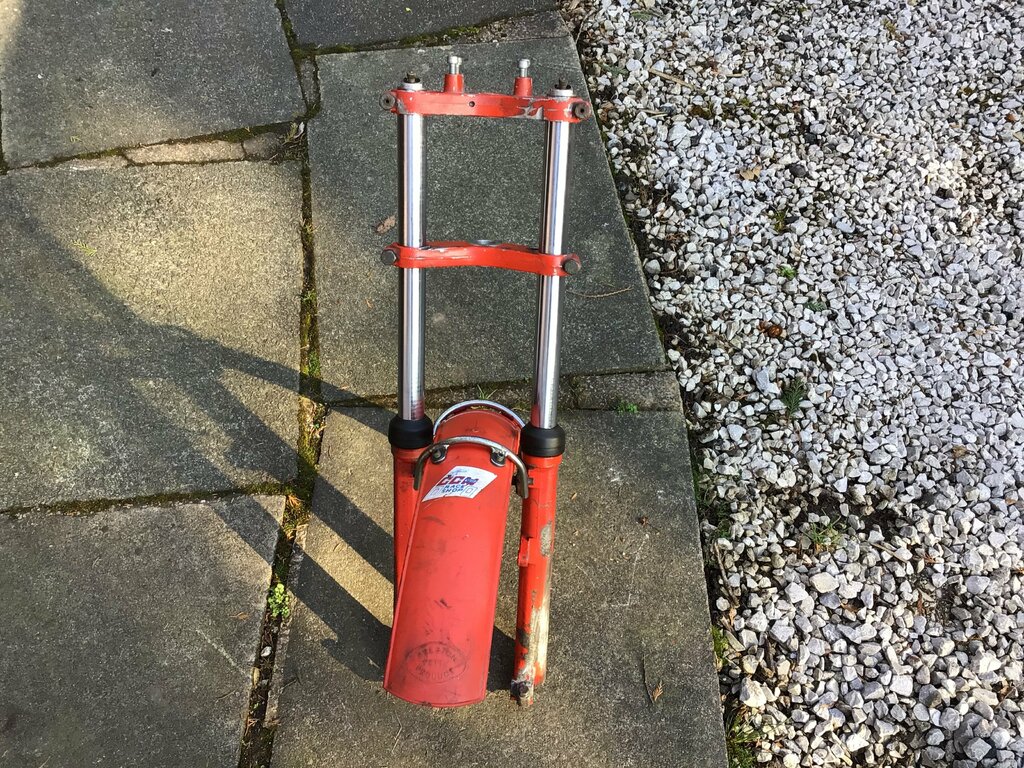
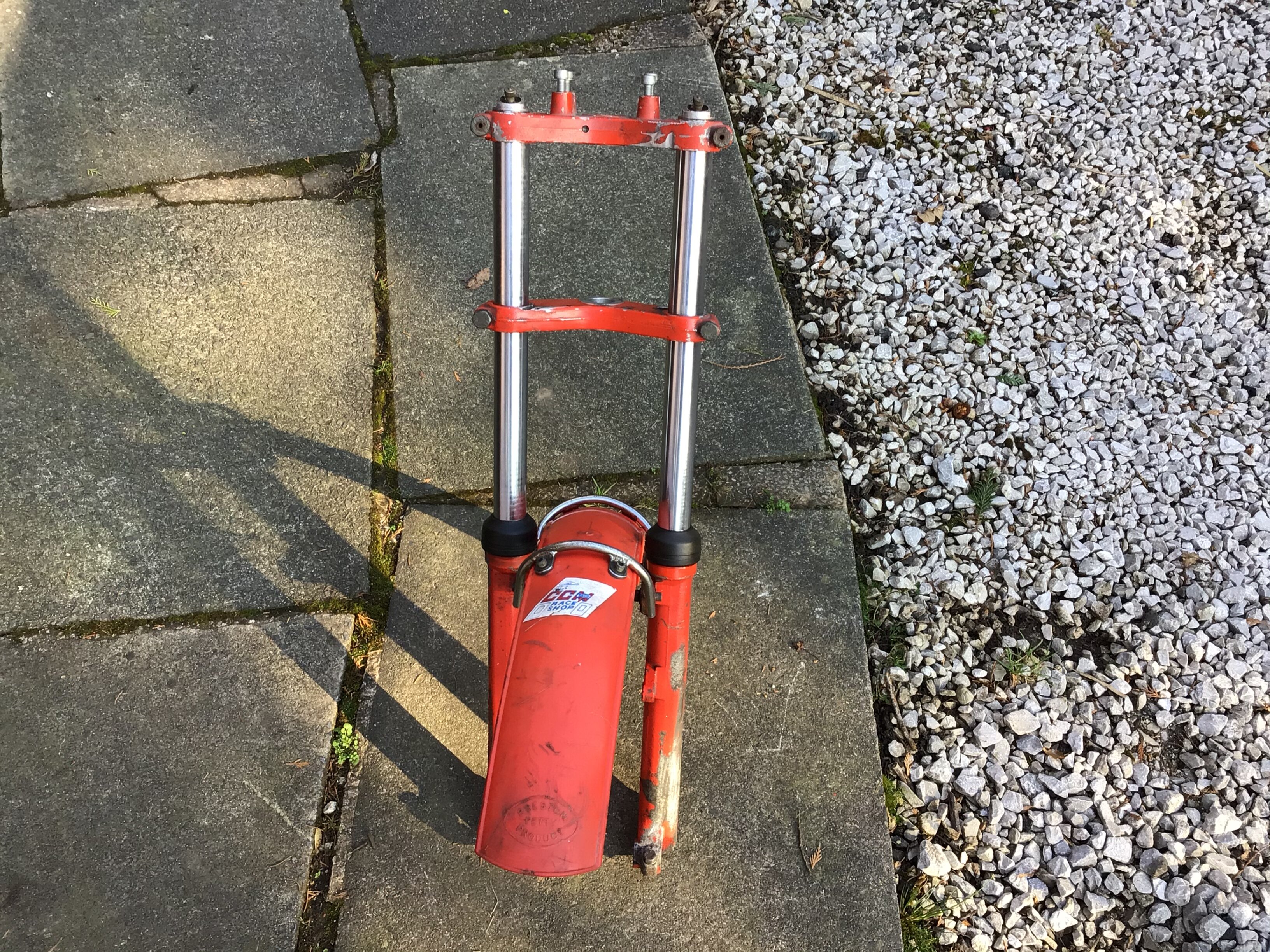
    Hi,i rode mine in the late 80's got some mod tips off the smith brothers fitted a 24mm mikuni carb & put a reduced cone in the front of the exhaust it would pull from nothing & in the rivers you could wind it up without the front wheel going skyward,yes you lost a bit of top end but it never failed to get up any hill in a set out trial local or in the twinshock sebac events . Finally got a garage so i can get it back running rather than having it covered up to avoid prioring eyes.
Account

Navigation

Search

Search

Configure browser push notifications

Chrome (Android)
  1. Tap the lock icon next to the address bar.
  2. Tap Permissions → Notifications.
  3. Adjust your preference.
Chrome (Desktop)
  1. Click the padlock icon in the address bar.
  2. Select Site settings.
  3. Find Notifications and adjust your preference.