Rab
Members
-
Joined
-
Last visited
Everything posted by Rab
-
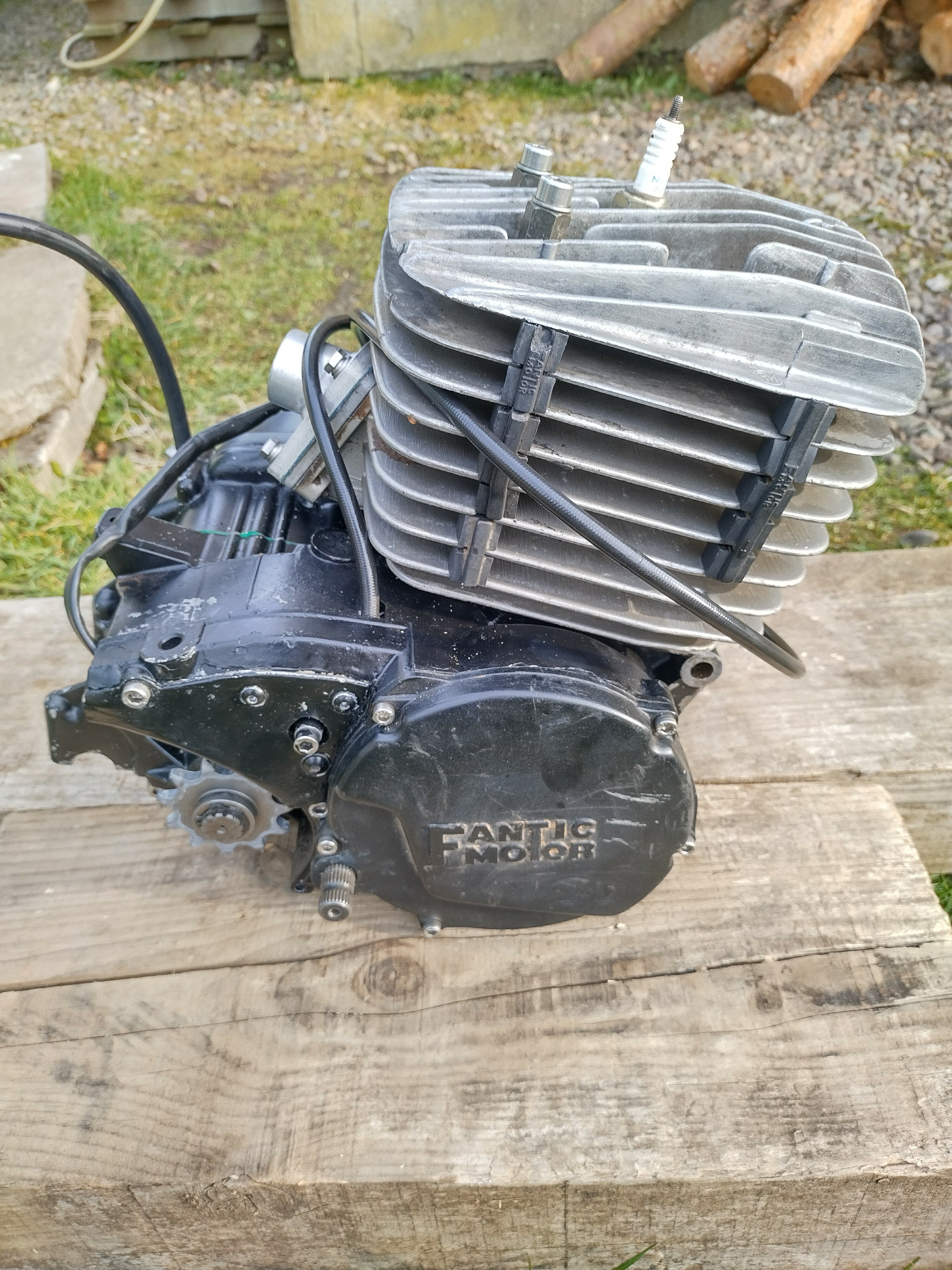
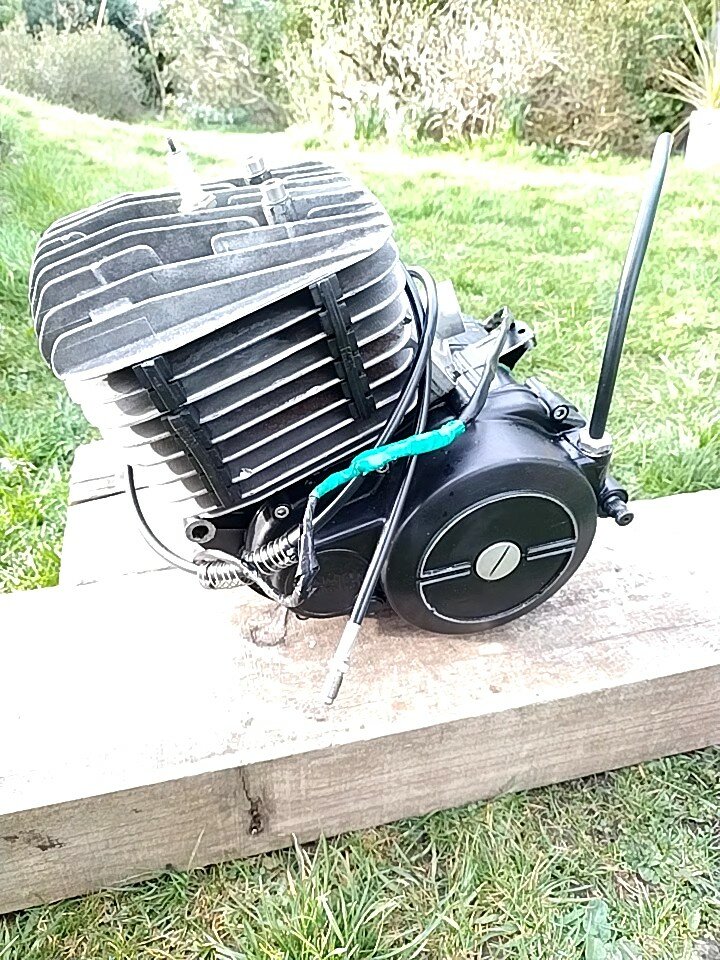
This is the engine, which I've removed from the frame.
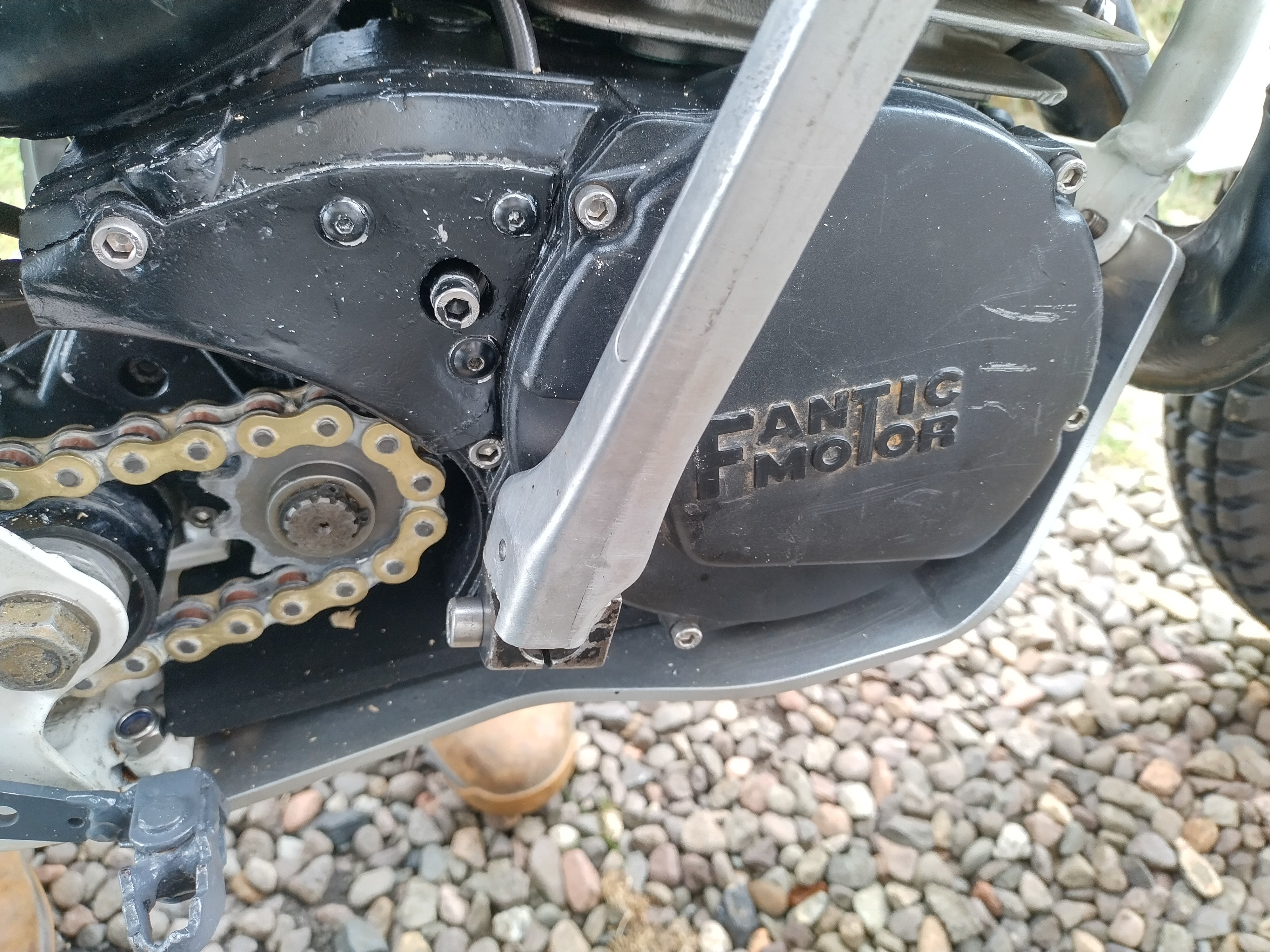
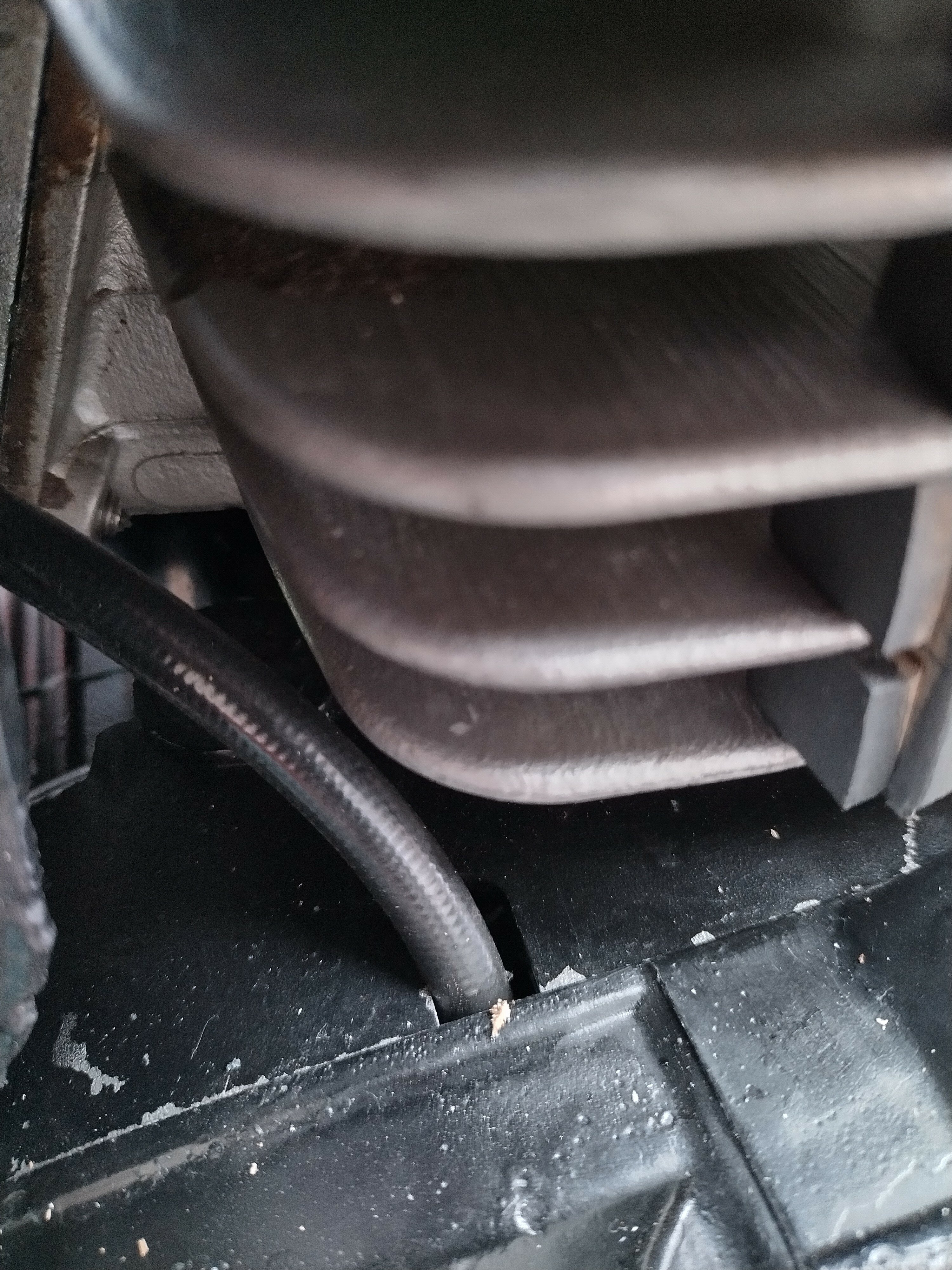
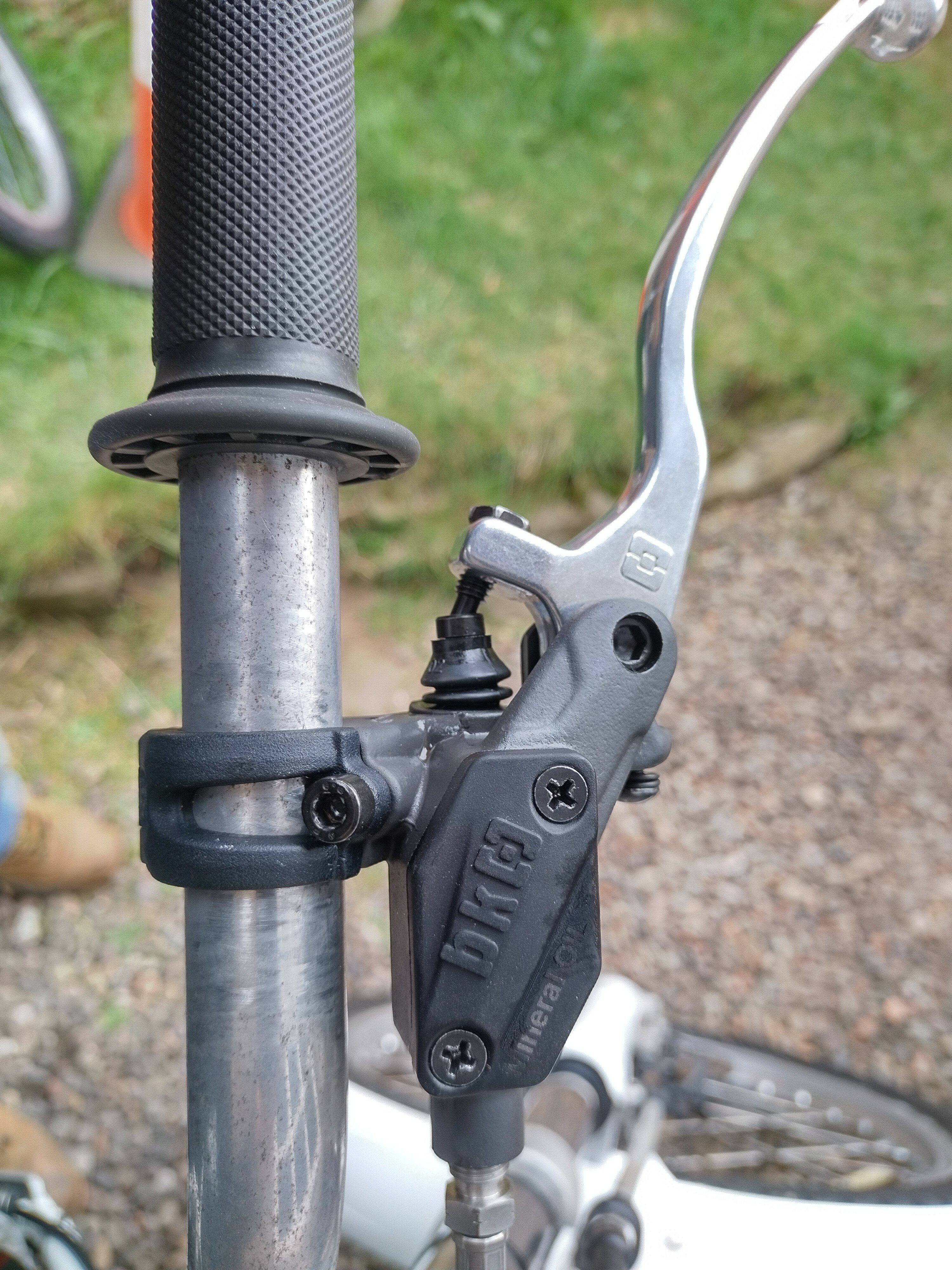
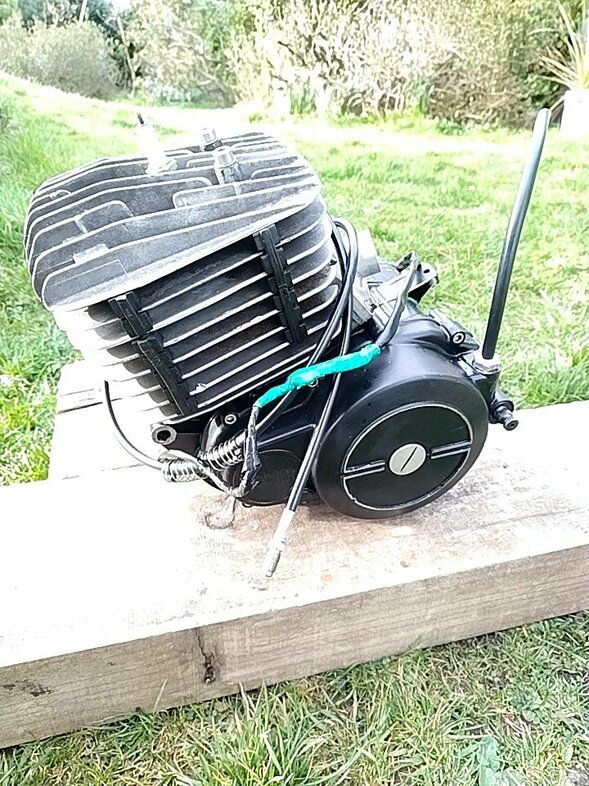 Hi Stomp, I didn't know that! In Kirkcaldy as well - practically on my doorstep 😀 Thanks for the info! RabI think the case damage will have been from a past issue. The chain and sprockets are new and appear to be correctly mounted. The seller offered to refund me, but I'm up for having a go at fixing it myself. He's given me another set of crank cases and I'm hoping I can swap the whole engine and gearbox over into these. The engine in the bike has recently had new main bearings, seals, piston etc. It starts and runs nicely. I've never worked on a 2-stroke engine before and know nothing about the Fantic engines, so I'm open to advice. ThanksHi, I've bought a Fantic, which seems to be a bitsa - I was told by the seller it is a 245 with K-Roo bottom end, which is why it has a hydraulic clutch. I bought it knowing the clutch slave seal is goosed. I didn't realize the slave is inside the engine. But, the seller issued me with another set of 212cc crank cases which have the cable type of clutch and advised me to swap the internals into these cases. Does this sound doable, please? I'll try to post some pictures. Regards, Rab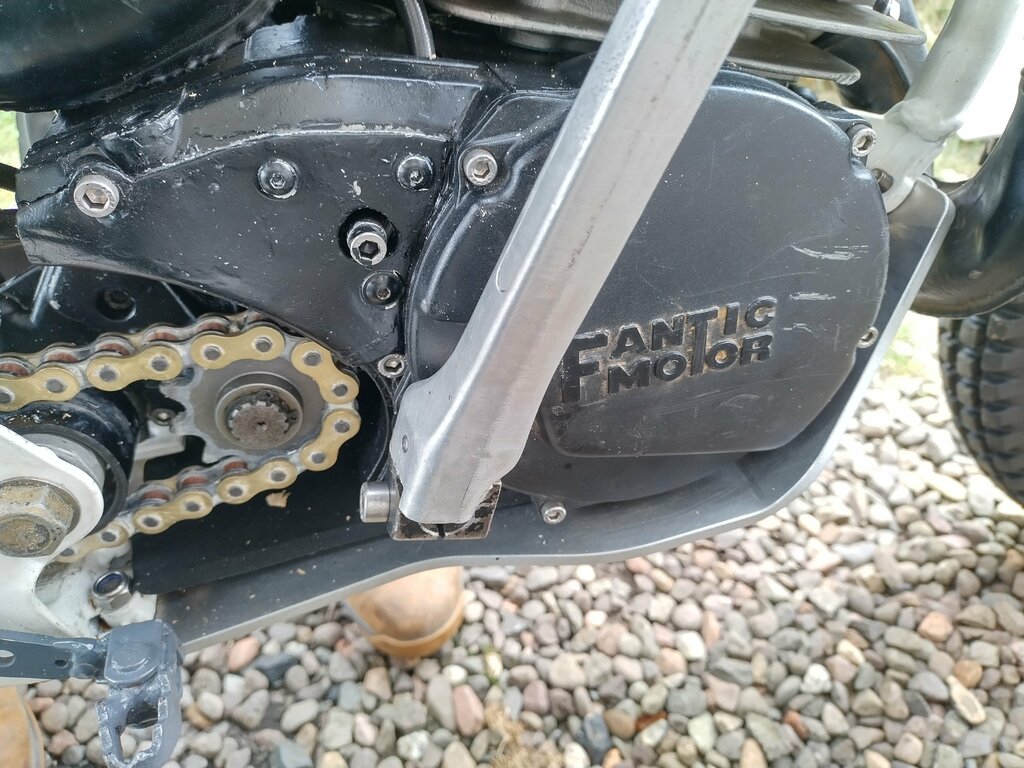
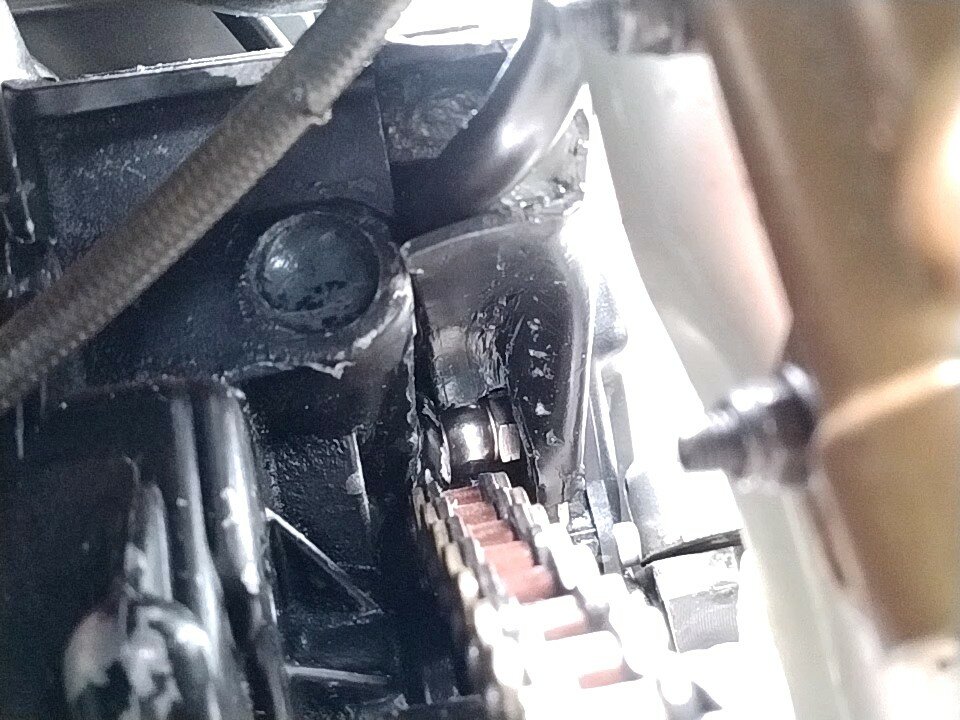
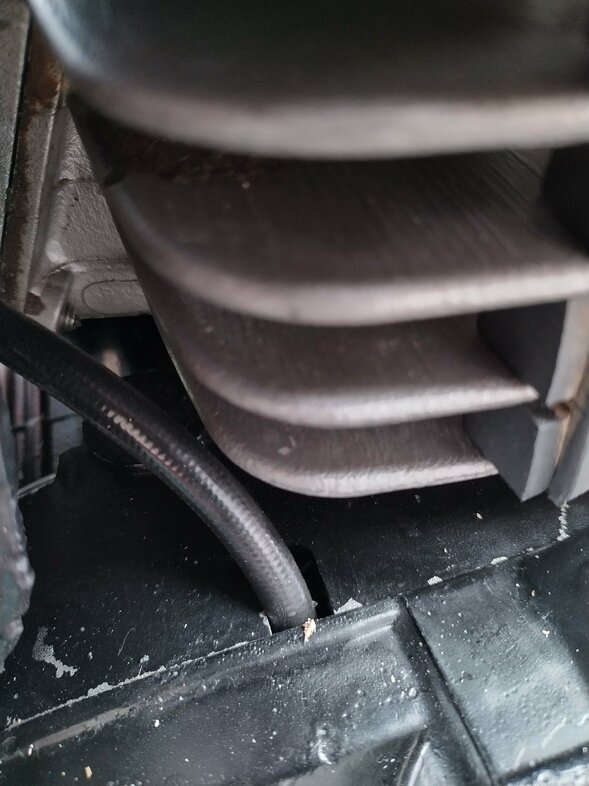
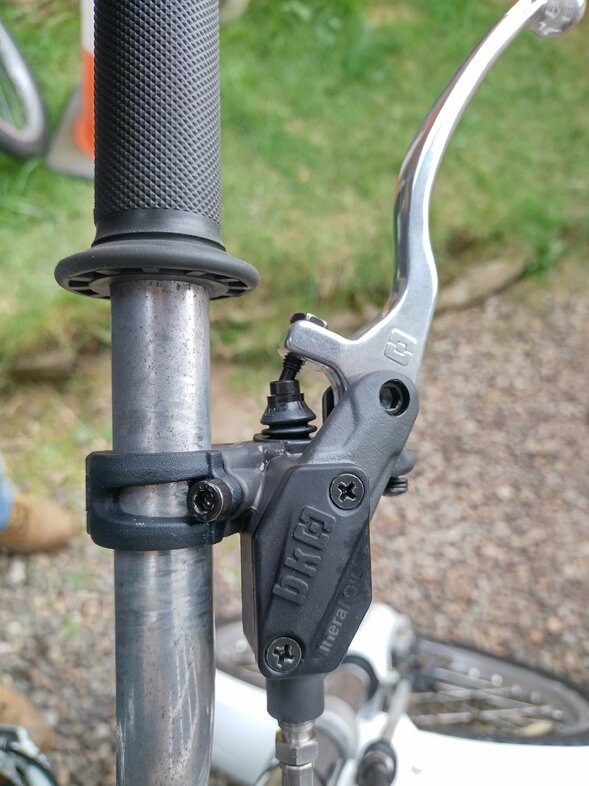 Hello, I'm just trying to get started with my first trials bike, as I've bought a Fantic which looks nice but is needing some fettling. I hope I can make it usable soon. Rab