Tootsie
Members
-
Joined
-
Last visited
-
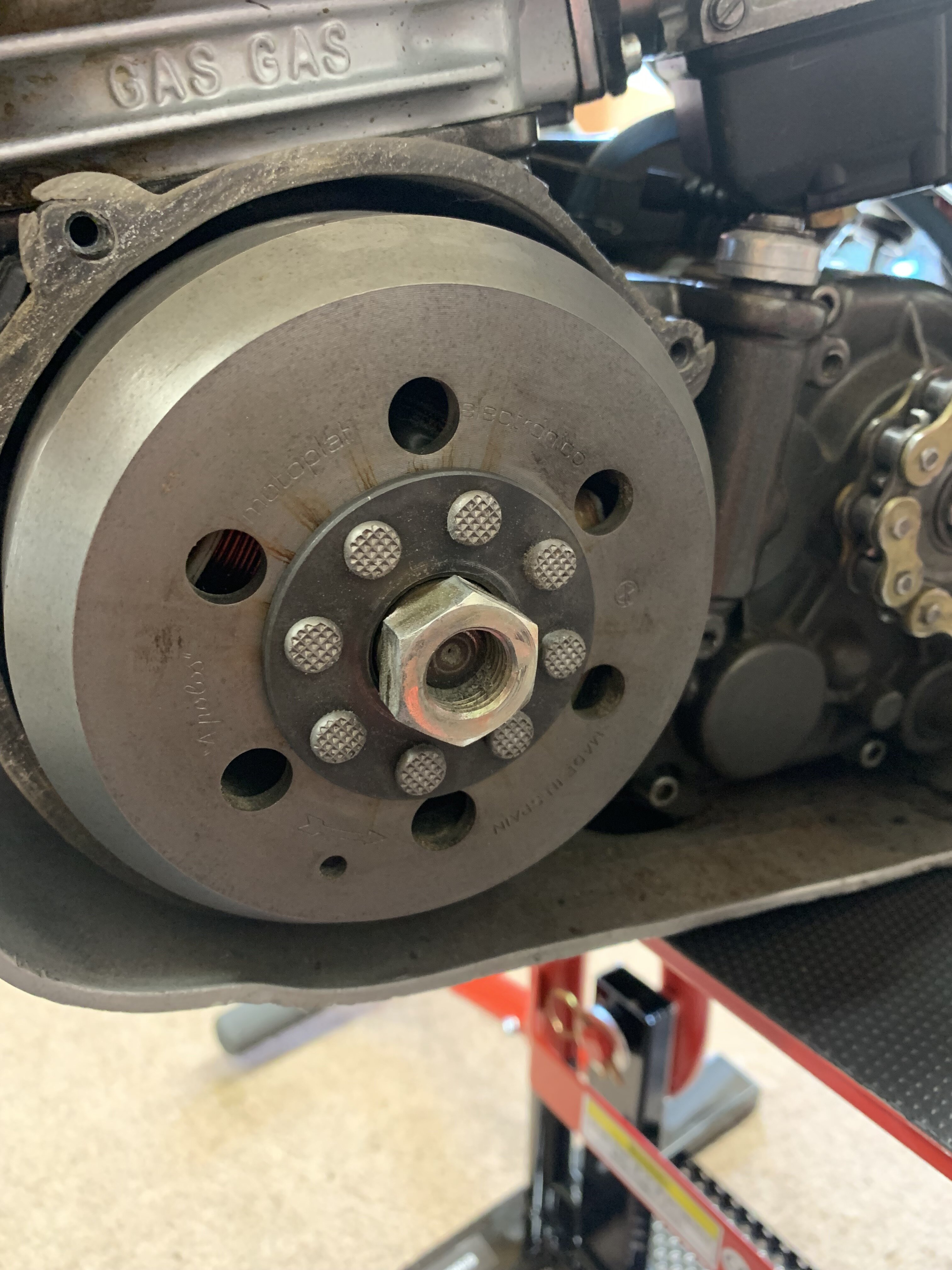
Just for future reference the Puller required is M25x1.5. I bought a set off EBay for £19.95
-
The measurement is roughly 25.25mm thread to thread
-
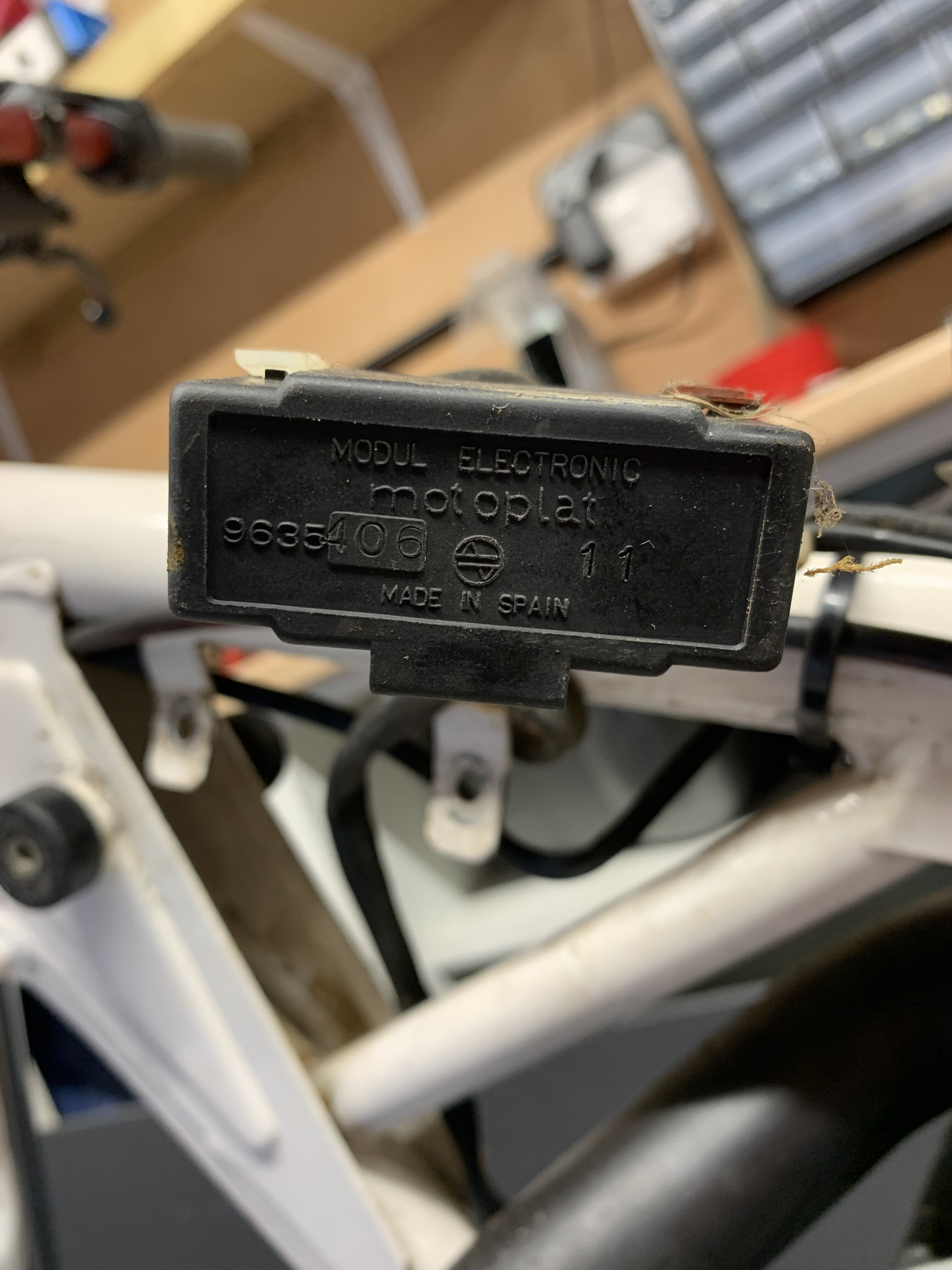
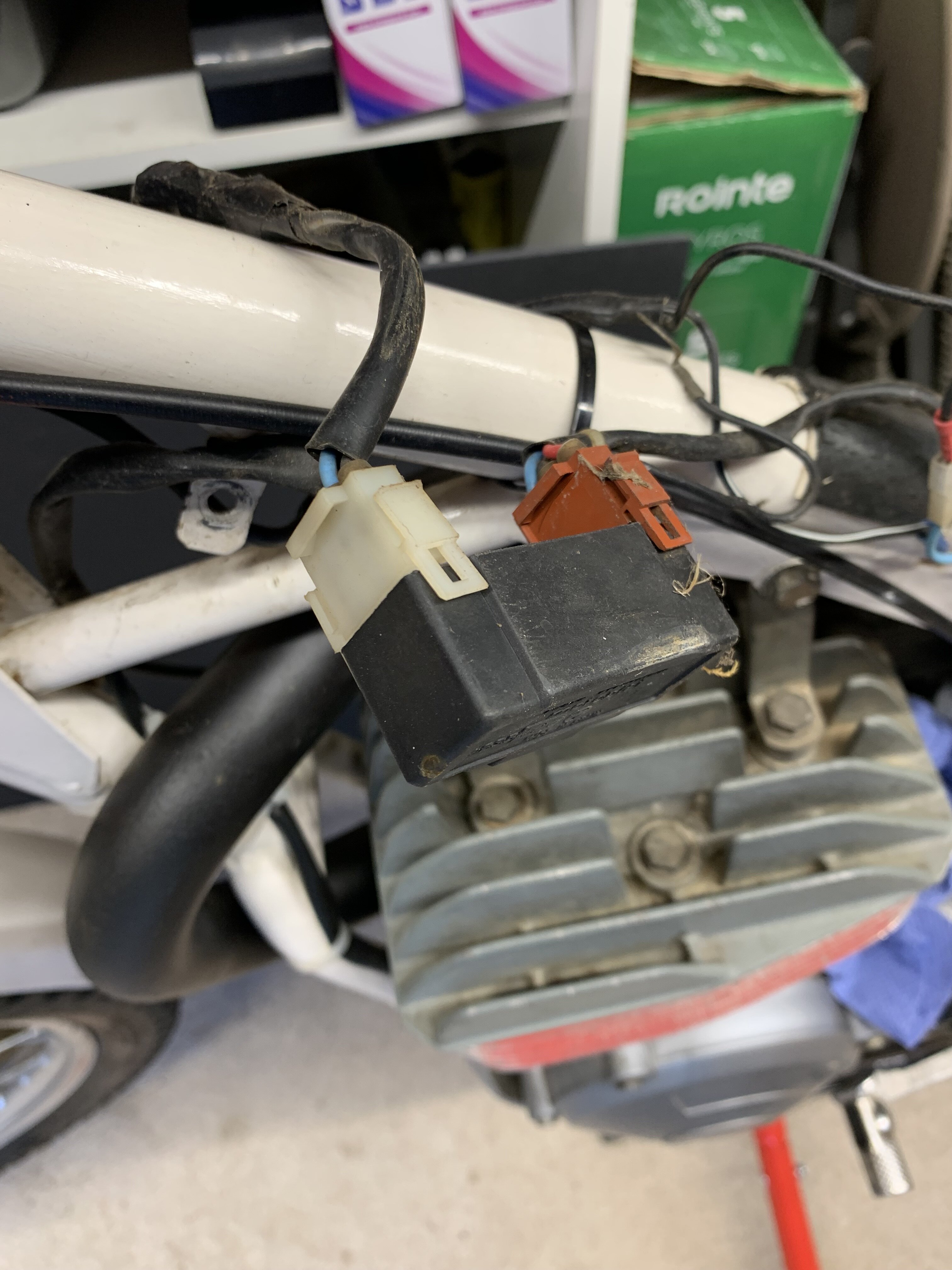
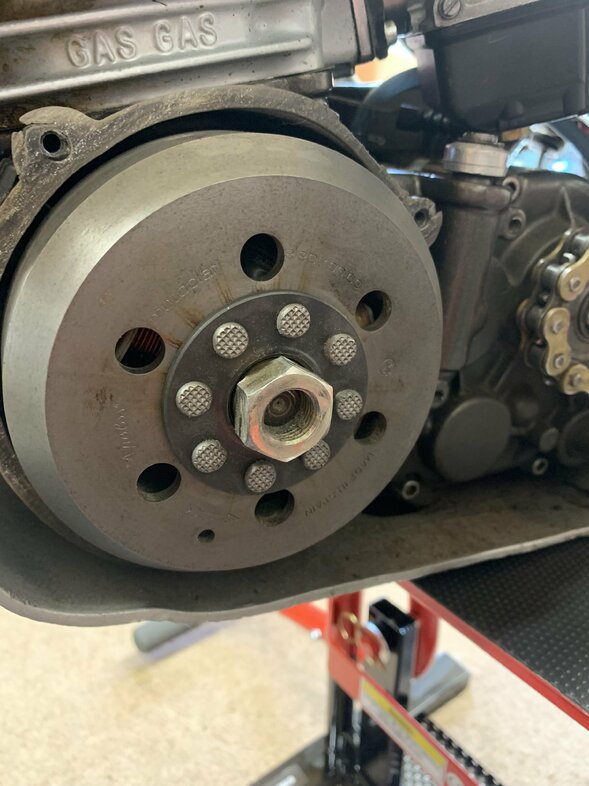
Hi I’m looking for the correct flywheel puller for my 250 & 327. I’ve been told it’s a M30x1.5 but this is far too big. Also I know there are at least two types of the Motoplat electrics. Mine has a module adjacent to the Cdi with 3pin and 2 pin connectors on it and I know there is another larger module with wiring coming out from it with floating connections. Which is the later? Attached are the Flywheel and module photos. Both my bikes are 1989. What are the Timing settings for both bikes please. Thanks in advance.


-
Gasgas TXT Racing 2017 My fuel tank has stretch and lifted off the frame from the middle upwards and is a pain to refit, as a lot of these models with the dip in the tank seem to do, and wondered if the earlier models with the same frame and more rounded/convex tank would fit in place. Not sure if the earlier ones stretch as much or have the same problem?
-
Hi, do anybody know what size ‘C’ spanner’s are required to adjust the shock please in a TXT Racing 2017