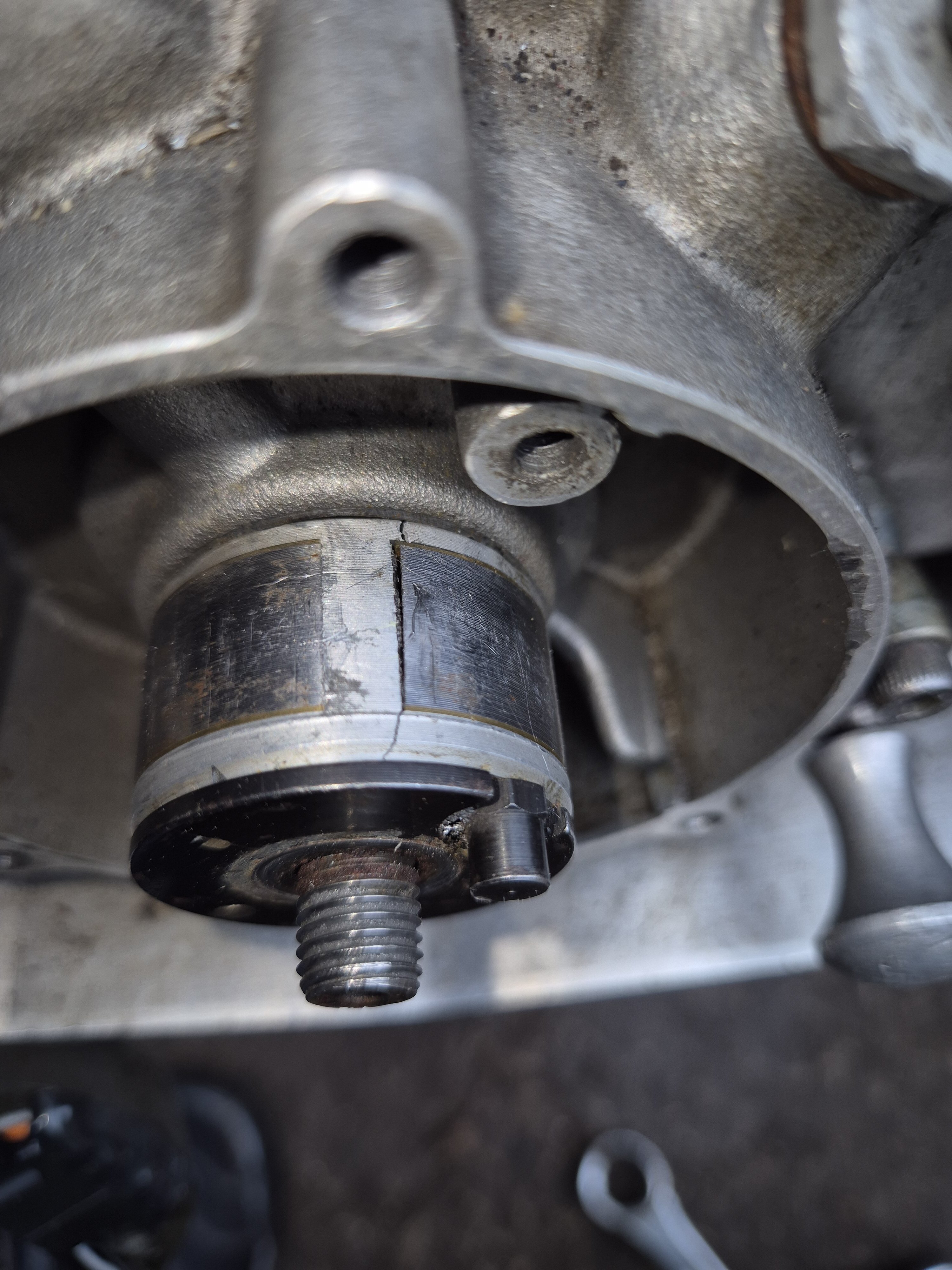
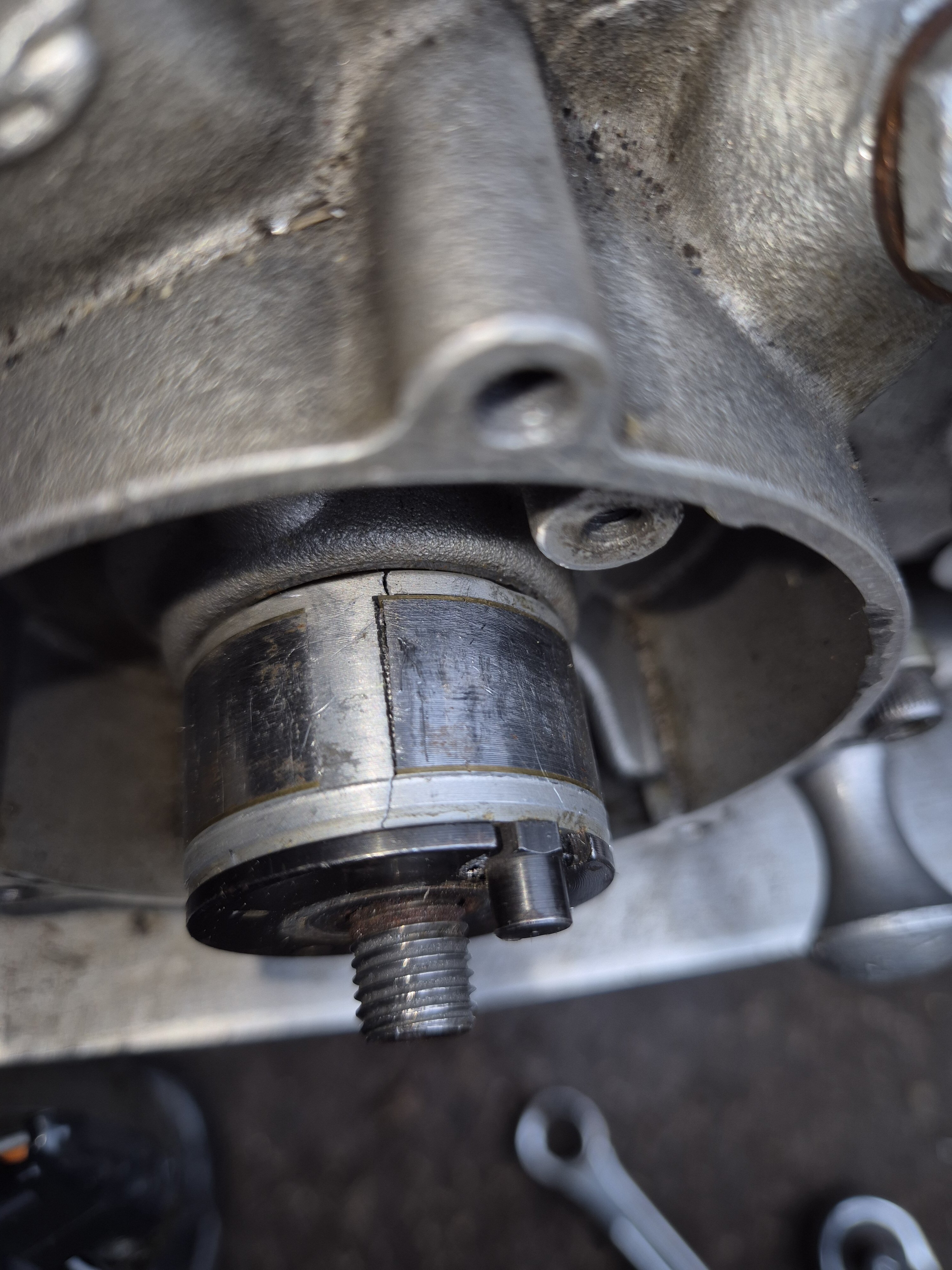
-
Can stator core be repaired as parts are long gone
Hi she's running thanks to Bradford ignition great service. What's the best fuel mix as google showing few different mixes
-
Can stator core be repaired as parts are long gone
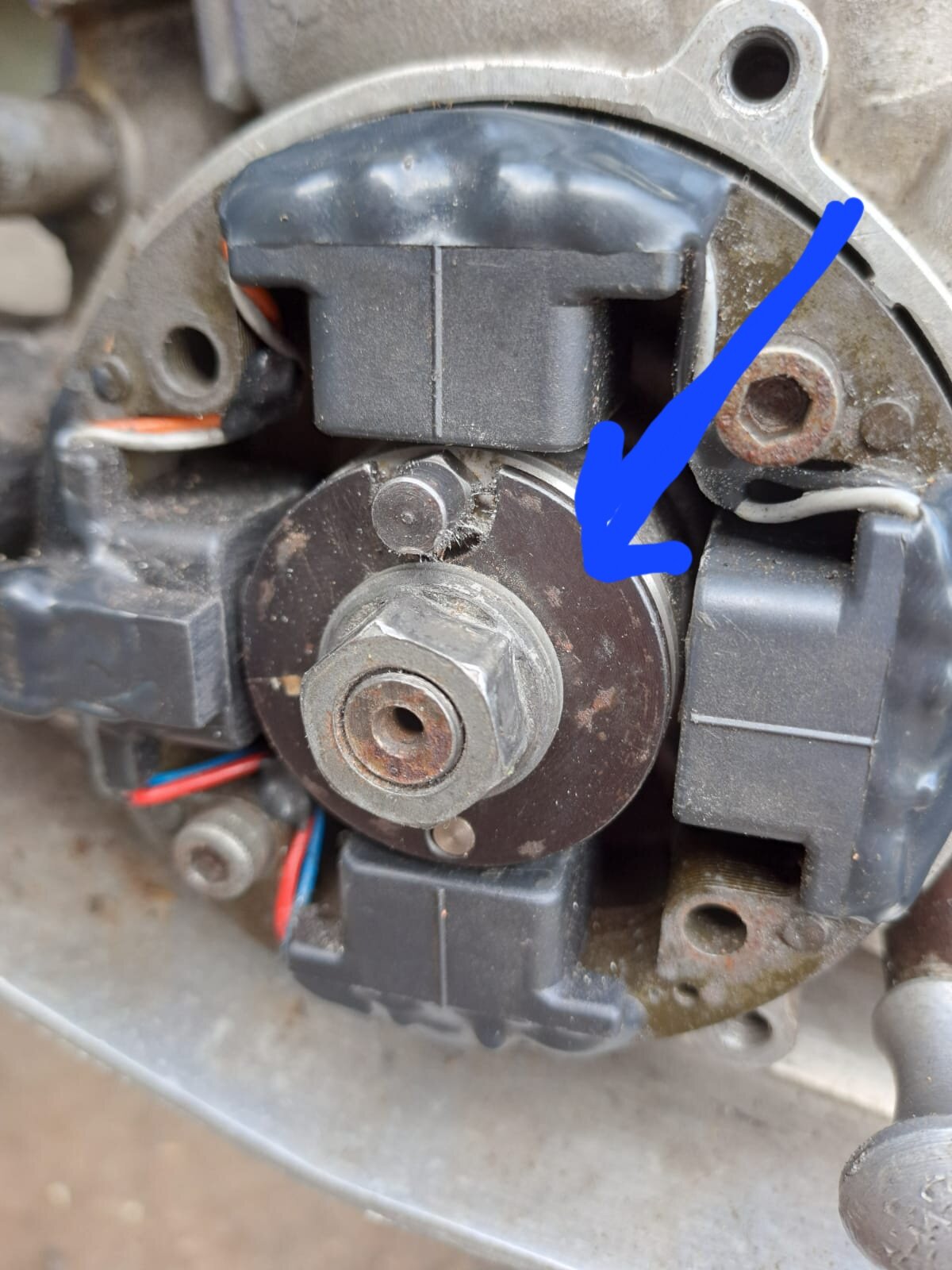
Hi there's no flywheel on this model I've tryed the hell team also
-
Can stator core be repaired as parts are long gone
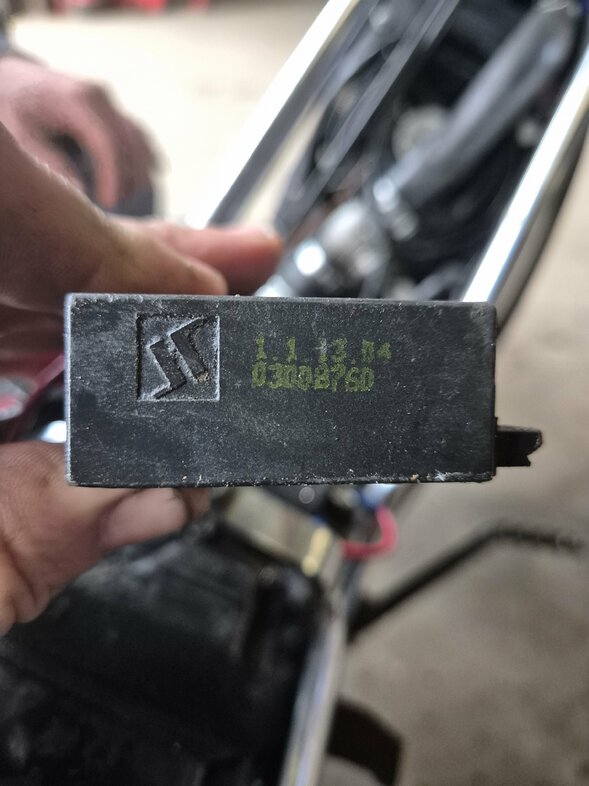
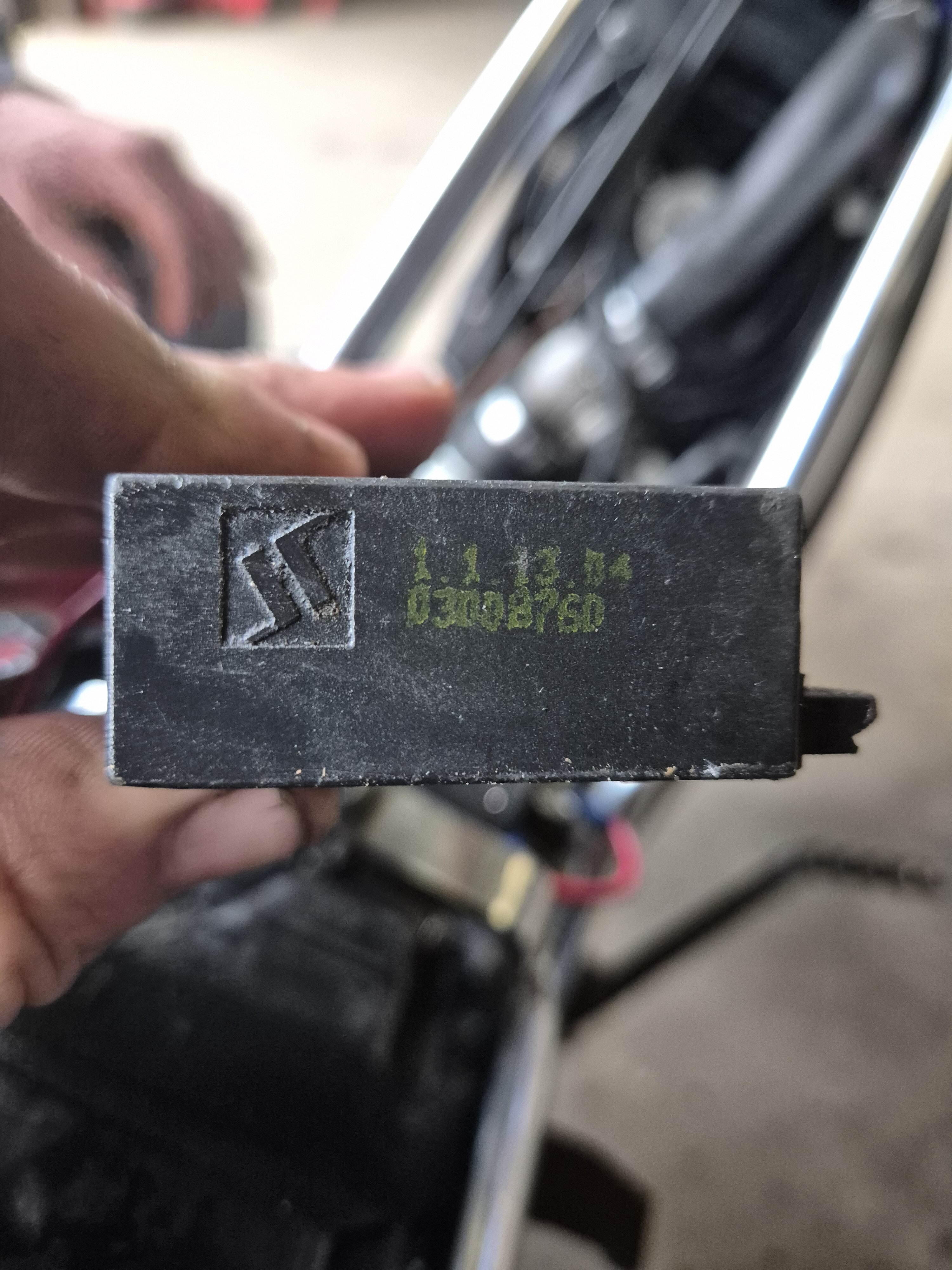
Cheers iĺl give that ago I've heard that the ktm 50 will fit but not sure which one any ideas .think I need a to replace the cdi too
-
Can stator core be repaired as parts are long gone
- Can stator core be repaired as parts are long gone
Hi yes will send one at weekend- Can stator core be repaired as parts are long gone
HI seen them and cleaned them noticed crack line on core struggling to find replacement- Can stator core be repaired as parts are long gone
2006 gas gas txt 50 boy- Can stator core be repaired as parts are long gone
- Workshop Manual
2006 gas gas txt 50 boy head bolt torque settings?jhorn joined the community- Cylinder head torque settings
Any help on a 2006 gas gas txt 50 boy cylinder head torque settings - Can stator core be repaired as parts are long gone
jhorn
Members
-
Joined
-
Last visited
Account
Navigation
Search
Configure browser push notifications
Chrome (Android)
- Tap the lock icon next to the address bar.
- Tap Permissions → Notifications.
- Adjust your preference.
Chrome (Desktop)
- Click the padlock icon in the address bar.
- Select Site settings.
- Find Notifications and adjust your preference.
Safari (iOS 16.4+)
- Ensure the site is installed via Add to Home Screen.
- Open Settings App → Notifications.
- Find your app name and adjust your preference.
Safari (macOS)
- Go to Safari → Preferences.
- Click the Websites tab.
- Select Notifications in the sidebar.
- Find this website and adjust your preference.
Edge (Android)
- Tap the lock icon next to the address bar.
- Tap Permissions.
- Find Notifications and adjust your preference.
Edge (Desktop)
- Click the padlock icon in the address bar.
- Click Permissions for this site.
- Find Notifications and adjust your preference.
Firefox (Android)
- Go to Settings → Site permissions.
- Tap Notifications.
- Find this site in the list and adjust your preference.
Firefox (Desktop)
- Open Firefox Settings.
- Search for Notifications.
- Find this site in the list and adjust your preference.